
Introduction
Thank you for purchasing the Sony SRS-XB43 EXTRA BASS Wireless Bluetooth Portable Speaker. This speaker is designed to deliver powerful, clear sound with deep bass, featuring an IP67 waterproof, rustproof, and dustproof design for versatile use. Enjoy up to 24 hours of battery life, customizable party lights, and convenient speakerphone functionality. This manual provides essential information for setting up, operating, maintaining, and troubleshooting your speaker.

Image: The Sony SRS-XB43 speaker in blue, showcasing its design.
Setup
1. Charging the Speaker
Before initial use, fully charge the speaker using the supplied USB Type-C cable and AC power adapter. The charging indicator will show the charging status.
- Connect the USB Type-C cable to the speaker's USB Type-C port.
- Connect the other end of the cable to the AC power adapter, then plug the adapter into a wall outlet.
- A full charge takes approximately 4-5 hours.
Image: Close-up of the USB Type-C and USB-A charging ports on the speaker.
2. Powering On/Off
- To power on: Press the POWER button. The power indicator will light up.
- To power off: Press and hold the POWER button until the power indicator turns off.
3. Bluetooth Pairing
To connect your speaker to a Bluetooth device:
- Turn on the speaker. The Bluetooth indicator will flash blue.
- On your smartphone or audio device, enable Bluetooth and search for available devices.
- Select "SRS-XB43" from the list of devices.
- Once connected, the Bluetooth indicator will stop flashing and remain lit.
NFC Pairing: If your device supports NFC, touch the device to the N-Mark on the speaker to establish a connection.
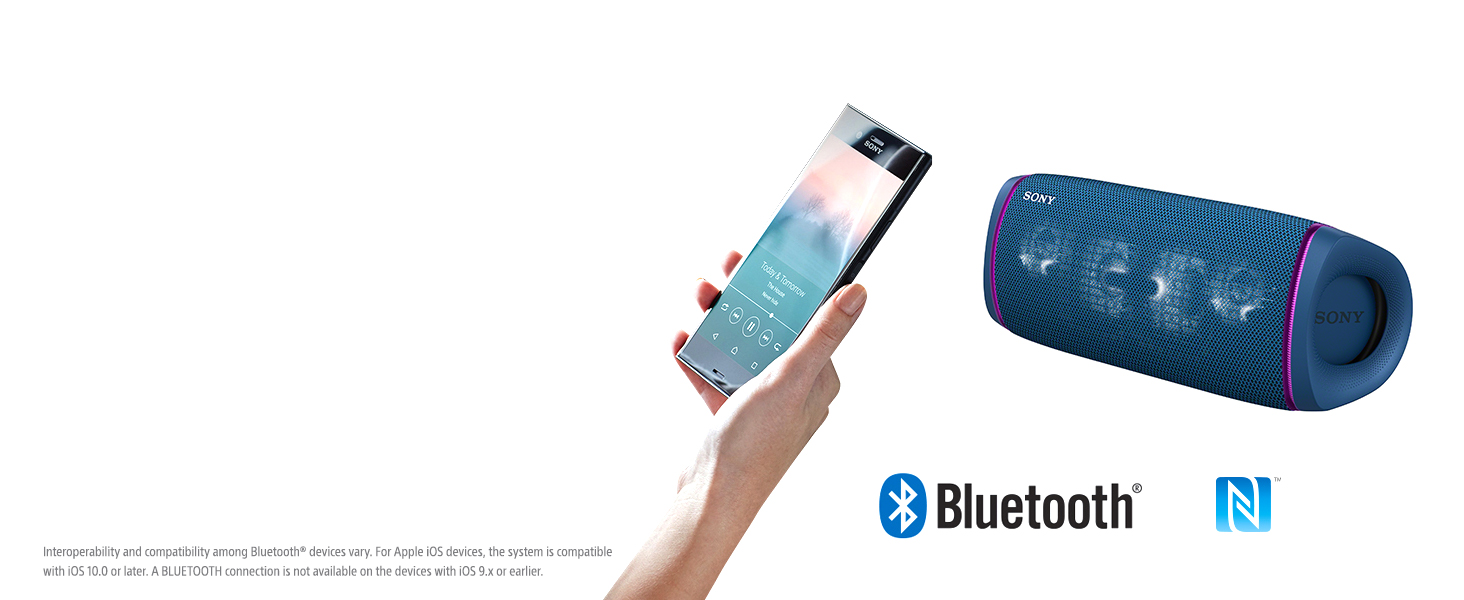
Image: A graphic representing Bluetooth wireless technology.
Operating the Speaker
1. Basic Audio Controls
- Volume: Use the + and - buttons on the speaker or your connected device.
- Play/Pause: Press the Play/Call button.
- Skip Track: Double-press the Play/Call button for next track; triple-press for previous track.
2. EXTRA BASS Feature
The EXTRA BASS feature enhances low-frequency sounds for a more powerful audio experience. Press the EXTRA BASS button on the speaker to toggle this feature on or off. You can also control this via the Sony Music Center app.

Image: An exploded view of the speaker's internal components, highlighting the X-Balanced Speaker Unit and passive radiators for enhanced bass.
3. Party Connect
Connect up to 100 compatible Sony speakers wirelessly using the Party Connect function to synchronize music and lighting. Refer to the Sony Music Center app for detailed instructions on setting up Party Connect.
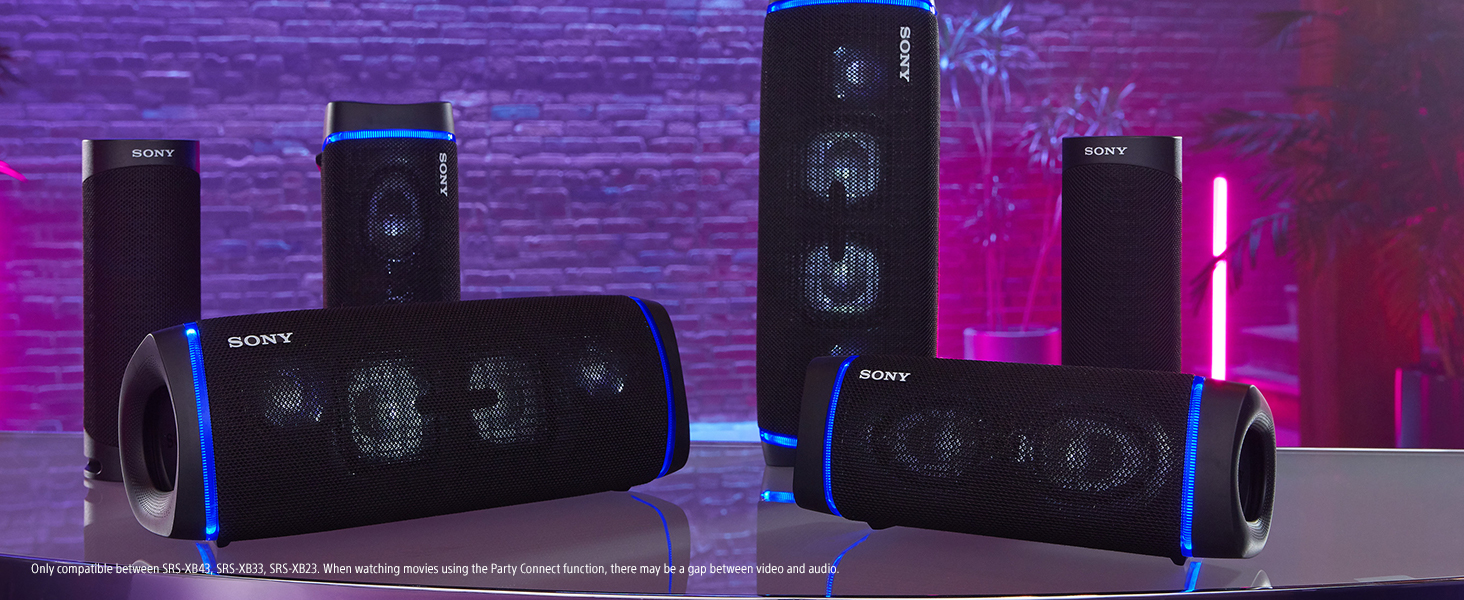
Image: Several Sony speakers linked together, demonstrating the Party Connect feature.
4. Party Lights
The speaker features multi-colored line lights and speaker lights that pulse with the music. Control and customize the lighting effects using the Fiestable app.
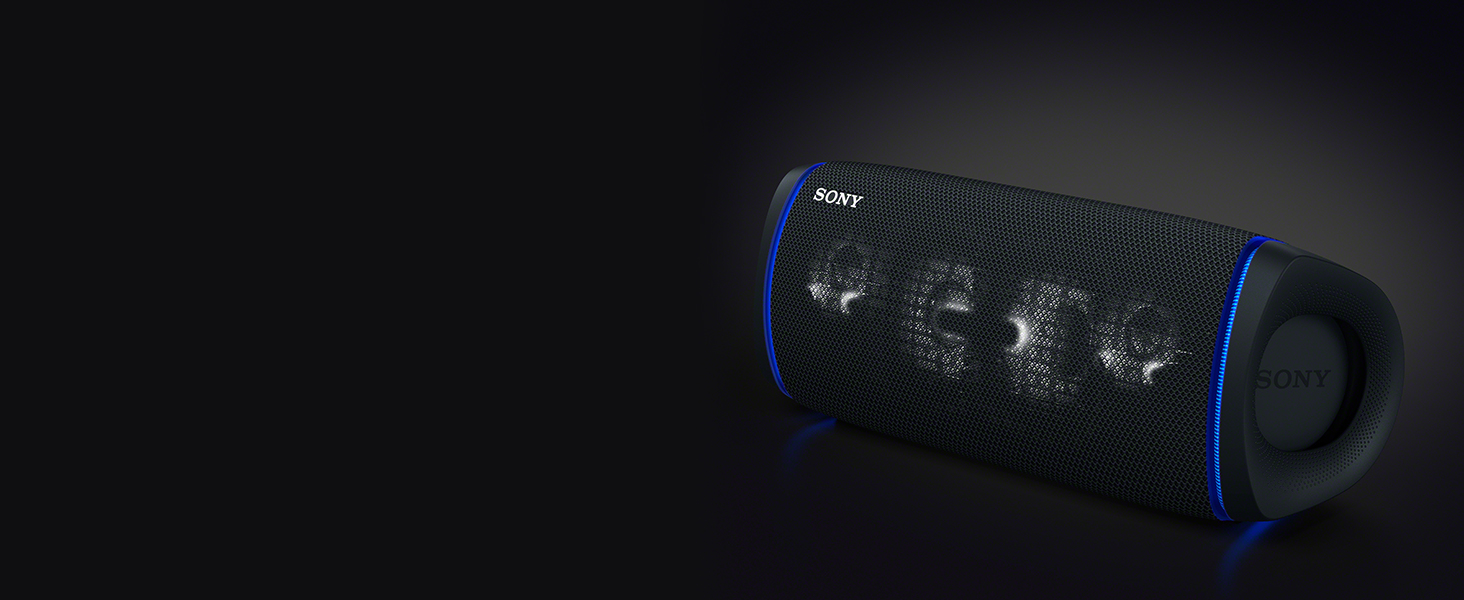
Image: The speaker displaying its vibrant, multi-colored party lights.
5. Speakerphone Function
Use the built-in microphone for hands-free calls. When a call comes in, music playback will pause. Press the Play/Call button to answer, and press it again to end the call.
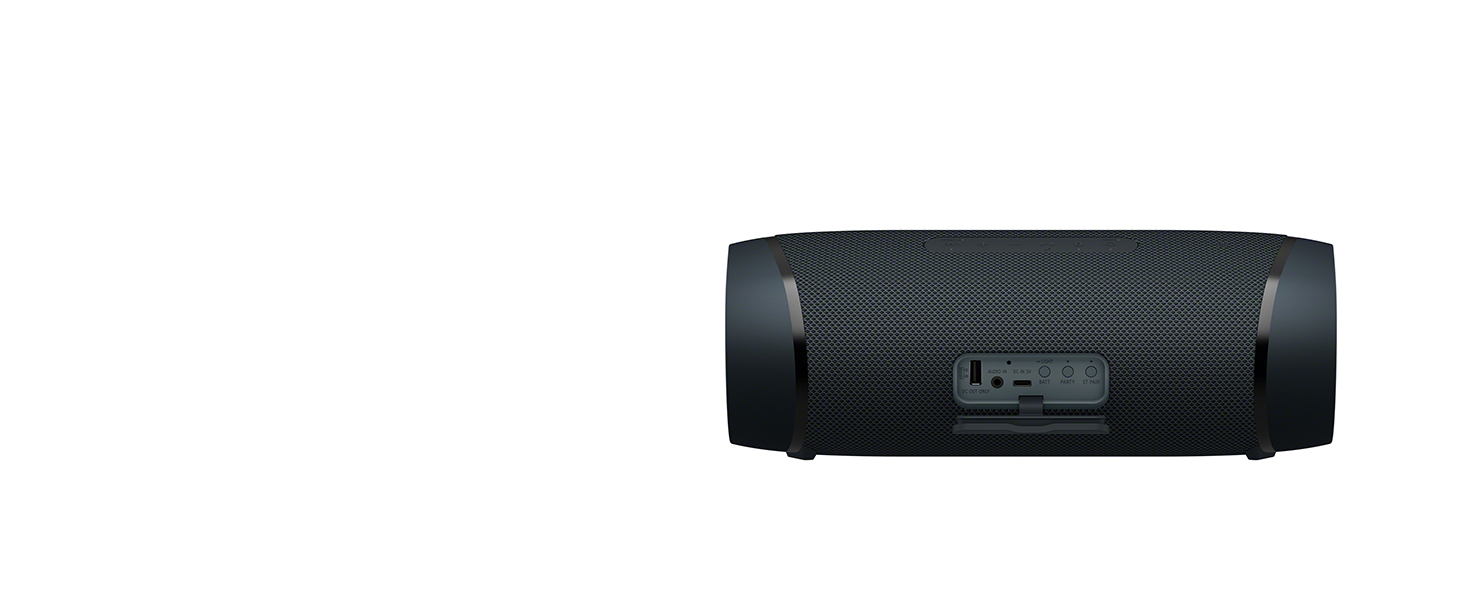
Image: A person engaged in a hands-free conversation, illustrating the speakerphone feature.
6. USB Charging Out
The speaker can be used as a power bank to charge other devices. Connect your smartphone or other small device to the speaker's USB-A port using a compatible cable.
7. Sony Music Center and Fiestable Apps
Enhance your experience by downloading the Sony Music Center app for sound control, EQ adjustments, and device management. The Fiestable app provides control over lighting effects and party features.
Image: A visual representation of the Sony Music Center app interface.
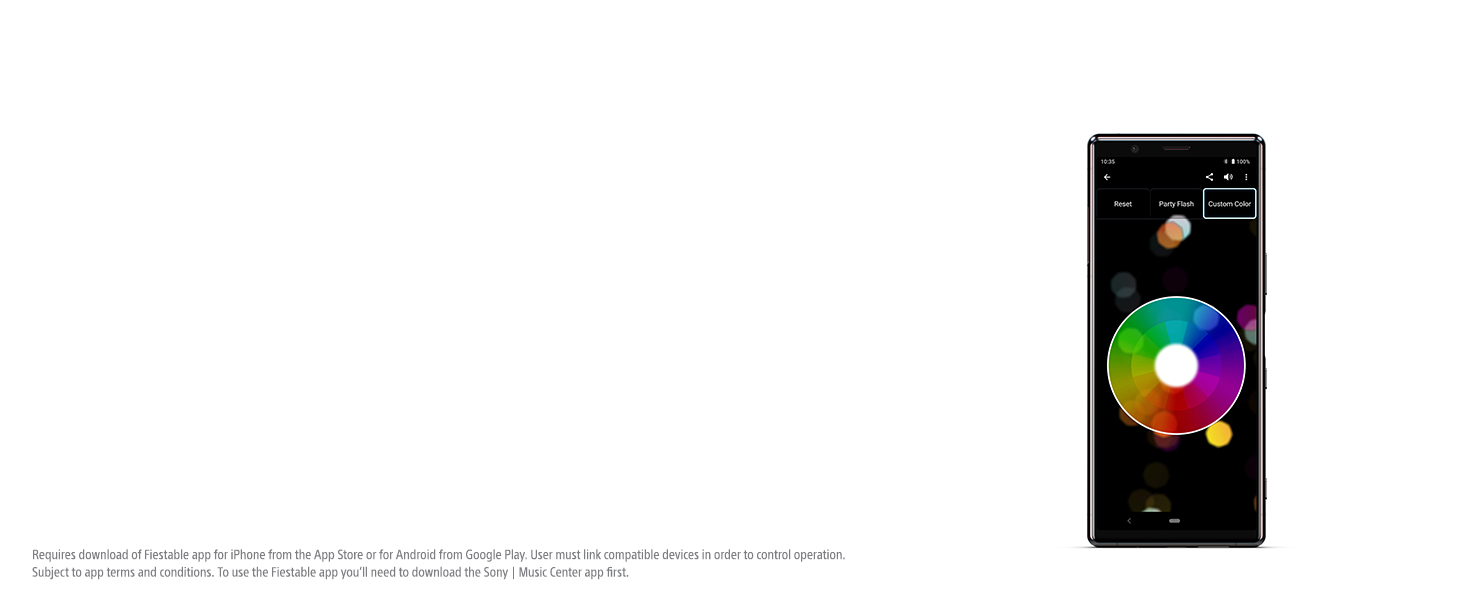
Image: A visual representation of the Fiestable app interface.
Maintenance
The SRS-XB43 speaker is IP67 rated, meaning it is waterproof, rustproof, and dustproof. Follow these guidelines to maintain its performance:
- Cleaning: If the speaker gets dirty, especially with sand or salt water, rinse it gently with fresh water. Do not use detergents or abrasive cleaners.
- Drying: After exposure to water, wipe the speaker thoroughly with a soft, dry cloth. Ensure all caps are securely closed before and after use in wet environments.
- Storage: Store the speaker in a clean, dry place away from extreme temperatures.
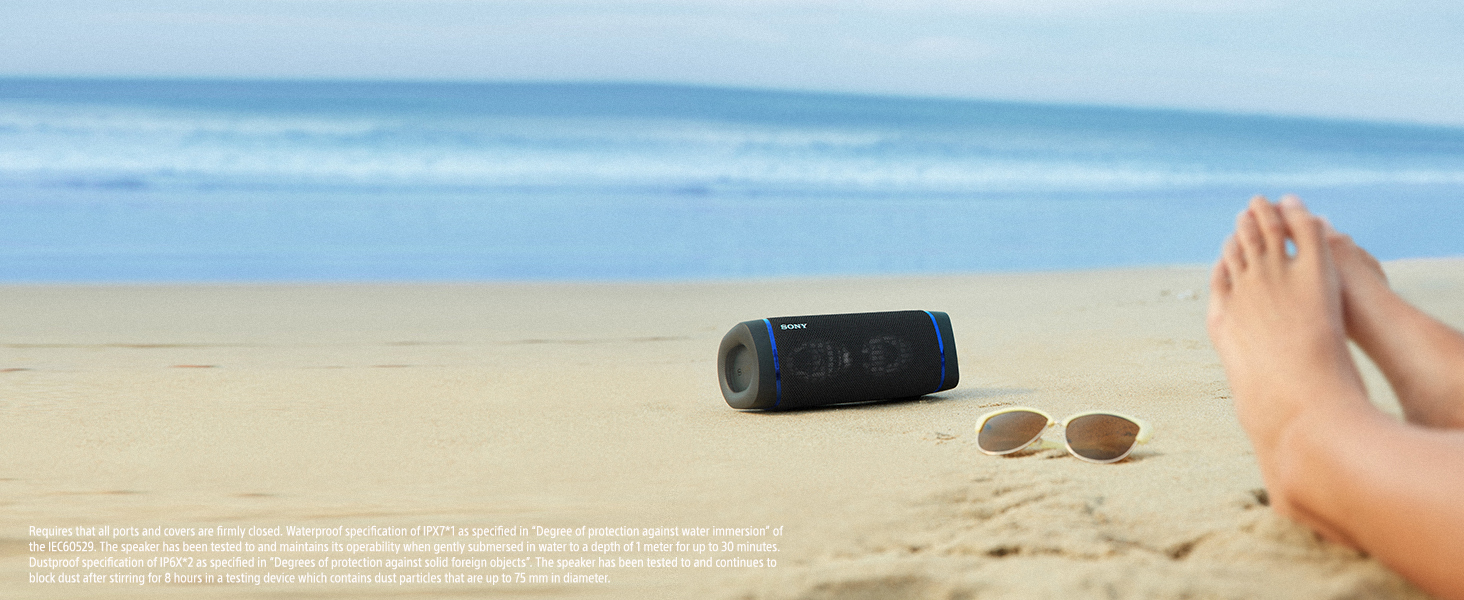
Image: The speaker being rinsed under water, demonstrating its waterproof capability.
Troubleshooting
If you encounter issues with your speaker, refer to the following common solutions:
- No Power: Ensure the speaker is charged. Connect it to the AC adapter and check if the charging indicator lights up.
- No Sound: Check the volume level on both the speaker and your connected device. Ensure the device is properly paired via Bluetooth.
- Bluetooth Pairing Issues: Turn off and on the speaker and your Bluetooth device. Delete "SRS-XB43" from your device's Bluetooth list and attempt to pair again. Ensure the speaker is in pairing mode (Bluetooth indicator flashing).
- Sound Distortion: Reduce the volume on both the speaker and the connected device. If EXTRA BASS is enabled, try disabling it to see if the distortion improves.
- Battery Drains Quickly: High volume levels, continuous use of party lights, and charging other devices will reduce battery life. Ensure the speaker is fully charged before extended use.
For more detailed troubleshooting, consult the full User Guide PDF linked in the 'Warranty and Support' section.
Specifications
| Feature | Specification |
|---|---|
| Brand | Sony |
| Model Number | SRSXB43/L |
| Connectivity Technology | Bluetooth, USB |
| Audio Output Mode | Stereo |
| Speaker Type | Outdoor, Tweeter, Woofer |
| Water Resistance Level | IP67 (Waterproof, Rustproof, Dustproof) |
| Battery Average Life | 24 hours |
| Battery Charge Time | Approximately 4-5 hours |
| Item Dimensions (D x W x H) | 4.61"D x 12.8"W x 4.84"H |
| Item Weight | 2950 g |
| Control Method | App, Buttons |
| Number of Microphones | 1 |

Image: A diagram illustrating the dimensions of the Sony SRS-XB43 speaker.
Official Product Video
Video: An official product video from Sony Electronics showcasing the features and capabilities of the Sony XB43 EXTRA BASS Portable BLUETOOTH Speaker.
Warranty and Support
Warranty: This product comes with a 1-year limited warranty from Sony. Please retain your proof of purchase for warranty claims.
Support: For further assistance, detailed instructions, or technical support, please refer to the official User Guide PDF:
You can also visit the official Sony support website for your region.


