
Introduction
This manual provides essential information for setting up, operating, maintaining, and troubleshooting your ASUS ROG Zephyrus G15 (GA502IU-ES76) Ultra Slim Gaming Laptop. Designed for both content creators and gamers, this versatile device combines powerful performance with a sleek, portable design. Please read this manual thoroughly to ensure optimal use and longevity of your laptop.
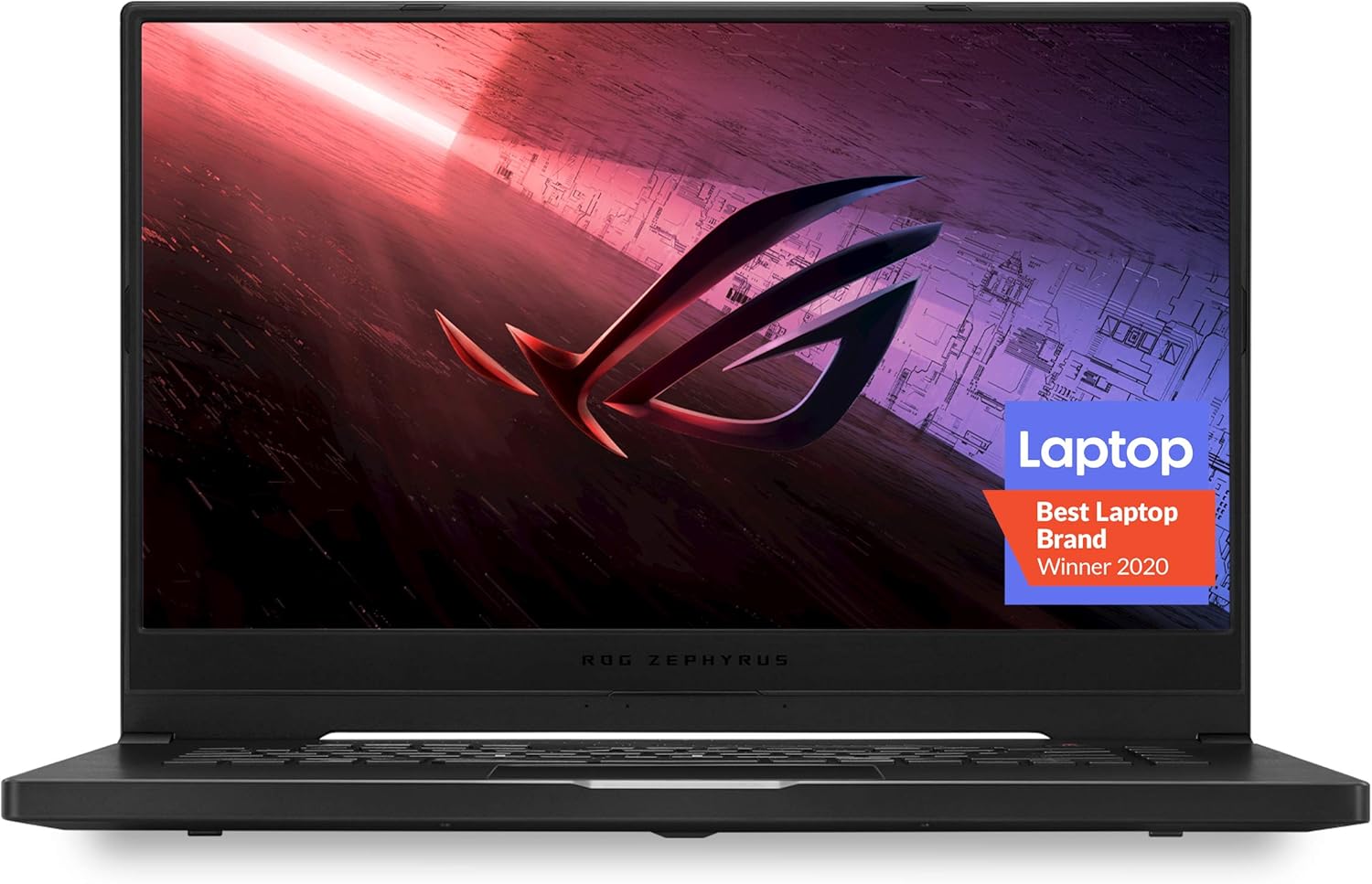
The ASUS ROG Zephyrus G15 laptop, showcasing its sleek design and the Republic of Gamers branding.
What's in the Box
Upon unboxing your ASUS ROG Zephyrus G15, you should find the following items:
- ROG Zephyrus G15 Laptop
- Power Adapter & Cord
- User Guide
- Warranty Card
Setup
Initial Power-On and Windows Setup
- Connect the power adapter to your laptop and a power outlet.
- Open the laptop lid and press the power button.
- Follow the on-screen instructions to complete the Windows 10 Home setup process. This includes selecting your region, language, and setting up your user account.
Connecting Peripherals
Your ROG Zephyrus G15 offers comprehensive connectivity options:
- USB 3.0 Ports (x4): For connecting external devices like mice, keyboards, and external storage.
- USB-C Port: Supports data transfer and can extend battery life with compatible power packs.
- HDMI Port: Connect to external displays or projectors.
- Ethernet Jack: For a stable wired network connection.
- Audio-out Port: For headphones or external speakers.

The side profile of the laptop highlights its array of connectivity ports.
MyASUS Application
The MyASUS application is pre-installed to help you manage your laptop. It provides essential updates, system diagnostics, and access to customer support. Ensure your system is up-to-date for optimal performance and security.
Official ASUS video demonstrating the features and benefits of the MyASUS application, including system updates and diagnostics.
Operating Your Laptop
Keyboard and Touchpad
The laptop features a desktop-inspired keyboard layout with refined white backlighting for comfortable typing and gaming. Essential hotkeys are conveniently placed for quick access to functions like volume control and microphone mute.

The backlit keyboard and spacious touchpad are designed for precision and comfort.
Display
Experience immersive visuals on the 15.6-inch Full HD (1920x1080) IPS-Type display with a 144Hz refresh rate. The narrow bezels enhance the viewing experience, and Adaptive Sync technology helps eliminate screen tearing for smoother gameplay.

The laptop's display features slim bezels for an expansive visual experience.
Audio
The ROG Zephyrus G15 is equipped with Smart Amp Technology, boosting volume with minimal distortion and providing a rich audio experience. It also supports Hi-Res Audio.

Advanced audio features provide clear and powerful sound.
Performance Modes
Utilize the ROG Armoury Crate software to switch between different performance modes: Silent, Performance, and Turbo. These modes adjust CPU/GPU frequencies and fan speeds to optimize for quiet operation, balanced performance, or maximum power for demanding tasks.
Official ASUS product video highlighting the key features of the ROG Zephyrus G15, including its performance, display, and cooling system.
Maintenance
Intelligent Cooling System
The laptop features an Intelligent Cooling system with heat pipes that cool the CPU, GPU, and VRM. The n-Blade fans are designed with more blades for better airflow, and the self-cleaning cooling module helps maintain optimal performance by expelling dust.

An internal view illustrating the advanced cooling system of the laptop.
Battery Care
- Avoid fully discharging the battery frequently.
- Store the laptop in a cool, dry place if not used for extended periods.
- Use the provided ASUS power adapter for charging.
Software Updates
Regularly check for system and driver updates through the MyASUS application to ensure your laptop runs efficiently and securely. Updates often include performance enhancements and bug fixes.
Troubleshooting
Common Issues and Solutions
- No Power: Ensure the power adapter is securely connected and the outlet is functional. Try a different outlet.
- Overheating: Ensure ventilation vents are clear. Use the ROG Armoury Crate to switch to 'Turbo' or 'Performance' mode for increased fan speed during demanding tasks. Consider using a laptop cooling pad.
- Poor Performance: Check for background applications consuming resources. Update drivers via MyASUS. Ensure the laptop is in 'Performance' or 'Turbo' mode for demanding applications.
- Connectivity Problems: For Wi-Fi, restart your router and laptop. For wired connections, check the Ethernet cable.
MyASUS Diagnostics
For more specific issues, use the 'One-click diagnosis' feature within the MyASUS application. This tool can identify potential hardware or software problems and suggest solutions or guide you through repair requests.
Specifications
| Feature | Specification |
|---|---|
| Model Name | ROG Zephyrus G15 (GA502IU-ES76) |
| Processor | AMD Ryzen 7 4800HS (up to 4.2GHz) |
| Graphics Coprocessor | NVIDIA GeForce GTX 1660 Ti 6GB GDDR6 with ROG Boost |
| RAM | 16GB 3200MHz DDR4 |
| Storage | 1TB PCIe NVMe M.2 SSD |
| Screen Size | 15.6 Inches |
| Screen Resolution | 1920 x 1080 pixels (Full HD) |
| Refresh Rate | 144Hz |
| Operating System | Windows 10 Home |
| Wireless Type | 802.11ax, Bluetooth |
| Item Weight | 4.6 pounds |
| Product Dimensions | 14.2 x 9.9 x 0.8 inches |
| Color | Black |
Warranty and Support
Your ASUS ROG Zephyrus G15 laptop comes with a manufacturer's warranty. Please refer to the included Warranty Card for detailed terms and conditions, including coverage period and service procedures. For technical support, driver downloads, and repair requests, the MyASUS application is your primary resource. You can also visit the official ASUS support website for additional assistance.