
Introduction
Thank you for choosing the BOYI 61 Mini 60% Wired Mechanical Gaming Keyboard. This compact keyboard is designed for both gaming and everyday use, featuring durable PBT keycaps, responsive Cherry MX Blue switches, customizable RGB lighting, and a robust Type-C wired connection. This manual provides essential information for setting up, operating, and maintaining your keyboard to ensure optimal performance.
Package Contents
Please verify that all items are present in your package:
- 1 x BOYI 61 Mini Keyboard
- 1 x Keycap Puller
- 1 x User Manual
- 1 x Type-C USB Cable
- Optional: Some Extra Keycaps
Setup
Follow these steps to set up your BOYI 61 Mini keyboard:
- Connect the Keyboard: Locate the Type-C port on the back of the keyboard. Connect one end of the provided Type-C USB cable to the keyboard and the other end to an available USB port on your computer (Windows or Mac).
- Driver Installation: The keyboard is plug-and-play. Your operating system should automatically detect and install the necessary drivers. No additional software installation is typically required for basic functionality.
- Placement: Position the keyboard comfortably on your desk. The keyboard features a scientific stair-up keycap design and two adjustable feet, allowing for a natural 4° tilt to maximize comfort during extended use.

Image: The Type-C connector on the keyboard ensures high-speed data transmission for stable performance.

Image: The two-foot stand design provides an ergonomic tilt to protect your wrist during use.
Operating Instructions
Your BOYI 61 Mini keyboard offers various features to enhance your typing and gaming experience.
RGB Lighting Modes
The keyboard features 10 different RGB lighting modes and interactive BOYI customizable game modes. To change the lighting mode, press the Fn + Alt + T keys simultaneously. Cycle through the modes to find your preferred lighting effect for gaming or typing.
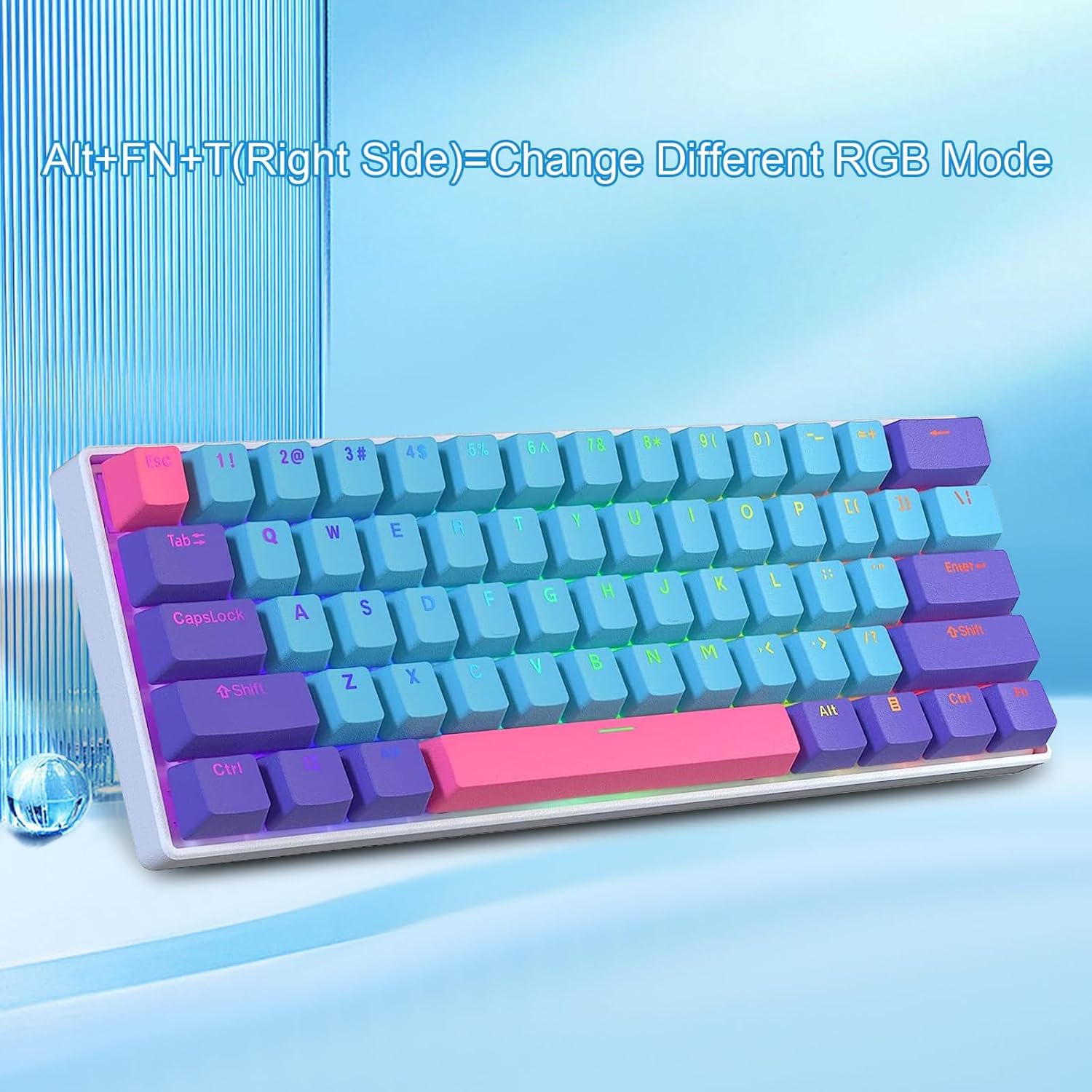
Image: Pressing Fn + Alt + T (right side) changes the RGB lighting mode.
Programmable Software
The keyboard supports programmable software, allowing you to customize key functions and lighting effects further. Refer to the official BOYI website for software downloads and detailed instructions on creating custom profiles and macros. You can download hundreds of lighting effects from the library.

Image: The keyboard is compatible with programmable software for advanced customization.
Anti-Ghosting and NKRO
The keyboard features N-Key Rollover (NKRO) and anti-ghosting technology, ensuring that every keystroke is registered accurately, even when multiple keys are pressed simultaneously. This is crucial for fast-paced gaming and efficient typing.
Maintenance
Proper maintenance will extend the lifespan and performance of your keyboard.
Cleaning Keycaps
The PBT keycaps are durable and abrasion-resistant. To clean them, use the provided keycap puller to carefully remove the keycaps. You can then wash them with mild soap and water, ensuring they are completely dry before reattaching. For general cleaning, use a soft, damp cloth to wipe the surface of the keycaps and keyboard frame.
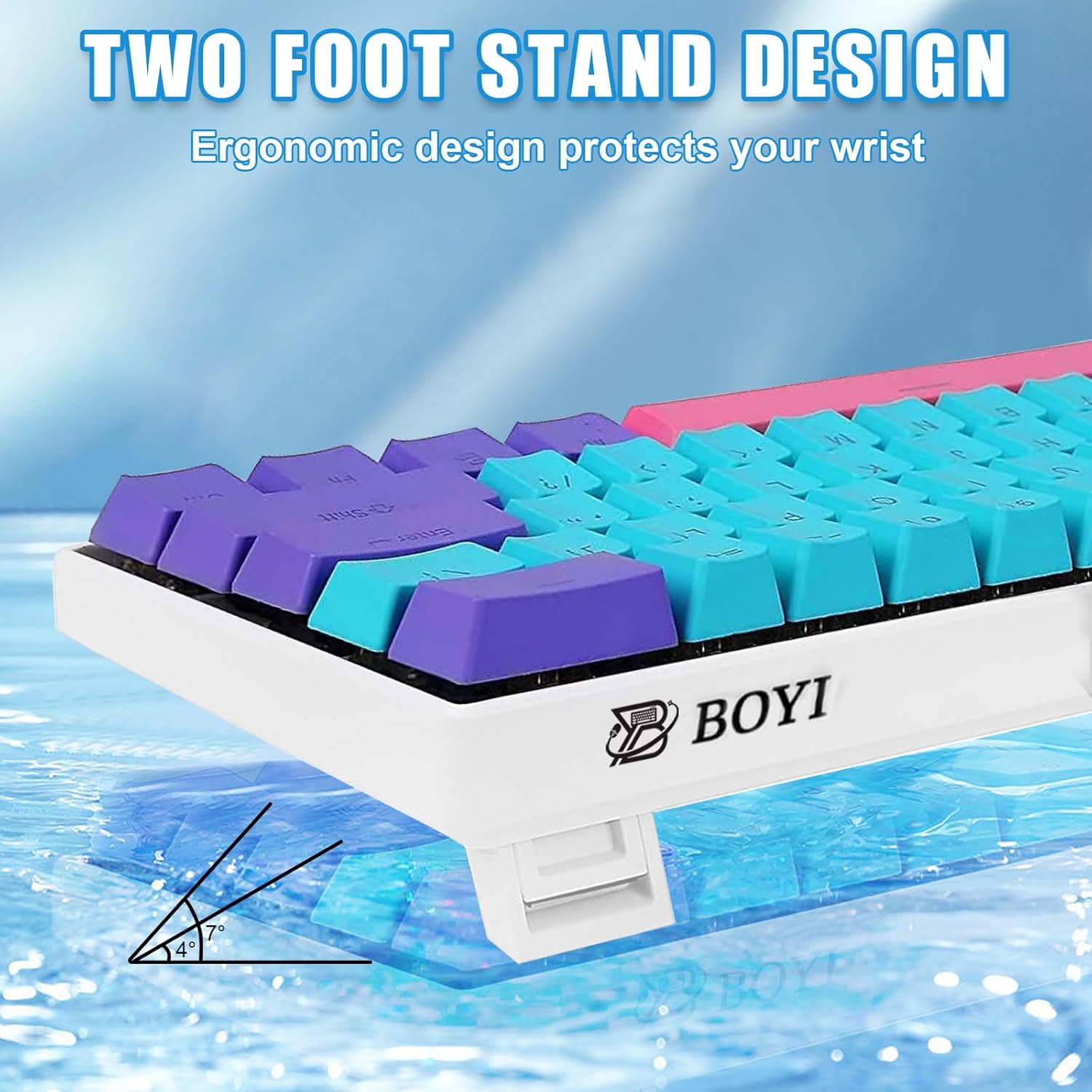
Image: Double injection PBT keycaps offer wear resistance and clear legends.
Switch Maintenance
This keyboard features Cherry MX Blue mechanical switches. While the keyboard is advertised as hot-swappable, this specific variant comes with soldered Cherry MX switches. If you have a hot-swappable version, you can replace switches without soldering. For this model, avoid attempting to remove switches unless you have advanced soldering skills and replacement switches.

Image: Exploded view illustrating the internal components, including PBT keycaps and Cherry MX switches.
Troubleshooting
If you encounter issues with your keyboard, please refer to the following common solutions:
- Keyboard Not Responding:
- Ensure the Type-C cable is securely connected to both the keyboard and your computer.
- Try connecting the keyboard to a different USB port on your computer.
- Test the keyboard on another computer to rule out system-specific issues.
- Restart your computer.
- RGB Lighting Not Working/Incorrect:
- Press Fn + Alt + T to cycle through lighting modes.
- Check if any lighting software is running in the background that might be overriding the keyboard's settings.
- Ensure the keyboard firmware is up to date (check the BOYI website).
- Keys Not Registering:
- Gently remove the keycap using the keycap puller and inspect the switch for any debris.
- If the issue persists, contact customer support.
Specifications
| Feature | Detail |
|---|---|
| Model Number | 61 Mini |
| Product Dimensions | 11.42 x 3.94 x 1.18 inches (29 x 10 x 3 cm) |
| Item Weight | 1.9 pounds (0.86 kg) |
| Manufacturer | BOYI |
| Connectivity Technology | USB-C Wired |
| Keyboard Description | 60% Gaming & Office Mechanical Keyboard |
| Key Switches | Cherry MX Blue Switch |
| Keycap Material | PBT (Polybutylene Terephthalate) |
| Backlighting | RGB (16.8 Million Colors) |
| Special Feature | Anti-Ghosting, NKRO, Programmable, Ergonomic Design |
| Compatible Devices | PC (Windows), Mac, Gaming Console |
Warranty and Support
BOYI products are designed for reliability and performance. For warranty information, technical support, or any inquiries regarding your BOYI 61 Mini keyboard, please refer to the contact information provided with your purchase or visit the official BOYI website. Keep your purchase receipt as proof of purchase for warranty claims.


