
Introduction
This manual provides detailed instructions for the proper installation, use, and maintenance of your Supershieldz Tempered Glass Screen Protector for the Samsung Galaxy A21. Please read these instructions carefully before installation to ensure optimal performance and protection for your device.
Setup Guide
What's Included
- 2 x Supershieldz Tempered Glass Screen Protectors
- Installation accessories (cleaning wipes, dust removal sticker, microfiber cloth)
Preparation
Before beginning installation, ensure you are in a clean, dust-free environment. Wash your hands thoroughly to prevent transferring oils or dirt to the screen.
Installation Steps
- Clean the Screen: Use the provided alcohol prep pad to thoroughly clean your Samsung Galaxy A21 screen. Ensure all smudges, dirt, and oils are removed.
- Dry the Screen: Use the microfiber cloth to dry the screen completely. Ensure no lint or moisture remains.
- Remove Dust: Use the dust removal sticker to dab the screen and lift any remaining dust particles. Inspect the screen carefully under good lighting to confirm it is spotless.
- Peel Off Protective Film: Carefully peel off the protective film from the adhesive side of the tempered glass screen protector. Avoid touching the adhesive surface.
- Align the Protector: Align the screen protector with your device's screen, paying close attention to the cutouts for the camera and sensors. Start from one edge and slowly lower the protector onto the screen.
- Apply and Smooth: Once aligned, gently press the center of the protector. The adhesive will begin to spread automatically. Use the microfiber cloth to gently push out any large air bubbles towards the edges.
- Final Inspection: After installation, check for any remaining small bubbles. Most small bubbles will disappear within 24-48 hours. If persistent, gently lift the nearest edge of the protector and re-apply, pushing the bubble out.
Operating Instructions
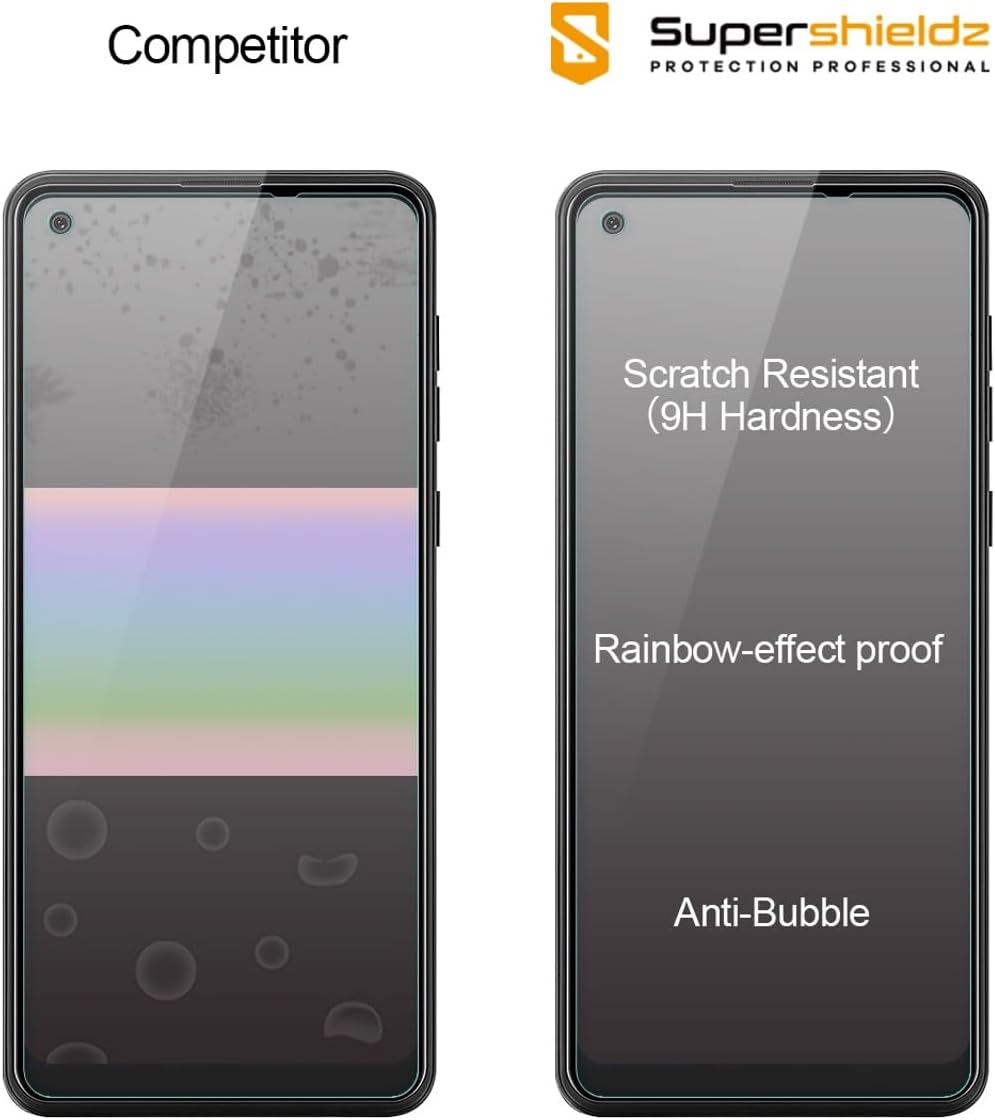
Once installed, the Supershieldz Tempered Glass Screen Protector operates seamlessly with your Samsung Galaxy A21. It is designed to maintain the original touch experience and display clarity (99.99% HD clarity). The 2.5D rounded edges ensure comfortable handling.

Care and Maintenance
To ensure the longevity and clarity of your screen protector, follow these maintenance guidelines:
- Cleaning: Use a soft, lint-free cloth, preferably the microfiber cloth provided, to gently wipe the screen. For stubborn smudges, slightly dampen the cloth with water or a screen-safe cleaner.
- Avoid Harsh Chemicals: Do not use abrasive cleaners, alcohol (other than the prep pad for initial installation), or solvents, as these can damage the oleophobic coating.
- Oleophobic Coating: The screen protector features a hydrophobic and oleophobic coating to reduce sweat and fingerprints. Regular gentle cleaning helps maintain its effectiveness.

Troubleshooting
Common Issues and Solutions
- Bubbles After Installation:
Solution: Small bubbles often disappear within 24-48 hours. For larger bubbles, gently lift the nearest edge of the screen protector with a fingernail or a thin card, then slowly re-apply, pushing the bubble towards the edge with the microfiber cloth. Ensure no dust is trapped underneath. - Misalignment:
Solution: If the protector is significantly misaligned, carefully lift it from one corner and re-align. If the adhesive has lost its stickiness due to dust, clean the adhesive side gently with a dust removal sticker before re-applying. - Reduced Touch Sensitivity:
Solution: Ensure the screen protector is fully adhered without any air gaps. If the issue persists, check your device's settings for touch sensitivity adjustments. - Dust Underneath:
Solution: This is the most common cause of bubbles. If dust is trapped, gently lift the protector and use a dust removal sticker to carefully lift the dust particle from both the screen and the adhesive side of the protector.
Product Specifications
| Feature | Detail |
|---|---|
| Brand | Supershieldz |
| Compatible Devices | Cellphone |
| Compatible Phone Models | Samsung Galaxy A21 |
| Material | Tempered Glass |
| Item Hardness | 9H |
| Special Features | 9H Surface Hardness, Anti-Fingerprint, Rounded Edge, Scratch Resistant |
| Clarity | 99.99% HD |
| Unit Count | 2 Count |
| Screen Size | 6.5 Inches |
| Model Number | SS-TG-S-Galaxy A21-2P |

Warranty and Support
For information regarding product warranty, returns, or technical support, please refer to the official Supershieldz website or contact their customer service directly. Details are typically provided with your product packaging or on the manufacturer's official channels.
Contact Information: Please visit the Supershieldz Store on Amazon for further assistance or to explore other products.