
Product Overview
The LELO SMART Wand 2 Large is a versatile all-over body massager designed for deep relaxation and pleasure. It features a sleek design, extra-soft silicone, and 10 vibration patterns for a personalized experience. This device is fully waterproof and USB rechargeable, offering convenience and durability.
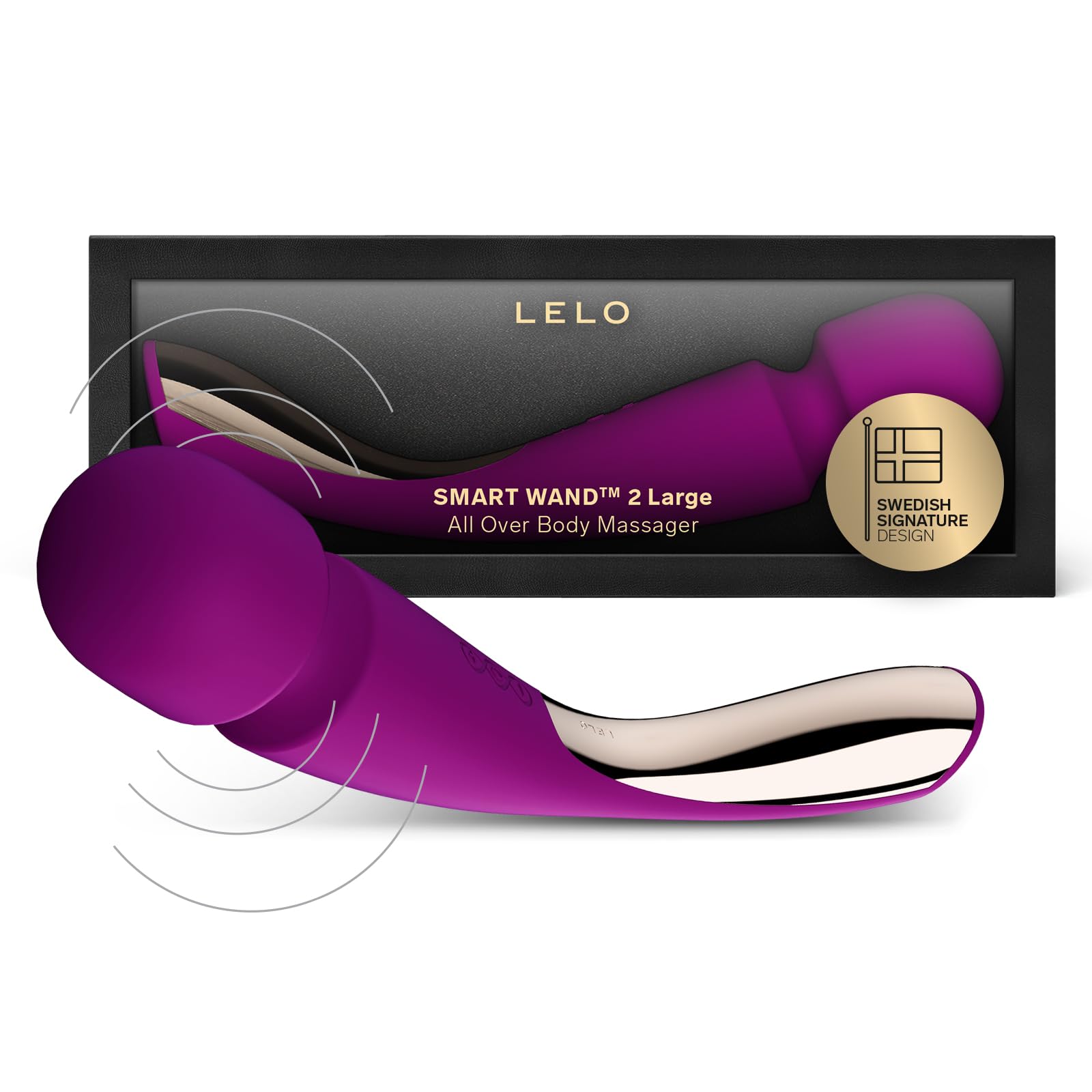
Image: LELO SMART Wand 2 Large in Deep Rose.
What's in the Box
Your LELO SMART Wand 2 Large package includes the following items:
- LELO SMART Wand 2 Large device
- USB Charging Cord
- Satin Storage Pouch
- Warranty Registration Card
- Detailed Instruction Manual

Image: All items included in the LELO SMART Wand 2 Large package.
Setup and First Use
Charging Your Device
Before using your LELO SMART Wand 2 Large for the first time, it must be charged for 2 hours. Use only the provided LELO charging cable to avoid damaging the battery. Do not leave the device charging overnight.
- Insert the small plug of the USB charging cord into the DC port located at the base of your SMART Wand 2 Large.
- Insert the main USB plug into any USB port you use to charge your smartphone (e.g., computer, wall adapter).
- The LED on the device's interface will pulse to indicate it is charging. When fully charged, the LED will emit a steady glow.
- If the light does not turn on immediately when connected, the battery may be completely empty. It will take a few minutes for the device to begin charging and for the LED to activate.
- Once fully charged, disconnect the cable before powering on the device.
Unlocking Your Device
Your LELO SMART Wand 2 Large is locked for transportation. To unlock it:
- Hold down the + and - buttons simultaneously for 3 seconds until the lights turn on.
- To lock the device again for travel, repeat the same procedure.
Operating Instructions
Turning On/Off and Adjusting Settings
The LELO SMART Wand 2 Large features an intuitive interface for easy control.
- To turn on the device, press the + button.
- To increase the vibration strength, press the + button again.
- To switch between the 10 different vibration patterns, press the ( ) button.
- To decrease the vibration strength, press the - button.
- To turn off the device, press and hold the ( ) button.
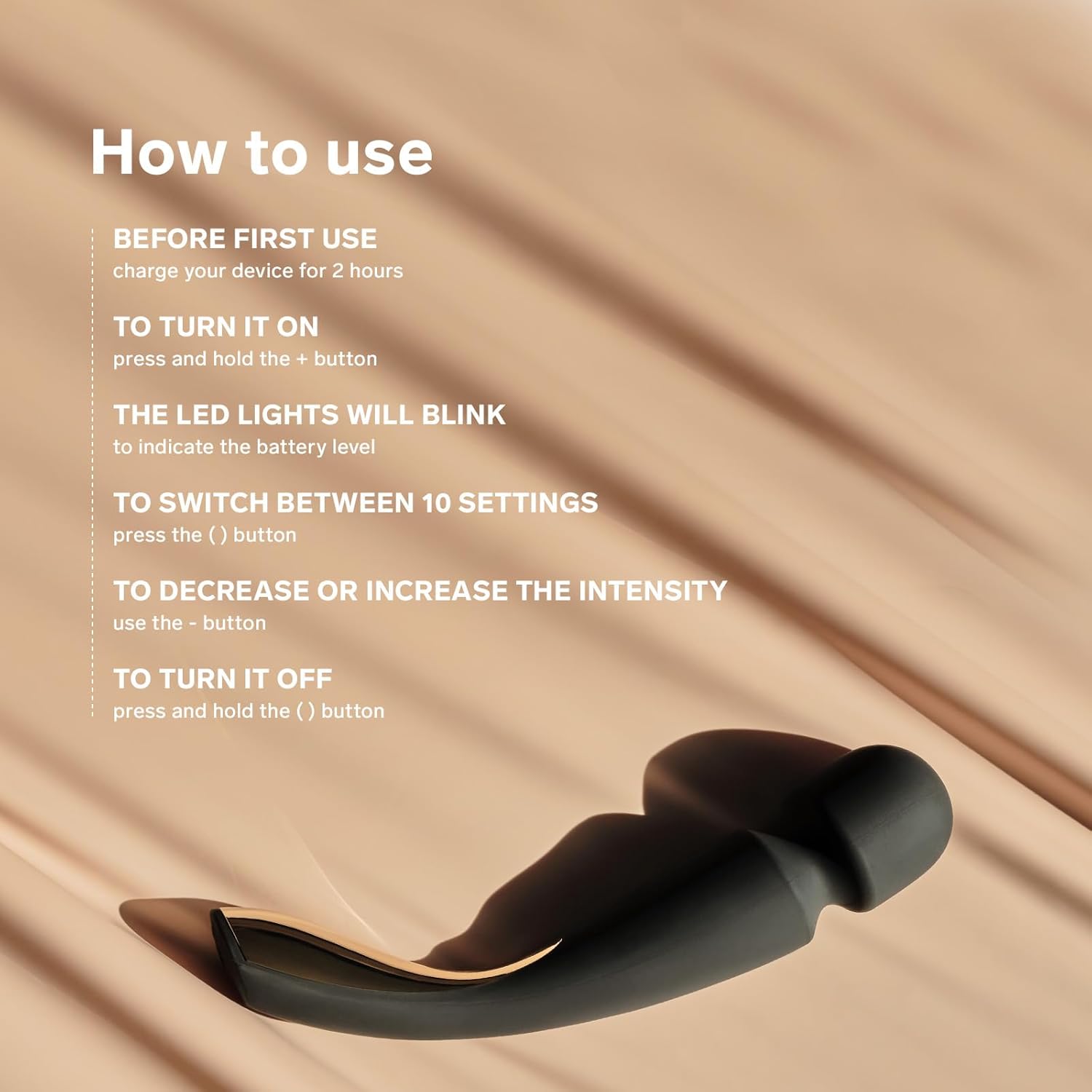
Image: The control buttons and charging port on the LELO SMART Wand 2 Large.
Usage Suggestions
To enhance your experience with the LELO SMART Wand 2 Large, consider the following:
- Set the Mood: Dim the lights and play some relaxing music to create a calming atmosphere.
- Go Slowly: Hold the device at its base, turn it on, and slowly begin applying it to your desired areas.
- Explore: Experiment with different vibration intensities and patterns to discover what feels best for you. Take your time and explore all options to release tension and enjoy a holistic experience.

Image: Demonstrating the LELO SMART Wand 2 Large on an arm for relaxation.
Maintenance
Cleaning
The LELO SMART Wand 2 Large is fully waterproof, making cleaning simple. Always clean it thoroughly before and after each use.
- Rinse the device with water.
- Apply LELO Premium Cleaning Spray (if available) or wash with lukewarm water and antibacterial soap.
- Rinse again to remove all soap residue.
- Pat dry with a lint-free cloth or towel.
- Important: Never use cleaners containing alcohol, petrol, or acetone, as these can damage the silicone.
Drying and Storage
Although the device is fully waterproof, always ensure that the charging port is completely dry before its next use.
- The charging port is vacuum-sealed, so you do not need to worry about water damaging your device during cleaning.
- Store your LELO SMART Wand 2 Large in the provided satin pouch.
- Keep it in a dry and safe place, away from direct heat or sunlight, to maintain its quality and longevity.
Product Specifications
| Feature | Detail |
|---|---|
| Model Name | SMART Wand 2 Large |
| Item Model Number | 7789 |
| Product Dimensions | 11.97 x 3.15 x 2.36 inches |
| Weight | 13.44 ounces |
| Color | Deep Rose |
| Material | Acrylonitrile Butadiene Styrene (ABS), Silicone |
| Battery | 1 Lithium Polymer battery (included) |
Warranty and Support
Warranty Registration
To claim your warranty, you must register your product on the official LELO website (LELO.com).
- Visit LELO.com and click on 'REGISTER/LOG IN' at the top right-hand corner of the page.
- Create an account or log in if you already have one.
- Navigate to the 'Register Product' section and fill in the requested details, including your product's serial number. The serial number can be found on the back of your user manual or authenticity card.
- If you purchased your device from a retailer, retain your receipt for warranty purposes.
Customer Support
For any further questions or assistance, please feel free to contact LELO Customer Service:
Email: customercare@lelo.com
Instructional Video
Watch this official instructional video for a visual guide on how to use, charge, and maintain your LELO SMART Wand 2 Large.
Video: LELO SMART Wand 2 Large Instructional Video by LELO Official US.


