Introduction
The STANLEY STHT77588-0 Stud Sensor S160 is designed to detect wood and metal studs, as well as live AC wires, behind common wall materials. This device provides visual and audible indications to help you locate framing members and electrical hazards before drilling or cutting into walls. Its slim profile and intuitive design make it suitable for various home improvement and construction tasks.
Key Features:
- Detects wood and metal studs up to 1-1/2 inches (38 mm) deep.
- Features a center finder and center marker for precise location of studs.
- Detects the presence of live AC wires up to 2 inches (50 mm) deep.
- Equipped with directional LED indicators and an audible alert for clear guidance.
- Ideal for tasks such as mounting televisions, hanging pictures, and installing shelves.
Setup
1. Battery Installation
The STHT77588-0 Stud Sensor S160 requires two AAA batteries (included) for operation. To install or replace batteries:
- Locate the battery compartment cover on the back of the device.
- Slide the cover open.
- Insert two AAA batteries, ensuring correct polarity (+/-) as indicated inside the compartment.
- Close the battery compartment cover securely.

Figure 1: Front view of the STANLEY STHT77588-0 Stud Sensor S160, showing its compact design.
2. Initial Calibration
For accurate readings, the stud sensor must be calibrated against the wall surface before each use. This process ensures the device adapts to the wall's density and material.
- Place the stud sensor flat against the wall in an area where you are certain there are no studs or AC wires.
- Press and hold the power button (usually located on the side or front). The device will emit an audible beep and/or illuminate LEDs during calibration.
- Keep the device stationary against the wall until the calibration process is complete (typically indicated by a steady light or a change in sound).
- Release the power button. The device is now calibrated and ready for use.
Note: If the device is calibrated over a stud or AC wire, it may provide inaccurate readings. Always calibrate over a clear section of the wall.
Operating Instructions
1. Powering On and Scanning
To begin scanning, press and hold the power button. The device will perform a quick self-calibration. Once calibrated, slowly slide the device horizontally across the wall surface.
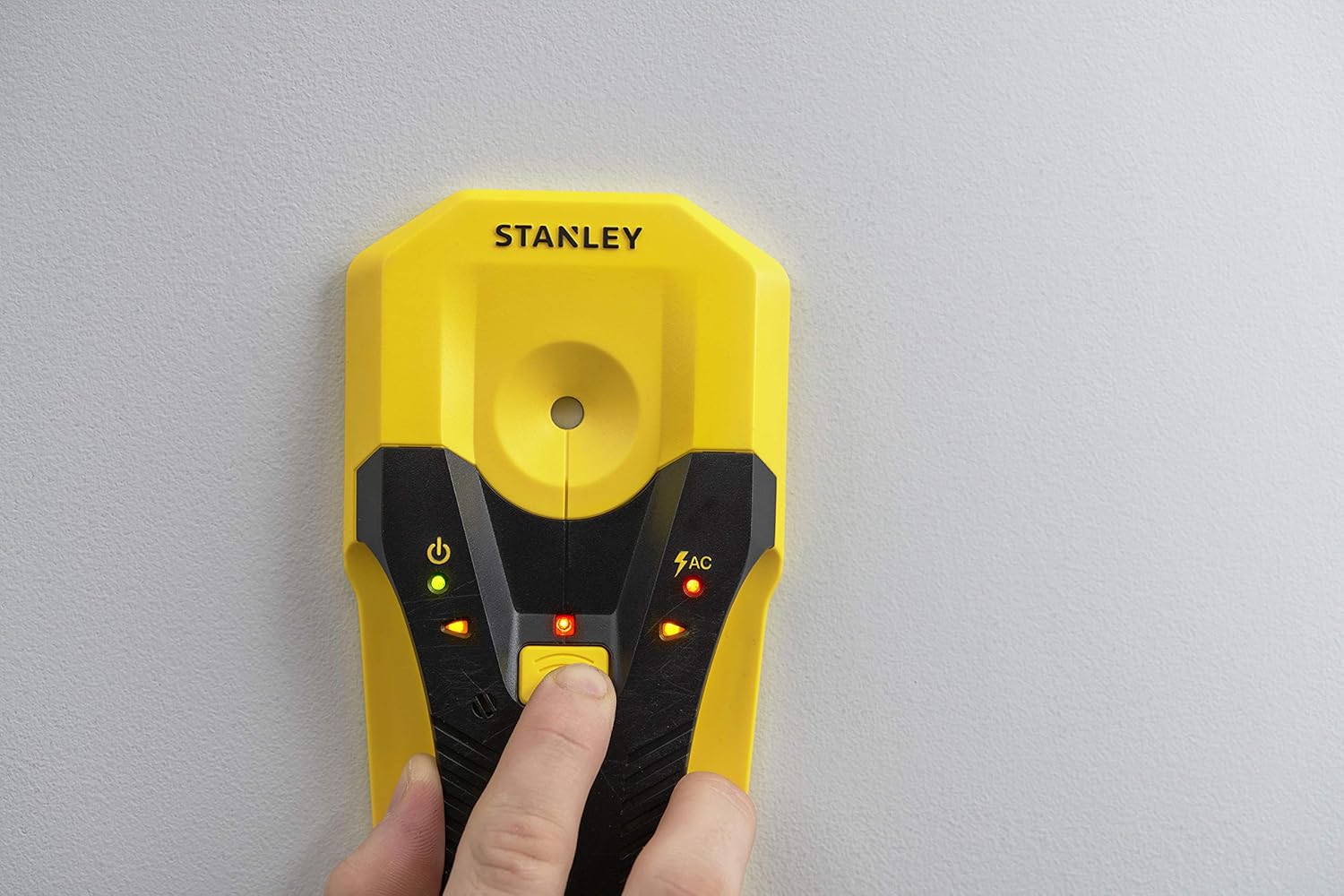
Figure 2: A hand pressing the power button to activate the stud sensor.
2. Stud Detection
As the sensor moves over a stud, the directional LED indicators will light up sequentially, guiding you towards the center of the stud. An audible beep will also sound, increasing in frequency as you approach the center.
- Start scanning from a point where you are certain there is no stud.
- Slowly slide the sensor horizontally across the wall.
- When the device detects the edge of a stud, the LEDs will begin to illuminate.
- Continue sliding until the center LED illuminates and the audible tone becomes continuous. This indicates the center of the stud.
- Mark this spot. To confirm, scan the area from the opposite direction and mark the center again.
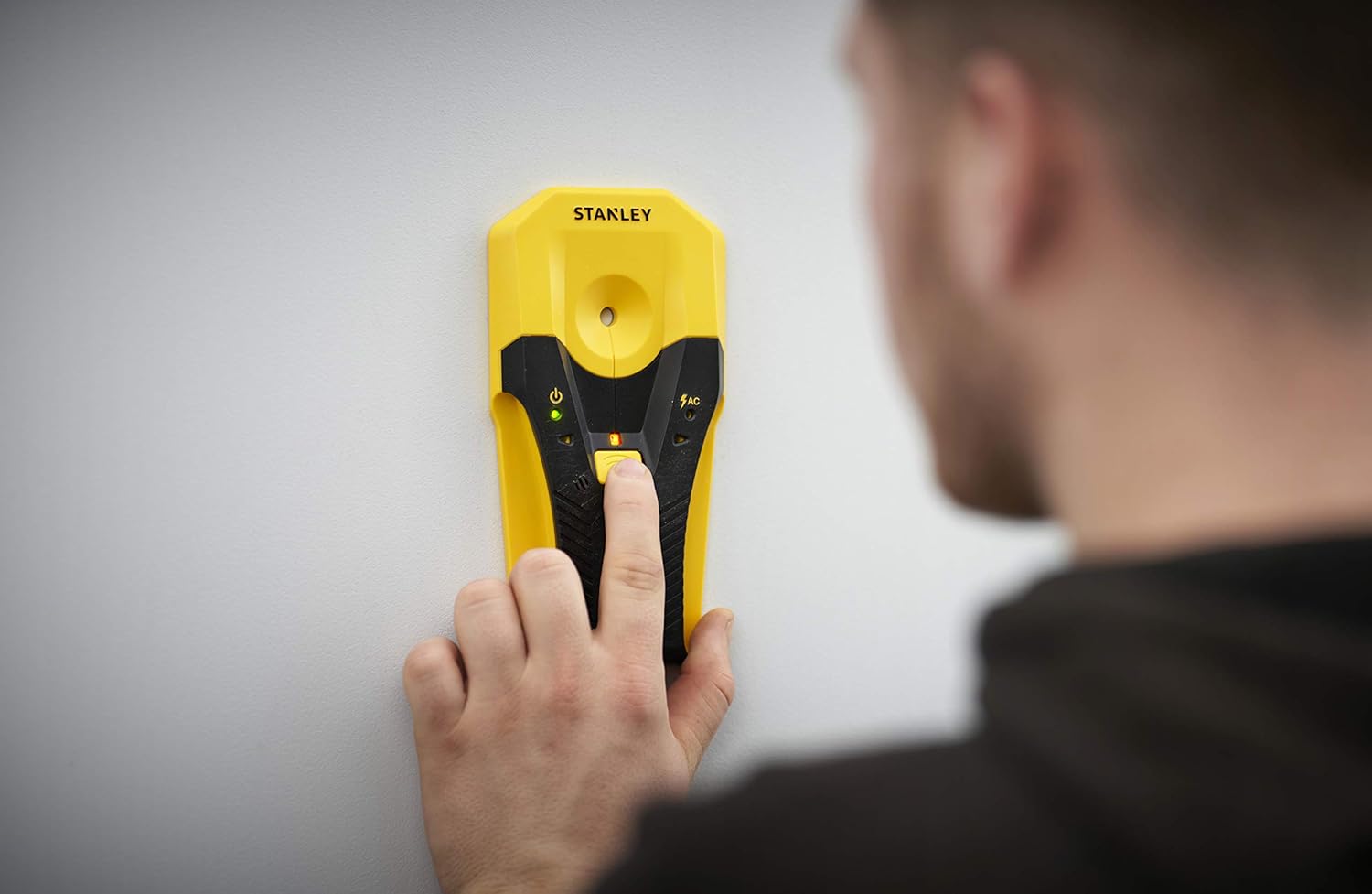
Figure 3: A user scanning a wall to locate studs or AC wires.
3. AC Wire Detection
The STHT77588-0 Stud Sensor S160 continuously monitors for live AC wires during stud detection. If a live AC wire is detected, a dedicated AC warning LED will illuminate, and a distinct audible alert will sound.

Figure 4: The AC detection light illuminated, indicating the presence of a live electrical wire.
Warning: Always exercise extreme caution when live AC wires are detected. Disconnect power to the area if possible before proceeding with any work.
4. Marking Stud Locations
Once the center of a stud is identified, use the integrated center marker or a pencil to mark the location directly on the wall. The device often has a small notch or hole for precise marking.

Figure 5: A user marking the detected stud center on the wall.
Maintenance
Proper maintenance ensures the longevity and accuracy of your stud sensor.
- Cleaning: Wipe the device with a soft, damp cloth. Do not use abrasive cleaners or solvents, as these can damage the casing or electronic components.
- Storage: Store the stud sensor in a dry, cool place, away from direct sunlight and extreme temperatures. If storing for extended periods, remove the batteries to prevent leakage.
- Battery Replacement: Replace batteries promptly when the low battery indicator appears or if the device behaves erratically.
Troubleshooting
If you encounter issues with your STANLEY STHT77588-0 Stud Sensor S160, refer to the following common problems and solutions:
| Problem | Possible Cause | Solution |
|---|---|---|
| Device does not power on. | Dead or incorrectly installed batteries. | Check battery polarity. Replace with fresh AAA batteries. |
| Inaccurate or inconsistent readings. | Improper calibration; scanning too fast; wall material too dense. | Recalibrate the device on a clear section of the wall. Scan slower. Note that detection depth may vary with wall materials (e.g., thick plaster, ceramic tile). |
| AC warning light always on or flickering. | Live AC wires present; interference from other electronics. | Ensure no other electronic devices are nearby. If the warning persists, assume live wires are present and proceed with caution. |
| No detection of studs. | Studs are deeper than detection range; device malfunction. | Verify the wall material and thickness. Ensure proper calibration. If issues persist, contact customer support. |
Specifications
| Brand | STANLEY |
| Model Number | STHT77588-0 |
| Stud Detection Depth | Up to 1-1/2 inches (38 mm) |
| AC Wire Detection Depth | Up to 2 inches (50 mm) |
| Power Source | 2 x AAA Batteries (included) |
| Material | Plastic |
| Color | Black, Yellow |
| Item Weight | 6.4 ounces (181 grams) |
| Product Dimensions (L x W x H) | 10.24" x 6.89" x 0.98" (260 x 175 x 25 mm) |
| International Protection Rating | IP541 |
| Recommended Uses | TV mounting, hanging pictures and shelves |
Safety Information
Please read and understand all safety instructions before using the STANLEY STHT77588-0 Stud Sensor S160.
- Always assume live AC wires are present until confirmed otherwise. Disconnect power to the area if possible before drilling or cutting.
- Do not rely solely on the stud sensor for critical applications. Use other methods (e.g., blueprints, tapping) to confirm findings when necessary.
- Keep the device away from water and moisture.
- Do not attempt to open or modify the device. There are no user-serviceable parts inside.
- Dispose of batteries responsibly according to local regulations.
Warranty and Support
STANLEY products are manufactured to high-quality standards. For specific warranty information, please refer to the warranty card included with your product or visit the official STANLEY website.
For technical assistance, troubleshooting beyond this manual, or to inquire about replacement parts, please contact STANLEY customer support through their official channels. Keep your purchase receipt and model number (STHT77588-0) handy when contacting support.
You can often find support information and FAQs on the STANLEY brand store on Amazon or their official website.