
1. Introduction
The PSB Alpha S10 is a high-performance 10-inch subwoofer designed to deliver deep, powerful, and crisp bass response, enhancing your audio experience for both music and home theater. It features a specially developed long-throw 10-inch polypropylene woofer and a highly efficient 150W all-digital power amplifier, carefully tuned for optimal performance down to 22Hz. The S10 utilizes a vented (ported) design to extend bass response and maximize power output.
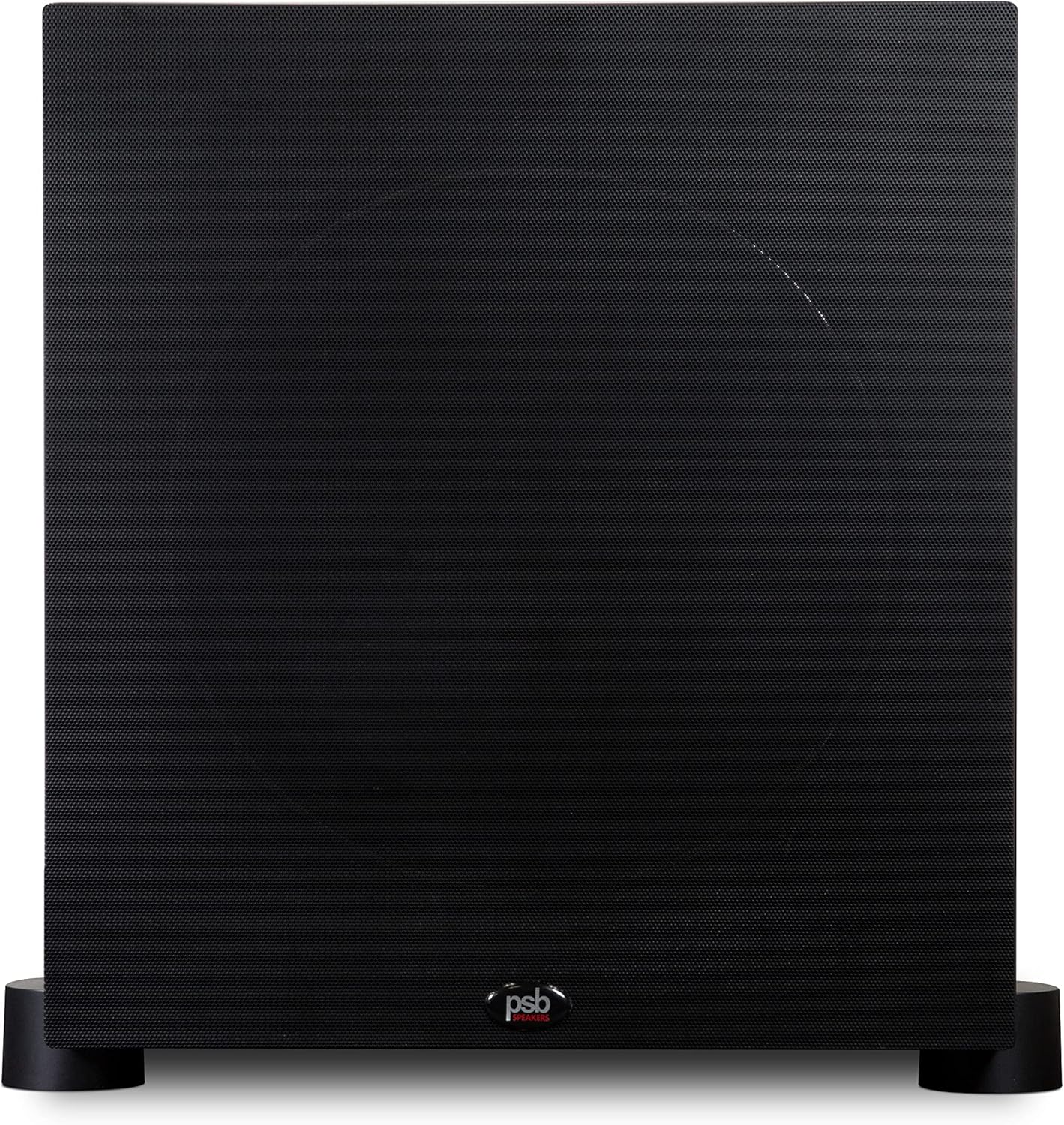
Figure 1.1: Front view of the PSB Alpha S10 Subwoofer with its protective grille.
Key Features:
- Specially Tuned Bass Reflex Design: Features a rear port for deep and impactful bass.
- Digital Amplifier: 150 Watts of continuous power for dynamic and controlled performance.
- Compact Cabinet with High Output: Delivers powerful low-frequency sound despite its size.
- Premium Woofer Construction: Equipped with polypropylene cones and durable rubber surrounds for accurate bass.
- Engineered by Paul Barton: Meticulously crafted design and voicing by renowned audio engineer Paul Barton.
2. What's in the Box
Upon opening the packaging, please ensure all components are present and in good condition. The PSB Alpha S10 package typically includes:
- PSB Alpha S10 Subwoofer Unit
Note: Connection cables (e.g., RCA cables) are typically sold separately and are not included with the subwoofer unit.
3. Setup
3.1 Placement
The placement of your subwoofer significantly impacts its performance. Experiment with different locations to find the optimal spot in your listening environment. Consider the following:
- Corner Placement: Placing the subwoofer in a corner often maximizes bass output due to room gain, but can sometimes lead to boomy or exaggerated bass.
- Wall Placement: Placing the subwoofer along a wall, away from corners, can provide a more balanced bass response.
- Near Main Speakers: For seamless integration with your main speakers, try placing the subwoofer between or near them.
- The "Subwoofer Crawl" Method: Place the subwoofer in your primary listening position, then crawl around the room to find where the bass sounds best. That spot is often the ideal location for your subwoofer.

Figure 3.1: Example of the PSB Alpha S10 Subwoofer integrated into a home audio system.
3.2 Connections
The Alpha S10 offers various connection options to integrate with your audio system:
- LFE (Low-Frequency Effects) Input: If your AV receiver or pre-amplifier has a dedicated LFE or Subwoofer Output, connect a single RCA cable from that output to the LFE input on the Alpha S10. This is the most common and recommended connection for home theater systems.
- Stereo RCA Inputs: For stereo systems or receivers without a dedicated LFE output, connect RCA cables from your receiver's pre-out (left and right) to the corresponding left and right inputs on the subwoofer.
3.3 Initial Power-On
- Ensure all audio connections are secure.
- Connect the power cord to the subwoofer and then to a wall outlet.
- Locate the power switch on the subwoofer's rear panel and turn it to the "ON" position. The subwoofer may have an auto-standby feature, indicated by a specific LED color.
- Start with the subwoofer's volume control set to its minimum position.
- Play some audio through your system and gradually increase the subwoofer's volume until it blends seamlessly with your main speakers.
4. Operating
4.1 Controls
The Alpha S10 features several controls on its rear panel to fine-tune its performance:
- Volume/Gain: Adjusts the overall output level of the subwoofer. Start low and increase gradually.
- Crossover Frequency: This control determines the highest frequency the subwoofer will reproduce. Set it to blend smoothly with your main speakers. A common starting point is 80Hz, but it may vary depending on your main speakers' low-frequency capabilities. If using an AV receiver with bass management, set the subwoofer's crossover to its maximum or bypass setting, and manage the crossover through the receiver.
- Phase Control: This switch (typically 0° or 180°) helps ensure the subwoofer's sound waves are in sync with your main speakers. Experiment with both settings to find which provides the most impactful and cohesive bass.
- Power Mode: Select between "ON" (always on), "AUTO" (turns on when an audio signal is detected, off after a period of inactivity), or "OFF".
4.2 Integration with an AV Receiver
Most modern AV receivers have built-in bass management systems. After connecting your Alpha S10 to the receiver's LFE output, run the receiver's automatic room correction (e.g., Audyssey, MCACC, YPAO). This process will automatically set the subwoofer's level, crossover frequency, and phase for optimal integration with your system and room acoustics.
5. Maintenance
Proper care will ensure the longevity and performance of your PSB Alpha S10 Subwoofer.
- Cleaning: Use a soft, dry cloth to wipe down the cabinet. For stubborn marks, a slightly damp cloth can be used, but avoid excessive moisture. Do not use abrasive cleaners, solvents, or strong chemicals, as these can damage the finish.
- Grille Care: The fabric grille can be gently vacuumed to remove dust. If it becomes stained, consult PSB support for cleaning recommendations.
- Environmental Conditions: Place the subwoofer in a location away from direct sunlight, heat sources, and excessive humidity. Ensure adequate ventilation around the amplifier section to prevent overheating.
- Power Cord: Periodically check the power cord for any signs of damage. If damaged, replace it immediately with an approved cord.
6. Troubleshooting
If you encounter issues with your Alpha S10 Subwoofer, try the following basic troubleshooting steps:
| Problem | Possible Cause | Solution |
|---|---|---|
| No Sound |
|
|
| Distorted or Boomy Sound |
|
|
| Humming Noise |
|
|
If these steps do not resolve the issue, please contact PSB customer support.
7. Specifications
Detailed technical specifications for the PSB Alpha S10 Subwoofer:
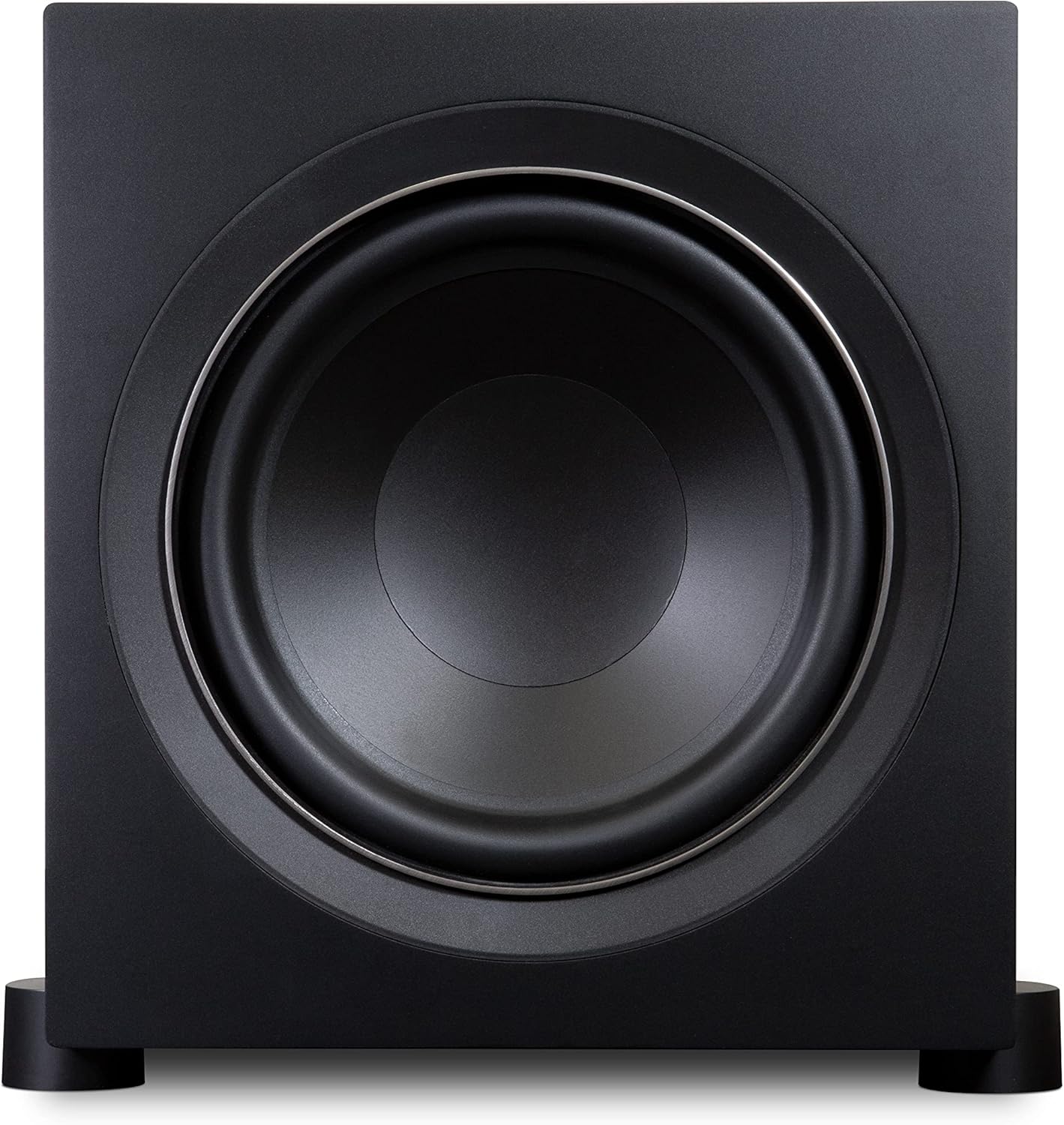
Figure 7.1: Front view of the PSB Alpha S10 Subwoofer with the grille removed, revealing the 10-inch woofer.
| Feature | Detail |
|---|---|
| Model Name | Alpha S10 |
| Speaker Type | Subwoofer |
| Special Feature | Bass Boost |
| Recommended Uses | For Music Players |
| Compatible Devices | Smartphone, Tablet, MP3 Player, Desktop, Television, Projector, Laptop |
| Subwoofer Diameter | 10 Inches |
| Included Components | Subwoofer |
| Control Method | Touch |
| Power Source | Corded Electric |
| Subwoofer Connectivity Technology | Wired |
| Manufacturer | PSB Speakers |
| Speaker Maximum Output Power | 150 Watts |
| Connectivity Technology | Wired |
| Audio Output Mode | Surround |
| Mounting Type | Tabletop Mount |
| UPC | 786357000787 |
Physical Characteristics:

Figure 7.2: Side view of the PSB Alpha S10 Subwoofer, highlighting its cabinet design.
- Product Dimensions: 14.02 x 14.13 x 17.52 inches (W x H x D)
- Item Weight: 30 pounds
8. Warranty Information
The PSB Alpha S10 Subwoofer comes with a Full Warranty. For specific terms, conditions, and duration of the warranty, please refer to the warranty card included with your product or visit the official PSB Speakers website. Retain your proof of purchase for warranty claims.
9. Support and Contact
For further assistance, technical support, or to inquire about service, please visit the official PSB Speakers website:
Visit PSB Speakers Official Website
You may also find helpful resources, FAQs, and contact information for customer service on their website.


