
Weiser 9GDC94710-063
Weiser Elements Square Single Cylinder Deadbolt Instruction Manual
Model: 9GDC94710-063
Introduction
The Weiser Elements Square Single Cylinder Deadbolt is designed for use on exterior doors where key and security are required. This deadbolt can be locked or unlocked by a key on the outside or by the thumbturn on the inside. It features SmartKey re-key technology, allowing you to re-key the lock quickly and easily. This product is ANSI/BHMA Grade 3 certified, includes an adjustable latch for standard door preparations, and has a 1-inch deadbolt throw. Its universal door handling fits both right and left-handed doors, and it is ADA Compliant. It fits door thicknesses from 1 3/8" to 1 3/4" and comes in a Matte Black finish.
Package Contents
Please verify that all components are present before beginning installation:
- Exterior Deadbolt Assembly (with key cylinder)
- Interior Deadbolt Assembly (with thumbturn)
- Deadbolt Latch
- Strike Plate
- Mounting Screws
- 2 x Keys
- SmartKey Re-key Tool
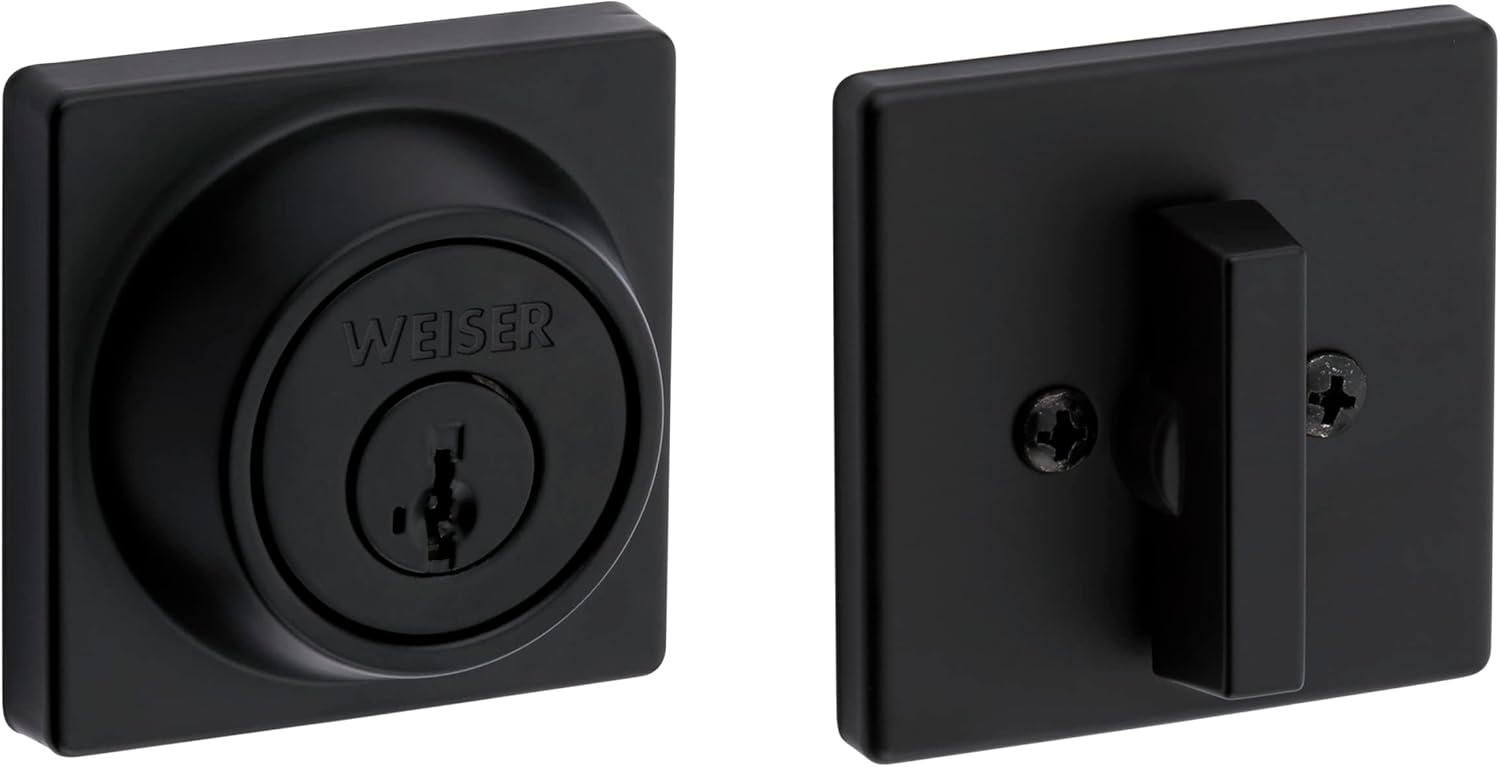
Image showing the exterior and interior components of the Weiser Elements Square Single Cylinder Deadbolt, including the key cylinder and thumbturn.
Setup and Installation
This section provides step-by-step instructions for installing your Weiser Elements Square Single Cylinder Deadbolt. Ensure you have the necessary tools before starting.
Tools Required
- Phillips head screwdriver
- Measuring tape
- Pencil
Door Preparation
- Ensure your door thickness is between 1 3/8" (35mm) and 1 3/4" (44mm).
- Verify the backset measurement (distance from door edge to center of bore hole) is either 2-3/8" (60mm) or 2-3/4" (70mm). Adjust the latch if necessary.
Installing the Latch
- Insert the latch into the door edge, ensuring the bolt faces the correct direction for your door swing. The word "TOP" on the latch should face upwards.
- Secure the latch with the provided screws.
Installing the Exterior Assembly
- Align the exterior deadbolt assembly with the bore hole, ensuring the tailpiece passes through the latch mechanism.
- Position the exterior assembly flush against the door.

Image showing the exterior side of the deadbolt with the keyhole and Weiser branding, ready for installation.
Installing the Interior Assembly
- Place the interior mounting plate over the tailpiece and secure it to the exterior assembly with the provided screws.
- Attach the interior thumbturn assembly to the mounting plate, ensuring the thumbturn engages with the tailpiece.
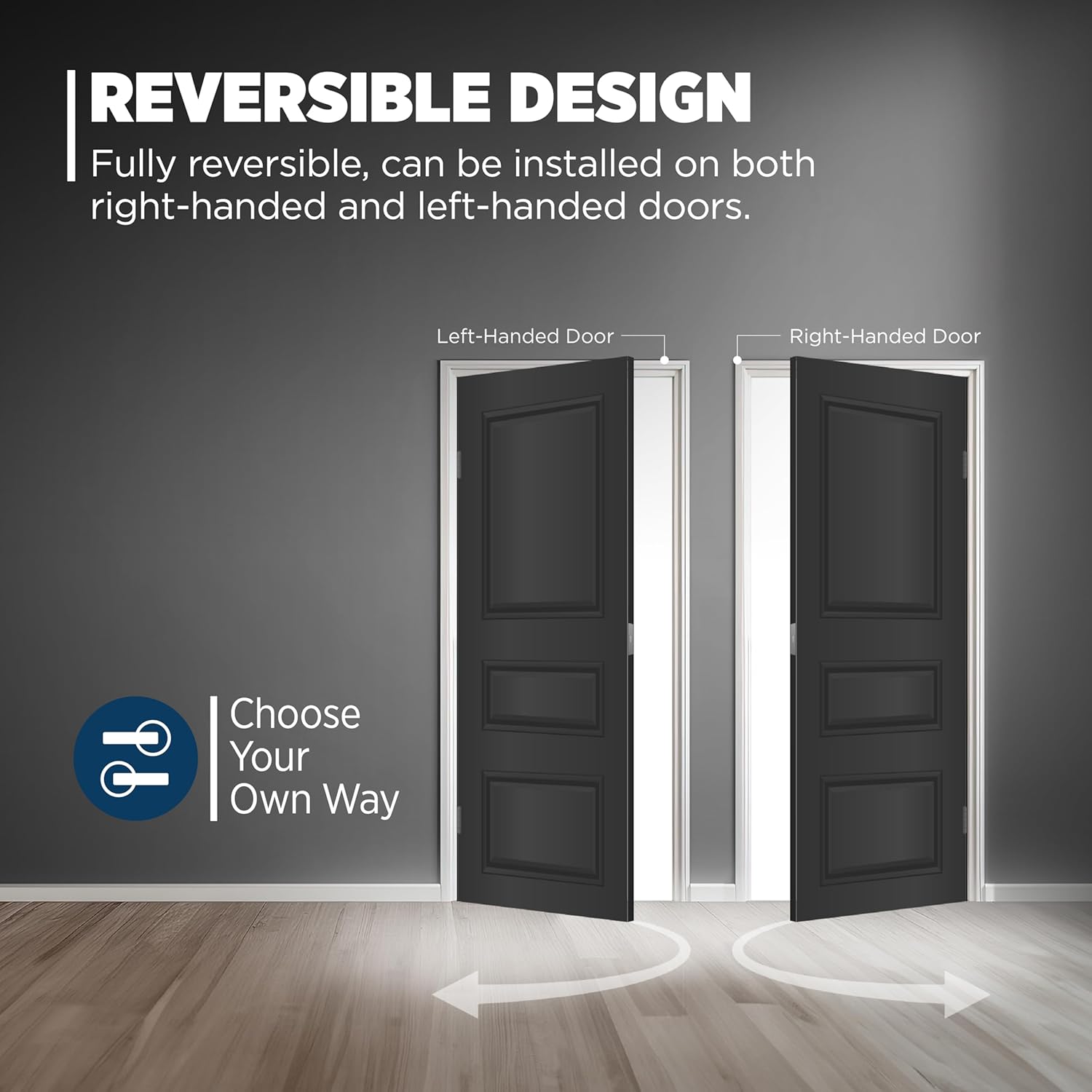
Image showing the interior side of the deadbolt with the thumbturn lever, which controls the lock from inside.
Installing the Strike Plate
- Align the strike plate with the latch bolt on the door frame. Mark and chisel out the area for the strike plate if necessary to ensure a flush fit.
- Secure the strike plate with the provided screws. Test the deadbolt operation to ensure smooth locking and unlocking.
Operating Instructions
Locking the Deadbolt
- From the exterior: Insert the key into the keyway and turn it clockwise until the bolt extends fully into the strike plate. Remove the key.
- From the interior: Rotate the thumbturn lever clockwise until the bolt extends fully into the strike plate.
Unlocking the Deadbolt
- From the exterior: Insert the key into the keyway and turn it counter-clockwise until the bolt retracts fully. Remove the key.
- From the interior: Rotate the thumbturn lever counter-clockwise until the bolt retracts fully.
SmartKey Re-key Technology
The SmartKey re-key technology allows you to re-key the lock quickly and easily by yourself. This feature is useful if you have recently moved, lost keys, or wish to use one key for multiple Weiser SmartKey locks.
- Insert your functioning key and turn it 90 degrees clockwise.
- Insert the SmartKey tool fully and firmly into the SmartKey hole.
- Remove the SmartKey tool and the functioning key.
- Insert your new key fully and firmly into the keyway.
- Turn the new key 180 degrees counter-clockwise. Your lock is now re-keyed.

Diagram showing the steps for using SmartKey technology to re-key the deadbolt, including where to insert the reset tool and the key.
Maintenance
- Clean the lock periodically with a soft, damp cloth. Avoid abrasive cleaners, solvents, or harsh chemicals, as these can damage the finish.
- Do not lubricate the cylinder with oil-based lubricants. If lubrication is necessary, use a graphite-based lubricant sparingly.
- Periodically check and tighten all mounting screws to ensure the deadbolt remains securely installed and operates smoothly.
Troubleshooting
| Problem | Possible Cause | Solution |
|---|---|---|
| Key does not turn smoothly or gets stuck. | Dirt or debris in the keyway; worn or bent key. | Clean keyway with compressed air. Try a new, undamaged key if available. Apply graphite lubricant sparingly if needed. |
| Deadbolt does not extend or retract fully. | Misalignment of strike plate or latch; loose mounting screws; door frame obstruction. | Check alignment of strike plate and adjust if necessary. Ensure the latch is properly installed. Tighten all mounting screws. Clear any obstructions in the door frame. |
| SmartKey re-keying fails or new key does not work. | SmartKey tool not inserted fully or correctly; incorrect key rotation during re-keying process. | Ensure the SmartKey tool is inserted firmly and completely. Follow the re-keying steps precisely, paying attention to key rotation angles. Repeat the process carefully. |
Specifications
- Brand: Weiser
- Model Name: Elements Square Deadbolt with SmartKey, Matte Black
- Part Number: 9GDC94710-063
- Finish: Matte Black
- Material: Metal
- Lock Type: Key Lock (Single Cylinder)
- Door Thickness Compatibility: 1 3/8" (35mm) to 1 3/4" (44mm)
- Certification: ANSI/BHMA Grade 3 Certified
- Special Features: SmartKey Technology, Universal Fitment (reversible for right/left-handed doors), ADA Compliant, Limited Lifetime Warranty
- Item Dimensions (L x W x H): 4.52 x 4.52 x 9.05 inches (approximate package dimensions)
- Item Weight: 1.4 pounds
Warranty Information
The Weiser Elements Square Single Cylinder Deadbolt is backed by a Limited Lifetime Warranty. This warranty covers mechanical and finish defects under normal use. For complete details regarding warranty coverage, terms, and conditions, please refer to the official Weiser website or contact their customer support department directly.
Customer Support
For further assistance, technical support, or to inquire about replacement parts for your Weiser Elements Square Single Cylinder Deadbolt, please utilize the following resources:
- Official Website: Visit www.weiserlock.com for product information, FAQs, and support documentation.
- Contact Information: Refer to the Weiser website for regional customer service phone numbers and email contact options.
Ask a question about this manual
Ask about setup, troubleshooting, compatibility, parts, safety, or missing instructions. Manuals+ will review the question and use this page’s manual context to help answer it.