1. Setup
1.1 What's in the Box
Your Skullcandy Indy Evo package includes the following components:
- Indy™ Evo True Wireless Earbuds
- Charging Case
- Stability Ear Gels (Small, Large)
- Ear Gels (Small, Medium, Large)
- USB-C Charging Cable
- 1-Year Limited Warranty Information
- User Guide

Image: Included contents of the Skullcandy Indy Evo package.
1.2 Charging Your Earbuds and Case
Before first use, fully charge your Indy Evo earbuds and charging case. The earbuds provide up to 6 hours of playback, and the charging case holds an additional 24 hours of charge, totaling 30 hours of battery life. A quick 10-minute charge can provide 2 hours of playback.
- Place the earbuds into the charging case. Ensure they are seated correctly.
- Connect the USB-C charging cable to the charging port on the case and to a power source.
- The LED indicators on the case will show the charging status.
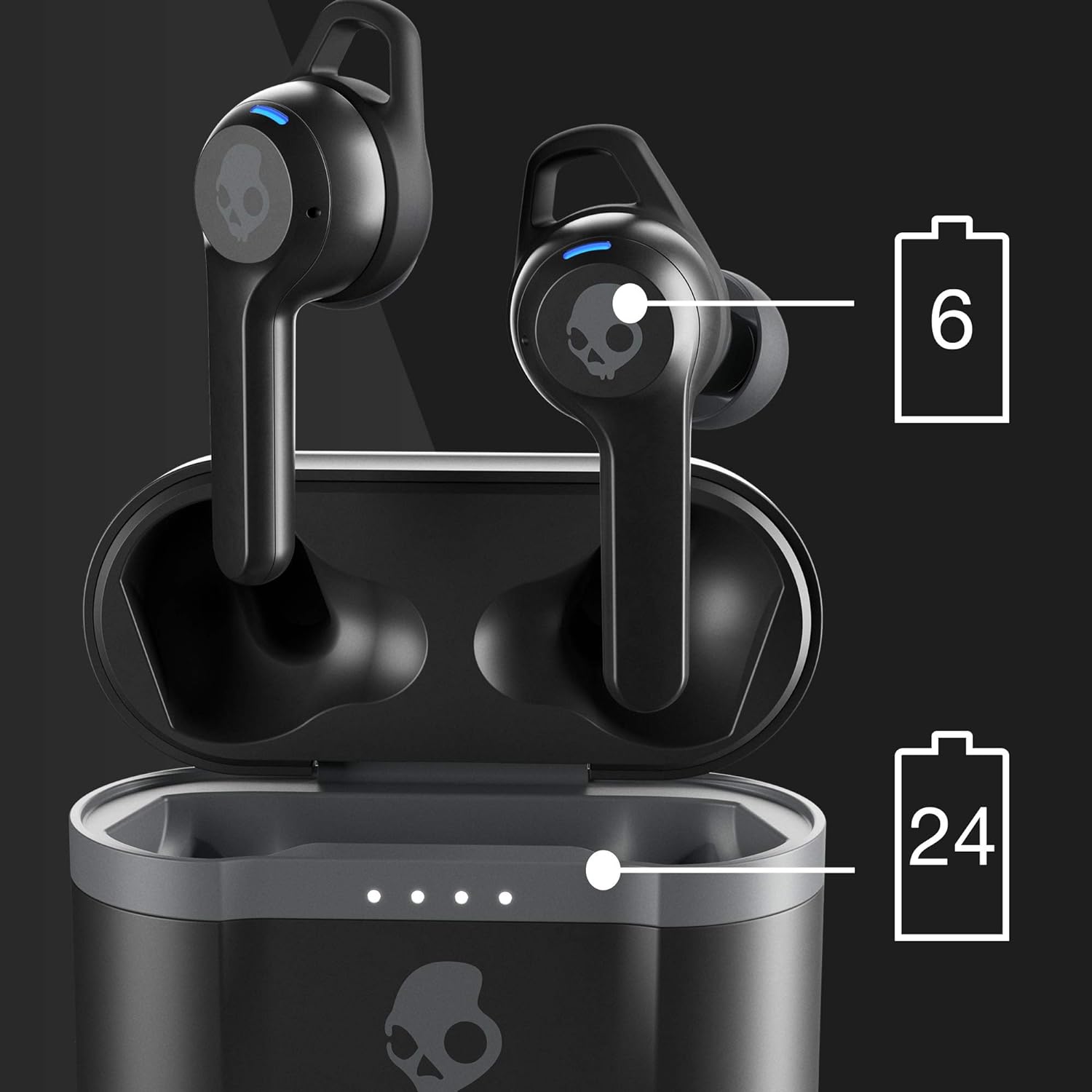
Image: Battery life distribution between earbuds (6 hours) and charging case (24 hours).
1.3 Initial Pairing
To pair your Indy Evo earbuds with a new device:
- Remove both earbuds from the charging case. They will automatically enter pairing mode.
- On your device (smartphone, tablet, etc.), open the Bluetooth settings.
- Select "Indy Evo" from the list of available devices.
- Once connected, you will hear an audible confirmation.
If you experience connectivity issues, turn off the Bluetooth function on your device for a few minutes, then turn it back on and attempt to re-pair.

Image: Front view of the Skullcandy Indy Evo earbuds.
2. Operating
2.1 Wearing the Earbuds
For optimal sound quality and comfort, ensure the earbud tips and stability ear gels fit snugly in your ear canals. Experiment with the included different sizes (Small, Medium, Large) to find the best fit.

Image: Side view of a Skullcandy Indy Evo earbud, showing its design for in-ear fit.
2.2 Touch Controls
The Indy Evo earbuds feature intuitive touch controls on each bud, allowing you to manage your audio and calls without needing to access your phone:
- Play/Pause: Single tap on either earbud.
- Track Forward: Double tap the right earbud.
- Track Back: Double tap the left earbud.
- Volume Up: Press and hold the right earbud.
- Volume Down: Press and hold the left earbud.
- Answer/End Call: Single tap on either earbud.
- Activate Voice Assistant: Triple tap on either earbud.
- Switch EQ Modes: Press and hold both earbuds simultaneously for 2 seconds. Cycle through Music, Movie, and Podcast modes.
- Ambient Mode: Press and hold both earbuds simultaneously for 4 seconds to toggle Ambient Mode on/off. This allows you to hear your surroundings.
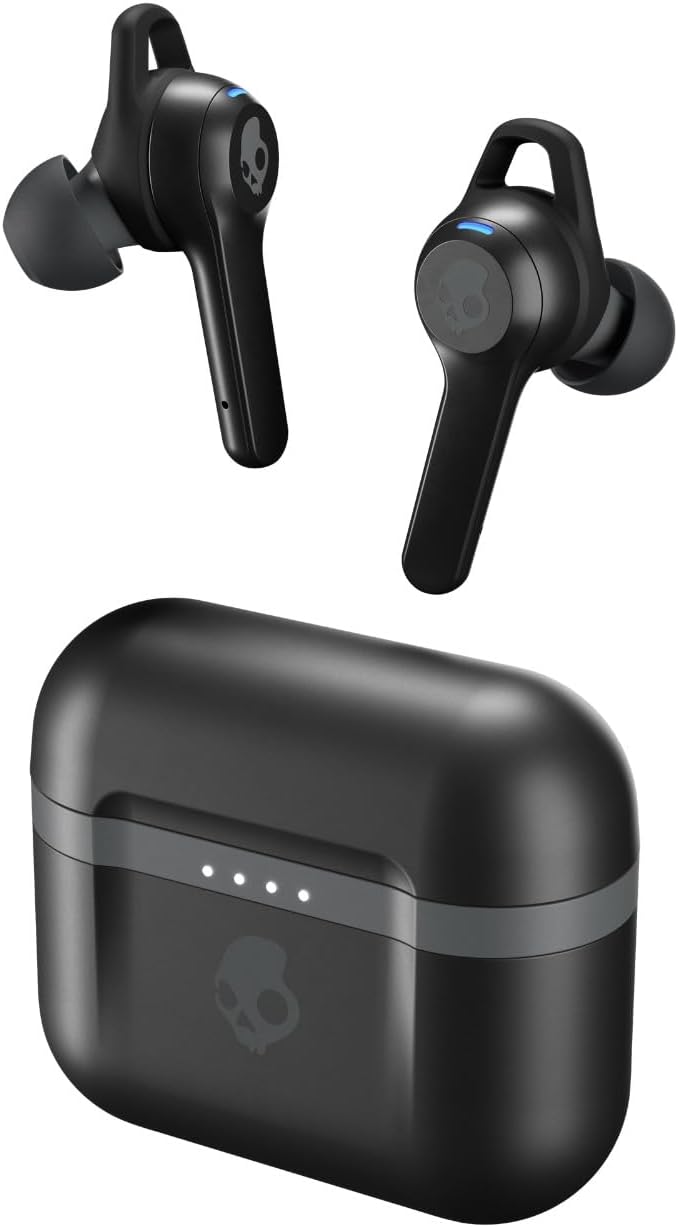
Image: Illustration of the three available EQ modes: Music, Movie, and Podcast.
2.3 Solo Bud Use
The Indy Evo earbuds allow you to use either the left or right earbud independently. Simply remove one earbud from the case, and it will automatically connect to your device. The other earbud can remain in the case or be used later.

Image: Demonstration of using a single earbud independently.
3. Maintenance
3.1 Cleaning
To maintain optimal performance and hygiene, regularly clean your earbuds:
- Gently wipe the earbuds and charging case with a soft, dry, lint-free cloth.
- Remove ear gels and clean them with mild soap and water, then dry thoroughly before reattaching.
- Use a dry cotton swab to carefully clean the mesh screens and charging contacts.
- Avoid using abrasive materials or harsh chemicals.
3.2 Storage
When not in use, store your Indy Evo earbuds in their charging case to protect them and keep them charged. Store the case in a cool, dry place away from extreme temperatures.
3.3 Water Resistance
The Skullcandy Indy Evo earbuds feature an IP55 protection rating, meaning they are resistant to dust, sweat, and light water splashes. They are suitable for workouts and outdoor activities. However, they are not designed for submersion in water.
4. Troubleshooting
4.1 Pairing Issues
- Earbuds not pairing with each other: If only one earbud connects, place both earbuds back into the charging case. Close the lid, wait a few seconds, then remove them simultaneously. This often re-syncs them.
- Earbuds not connecting to device: Ensure Bluetooth is enabled on your device and the earbuds are in pairing mode. Forget "Indy Evo" from your device's Bluetooth list and attempt to re-pair.
4.2 Sound Quality Issues
- Low volume or poor sound: Ensure the earbud tips fit snugly in your ear canals. An improper fit can significantly affect sound quality, especially bass. Try different sized ear gels.
- Intermittent audio: Ensure your device is within the Bluetooth range (up to 10 meters). Obstructions or interference can cause audio dropouts.
4.3 Charging Issues
- Earbuds not charging in case: Ensure the charging contacts on both the earbuds and inside the case are clean and free of debris. Make sure the earbuds are seated correctly.
- Case not charging: Try a different USB-C cable and power adapter. Ensure the cable is securely connected.
4.4 Tile Tracking
The Indy Evo earbuds integrate with Tile technology, allowing you to locate them if misplaced. Download the Tile app on your smartphone and follow the in-app instructions to activate and register your earbuds.
5. Specifications
| Feature | Detail |
|---|---|
| Model Name | TW_INDY_EVO (S2IVW-N740) |
| Connectivity Technology | Bluetooth 5.0 |
| Battery Life (Earbuds) | Up to 6 hours |
| Battery Life (Total with Case) | Up to 30 hours |
| Rapid Charge | 10 minutes charge = 2 hours play |
| Bluetooth Range | 10 meters (33 feet) |
| Water Resistance Level | IP55 (Sweat, Water, and Dust Resistant) |
| Audio Driver Size | 10 mm |
| Frequency Range | 20 Hz - 20,000 Hz |
| Impedance | 32 Ohm |
| Noise Control | Sound Isolation |
| Item Weight | 1.8 ounces (51 grams) |
| Product Dimensions | 7.28 x 4.61 x 1.38 inches |
| Color | True Black |
| Material | Plastic |
6. Warranty & Support
6.1 Limited Warranty
Your Skullcandy Indy Evo earbuds come with a 1-Year Limited Warranty. This warranty covers manufacturing defects and ensures your product performs as expected under normal use. Please refer to the warranty information included in your package for full terms and conditions.
6.2 User Guide and Additional Resources
For further assistance, you can refer to the official User Guide PDF:
For product registration, frequently asked questions, and direct support, visit the official Skullcandy website.

Image: Skullcandy Indy Evo True Wireless Earbuds.