
Nikko Toys 10044/10040
Nikko Race Buggies RC Car Instruction Manual
Model: 10044/10040 - Alien Panic Blue
1. Introduction
Thank you for purchasing the Nikko Race Buggies Remote Controlled Car. This manual provides essential information for the safe and optimal operation, maintenance, and troubleshooting of your RC car. Please read this manual thoroughly before use and retain it for future reference.

Image 1.1: The Nikko Race Buggies RC Car, Alien Panic Blue, in motion.
2. Package Contents
Ensure all items listed below are present in your package:
- Nikko Race Buggies RC Car (Alien Panic Blue)
- Remote Control Transmitter
- User Manual (this document)
Note: Batteries are not included and must be purchased separately.
3. Setup and Battery Installation
3.1. Remote Control Battery Installation
- Locate the battery compartment on the back of the remote control.
- Using a screwdriver, open the battery compartment cover.
- Insert 3 x AAA batteries, ensuring correct polarity (+/-) as indicated inside the compartment.
- Replace the battery compartment cover and secure it with the screw.

Image 3.1: The remote control transmitter for the Nikko Race Buggies RC Car.
3.2. Vehicle Battery Installation
- Locate the battery compartment on the underside of the RC car.
- Using a screwdriver, open the battery compartment cover.
- Insert 4 x AA batteries, ensuring correct polarity (+/-) as indicated inside the compartment.
- Replace the battery compartment cover and secure it with the screw.

Image 3.2: Top view of the Nikko Race Buggies RC Car. The battery compartment is located on the underside.
3.3. Pairing the Remote Control and Vehicle
The Nikko Race Buggies RC Car utilizes 2.4 GHz transmission technology for automatic pairing. Simply turn on both the vehicle and the remote control. They should automatically connect. If connection issues occur, turn both off and then on again, ensuring they are close to each other.
4. Operating Instructions
4.1. Basic Controls
- Forward/Backward: Use the left joystick/trigger on the remote control to move the car forward or backward.
- Steering: Use the right joystick/wheel on the remote control to steer the car left or right.
4.2. Features
- 2.4 GHz Technology: Allows for interference-free racing with up to 10 players simultaneously within a 40-meter range.
- LED Headlights: The vehicle is equipped with illuminated headlights for enhanced visibility and play in low-light conditions.
- All-Terrain Capability: Designed for use on various indoor and outdoor surfaces.
4.3. Driving Tips
- Always operate the RC car in open areas free from obstacles, people, or pets.
- Avoid driving in wet conditions or through puddles to prevent damage to electronic components.
- For optimal performance, ensure batteries in both the car and remote are fresh.
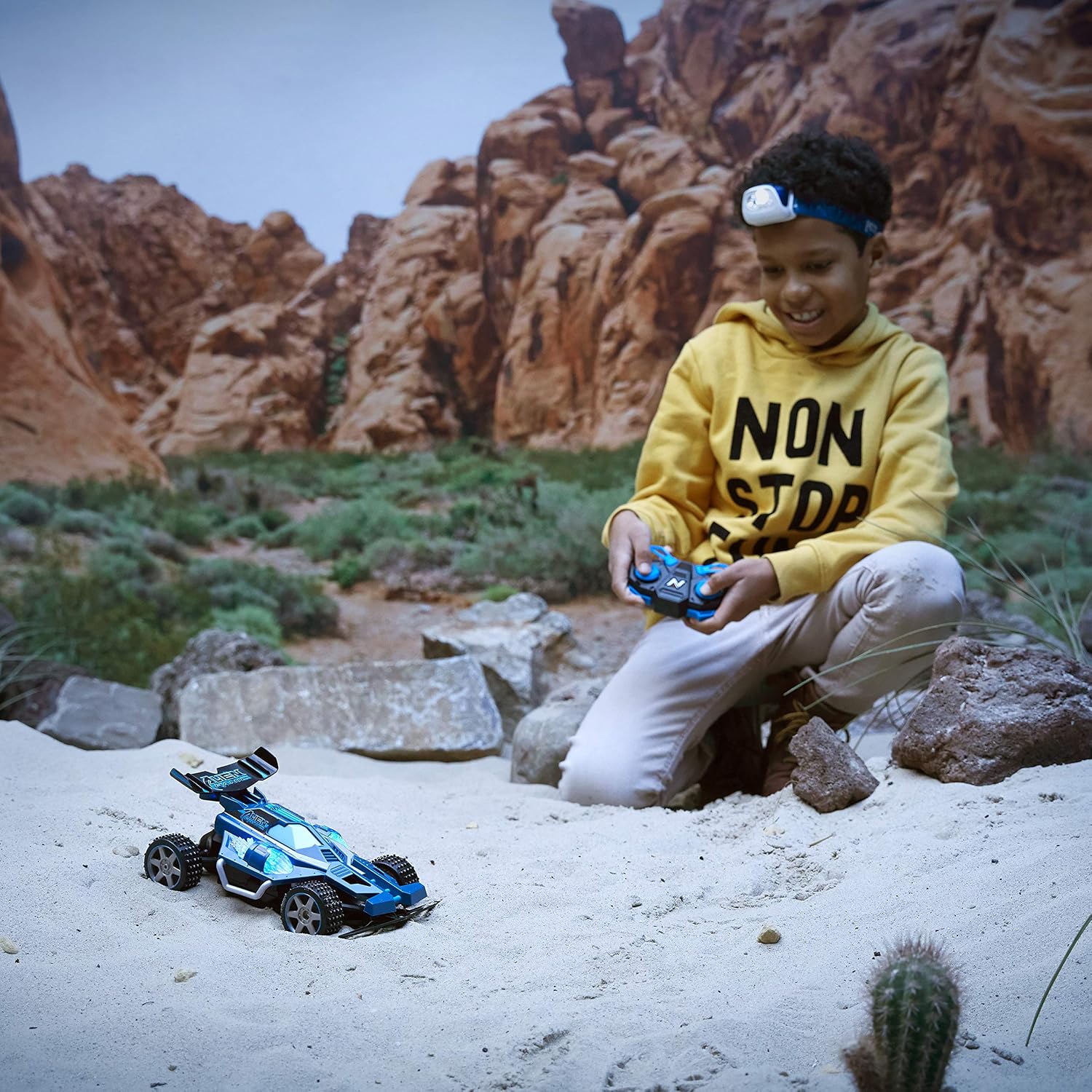
Image 4.1: A child operating the Nikko Race Buggies RC Car in an outdoor setting.
5. Maintenance
- Cleaning: Wipe the car and remote control with a soft, dry cloth after each use. Do not use water or chemical cleaners.
- Storage: Store the RC car and remote in a cool, dry place away from direct sunlight. Remove batteries from both the car and remote if storing for extended periods to prevent leakage.
- Battery Care: Always use fresh batteries. Do not mix old and new batteries or different types of batteries. Dispose of used batteries responsibly.
6. Troubleshooting
| Problem | Possible Cause | Solution |
|---|---|---|
| Car does not respond to remote. | Low batteries in car or remote; Car/remote not turned on; Pairing issue. | Replace batteries; Ensure both are switched ON; Turn both off and on again to re-pair. |
| Short operating range. | Low batteries; Environmental interference. | Replace batteries; Move to an open area away from other electronic devices. |
| LED headlights not working. | Low car battery; Internal wiring issue. | Replace car batteries; If issue persists, contact customer support. |
| Car moves slowly or erratically. | Low batteries; Obstruction in wheels/axles. | Replace batteries; Check and clear any debris from wheels. |
7. Specifications
- Model Number: 10044/10040
- Scale: 1:18
- Max Speed: 7.5 Km/h (4.7 mph)
- Control Frequency: 2.4 GHz
- Control Range: Up to 40 meters (131 feet)
- Vehicle Batteries: 4 x AA (not included)
- Remote Control Batteries: 3 x AAA (not included)
- Material: Plastic
- Color: Blue
- Dimensions (L x W x H): Approximately 23 cm x 22 cm x 14 cm (9.02 x 8.5 x 5.51 inches)
- Weight: 0.66 Kilograms
- Manufacturer: NIKKO Toys Ltd.
8. Warranty and Support
8.1. Manufacturer's Warranty
This Nikko Race Buggies RC Car comes with a 1-year manufacturer's warranty from the date of purchase. This warranty covers manufacturing defects under normal use. It does not cover damage resulting from misuse, accidents, unauthorized modifications, or normal wear and tear.
8.2. Technical Support
For technical assistance, warranty claims, or any questions regarding your product, please contact Nikko Toys customer support. Contact information can typically be found on the product packaging or the official Nikko Toys website. Please have your model number (10044/10040) and proof of purchase ready when contacting support.
Related documents10044/10040


Ask a question about this manual
Ask about setup, troubleshooting, compatibility, parts, safety, or missing instructions. Manuals+ will review the question and use this page’s manual context to help answer it.