1. Introduction
Thank you for choosing the EZICLEAN Hobot 368 Window Cleaning Robot. This intelligent device is designed to efficiently clean various flat surfaces, including windows, mirrors, and tiles. Featuring smart mapping and a double-pass cleaning system, the Hobot 368 ensures a thorough and streak-free clean. Please read this manual carefully before operating the device to ensure safe and optimal performance.

Figure 1: Hobot 368 Window Cleaning Robot
2. Important Safety Information
Always adhere to the following safety precautions to prevent injury or damage to the device:
- Ensure the safety rope is securely attached to a fixed object before operation, especially when cleaning high windows.
- Do not use the robot on broken or cracked glass.
- Keep hands, hair, and loose clothing away from moving parts.
- Do not operate the robot in rainy or extremely humid conditions.
- Use only the original power adapter and accessories provided with the device.
- Supervise the robot during operation, especially during its first few uses.

Figure 2: Securely attach the safety rope before use.
3. Package Contents
Verify that all items are present in your package:
- Hobot 368 Window Cleaning Robot
- Power Adapter and Power Cord
- Safety Rope
- Cleaning Pads (multiple pairs)
- Remote Control
- User Manual (this document)
4. Product Overview
Familiarize yourself with the main components of your Hobot 368:
- Main Body: Houses the motor, sensors, and control unit.
- Cleaning Pads: Two rotating pads for cleaning and polishing surfaces.
- Power Port: For connecting the power adapter.
- Safety Rope Attachment Point: Where the safety rope is secured.
- Start/Pause Button: For manual control of the robot.
- Status Indicator Lights: Provide information on the robot's status.
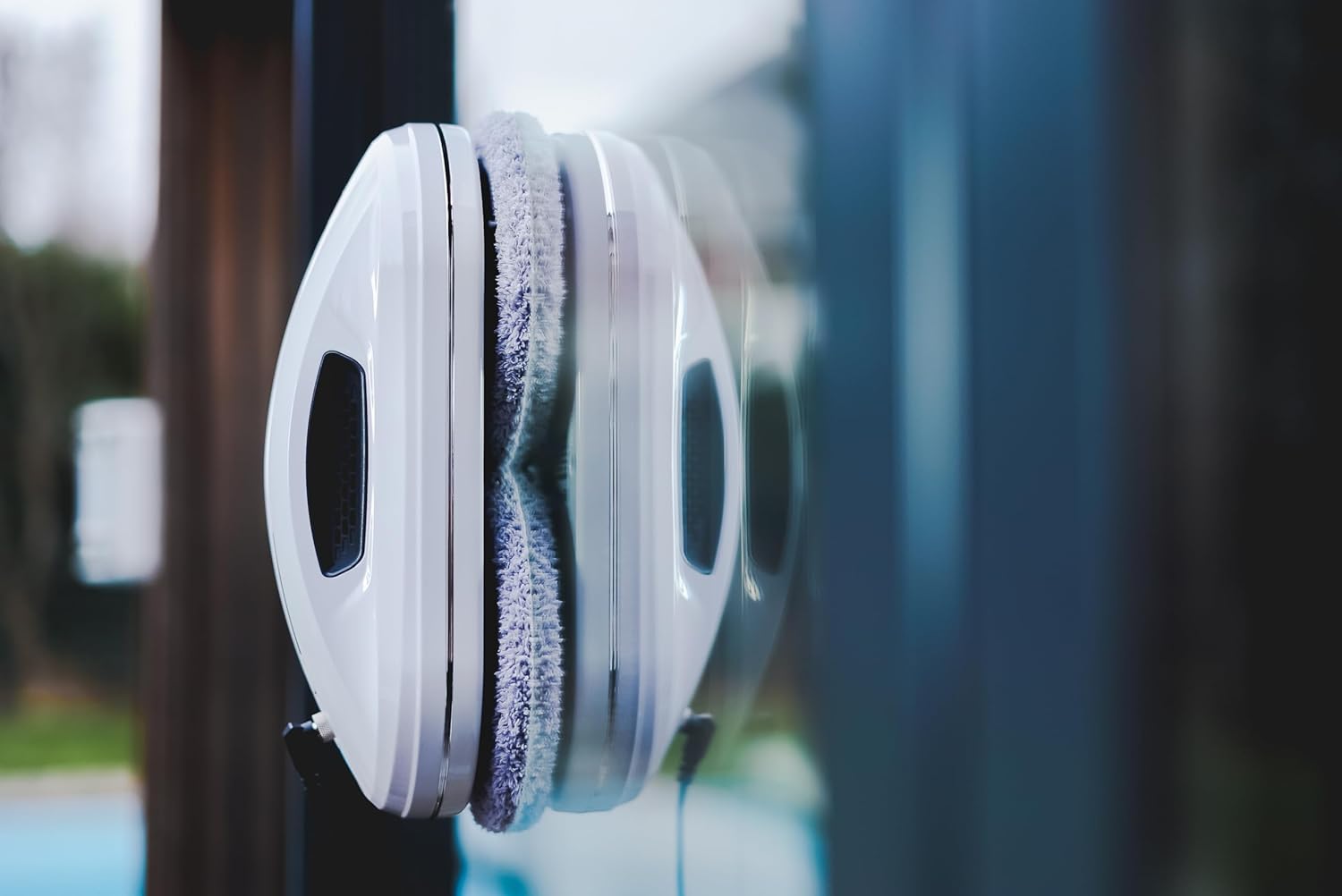
Figure 3: Hobot 368 with visible handles and cleaning pads.

Figure 4: Internal airflow for strong suction and adherence.
5. Setup
Follow these steps for initial setup:
- Charge the Battery: Before first use, fully charge the robot's Lithium-ion battery until the indicator light turns green. This ensures the robot can remain attached to the surface in case of a power outage.
- Attach Cleaning Pads: Securely attach a pair of clean cleaning pads to the bottom of the robot.
- Connect Power: Plug the power adapter into the robot and then into a power outlet. Ensure the connection is secure.
- Attach Safety Rope: Securely tie the safety rope to a sturdy, fixed object (e.g., a table leg, window frame).
- Place Robot: Place the robot on the surface to be cleaned. Ensure it is flat against the surface. The robot will automatically suction onto the surface.

Figure 5: Robot attached to a window with power connected.
6. Operating Instructions
The Hobot 368 can be operated via the onboard button, remote control, or a smartphone app.
6.1 Starting a Cleaning Cycle
- Manual Start: Press the Start/Pause button on the robot.
- Remote Control: Press the 'Start' button on the remote control.
- Smartphone App: Download the EZICLEAN app (available for iOS and Android). Connect to the robot via Bluetooth and initiate cleaning from the app interface.

Figure 6: Control the robot using the smartphone app.
6.2 Cleaning Modes and Features
- Automatic Cleaning: The robot uses smart mapping to detect the edges of the surface and plans an optimal cleaning path.
- Double Pass: For heavily soiled surfaces, activate the double pass mode (often indicated by an 'x2' button on the remote/app) for a more thorough clean.
- Edge Detection: Built-in sensors prevent the robot from falling off edges.
- Applicable Surfaces: The Hobot 368 is designed for flat surfaces such as glass, tiles, and mirrors.

Figure 7: Examples of cleaning path patterns.

Figure 8: The Hobot 368 is suitable for various flat surfaces.
6.3 Stopping the Robot
- Press the Start/Pause button on the robot or the 'Stop' button on the remote/app.
- The robot will return to its starting position or a safe location.
- Carefully remove the robot from the surface once it has stopped.
7. Maintenance
Regular maintenance ensures the longevity and efficiency of your Hobot 368.
7.1 Cleaning Pads
- After each use, remove the cleaning pads.
- Wash the pads with mild detergent and water. They are typically machine washable.
- Allow pads to air dry completely before reattaching or storing.

Figure 9: Close-up of the cleaning pads.
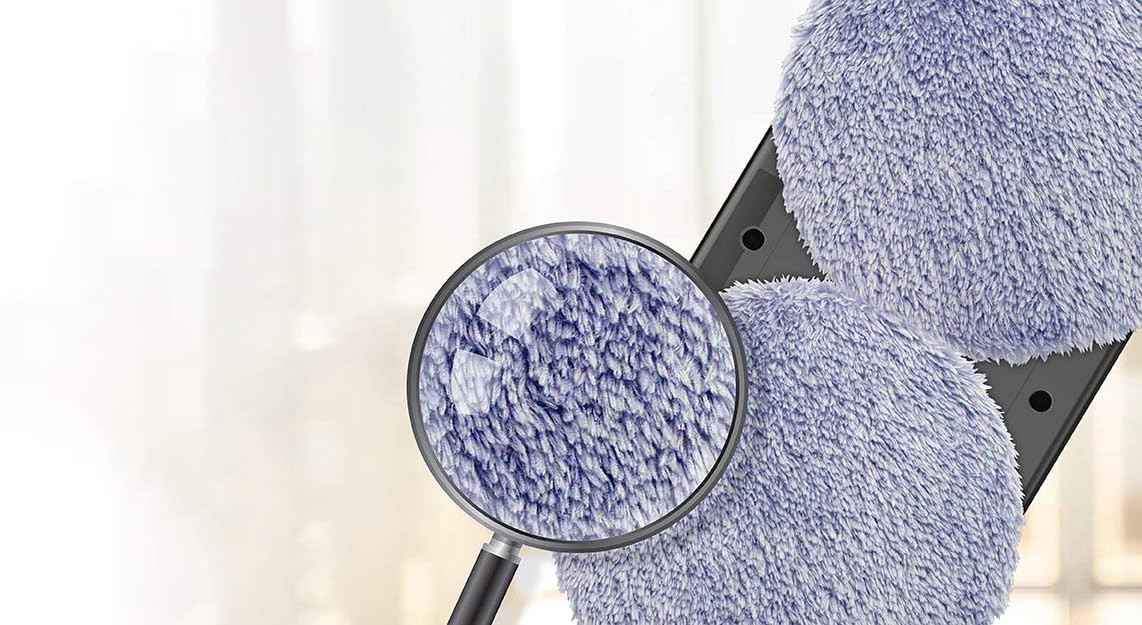
Figure 10: Magnified view of the cleaning pad texture.
7.2 Robot Body
- Wipe the robot's body with a soft, damp cloth.
- Do not use abrasive cleaners or solvents.
- Ensure the suction vents are clear of dust and debris.
7.3 Storage
- Store the robot in a cool, dry place away from direct sunlight.
- Ensure the battery is partially charged (around 50%) before long-term storage to preserve battery life.
8. Troubleshooting
If you encounter issues with your Hobot 368, refer to the table below:
| Problem | Possible Cause | Solution |
|---|---|---|
| Robot does not suction to surface. | Power not connected; Surface too dirty/uneven; Suction vents blocked. | Ensure power is connected; Clean the surface first; Clear suction vents. |
| Robot leaves streaks. | Cleaning pads are dirty; Insufficient cleaning solution; Surface too dirty. | Replace/clean pads; Apply appropriate cleaning solution; Pre-clean heavily soiled areas. |
| Robot stops unexpectedly. | Power disconnected; Battery low; Obstruction detected. | Check power connection; Recharge battery; Remove any obstructions. |
| Robot does not respond to remote/app. | Remote battery low; Not paired correctly; App issue. | Replace remote battery; Re-pair remote/app; Restart app/robot. |
9. Specifications
| Feature | Detail |
|---|---|
| Brand | EZICLEAN |
| Model Number | EZIclean Hobot 368 |
| Color | White |
| Product Dimensions (L x W x H) | 14.8 x 14.8 x 9.5 cm |
| Item Weight | 2 Kilograms |
| Material | Plastic |
| Special Feature | Smart Mapping |
| Surface Recommendation | Glass |
| Controller Type | iOS (and Android via app) |
| Battery Type | Lithium-ion |
| Filter Type | HEPA (for air intake) |
| Country of Origin | China |
10. Warranty and Support
For warranty information and customer support, please refer to the documentation provided with your purchase or visit the official EZICLEAN website. Keep your proof of purchase for warranty claims.


