1. Introduction
This instruction manual provides detailed guidance for the installation and use of the VIVO MOUNT-SGS24D VESA Adapter Plate. This adapter is designed to convert specific non-VESA compatible Samsung monitors into VESA compatible displays, allowing them to be mounted on standard VESA monitor arms or wall mounts. Please read all instructions carefully before installation to ensure proper setup and safe operation.
2. Compatibility
The VIVO MOUNT-SGS24D VESA Adapter Plate is specifically designed for the following Samsung monitor models:
- U28D590D
- S27D590P
- S24D590PL
- S24D590L
Important: This adapter is not compatible with any other monitor models or brands. Please verify your monitor model before proceeding with installation.

Image 1: The VESA adapter plate attached to the back of a Samsung monitor, highlighting the compatible models: U28D590D, S27D590P, S24D590PL, and S24D590L.
3. Package Contents
Please ensure all components are present before beginning installation:
- VIVO MOUNT-SGS24D VESA Adapter Plate (1)
- Mounting Screws (typically M4 x 10mm or similar, quantity as needed for VESA attachment)
- Washers (quantity as needed for VESA attachment)

Image 2: A detailed view of the VESA adapter plate, showing its dimensions (4.4 inches wide, 9 inches long) and VESA compatibility (75x75mm and 100x100mm). Universal hardware, including screws and washers, is also displayed.
4. Setup and Installation
Follow these steps to install the VIVO MOUNT-SGS24D VESA Adapter Plate onto your compatible Samsung monitor:
- Prepare Your Monitor: Carefully lay your Samsung monitor face down on a soft, clean surface to prevent scratches.
- Remove Existing Stand: Locate the original stand attachment point on the back of your monitor. Remove any screws securing the stand and detach it. For some Samsung models, this may involve removing a 'tongue' or similar protrusion.
- Attach the Adapter Plate: Align the VIVO adapter plate with the monitor's stand attachment point. The adapter is designed to slide over the monitor's existing structure. Secure the adapter plate to the monitor using the provided screw(s) and a Phillips screwdriver. Ensure it is firmly attached.
- Connect to VESA Mount: Once the adapter plate is securely fastened to your monitor, attach the monitor (with the adapter) to your VESA compatible monitor arm or wall mount. Use the provided VESA screws and washers to secure the adapter plate to the VESA mount's 75x75mm or 100x100mm mounting holes.
- Cable Management: Utilize the integrated cable management opening on the adapter plate to route your monitor cables (e.g., HDMI, power). This helps maintain a clean and organized workspace.

Image 3: A series of three images demonstrating the quick and easy installation process of the VIVO VESA adapter. The steps show attaching the adapter to the monitor and then mounting the monitor onto a VESA-compatible stand.

Image 4: A close-up view of the VESA adapter plate installed on a monitor, demonstrating the cable management feature where cables are neatly routed through an opening in the adapter.
Installation Video Guide
Video: An official VIVO video demonstrating the installation of the VESA Adapter for Compatible Samsung Monitors (MOUNT-SGS24D), including how to attach the adapter and manage cables.
5. Operating Instructions
Once the VESA adapter plate is installed and your monitor is securely mounted, operate your monitor as usual. The adapter facilitates the use of VESA-compatible mounting solutions, allowing for adjustable positioning of your monitor. Ensure all cables are properly routed through the cable management opening to prevent strain and maintain a tidy setup.

Image 6: A Samsung monitor, equipped with the VIVO VESA adapter, mounted on a desk arm. This image illustrates a typical setup, showcasing the monitor's elevated position and organized workspace.
6. Maintenance
The VIVO MOUNT-SGS24D VESA Adapter Plate is constructed from durable alloy steel and requires minimal maintenance. To ensure longevity and proper function:
- Regular Inspection: Periodically check all screws and connections to ensure they remain tight and secure.
- Cleaning: Wipe the adapter plate with a soft, dry cloth to remove dust. Avoid abrasive cleaners or solvents that could damage the finish.
- Environmental Conditions: Ensure the adapter and monitor are used in a stable environment, free from excessive moisture or extreme temperatures.
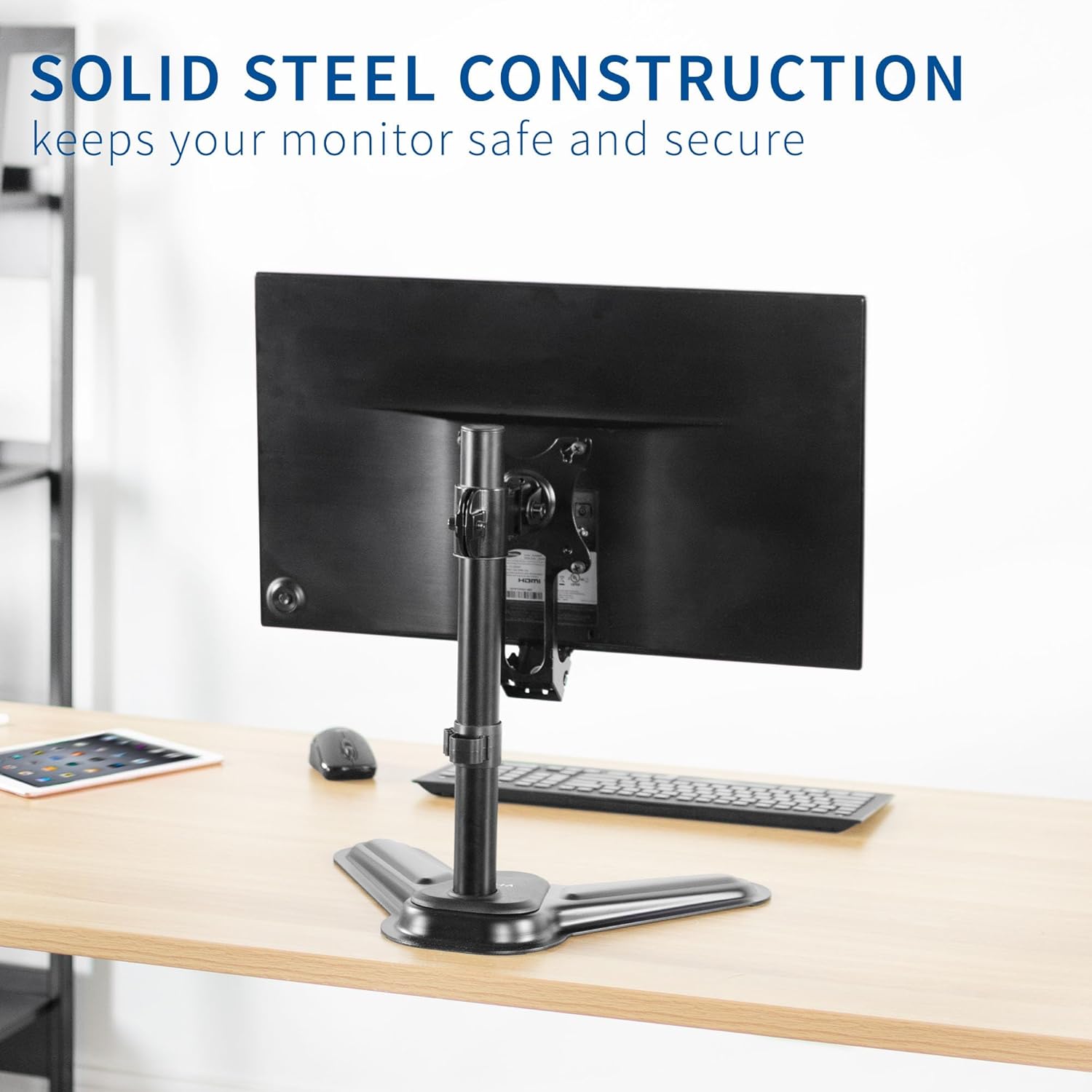
Image 5: A close-up of the VESA adapter plate attached to a monitor, emphasizing its solid steel construction designed for durability and security.
7. Troubleshooting
If you encounter any issues during or after installation, refer to the following common solutions:
- Adapter Does Not Fit: Double-check that your Samsung monitor model is listed in the compatibility section (U28D590D, S27D590P, S24D590PL, S24D590L). This adapter is model-specific.
- Monitor Wobbles After Installation: Ensure all screws securing the adapter to the monitor and the monitor to the VESA mount are tightened properly. Some monitor designs may inherently have slight wobble, but the adapter should be firmly attached.
- Difficulty with Cable Connection: Some monitor ports or cable connectors may be obstructed by the adapter or VESA mount. Consider using right-angle or slim-profile cables if space is limited. Ensure cables are routed through the designated management opening.
- Missing Hardware: If any hardware is missing from your package, please contact VIVO customer support for assistance.
8. Specifications
| Feature | Detail |
|---|---|
| Model Number | MOUNT-SGS24D |
| Brand | VIVO |
| Material | Alloy Steel |
| Color | Black |
| VESA Compatibility | 75x75mm, 100x100mm |
| Compatible Monitor Models | Samsung U28D590D, S27D590P, S24D590PL, S24D590L |
| Item Weight | 10.9 ounces |
| Package Dimensions | 9.25 x 4.69 x 2.76 inches |
9. Warranty and Support
VIVO is committed to providing high-quality products and customer satisfaction. This product comes with generous product protection. For any questions, concerns, or to report missing parts, please contact VIVO's U.S.-based sales and technical support team. Our team is available to assist you with product inquiries and troubleshooting.
For further assistance, please visit the official VIVO website or refer to the contact information provided with your purchase.