
KOVE KA98359-0200
KOVE Commuter 2 Bluetooth Split Speaker User Manual
Model: KA98359-0200
Introduction
Thank you for choosing the KOVE Commuter 2 Bluetooth Split Speaker. This manual provides essential information for setting up, operating, maintaining, and troubleshooting your device. Please read it thoroughly to ensure optimal performance and longevity of your speaker.
Package Contents
Ensure all items are present in your package:
- KOVE Commuter 2 Bluetooth Split Speaker
- USB Split Charging Cable
- User Manual (this document)
Product Overview
The KOVE Commuter 2 is a versatile Bluetooth speaker designed for both indoor and outdoor use. Its unique split design allows for 360-degree surround sound when combined, or optimal left and right stereo separation when split. Key features include:
- Dual Speaker Design: Can be used as a single unit or split into two for stereo sound.
- Bluetooth 5.0 Connectivity: Provides stable wireless connection up to 33 feet.
- IPX7 Water Resistance: Protected against water immersion up to 1 meter for 30 minutes.
- Built-in Microphone: For hands-free calling.
- Two Equalizer Modes: For customized audio experience.
- Deep Bass Subwoofer: Delivers rich audio with clarity.

Image: The KOVE Commuter 2 speaker demonstrating its ability to be used as a single unit or split into two for stereo sound.
Setup Instructions
1. Charging the Speaker
Before first use, fully charge your KOVE Commuter 2 speaker. Use the provided USB split charging cable. Connect the cable to a USB power adapter (not included) and plug it into a power outlet. The speaker's indicator lights will show charging status.
2. Powering On/Off
- To Power On: Press and hold the power button on the speaker until the indicator lights illuminate.
- To Power Off: Press and hold the power button again until the indicator lights turn off.
3. Bluetooth Pairing
To connect your speaker to a Bluetooth-enabled device:
- Ensure the speaker is powered on and in pairing mode (indicator light will flash).
- On your device (smartphone, tablet, etc.), go to Bluetooth settings and enable Bluetooth.
- Select "KOVE Commuter 2" from the list of available devices.
- Once connected, the indicator light will become solid.

Image: The KOVE Commuter 2 speaker illustrating its Bluetooth 5.0 capabilities, including a connection range of up to 33 feet and up to 7 hours of battery life.
4. Splitting and Combining Speakers
The KOVE Commuter 2 can be used as a single unit or split into two for a stereo experience:
- To Split: Gently twist the two halves of the speaker in opposite directions until they separate.
- To Combine: Align the two halves and twist them together until they securely lock into place.

Image: The KOVE Commuter 2 speaker separated into two units, with one half shown in water, demonstrating its split functionality and water resistance.
Operating Instructions
1. Basic Controls
The speaker features touch controls for various functions:
- Play/Pause: Tap the center button.
- Volume Up: Tap the right arrow button.
- Volume Down: Tap the left arrow button.
- Next Track: Press and hold the right arrow button.
- Previous Track: Press and hold the left arrow button.
2. Hands-Free Calling
When connected to a smartphone, the built-in microphone allows for hands-free calls:
- Answer Call: Tap the center button.
- End Call: Tap the center button during a call.
- Reject Call: Press and hold the center button.
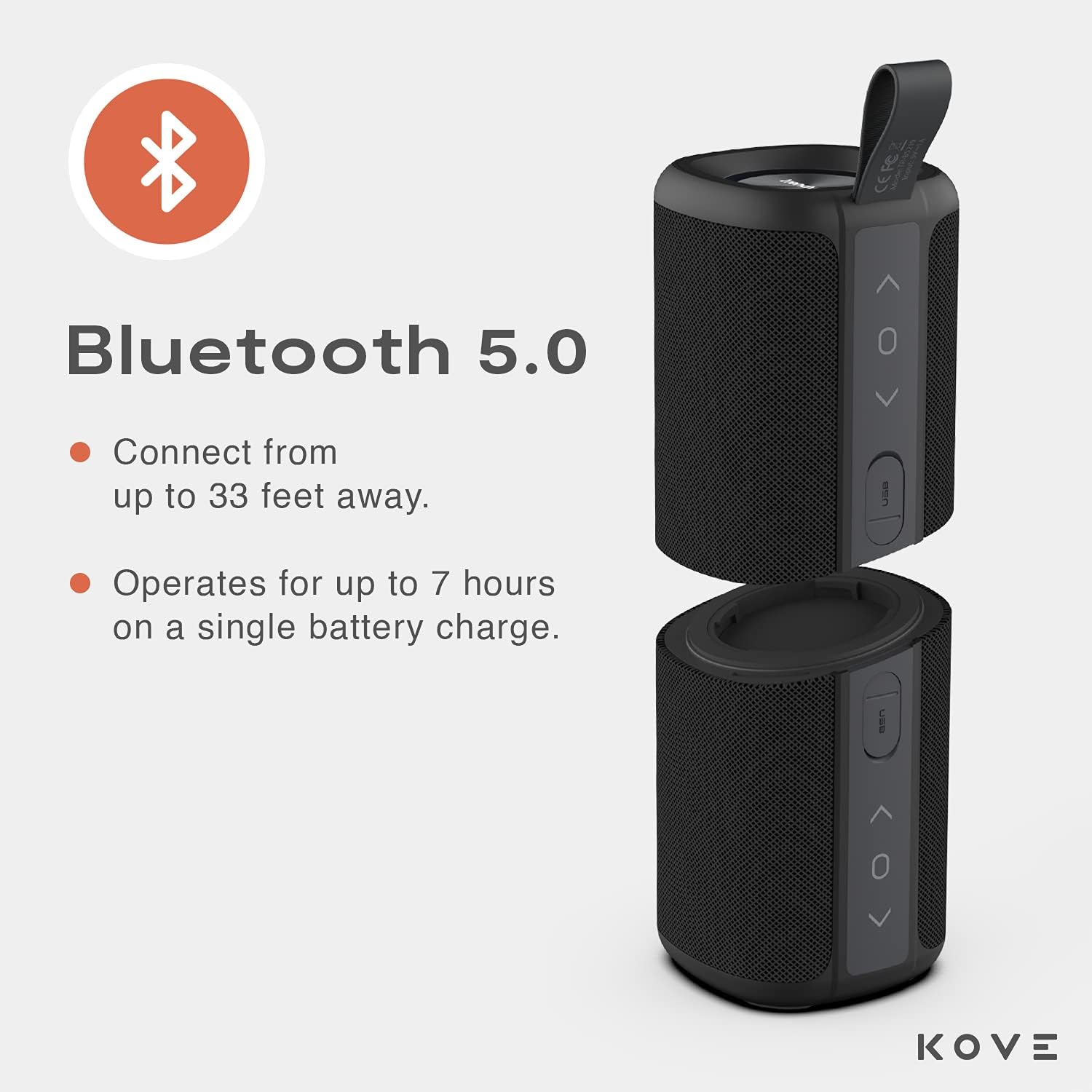
Image: The KOVE Commuter 2 speaker, shown with a microphone icon, highlighting its integrated microphone for hands-free communication when paired with a smartphone.
3. Equalizer Modes
The speaker offers two equalizer modes to optimize sound for different environments. Refer to the specific product documentation for instructions on how to switch between these modes, as the method may vary.
Maintenance
1. Water Resistance (IPX7)
The KOVE Commuter 2 is IPX7 water-resistant, meaning it can withstand immersion in water up to 1 meter for 30 minutes. This makes it suitable for use near water, but it is not designed for prolonged underwater use. Ensure the charging port cover is securely closed before exposure to water.
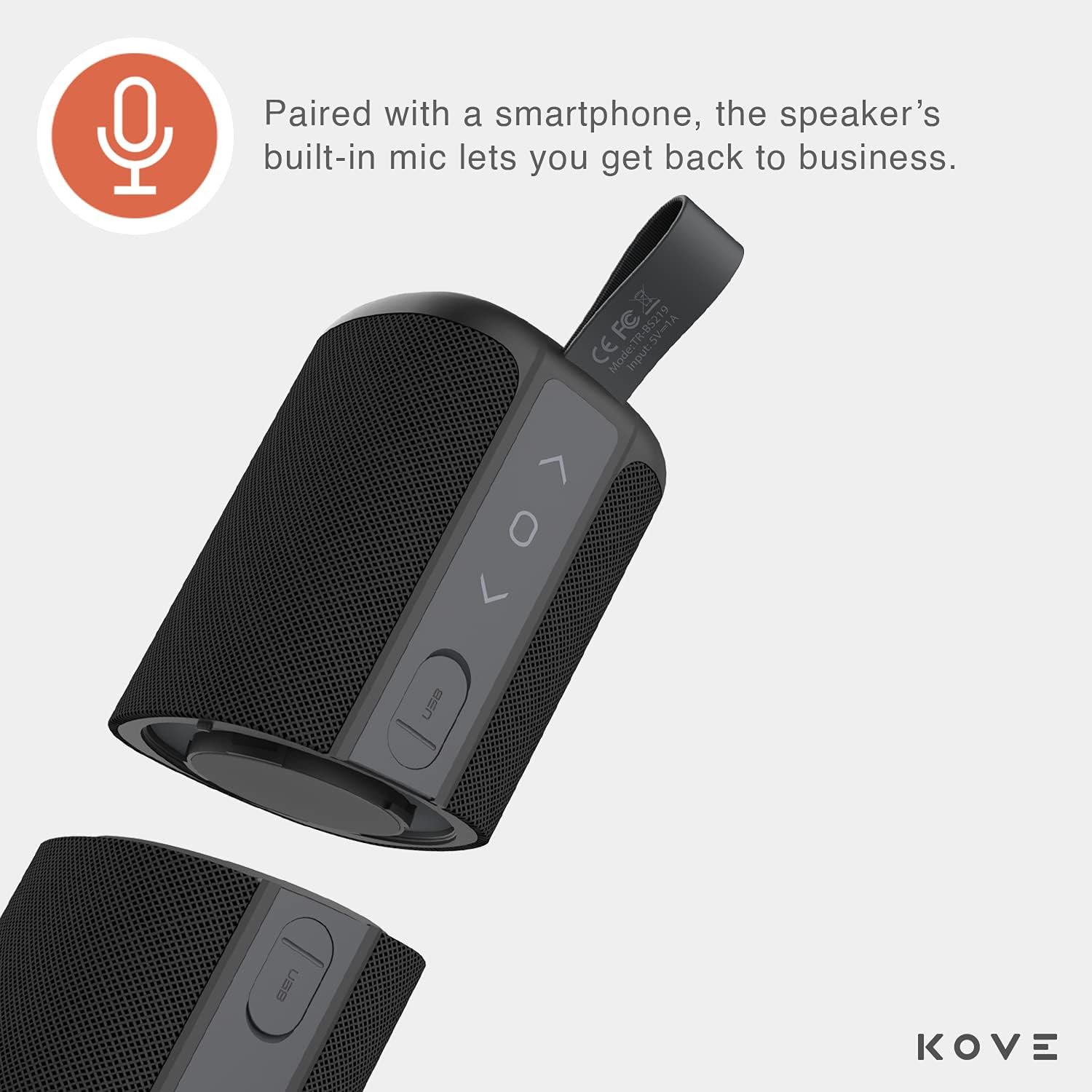
Image: Two individuals holding KOVE Commuter 2 speakers in an outdoor setting, emphasizing the product's IPX7 water-resistant rating, which allows it to withstand splashes and brief submersion.
2. Cleaning
To clean your speaker, use a soft, damp cloth. Avoid using harsh chemicals, solvents, or abrasive cleaners, as these can damage the speaker's finish or internal components.
3. Battery Care
To prolong battery life:
- Avoid fully discharging the battery frequently.
- Store the speaker in a cool, dry place when not in use for extended periods.
- Charge the speaker regularly, even if not in use, to maintain battery health.
Troubleshooting
If you encounter issues with your KOVE Commuter 2 speaker, refer to the following common solutions:
| Problem | Possible Cause | Solution |
|---|---|---|
| Speaker does not power on | Low battery | Charge the speaker using the provided USB cable. |
| Cannot pair via Bluetooth | Speaker not in pairing mode; device Bluetooth off; interference | Ensure speaker is in pairing mode. Turn device Bluetooth off and on. Move closer to the speaker. |
| Only one speaker plays when split | Incorrect pairing sequence for split mode | Ensure only the top speaker (with strap) is initially paired via Bluetooth. Then, power on the second speaker, and it should automatically sync with the first for stereo playback. Avoid attempting to pair both speakers individually to your device simultaneously. |
| Poor sound quality or distortion | Low battery; device volume too high; speaker too far from device | Charge the speaker. Adjust volume on both speaker and device. Move device closer to speaker. |
| Speaker not responding to controls | Temporary software glitch | Power off the speaker, then power it back on. |
Specifications
| Feature | Detail |
|---|---|
| Model Name | Commuter 2 |
| Item Model Number | KA98359-0200 |
| Speaker Type | Dual Speaker |
| Connectivity Technology | Bluetooth 5.0, USB |
| Wireless Communication Technology | Bluetooth |
| Bluetooth Range | Up to 33 Feet (10 meters) |
| Water Resistance Level | IPX7 (Water Resistant) |
| Power Source | Battery Powered (2 Lithium Ion batteries included) |
| Battery Life | Up to 7 hours on a single charge |
| Speaker Maximum Output Power | 100 Watts |
| Audio Output Mode | Stereo, Surround |
| Control Method | Touch |
| Product Dimensions | 3"D x 8"W x 3"H |
| Item Weight | 2 Pounds |
| UPC | 812485027379 |

Image: A diagram showing the dimensions of the KOVE Commuter 2 speaker, measuring 3 inches in depth, 8 inches in width, and 3 inches in height.
Warranty Information
The KOVE Commuter 2 Bluetooth Split Speaker comes with a one-year warranty from the date of purchase. This warranty covers manufacturing defects and workmanship under normal use. It does not cover damage caused by misuse, accidents, unauthorized modifications, or normal wear and tear. Please retain your proof of purchase for warranty claims.
Support
For further assistance, technical support, or warranty inquiries, please visit the official KOVE website or contact their customer service department. Refer to the product packaging or the KOVE website for the most current contact information.
Related documentsKA98359-0200


Ask a question about this manual
Ask about setup, troubleshooting, compatibility, parts, safety, or missing instructions. Manuals+ will review the question and use this page’s manual context to help answer it.