Introduction
Thank you for choosing the Laica LA231 Milan XXL Filter Carafe. This manual provides essential information for the safe and efficient use of your new water filter pitcher. Please read these instructions carefully before first use and keep them for future reference.
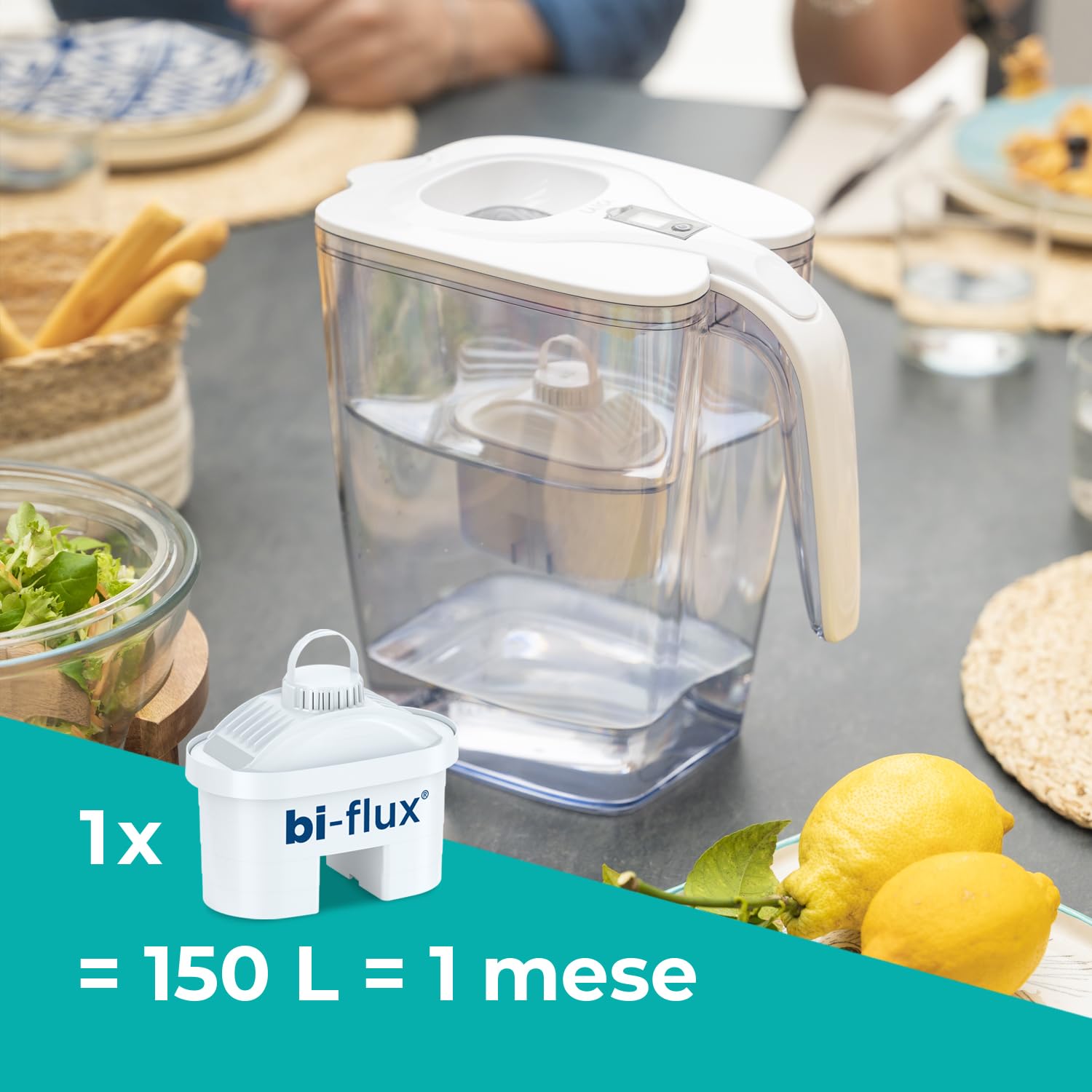
Image: The Laica Milan XXL Filter Carafe in a home setting, highlighting the bi-flux filter cartridge and its capacity of 150 liters or 1 month of use.
Safety Information
- Use only genuine Laica Bi-flux filter cartridges.
- Do not expose the carafe to direct sunlight or extreme temperatures.
- Do not wash the filter cartridge.
- Ensure the carafe is clean before first use and after each filter change.
- Keep out of reach of children.
- This product is designed for filtering potable tap water only.
Product Overview
The Laica Milan XXL Filter Carafe is designed to improve the taste and quality of your tap water by reducing unwanted substances.

Image: Infographic illustrating the benefits of using the Laica filter carafe, including impurity removal, mineral preservation, improved taste, portability, and reduced plastic waste.
Key Features:
- Total Capacity: 3.7 Liters
- Filtered Water Capacity: 2.2 Liters
- Filter Type: Laica Bi-flux (1 filter included)
- Filter Life Indicator: Electronic indicator on the lid
- Quick-Fill Lid: Automatic flap for easy refilling
Setup and First Use
- Unpack: Carefully remove all components from the packaging.
- Wash: Wash the carafe, lid, and inner funnel with warm soapy water. Rinse thoroughly. Do not wash the filter cartridge.
- Prepare Filter: Submerge the new Laica Bi-flux filter cartridge in cold water for approximately 15 minutes to remove any air bubbles.
- Insert Filter: Insert the prepared filter cartridge firmly into the funnel opening. Ensure it is seated correctly to prevent unfiltered water from bypassing it.
- Assemble: Place the funnel with the filter into the carafe. Attach the lid securely.
- Initial Filtration: Fill the carafe with tap water. Discard the first two filtered batches of water. This primes the filter.
- Set Filter Indicator: Activate or reset the electronic filter life indicator on the lid according to the instructions provided with the filter cartridge.

Image: A hand refilling the Laica Milan XXL Filter Carafe directly from a tap, demonstrating the quick-fill lid feature.
Operating Instructions
To filter water:
- Open the quick-fill flap on the lid.
- Place the carafe under a running tap and fill the upper funnel with cold tap water.
- Allow the water to filter through the cartridge into the main reservoir.
- Once filtered, the water is ready for consumption.
The Laica Bi-flux filter system is designed to reduce:
- Heavy metals
- Chlorine
- Chlorinated organic solvents
- Chemical contaminants
- Certain pesticides and chlorinated herbicides
- Trihalomethanes

Image: A detailed view of the Laica Bi-flux filter cartridge, listing the various impurities it removes from tap water.
Maintenance
Cleaning the Carafe:
- Wash the carafe, lid, and funnel regularly with warm soapy water.
- Rinse all parts thoroughly with clean water.
- Do not use abrasive cleaners or scourers.
- The electronic filter indicator on the lid should not be submerged in water. Clean it with a damp cloth.
Filter Replacement:
The Laica Bi-flux filter cartridge should be replaced every 150 liters or approximately once a month, whichever comes first. The electronic indicator on the lid will remind you when it's time to change the filter.

Image: A close-up view of the electronic filter replacement indicator on the Laica carafe lid, displaying its digital interface.
- Remove the old filter cartridge from the funnel.
- Dispose of the old filter responsibly.
- Prepare a new filter cartridge as described in the "Setup and First Use" section (submerge in cold water).
- Insert the new filter into the funnel.
- Reset the electronic filter life indicator.
- Perform initial filtration by discarding the first two batches of filtered water.
Troubleshooting
| Problem | Possible Cause | Solution |
|---|---|---|
| Water filters slowly. | Filter cartridge is clogged or nearing end of life. | Replace the filter cartridge. Ensure the new filter is properly primed. |
| Water taste has not improved. | Filter cartridge is exhausted or not installed correctly. | Ensure the filter is firmly seated. Replace the filter if it's old. Discard initial filtered water batches. |
| Water leaks from the side of the filter. | Filter cartridge not properly inserted. | Remove and re-insert the filter cartridge, ensuring a tight seal. |
| Filter indicator not working. | Battery issue or malfunction. | Check if the indicator needs a battery replacement (if applicable, though product specs say non-electric). If not battery-operated, contact customer support. |
Specifications
- Model: LA231
- Brand: Laica
- Total Capacity: 3.7 Liters
- Filtered Water Capacity: 2.2 Liters
- Material: Plastic
- Color: Red
- Dimensions (L x W x H): 18 x 25 x 27 cm
- Weight: 1.16 Kilograms
- Special Feature: Filter change indicator
- Installation Method: Countertop
- Power Source: Non-electric
- Components Included: Carafe, Filter
- Filter Life: 150 Liters or 1 Month (approx.)
Warranty and Support
For warranty information and customer support, please refer to the documentation included with your purchase or visit the official Laica website. Keep your proof of purchase for warranty claims.
For further assistance, you may also refer to the QR code on the product packaging or visit www.laica.com/manuals.


