
Introduction
This manual provides essential information for the safe and efficient operation of your BONECO U50 Personal Ultrasonic Humidifier. Please read it thoroughly before first use and keep it for future reference.
Product Overview
The BONECO U50 is a compact ultrasonic humidifier designed to provide a microfine mist, improving air humidity in personal spaces such as offices, bedrooms, or cars. It features low-noise operation, LED lighting, and an automatic shut-off function.

Image: Front view of the BONECO U50 Personal Ultrasonic Humidifier, showing the mist outlet, control button, and water level indicator.

Image: Rear view of the BONECO U50 Personal Ultrasonic Humidifier, highlighting the USB-C connection port.

Image: Disassembled view of the BONECO U50, showing the top unit with the cotton stick, the water tank, and the base unit.
Safety Instructions
- Always place the humidifier on a stable, flat surface.
- Do not immerse the unit in water or other liquids.
- Keep out of reach of children and pets.
- Use only clean, fresh tap water. Distilled water is recommended to prevent mineral buildup.
- Unplug the unit before cleaning or refilling.
- Do not block the mist outlet.
- Do not use essential oils directly in the water tank, as this may damage the unit.
- Ensure the USB-C connection is dry before plugging in.
Setup
- Unpack: Carefully remove all components from the packaging.
- Assemble:
- Ensure the cotton stick is properly inserted into the top unit. The cotton stick guides water from the tank to the ultrasonic membrane.
- Place the top unit onto the water tank.
- Fill Water Tank:
- Remove the top unit.
- Fill the water tank with clean, fresh tap water up to the maximum fill line. Do not overfill.
- Replace the top unit securely.
- Connect Power: Plug the USB-C cable into the port on the back of the unit and connect the other end to a compatible USB power source (e.g., computer, USB wall adapter).

Image: Diagram illustrating the main components of the BONECO U50, including the top unit, cotton stick, water tank, and USB-C connection.
Operating Instructions
The BONECO U50 features simple one-button operation.
- Power On/Mist Level 1: Press the control button once to turn on the humidifier at the first mist level. The LED light will illuminate.
- Mist Level 2: Press the control button a second time to switch to the second, higher mist level.
- Power Off: Press the control button a third time to turn off the humidifier.
- LED Light Control: The humidifier features different color modes for the LED light. Refer to the specific product documentation for detailed instructions on changing LED light modes, if applicable.
- Automatic Shut-off: The unit will automatically shut off when the water tank is empty. Red LEDs will signal that the appliance needs to be refilled.

Image: Close-up view of the BONECO U50, highlighting the single control button for operation and the water level indicator.
Maintenance
Regular cleaning and maintenance ensure optimal performance and longevity of your humidifier.
- Daily Maintenance:
- Empty and rinse the water tank daily.
- Wipe down the inside of the tank and the ultrasonic membrane with a soft cloth.
- Weekly Cleaning:
- Unplug the unit.
- Remove the top unit and cotton stick.
- Clean the water tank and base thoroughly with a mild detergent and a soft brush (a cleaning brush is included).
- Rinse all components thoroughly to remove any soap residue.
- Pay special attention to the ultrasonic membrane, gently wiping it to remove any mineral deposits. Do not scrub or use abrasive materials.
- Replace the cotton stick if it appears discolored or hardened.
- Allow all parts to air dry completely before reassembling.
- Descaling: If mineral deposits (white dust) accumulate, descale the unit using a descaling solution suitable for humidifiers or a mixture of white vinegar and water. Follow the descaling product's instructions or soak components in a 1:1 mixture of white vinegar and water for 30 minutes, then rinse thoroughly.

Image: The BONECO U50 showing how the USB-C connection cable can be stored within the device for portability, also indicating the integrated seal for leak-free transport.
Troubleshooting
| Problem | Possible Cause | Solution |
|---|---|---|
| No mist output |
|
|
| Red LED light is on | Water tank is empty | Refill water tank |
| Unusual odor | Stagnant water or mineral buildup | Clean the water tank and all components thoroughly. Use fresh water daily. |
| Excessive white dust | Hard water used | Use distilled or demineralized water. Descale the unit regularly. |
Specifications
- Model: U50
- Brand: BONECO
- Operation Mode: Ultrasonic
- Color: White
- Special Features: Auto Shut Off, Quiet Operation, LED Lights
- Item Weight: 0.34 Kilograms (12 ounces)
- Room Type: Bedroom, Living Room, Office (Personal spaces)
- Included Components: Water filter (cotton stick), Cleaning brush, User manual
- Voltage: 5 Volts (USB powered)
- UPC: 834546001715
- Package Dimensions: 5.98 x 4.33 x 4.25 inches
- Water Tank Size: 8 oz (approx. 0.24 Liters)
- Output: Up to 1.5 Liters daily (requires multiple refills)
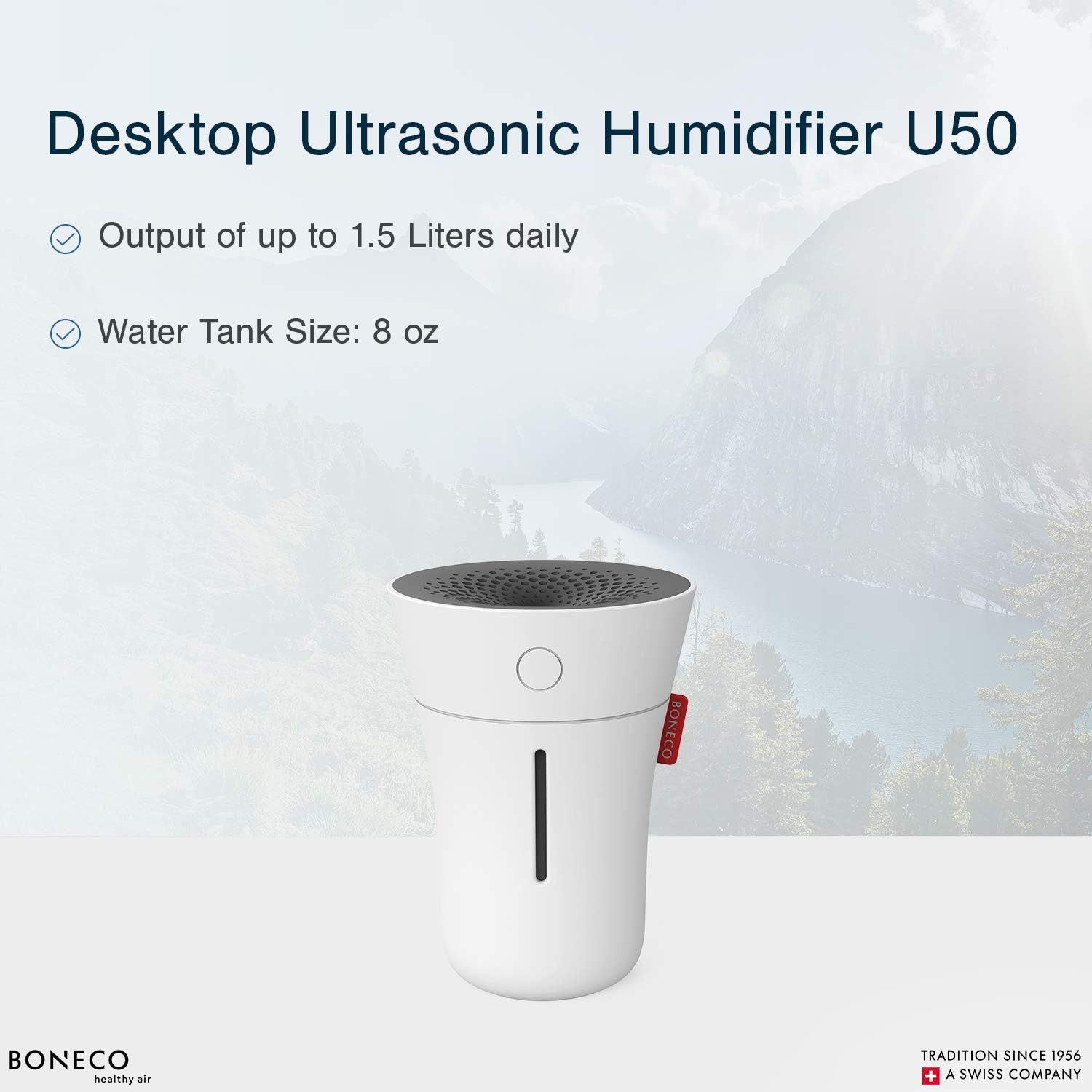
Image: Infographic detailing the BONECO U50's output of up to 1.5 liters daily and an 8 oz water tank size.
Warranty and Support
For warranty information and customer support, please refer to the official BONECO website or contact their customer service directly. Keep your purchase receipt as proof of purchase.
Manufacturer: BONECO AG, Switzerland
Website: www.boneco.com


