
1. Introduction
Welcome to the user manual for your HAYLOU GT1 Wireless EarBuds. These in-ear touch Bluetooth earphones are designed to provide a superior audio experience with stable signal transmission, lower latency, and efficient power consumption. Featuring a comfortable in-ear design and intuitive touch controls, the GT1 earbuds are perfect for an active lifestyle, offering IPX5 water and sweat protection.

Image: The HAYLOU GT1 Wireless EarBuds, showcasing both earbuds and their compact charging case.
2. Product Features
- Crystal Clear Calls: Equipped with double-sided microphones for superior call clarity.
- Quick and Easy Installation: Designed for hassle-free setup and immediate use.
- IPX5 Water and Sweat Protection: Industrial-level protection against water and sweat, ideal for workouts and outdoor activities.
- Advanced Bluetooth 5.0: Ensures stable signal transmission, lower latency, and reduced power consumption for a synchronized audio experience.
- Easy Touch Control: Intuitive touch controls replace traditional push buttons for comfortable and effortless operation.

Image: A finger interacting with the touch control surface of a HAYLOU GT1 earbud.
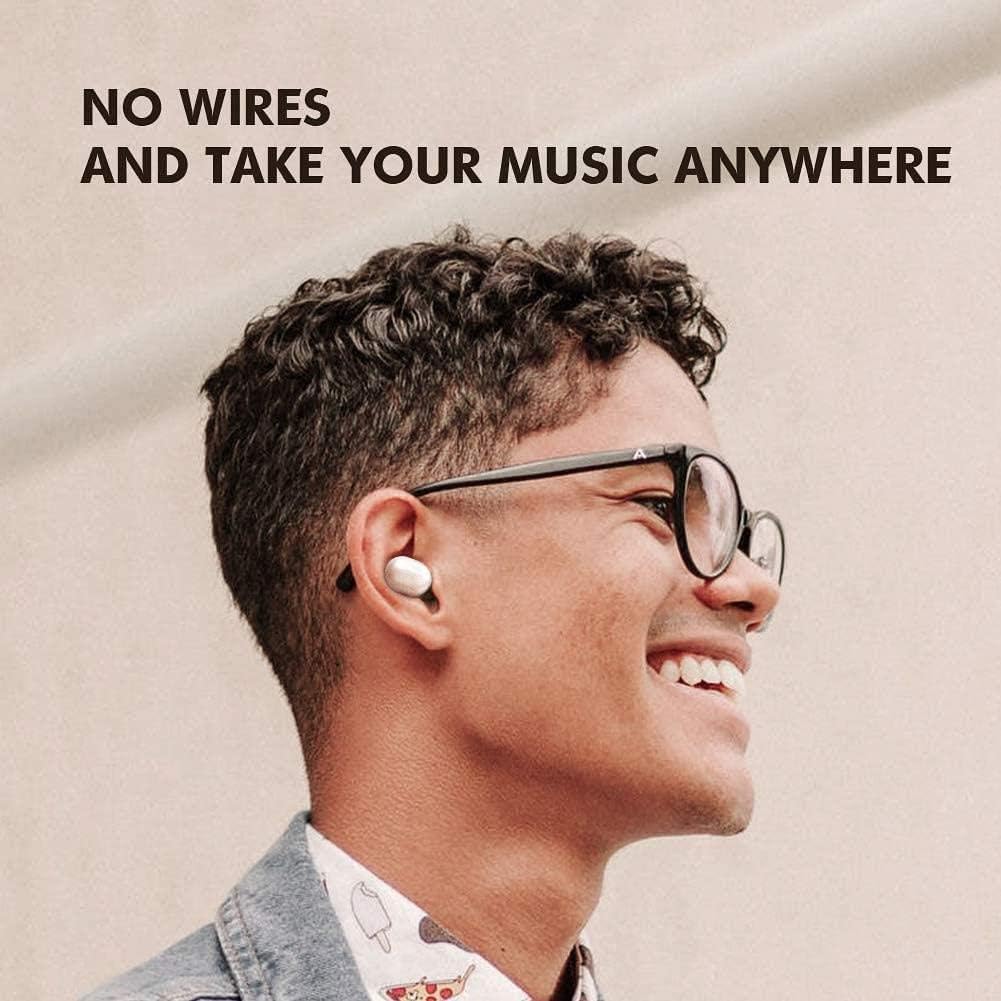
Image: A person wearing the HAYLOU GT1 earbuds, illustrating their wireless freedom and comfortable fit.
Video: An official product video showcasing the key features and design of the Haylou GT1 Wireless Earbuds.
3. Package Contents
Upon opening your HAYLOU GT1 Wireless EarBuds package, you should find the following items:
- HAYLOU GT1 Wireless EarBuds (Left and Right)
- Charging Case
- USB Charging Cable
- Multiple Sizes of Ear Tips (S, M, L)
- User Manual

Image: The HAYLOU GT1 earbuds placed next to their open charging case, showing the compact design.
4. Setup
4.1 Charging the Earbuds and Case
- Place the earbuds into the charging case, ensuring they are properly seated. The indicator lights on the earbuds will show their charging status.
- Connect the USB charging cable to the charging port on the case and plug the other end into a USB power source (e.g., computer, wall adapter).
- The indicator light on the charging case will illuminate to show it is charging. Once fully charged, the light may change color or turn off.

Image: A close-up view of the HAYLOU GT1 earbuds inside their charging case, highlighting the charging contacts.
4.2 Pairing with Your Device
- Take both earbuds out of the charging case. They will automatically power on and enter pairing mode.
- On your smartphone or Bluetooth-enabled device, go to the Bluetooth settings.
- Search for available devices and select "Haylou-GT1" from the list.
- Once connected, you will hear a confirmation tone, and the earbuds' indicator lights will turn off or flash slowly.
- If pairing fails, place the earbuds back into the case, close the lid, and then repeat the steps.

Image: A smartphone screen showing the Bluetooth settings, with the HAYLOU GT1 earbuds successfully connected.
5. Operating Instructions
5.1 Touch Controls
The HAYLOU GT1 earbuds feature intuitive touch controls on each earbud. Refer to the following table for common functions:
| Action | Left Earbud | Right Earbud |
|---|---|---|
| Play/Pause | Single Tap | Single Tap |
| Next Track | N/A | Double Tap |
| Previous Track | Double Tap | N/A |
| Answer/End Call | Single Tap | Single Tap |
| Reject Call | Long Press (1s) | Long Press (1s) |
| Activate Voice Assistant | Triple Tap | Triple Tap |
Note: Functions may vary slightly depending on your connected device and operating system.
6. Maintenance
6.1 Cleaning
- Regularly clean the earbuds and charging case with a soft, dry, lint-free cloth.
- Do not use abrasive cleaners, alcohol, or chemical solvents.
- Gently clean the charging contacts on both the earbuds and the case to ensure proper charging.
6.2 Storage
- When not in use, store the earbuds in their charging case to protect them and keep them charged.
- Store the device in a cool, dry place, away from extreme temperatures and direct sunlight.
7. Troubleshooting
If you encounter issues with your HAYLOU GT1 Wireless EarBuds, please refer to the following common solutions:
- Earbuds not pairing: Ensure both earbuds are charged. Place them back in the case, close the lid, then open it and try pairing again. Make sure Bluetooth is enabled on your device and no other devices are connected to the earbuds.
- No sound from one earbud: Try resetting the earbuds by placing them in the case and then taking them out. Re-pair them with your device. Ensure both earbuds have sufficient charge.
- Charging issues: Check if the charging cable is securely connected to both the case and the power source. Ensure the charging contacts on the earbuds and inside the case are clean and free of debris.
- Low volume or poor sound quality: Adjust the volume on your connected device. Ensure the ear tips are the correct size for a snug fit, providing optimal sound isolation. Clean any earwax buildup from the earbud nozzles.
- Earbuds disconnect frequently: Ensure your device is within the Bluetooth range (typically 10 meters/33 feet) and there are no significant obstacles between the earbuds and your device.
If the problem persists after trying these steps, please contact HAYLOU customer support for further assistance.
8. Specifications
| Feature | Detail |
|---|---|
| Model Name | GT1 |
| Brand | HAYLOU |
| Connectivity Technology | Bluetooth 5.0 |
| Ear Placement | In Ear |
| Form Factor | In Ear |
| Material | Plastic |
| Water Protection | IPX5 (Water and Sweat Resistant) |
| Product Dimensions | 3.54 x 4.41 x 1.57 inches |
| Item Weight | 1.01 pounds |
| Batteries | 1 Lithium Ion battery (included) |
9. Warranty and Support
HAYLOU products are manufactured to the highest quality standards. For information regarding warranty coverage, technical support, or service inquiries, please refer to the warranty card included in your product packaging or visit the official HAYLOU website.
Keep your proof of purchase for warranty claims.