
Introduction
This manual provides detailed instructions for the proper use and maintenance of your SYNCO Lav-S6E Omnidirectional Lavalier Microphone. Please read this manual thoroughly before operating the device to ensure optimal performance and longevity.
Product Overview and Key Features
The SYNCO Lav-S6E is an omnidirectional lavalier microphone designed for clear audio recording across various devices. Its key features include:
- Auto-pairing Technology: Equipped with two built-in microchips for automatic recognition and flexible pairing between 3.5mm TRRS and 3.5mm TRS audio input devices. This eliminates the need for external adapters, offering plug-and-play functionality.
- Clear Working Status Indicator: An integrated indicator light allows for real-time monitoring of the microphone's operational status and connection, ensuring you are aware of its state during recording.
- Omnidirectional Pickup Pattern: Features a 360-degree sound pickup range and a high-sensitivity condenser microphone head, designed to capture sound comprehensively.
- Wide Compatibility: Compatible with iOS/Android smartphones, cameras, laptops, PCs, and other devices equipped with 3.5mm jacks.
- Advanced Noise Handling: Utilizes upgraded circuitry to achieve low self-noise and actively reduce ambient noise below 70Hz, providing clear and focused audio.
What's in the Box
Upon opening the package, verify that all components are present:
- SYNCO Lav-S6E Lavalier Microphone
- Lithium Ion Battery
- Note: Additional accessories such as a windscreen and lapel clip are typically included with lavalier microphones. Please check your packaging.
Setup Instructions
- Insert Battery: Ensure the Lithium Ion battery is correctly inserted into the microphone's power module.
- Connect to Device:
- For devices with a 3.5mm TRRS or TRS jack (smartphones, cameras, laptops, PCs), simply plug the microphone's 3.5mm connector into the audio input port. The microphone's auto-pairing technology will detect the device type.
- For iPhone 7 and later models, use the 3.5mm-to-Lightning adapter provided with your iPhone.
- Some Android smartphones may require downloading an external video recording application for the microphone to function correctly.
- Monitor Status: Observe the indicator light on the microphone's power module. A steady light indicates a successful connection and operational status.
- Attach Microphone: Securely clip the lavalier microphone to your clothing, approximately 6-8 inches (15-20 cm) from your mouth, to capture optimal sound. Ensure it is not rubbing against clothing, which can cause unwanted noise.

Image: The SYNCO Lav-S6E microphone features auto-pairing technology, allowing direct connection to both cameras and smartphones without additional adapters.
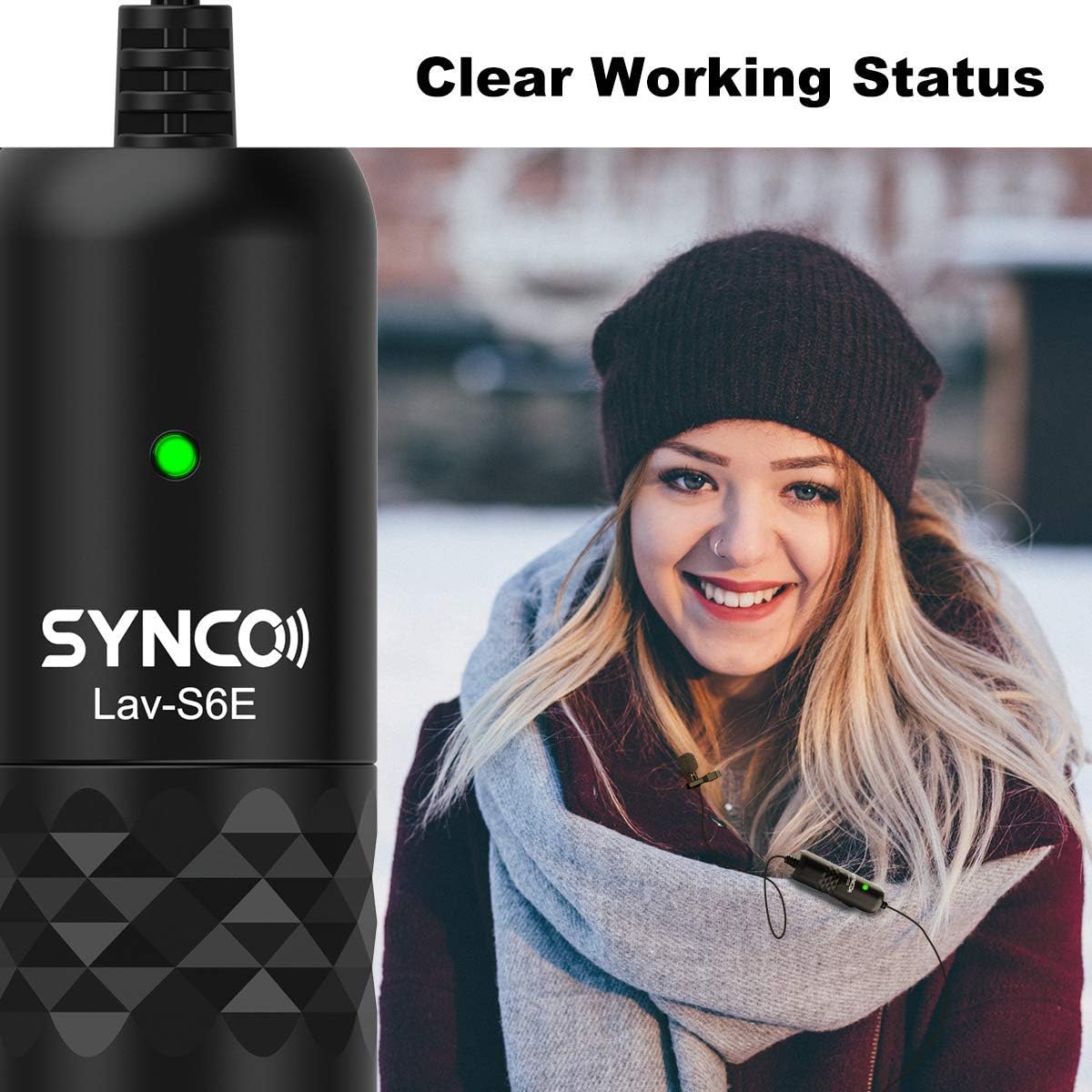
Image: The microphone's indicator light provides a clear visual cue of its working status.

Image: The SYNCO Lav-S6E offers wide compatibility with various recording devices.
Operating Instructions
- Positioning: For optimal sound capture, position the microphone on your lapel or collar. Ensure the omnidirectional capsule is facing outwards and is not obstructed by clothing or accessories.
- Recording: Once connected and the indicator light is active, begin recording on your chosen device (smartphone, camera, laptop, PC).
- Monitoring Audio: If your recording device allows, use headphones to monitor the audio input during recording to ensure clear sound and proper microphone placement.
- Cable Management: The 6-meter (19.7-foot) cable provides flexibility. Manage the cable to prevent tangling or accidental disconnections during use.

Image: The omnidirectional pickup pattern captures sound from all directions, suitable for group discussions or interviews.

Image: The microphone's advanced noise processing helps to clarify audio by reducing ambient sounds.
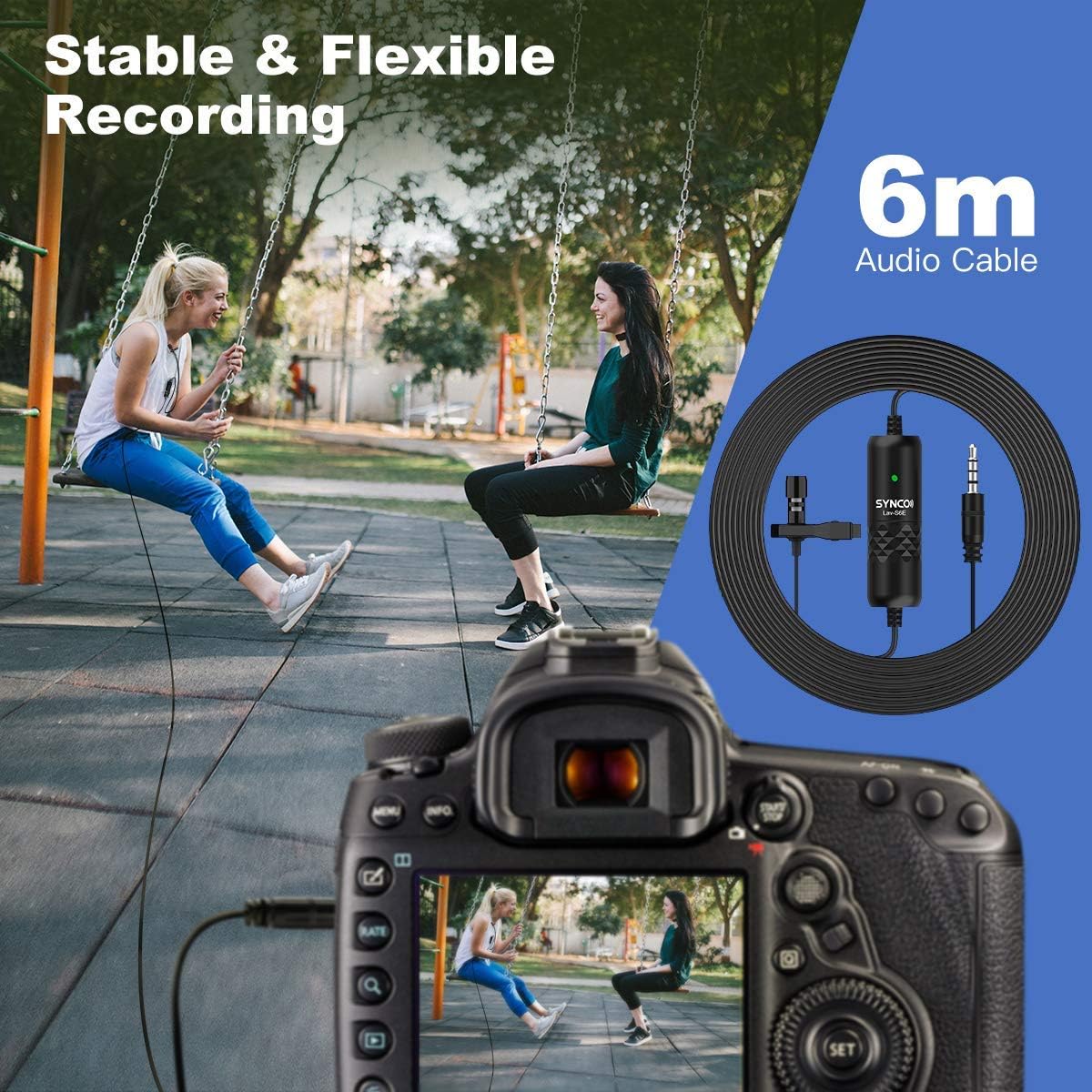
Image: The 6-meter audio cable provides ample length for flexible recording setups.
Troubleshooting
- No Sound or Low Volume:
- Ensure the microphone is securely plugged into the device's audio input.
- Check the battery level and ensure it is correctly inserted.
- Verify the indicator light is active.
- Adjust the input volume settings on your recording device.
- For smartphones, confirm that the correct audio input source is selected in your recording app.
- Static or Unwanted Noise:
- Ensure the microphone is not rubbing against clothing or other objects.
- Check for electromagnetic interference from other electronic devices.
- The microphone has advanced noise handling; however, very loud ambient noise may still be picked up. Try to record in quieter environments.
- Inspect the cable for any damage or kinks.
- Compatibility Issues:
- For iPhone 7 and newer, confirm you are using the official 3.5mm-to-Lightning adapter.
- For some Android devices, try using a third-party recording application if the native camera app does not recognize the microphone.
Maintenance
- Cleaning: Use a soft, dry cloth to clean the microphone and cable. Avoid using liquid cleaners or solvents.
- Storage: Store the microphone in a cool, dry place away from direct sunlight and extreme temperatures.
- Cable Care: Avoid sharp bends or excessive pulling on the cable to prevent internal damage.
- Battery Replacement: Replace the Lithium Ion battery as needed to ensure consistent performance.
Specifications
| Model Number | S6E |
| Item Weight | 4.6 ounces |
| Package Dimensions | 5.24 x 5.16 x 1.73 inches |
| Cable Length | 6 meters / 19.7 feet |
| Connector Type | 3.5mm TRRS/TRS (Auto-pairing) |
| Pickup Pattern | Omnidirectional (360-degree) |
| Compatible Devices | Smartphones (iOS/Android), Cameras, Laptops, PCs |
| Power Source | Battery Powered (Lithium Ion) |
| Material Type | Metal |
Warranty and Support
For warranty information and technical support, please refer to the official SYNCO website or contact their customer service directly. Keep your purchase receipt as proof of purchase for warranty claims.
Manufacturer: SYNCO
Website: Visit the SYNCO Store on Amazon


