
1. Overview
The Thule Subterra Backpack 23L is designed for versatile use, offering robust protection and organization for your daily essentials, electronics, and travel gear. Constructed from durable 800D nylon, this backpack is suitable for work, school, or travel, providing comfort and functionality.
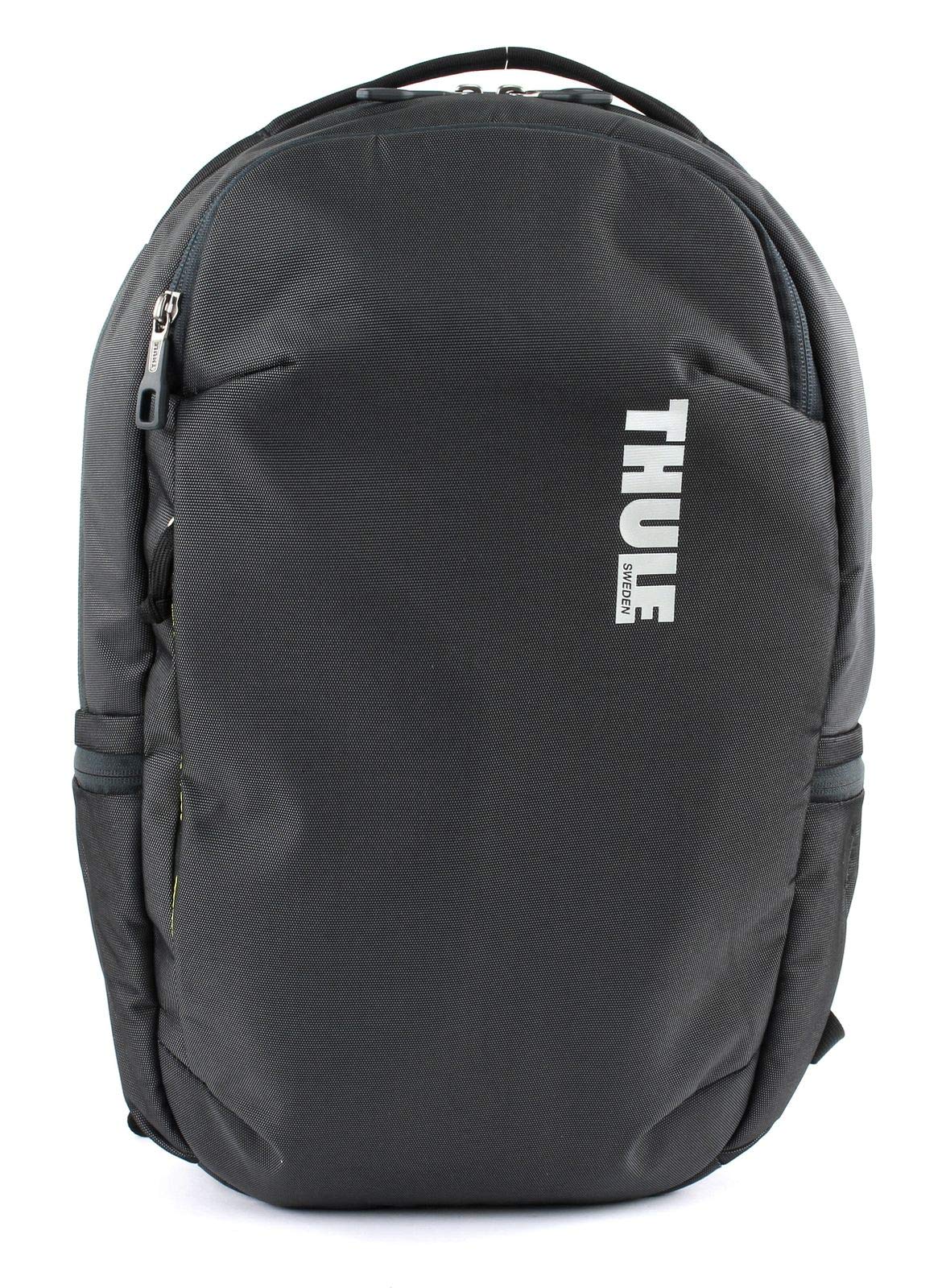
Figure 1: Front view of the Thule Subterra Backpack 23L in Dark Shadow.
2. Key Features
- Padded Laptop Sleeve: Protects laptops up to 15.6 inches (15" MacBook Pro or 15.6" PC) with SafeEdge construction. Laptop compartment dimensions: 15.2 x 1.2 x 10.4 inches.
- Dedicated Tablet Pocket: Soft-lined storage pocket for tablets.
- Internal PowerPocket: Neatly organizes charger cords between your device and mobile charger.
- Comfortable Carry: Features breathable perforated EVA shoulder straps with mesh covering and a padded back panel for enhanced comfort.
- Adjustable Sternum Strap: Stabilizes backpack straps and increases comfort, removable for customization.
- Luggage Pass-Through Panel: Allows the backpack to be securely attached to rolling luggage for easier travel.
- Side Water Bottle Pockets: Two expandable pockets for water bottles or other quick-access items.
- Durable Material: Constructed from 800D nylon for long-lasting use.
Feature Highlights
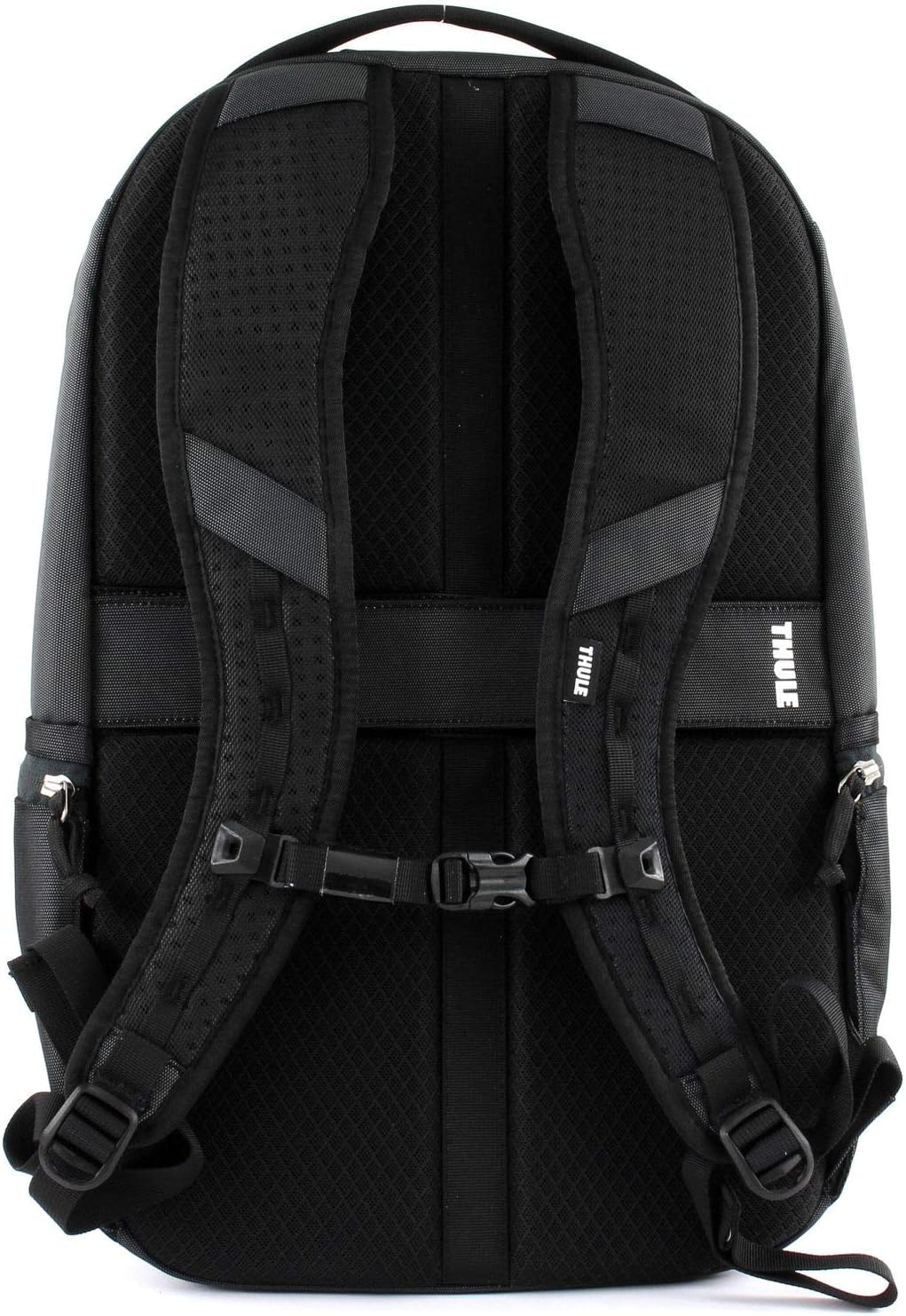
Figure 2: Back view showcasing the padded shoulder straps and back panel for comfort.

Figure 3: Angled back view highlighting the luggage pass-through panel.
Product Video
Video 1: Official product overview of the Thule Subterra Backpack, demonstrating key features and compartments.
3. Setup and Adjustment
- Adjust Shoulder Straps: Loosen all straps and put on the backpack. Pull the bottom ends of the shoulder straps to tighten until the backpack sits comfortably on your back, with the weight distributed evenly.
- Adjust Sternum Strap: Fasten the sternum strap across your chest. Adjust its height and tension to stabilize the shoulder straps and prevent them from slipping. This enhances comfort, especially when carrying heavier loads.
- Load Distribution: Place heavier items closer to your back and higher in the main compartment to maintain balance and reduce strain.
4. Operation and Usage
4.1 Main Compartment
The main compartment offers ample space for books, clothing, or larger items. Utilize the internal organization pockets for smaller accessories.
4.2 Laptop and Tablet Access
- Laptop Sleeve: Your laptop can be inserted into the padded sleeve from the top opening of the main compartment. The SafeEdge construction ensures protection from impacts.
- Tablet Pocket: A dedicated soft-lined pocket is available for your tablet, protecting it from scratches.
- Side Access: For quick retrieval, the laptop compartment can also be accessed via a side zipper, allowing you to remove your device without fully opening the main compartment.
4.3 PowerPocket and Organization
- PowerPocket: Use the internal PowerPocket to store your mobile charger and neatly route charging cables to your devices, keeping them organized and accessible.
- Front Panel Organizer: The front zippered compartment features multiple pockets for pens, cards, keys (with a key leash clip), and other small items.
4.4 External Pockets
- Side Water Bottle Pockets: The two side pockets are expandable to accommodate various bottle sizes, such as a 32oz Nalgene bottle.
4.5 Travel Integration
- Luggage Pass-Through: When traveling with rolling luggage, slide the backpack's pass-through panel over the handle of your suitcase to secure it, reducing the burden on your back and shoulders.
5. Care and Maintenance
- Cleaning: For general cleaning, wipe the backpack with a damp cloth and mild soap. Avoid harsh detergents or bleach, as these can damage the fabric.
- Spot Cleaning: For stubborn stains, use a soft brush and a small amount of mild soap. Rinse thoroughly with clean water and air dry.
- Drying: Always air dry your backpack completely before storing it to prevent mold and mildew. Do not machine wash or tumble dry.
- Storage: Store the backpack in a cool, dry place away from direct sunlight when not in use.
- Zipper Care: Keep zippers clean and free of debris. If a zipper becomes stiff, apply a small amount of zipper lubricant or wax.
6. Troubleshooting
| Issue | Possible Cause | Solution |
|---|---|---|
| Zipper is stuck or difficult to move. | Dirt, debris, or lack of lubrication. | Clean the zipper teeth with a small brush. Apply zipper lubricant or a graphite pencil to the teeth. |
| Backpack feels uncomfortable or heavy. | Improper strap adjustment or uneven weight distribution. | Adjust shoulder and sternum straps for a snug fit. Redistribute contents, placing heavier items closer to your back. |
| Water bottle falls out of side pocket. | Pocket stretched or bottle too small/large. | Ensure the bottle is securely placed. The elasticized pockets are designed to hold various sizes, but extreme sizes may not fit perfectly. |
7. Specifications
| Feature | Detail |
|---|---|
| Brand | Thule |
| Model Name | Subterra Backpack 23L |
| Model Number | 3203437 |
| Capacity | 23 Liters |
| Color | Dark Shadow |
| Material | 800D Nylon |
| Item Weight | 0.96 Kilograms |
| Item Dimensions (LxWxH) | 12.2 x 8.7 x 19.7 inches |
| Laptop Compartment Dimensions | 15.2 x 1.2 x 10.4 inches |
| Manufacturer | Thule, Inc. |
| Included Components | 1 Backpack |
8. Warranty and Support
Thule products are known for their quality and durability. For specific warranty information, please refer to the official Thule website or the warranty card included with your purchase. For product support, spare parts, or service inquiries, please contact Thule customer service directly through their official channels.
Always ensure you purchase from authorized retailers to guarantee product authenticity and warranty coverage.


