
Introduction
This manual provides detailed instructions for the assembly, operation, and maintenance of your SuperEye MD6500 Professional Waterproof Metal Detector. Designed for high accuracy and versatility, this detector features a 10-inch IP68 waterproof coil, a large LCD display, and an advanced DSP chip for efficient detection of various metals, including gold and silver. Please read this manual thoroughly before using the device to ensure proper function and safety.

Figure 1: SuperEye MD6500 Professional Waterproof Metal Detector, showing the main unit with control panel, adjustable stem, and search coil.
Safety Information
- Always operate the metal detector responsibly and in accordance with local laws and regulations.
- Avoid using the detector near active electrical lines or in areas with known underground utilities.
- The search coil is waterproof (IP68), but the control panel is not. Do not submerge the control panel.
- Ensure all connections are secure before operation.
- Use appropriate personal protective equipment, such as gloves, when digging.
- Keep the device away from extreme temperatures and direct sunlight for prolonged periods.
- This product requires 6xAA batteries, not included. Ensure correct battery polarity when inserting.
Package Contents
Please verify that all items listed below are present in your package:
- Main Control Unit with LCD Display
- 10-inch IP68 Waterproof Search Coil
- Adjustable Stem (Upper, Middle, Lower sections)
- Armrest
- Handgrip
- Fasteners (screws, nuts, washers)
- User Manual (this document)
Assembly
Follow these steps to assemble your SuperEye MD6500 metal detector. For a visual guide, please refer to the installation video below.
Video 1: SuperEye MD6500 Metal Detector Installation Guide. This video demonstrates the step-by-step assembly process of the metal detector, including attaching the search coil, adjustable stem, handle, control panel, and armrest, and inserting the battery.
1. Install the Search Coil
Attach the 10-inch waterproof search coil to the lower stem using the provided bolt and nut. Ensure it is securely fastened but allows for slight angle adjustment.
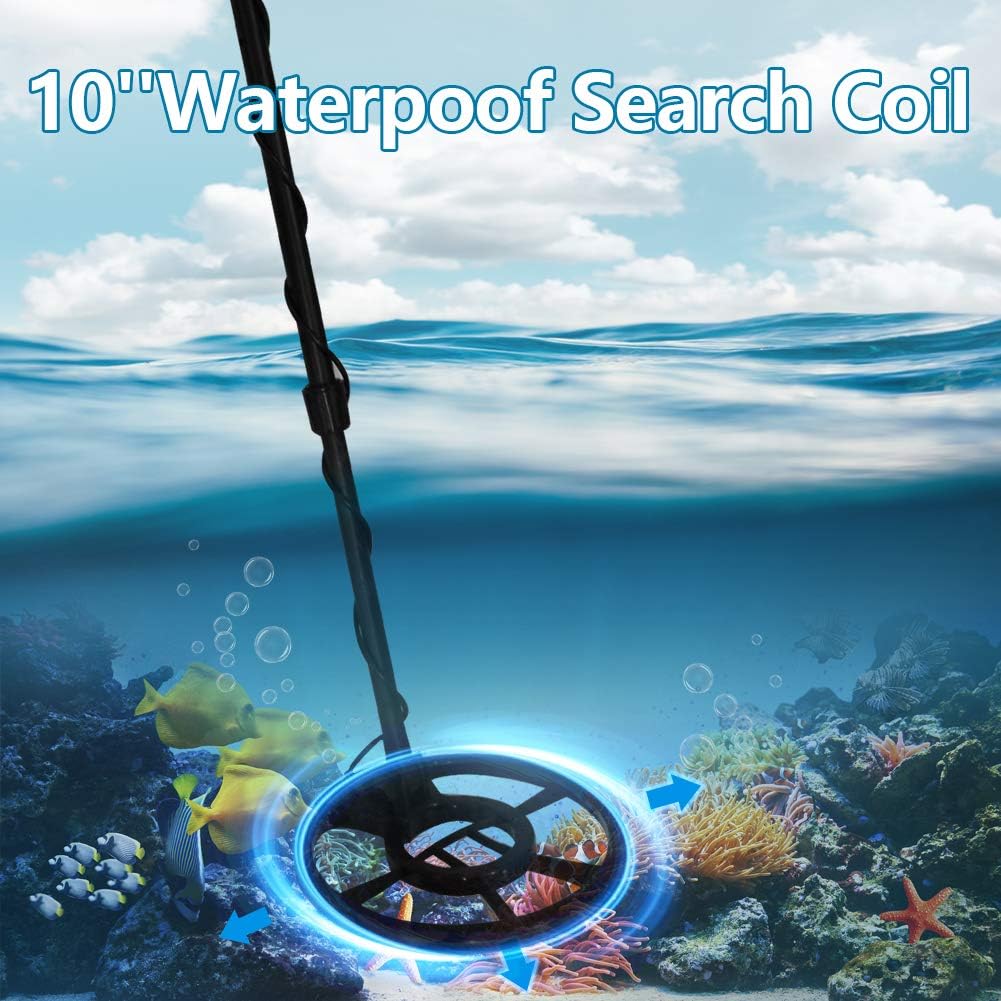
Figure 2: The 10-inch waterproof search coil, designed for underwater use up to the coil itself.
2. Install the Adjustable Stem
Connect the middle stem to the lower stem, and then the upper stem to the middle stem. The stem is adjustable from 43 to 53 inches to accommodate users of different heights. Secure the sections by twisting or locking mechanisms.

Figure 3: The adjustable stem, illustrating its length range from 43 to 53 inches for comfortable use.
3. Install the Handle
Slide the padded handgrip onto the upper stem. This provides a comfortable and secure grip during operation.
4. Install the Control Panel
Mount the main control unit onto the upper stem. Ensure it clicks into place or is secured with the designated fastener. This unit houses the LCD display and control buttons.
5. Wrap the Wire
Carefully wrap the search coil cable around the stem, starting from the coil and moving upwards towards the control panel. Secure the cable with the provided clips or integrated wire wraps to prevent tangling and damage.
6. Install the Arm Rest
Attach the armrest to the upper part of the stem, just below the control panel. Adjust it for a comfortable fit that supports your forearm during prolonged use.

Figure 4: Key components of the metal detector, including the LCD screen, armrest, hand grip, and waterproof search coil.
7. Insert the Battery
Open the battery compartment on the control panel and insert 6 AA batteries (not included), ensuring correct polarity. Close the compartment securely.
Components Overview
Familiarize yourself with the main components of your SuperEye MD6500 metal detector:
- LCD Display: Large digital screen providing visual information on target identification, depth, mode, sensitivity, and battery status.
- Control Panel Buttons:
- MODE/SENS Key: Toggles between detection modes and adjusts sensitivity.
- VOL/Power Key: Controls volume and powers the device on/off.
- P-P Key: Activates pinpoint mode for precise target location.
- (-, +) Keys: Adjust sensitivity, volume, or other settings depending on the active mode.
- 10" IP68 Waterproof Search Coil: The primary detection component, fully submersible for shallow water detection.
- Adjustable Stem: Allows for length adjustment (43"-53") for comfortable use by various individuals.
- Armrest & Handgrip: Ergonomically designed for comfort and stability during extended use.

Figure 5: Close-up view of the digital LCD display and control buttons, showing labels for Ferrous, Gold, Non-Ferrous indicators, Depth, Mode/Sens, P-P, and Vol/Power keys.
Operating Instructions
Power On/Off
Press and hold the VOL/Power key to turn the detector on or off. The LCD display will illuminate upon power-on.
Mode Selection
Press the MODE/SENS key to cycle through different detection modes. The MD6500 offers multiple modes for various metal types and environments:
- ALL METAL Mode: Detects all types of metal. This mode offers the deepest detection depth.
- DISC (Discrimination) Mode: Allows you to eliminate certain types of metal from detection, such as iron or trash, focusing on more valuable targets. Use the (-, +) keys to adjust the discrimination level.
- NOTCH Mode: Similar to discrimination, but allows for specific rejection of certain target categories.
- PINPOINT (P-P) Mode: Press the P-P key to activate. This mode helps to precisely locate the exact position of a detected target. The signal will peak when the coil is directly over the target.

Figure 6: The metal detector in various detection scenarios, highlighting its ability to detect different metals across diverse terrains using pinpoint modes.
Sensitivity Adjustment
In detection mode, press the MODE/SENS key briefly to enter sensitivity adjustment. Use the (-, +) keys to increase or decrease sensitivity. Higher sensitivity increases detection depth but may also increase false signals in mineralized ground.
Volume Control
Press the VOL/Power key briefly to adjust the volume. Use the (-, +) keys to set the desired audio level.
Target Identification & Depth Indication
The LCD display provides visual cues for target identification and approximate depth:
- Target ID Categories: The display shows categories like Ferrous, Gold, and Non-Ferrous with corresponding numerical values (e.g., 40-90). These numbers help identify the probable type of metal detected.
- Depth Indicator: A visual scale or numerical value indicates the approximate depth of the detected target.
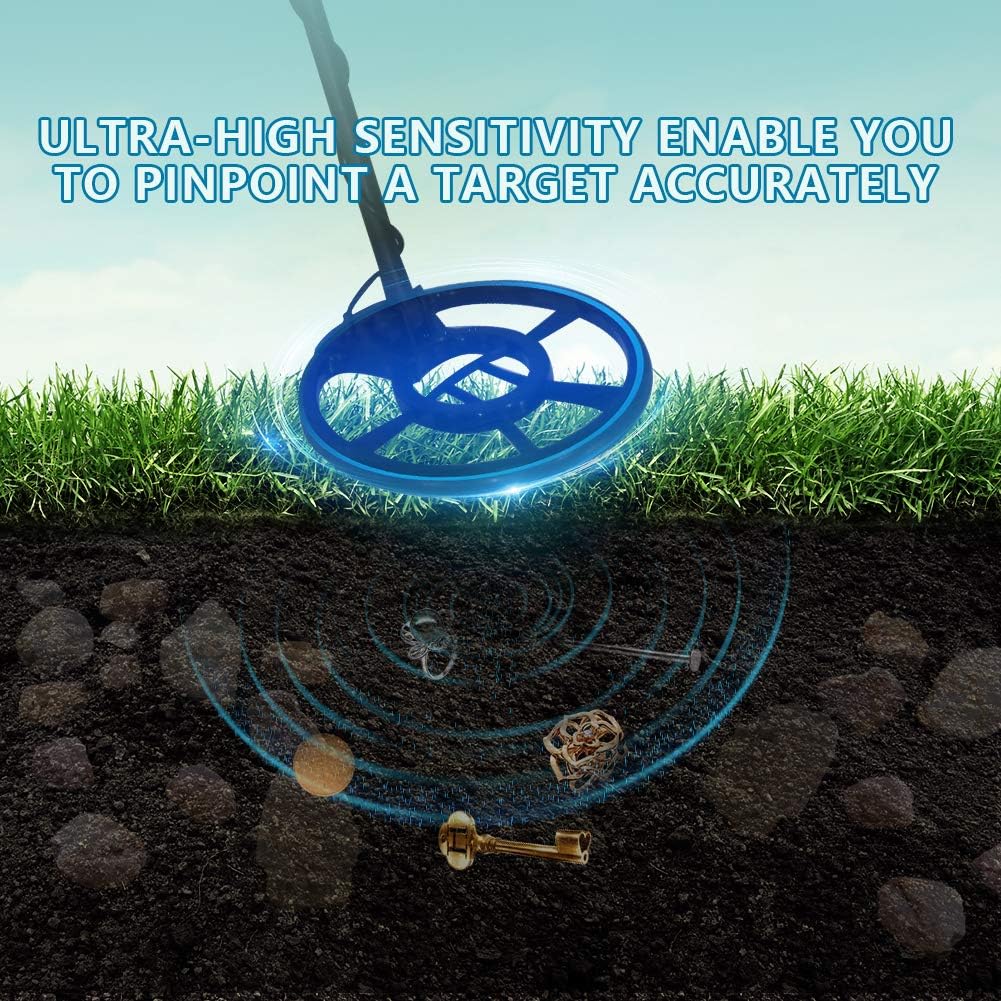
Figure 7: Illustration of the metal detector's ultra-high sensitivity, showing detection of various metallic objects buried underground.

Figure 8: The 10-inch high sensitivity waterproof search coil being used on a beach, demonstrating its capability in wet environments.
Maintenance
- Cleaning: After each use, especially in sandy or muddy conditions, wipe down the search coil and stem with a damp cloth. Do not use abrasive cleaners or solvents. Ensure the control panel remains dry.
- Battery Care: Remove batteries if the detector will not be used for an extended period to prevent leakage and damage.
- Storage: Store the metal detector in a cool, dry place, away from direct sunlight and extreme temperatures.
- Coil Protection: Consider using a coil cover (if available) to protect the search coil from scratches and abrasions.
Troubleshooting
| Problem | Possible Cause | Solution |
|---|---|---|
| No power/Display off | Dead or incorrectly inserted batteries. | Replace batteries with fresh ones, ensuring correct polarity. |
| Constant false signals/Chatter | High sensitivity setting; electromagnetic interference; highly mineralized ground. | Reduce sensitivity. Move away from power lines or other electronic devices. Switch to a discrimination mode if ground mineralization is high. |
| Poor detection depth | Low sensitivity setting; incorrect mode; small target. | Increase sensitivity. Ensure you are in ALL METAL mode for maximum depth. |
| Inaccurate target ID | Multiple targets; target size/orientation; ground mineralization. | Sweep slowly. Use Pinpoint mode for better accuracy. Practice with known targets. |
Specifications
- Model: MD6500
- Brand: SuperEye
- Search Coil: 10-inch IP68 Waterproof
- Operating Frequency: 7 KHz
- Display Type: LCD
- Power Source: Battery Powered (6xAA batteries, not included)
- Adjustable Length: 43" - 53"
- Item Weight: Approximately 3.79 pounds
- Material: Metal
- International Protection Rating: IP54 (for control panel, coil is IP68)
- Number of Programs: 5 (modes)

Figure 9: The lightweight design of the metal detector, emphasizing its ease of handling and movement.
Warranty and Support
For warranty information and technical support, please refer to the documentation provided with your purchase or contact SuperEye customer service directly. Keep your proof of purchase for warranty claims.

