
Introduction
Welcome to the user manual for your Celly Zed1 Bluetooth Earbuds. This guide provides essential information on how to set up, operate, maintain, and troubleshoot your device. Please read these instructions carefully to ensure optimal performance and extend the lifespan of your earbuds.

Image: Celly Zed1 Bluetooth Earbuds, black, shown outside their charging case.
Setup
Charging the Earbuds and Case
Before first use, fully charge the earbuds and their charging case. Use the provided Micro USB cable to connect the charging case to a power source.

Image: Bottom view of the Celly Zed1 charging case showing the Micro USB charging port.
- Insert the Micro USB cable into the charging port on the case.
- Connect the other end of the cable to a USB power adapter (not included) or a computer's USB port.
- The charging indicator lights (if present) on the case will show charging status.
- A full charge typically takes approximately 1.5 hours.
Pairing with a Device
To connect your Celly Zed1 earbuds to your smartphone or other Bluetooth-enabled device:
- Ensure the earbuds are charged and placed inside the charging case.
- Open the charging case. The earbuds will automatically enter pairing mode.
- On your device, go to Bluetooth settings and turn Bluetooth ON.
- Search for available devices. You should see "Celly Zed1" or a similar name appear in the list.
- Select "Celly Zed1" to connect. Once connected, you will hear an audio confirmation.
- The earbuds will automatically reconnect to the last paired device when removed from the case, if Bluetooth is enabled on the device.
Operating Instructions
Power On/Off
- Power On: Remove the earbuds from the charging case. They will automatically power on.
- Power Off: Place the earbuds back into the charging case and close the lid. They will automatically power off and begin charging.
Music Playback
The Celly Zed1 earbuds feature multifunction touch controls for managing your audio.
- Play/Pause: Tap once on either earbud.
- Next Track: Double-tap the right earbud.
- Previous Track: Double-tap the left earbud.
Call Management
Each earbud has an integrated microphone, allowing for stereo or mono call usage.
- Answer/End Call: Tap once on either earbud.
- Reject Call: Press and hold either earbud for 2 seconds.

Image: A man wearing a Celly Zed1 earbud in his right ear, demonstrating comfortable use.
Maintenance
Cleaning
- Regularly clean the earbuds and charging case with a soft, dry, lint-free cloth.
- Do not use abrasive cleaners, solvents, or aerosol sprays.
- Avoid getting moisture in any openings.
Storage
When not in use, always store the earbuds in their charging case to protect them from damage and dust.
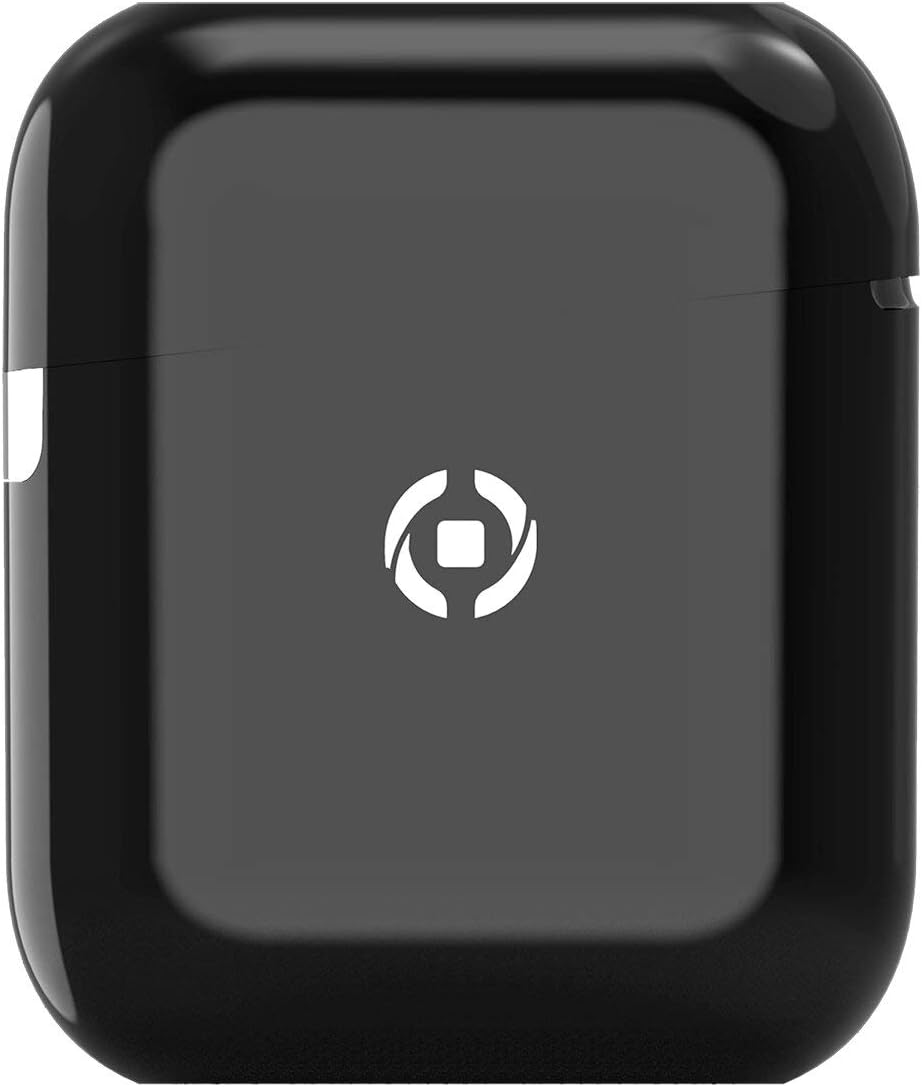
Image: Celly Zed1 Bluetooth Earbuds placed inside their open charging case.
Troubleshooting
If you encounter issues with your Celly Zed1 earbuds, try the following solutions:
- Earbuds not pairing: Ensure both earbuds are charged. Place them back in the case, close the lid, then open it again to re-enter pairing mode. Make sure Bluetooth is enabled on your device and try searching again.
- No sound from one earbud: Try placing both earbuds back in the case, closing it, and then taking them out again. Ensure they are both connected to your device.
- Poor sound quality: Ensure the earbuds are clean and properly seated in your ears. Check the distance to your connected device; the operating range is 10 meters.
- Earbuds not charging: Verify the Micro USB cable is securely connected to both the case and the power source. Ensure the charging port is clean and free of debris.
- Device not finding earbuds: Turn off and on your device's Bluetooth. If the issue persists, restart your device.
Specifications
| Model Name | ZED1BK |
| Brand | Celly |
| Connectivity Technology | Wireless (Bluetooth) |
| Bluetooth Version | 5.1 |
| Operating Range | 10 meters |
| Operating Time | 4 hours |
| Charging Time | 1.5 hours |
| Battery Composition | Lithium-polymer |
| Form Factor | In-Ear |
| Color | Black |
| Material | Plastic |
| Included Components | Micro USB cable, Charging Case, Bluetooth Earbuds |
| Compatible Devices | Universal (Bluetooth 5.1 compatible devices) |
| Item Weight | 2 Kilograms |
Note: Item weight of 2 Kilograms is as provided in product specifications and may refer to shipping weight or be a data entry error. Actual product weight is significantly less.
Warranty and Support
For warranty information and customer support, please refer to the documentation included with your purchase or visit the official Celly website. Keep your proof of purchase for any warranty claims.
For further assistance, contact Celly customer service through their official channels.


