
Introduction
This manual provides essential information for the safe and effective use of your Duracell CR1/3N 2L76 3V Lithium Battery. Please read these instructions carefully before use and retain them for future reference.
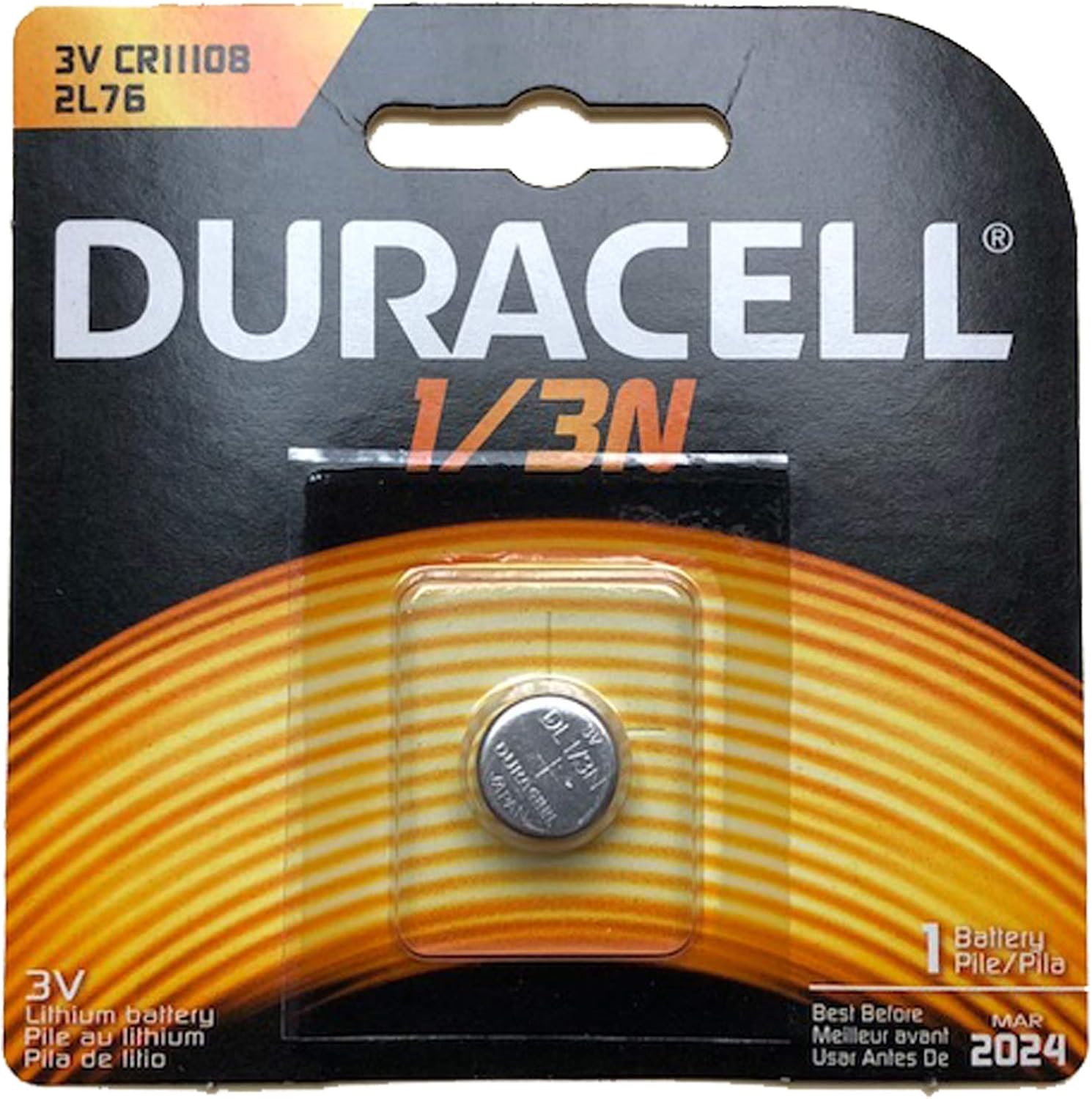
Image: Duracell CR1/3N 2L76 3V Lithium Battery in its retail packaging. The battery is visible through a clear blister pack, centered on a black and orange card. The packaging displays "DURACELL 1/3N" prominently, along with "3V Lithium battery" and "Best Before MAR 2024".
Safety Information
To prevent injury or damage to your device, observe the following precautions:
- Keep batteries out of reach of children. Swallowing can lead to serious injury or death.
- Do not recharge, disassemble, heat, or dispose of batteries in fire.
- Do not mix old and new batteries, or different types of batteries.
- Ensure correct polarity (+ and -) when inserting batteries.
- Remove depleted batteries promptly from devices.
- Store batteries in a cool, dry place, away from direct sunlight and extreme temperatures.
Setup and Installation
The Duracell CR1/3N 2L76 battery is designed for use in various electronic devices requiring a 3V lithium power source, such as cameras, dog collars, and lasers.
- Identify Battery Compartment: Locate the battery compartment on your device. Refer to your device's instruction manual for specific details.
- Open Compartment: Open the battery compartment cover. This may involve sliding a latch, unscrewing a panel, or pressing a release button.
- Observe Polarity: Note the polarity markings (+ and -) inside the battery compartment.
- Insert Battery: Insert the Duracell CR1/3N 2L76 battery, ensuring that the positive (+) end aligns with the positive terminal in the compartment and the negative (-) end aligns with the negative terminal.
- Close Compartment: Securely close the battery compartment cover.
Note: If replacing an old battery, ensure it is removed and disposed of properly before inserting the new one.
Operating Instructions
Once the battery is correctly installed, your device should be ready for operation. The Duracell CR1/3N 2L76 provides a stable 3V power supply, suitable for devices with high current pulse requirements (e.g., photo-flash) and continuous drain applications.
- Power On Device: Turn on your device according to its specific operating instructions.
- Monitor Performance: Observe your device's performance. If it does not power on or function correctly, re-check battery installation and polarity.
- Battery Life: The lifespan of the battery will vary depending on the device and its usage patterns. Lithium batteries offer excellent performance and a long shelf life.
Maintenance and Storage
Proper maintenance and storage ensure optimal performance and longevity of your Duracell CR1/3N 2L76 battery.
- Cleaning: If battery terminals become dirty, gently wipe them with a clean, dry cloth. Do not use water or cleaning agents.
- Storage: Store unused batteries in their original packaging in a cool, dry place at room temperature. Avoid extreme heat or cold.
- Shelf Life: Duracell lithium batteries offer an excellent shelf life, typically up to ten years, ensuring freshness when needed.
- Disposal: Dispose of used batteries according to local regulations. Many communities have recycling programs for batteries. Do not dispose of batteries in household waste or fire.
Troubleshooting
| Problem | Possible Cause | Solution |
|---|---|---|
| Device does not power on. | Incorrect battery installation or depleted battery. | Check battery polarity (+/-). Replace with a new battery if necessary. |
| Device powers on but functions intermittently. | Low battery power or poor contact. | Ensure battery terminals are clean. Replace with a new battery. |
| Battery compartment feels warm. | Incorrect battery type or short circuit. | Immediately remove the battery. Ensure you are using the correct battery type for your device. Do not use the battery if it shows signs of damage or leakage. |
Specifications
- Model: Duracell CR1/3N 2L76
- Battery Type: Lithium Manganese Dioxide
- Voltage: 3V
- Capacity: 160mAh
- Dimensions (Approximate):
- Height: 0.425 inches (10.8 mm)
- Diameter: 0.457 inches (11.6 mm)
- Operating Temperature Range: Wide range (specifics not provided, but generally -20°C to 60°C for lithium)
- Shelf Life: Up to 10 years
- Common Replacements: DL-1/3N, 3N, 867, 2L76, 2L76BP, CR1108, CR11108, CR1-3N, DL1-3N, Comp 15, NL1/3N
- Recommended Applications: Cameras, electronic devices, dog collars, lasers.
Warranty Information
Duracell batteries are manufactured to high standards. For specific warranty details, please refer to the packaging or visit the official Duracell website. Keep your purchase receipt as proof of purchase.
Customer Support
If you have any questions or require assistance with your Duracell battery, please contact Duracell customer support through their official website or the contact information provided on the product packaging.
Online Resources: www.duracell.com