
iLuv TB100
iLuv TB100 Truly Wireless Bluetooth Earbuds User Manual
Model: TB100
Introduction
Thank you for choosing the iLuv TB100 Truly Wireless Bluetooth Earbuds. This manual provides detailed instructions to help you set up, operate, maintain, and troubleshoot your earbuds for the best audio experience. Please read this manual thoroughly before using the product.
Official product overview video for the iLuv TB100 Truly Wireless Bluetooth Earbuds, demonstrating key features and design.
What's in the Box
Upon opening your iLuv TB100 package, you should find the following items:
- iLuv TB100 Truly Wireless Bluetooth Earbuds (Left and Right)
- Portable Charging Case
- USB Charging Cable
- Multiple Sizes of Ear Tips (typically 4 pairs)
- User Manual (this document)

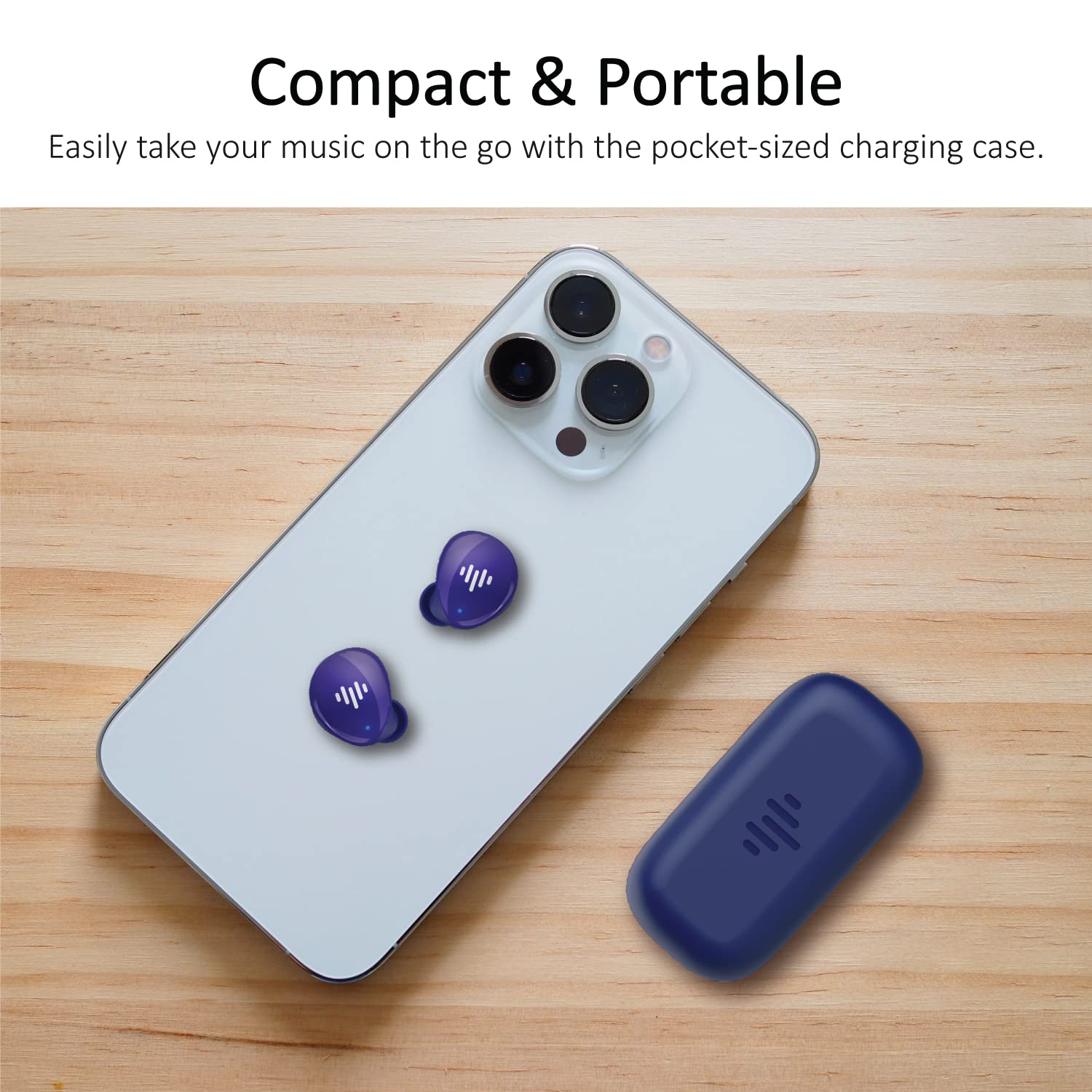
Image showing the iLuv TB100 earbuds and their charging case, as typically found in the product packaging.
Setup Guide
1. Charging the Earbuds and Case
Before first use, fully charge both the earbuds and the charging case. The case provides additional charges for the earbuds on the go.
- Place the earbuds into the charging case. Ensure they are correctly seated; magnetic contacts will hold them in place.
- Connect the USB charging cable to the charging port on the case and the other end to a USB power source (e.g., wall adapter, computer).
- The indicator lights on the case will show the charging status. Once fully charged, the lights will indicate completion or turn off.
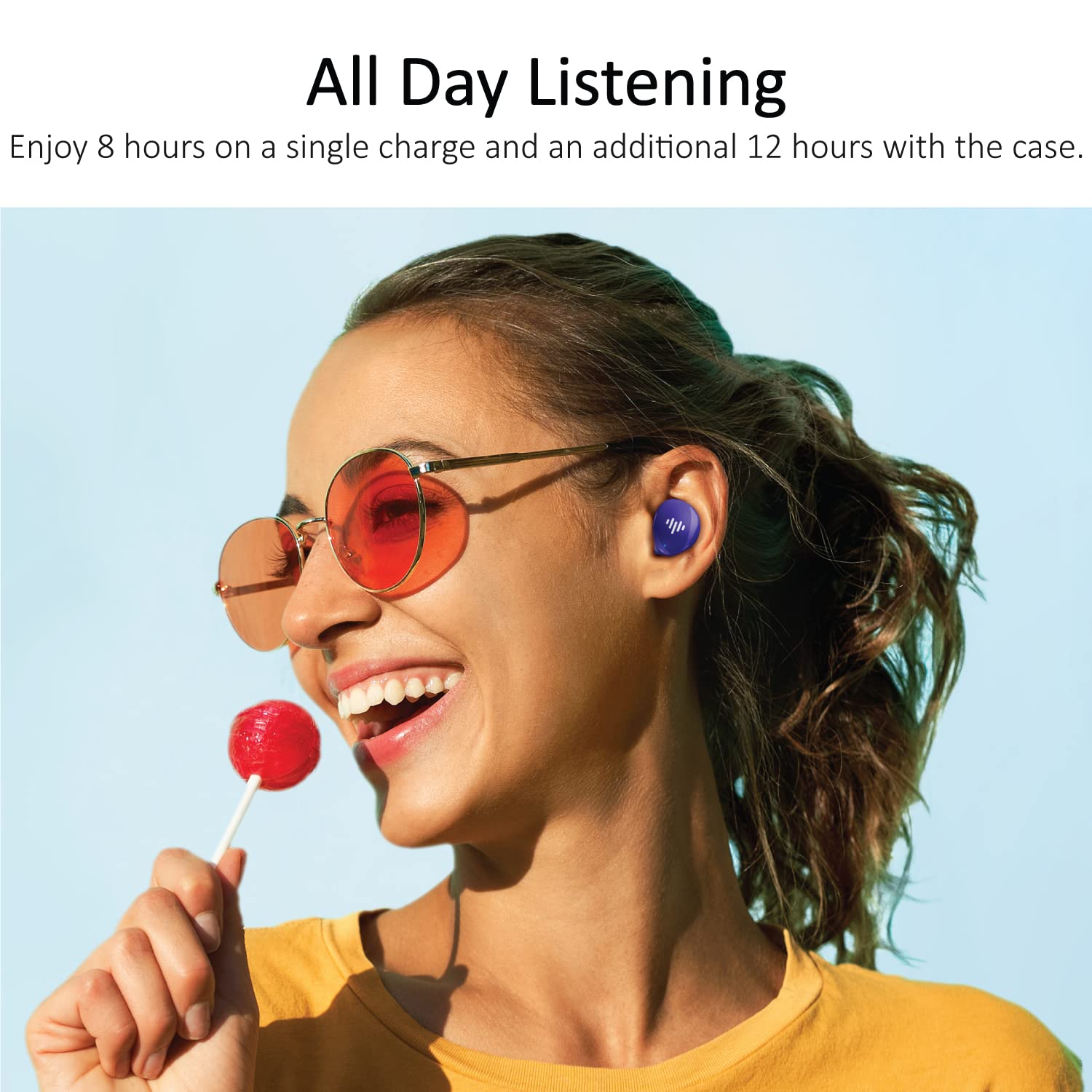
The iLuv TB100 earbuds offer extended listening time with their charging case, providing up to 20 hours of total playtime.
2. Pairing with Your Device
The iLuv TB100 earbuds use Bluetooth 5.3 for a stable and efficient connection. They are compatible with both Apple and Android devices.
- Open the charging case. The earbuds will automatically enter pairing mode, indicated by flashing LED lights.
- On your smartphone or Bluetooth-enabled device, go to the Bluetooth settings.
- Search for available devices and select "iLuv TB100" from the list.
- Once connected, the earbud indicator lights will stop flashing or change to a solid color.
- For subsequent uses, the earbuds will automatically reconnect to the last paired device when taken out of the case.

The iLuv TB100 earbuds are compatible with Apple and Android devices, offering simple one-touch pairing.
3. Wearing the Earbuds
For optimal sound quality and comfort, choose the ear tips that best fit your ears. The earbuds are designed for an ergonomic in-ear fit.
- Select the appropriate size of ear tips from the provided options.
- Gently insert each earbud into your ear canal.
- Twist slightly to ensure a secure and comfortable fit. A good seal is crucial for sound isolation and bass performance.
Operating Instructions
Power On/Off
- Power On: Open the charging case, and the earbuds will automatically power on. Alternatively, press and hold the touch sensor on both earbuds for 3 seconds.
- Power Off: Place the earbuds back into the charging case and close the lid. They will automatically power off. Alternatively, press and hold the touch sensor on both earbuds for 5 seconds.
Touch Controls
The iLuv TB100 earbuds feature intuitive touch controls for managing music and calls.
- Play/Pause: Single tap on either earbud.
- Next Track: Double tap on the right earbud.
- Previous Track: Double tap on the left earbud.
- Answer/End Call: Single tap on either earbud.
- Reject Call: Press and hold on either earbud for 2 seconds.
- Activate Voice Assistant: Triple tap on either earbud.
- Note: Volume control is typically managed via your connected device.

The iLuv TB100 earbuds feature buttonless tap controls for easy management of music and calls.
Making and Receiving Calls
The built-in MEMS microphones allow for clear communication during calls.
- Answering Calls: When a call comes in, single tap either earbud to answer.
- Ending Calls: During a call, single tap either earbud to end the conversation.
- Rejecting Calls: Press and hold either earbud for 2 seconds to reject an incoming call.
The iLuv TB100 earbuds allow users to take calls effortlessly with built-in MEMS microphones.
Maintenance and Care
Proper maintenance ensures the longevity and optimal performance of your iLuv TB100 earbuds.
Cleaning
- Regularly clean the earbuds and charging case with a soft, dry, lint-free cloth.
- Remove ear tips and clean them with mild soap and water, then dry thoroughly before reattaching.
- Do not use abrasive cleaners, alcohol, or chemical solvents.
Storage
- Always store the earbuds in their charging case when not in use to protect them and keep them charged.
- Avoid storing the earbuds in extreme temperatures or high humidity.
Water Resistance (IPX6)
The iLuv TB100 earbuds are rated IPX6 waterproof, meaning they are protected against powerful water jets. This makes them suitable for workouts and light rain.
- Do not submerge the earbuds in water.
- Ensure the charging port on the case is dry before charging.
- If the earbuds get wet, wipe them dry before placing them back in the charging case.
Troubleshooting
If you encounter issues with your iLuv TB100 earbuds, try the following solutions:
| Problem | Solution |
|---|---|
| Earbuds not pairing or connecting |
|
| Only one earbud working |
|
| Poor sound quality or low volume |
|
| Charging case not charging |
|
| Earbuds slipping out of ears |
|
Specifications
| Feature | Detail |
|---|---|
| Model Name | TB100 |
| Brand | iLuv |
| Connectivity | Bluetooth 5.3 |
| Ear Placement | In Ear |
| Control Type | Touch |
| Noise Control | Sound Isolation |
| Microphone | Built-in MEMS Microphone |
| Total Playtime | Up to 20 hours (with charging case) |
| Single Charge Playtime | Up to 6 hours |
| Water Resistance | IPX6 (Protected against powerful water jets) |
| Material | Plastic |
| Weight | 0.1 Kilograms |
| Compatible Devices | Cellphones, Tablets (Apple & Android) |

The iLuv TB100 earbuds and their compact charging case are designed for portability and convenience.
Warranty and Support
Warranty Information
The iLuv TB100 Truly Wireless Bluetooth Earbuds come with a standard manufacturer's warranty. For specific details regarding warranty coverage, duration, and terms, please refer to the warranty card included in your product packaging or visit the official iLuv website.
Customer Support
If you require further assistance, have questions not covered in this manual, or need technical support, please contact iLuv customer service through their official website or the contact information provided on your product packaging. Please have your model number (TB100) and proof of purchase ready when contacting support.
Related documentsTB100


Ask a question about this manual
Ask about setup, troubleshooting, compatibility, parts, safety, or missing instructions. Manuals+ will review the question and use this page’s manual context to help answer it.