
KopBeau FZ09-6MF
KopBeau Tower Fan User Manual
Model: FZ09-6MF
Important Safety Information
Please read all instructions carefully before using this appliance and retain for future reference. Failure to follow these instructions may result in electric shock, fire, or serious personal injury.
- Always unplug the fan before cleaning, servicing, or moving.
- Do not operate the fan with a damaged cord or plug.
- Keep the power cord away from heated surfaces.
- Do not use the fan in wet or damp locations.
- Do not insert fingers or foreign objects into any openings of the fan.
- Ensure the fan is placed on a stable, level surface to prevent tipping.
- This appliance is for indoor use only.
Product Overview
The KopBeau Tower Fan (Model FZ09-6MF) is designed to provide efficient and customizable cooling for various indoor spaces. It features multiple speed settings, oscillation, and a convenient timer function.

Figure 1: Front view of the KopBeau Tower Fan, showcasing its sleek, grey design and dual fan outlets.
Key Components:
- Control Panel: Located on the top of the fan for manual operation.
- Air Outlets: Front-facing vents for air distribution.
- Base: Provides stability for the tower fan.
- Power Cord: For connecting to an electrical outlet.
- Remote Control: Allows for convenient operation from a distance.
- Carry Handle: Integrated for easy portability.
Setup
Follow these steps to set up your KopBeau Tower Fan:
- Unpack: Carefully remove all components from the packaging. Ensure all parts listed in the "What's in the box" section are present.
- Assemble Base: Attach the fan base to the main body of the tower fan. Ensure it is securely fastened to provide stability.
- Positioning: Place the fan on a firm, level surface. Ensure there are no obstructions to the air intake or outlet.
- Power Connection: Plug the power cord into a standard 110V AC electrical outlet.
- Remote Control Batteries: Insert 2 AAA batteries (not included) into the remote control.
Operating Instructions
Your KopBeau Tower Fan can be operated using either the control panel on top of the unit or the included remote control.
Control Panel and Remote Functions:

Figure 2: Top view of the fan's control panel, showing buttons for power, speed, mode, oscillation, and timer.
| Button/Function | Description |
|---|---|
| Power ( ⏻ ) | Turns the fan On or Off. |
| Speed ( ⁕ ) | Cycles through 3 speed settings: Low, Medium, High. |
| Mode ( ∿ ) | Selects operating mode: Normal, Natural, or Sleep.
|
| Oscillation ( ⟳ ) | Activates or deactivates the oscillating function, providing wide-angle air distribution (60° or 110°). |
| Timer ( 🕒 ) | Sets the fan to automatically turn off after a set period (2-12 hours). Press repeatedly to cycle through timer options. |
Airflow and Coverage:

Figure 3: Illustration of the fan's powerful airflow, reaching up to 20ft/s for effective cooling.
Figure 4: Diagram showing the two adjustable oscillation angles: 60° for targeted cooling and 110° for wider room coverage.
The multi-blade design ensures strong airflow. The fan offers two distinct oscillation angles to suit your cooling needs:
- 60° Oscillation: Ideal for targeted cooling in smaller areas.
- 110° Oscillation: Provides wider coverage for larger rooms.
Maintenance
Regular cleaning and maintenance will ensure optimal performance and longevity of your fan.
- Cleaning:
- Always unplug the fan before cleaning.
- Use a soft, damp cloth to wipe the exterior surfaces. Do not use abrasive cleaners or solvents.
- For dust accumulation on the air intake/outlet grilles, use a vacuum cleaner with a brush attachment.
- Do not immerse the fan in water or allow water to drip into the motor housing.
- Storage:
- If storing the fan for an extended period, clean it thoroughly.
- Store it in its original packaging or a suitable box in a cool, dry place.
- Avoid placing heavy objects on top of the fan during storage.
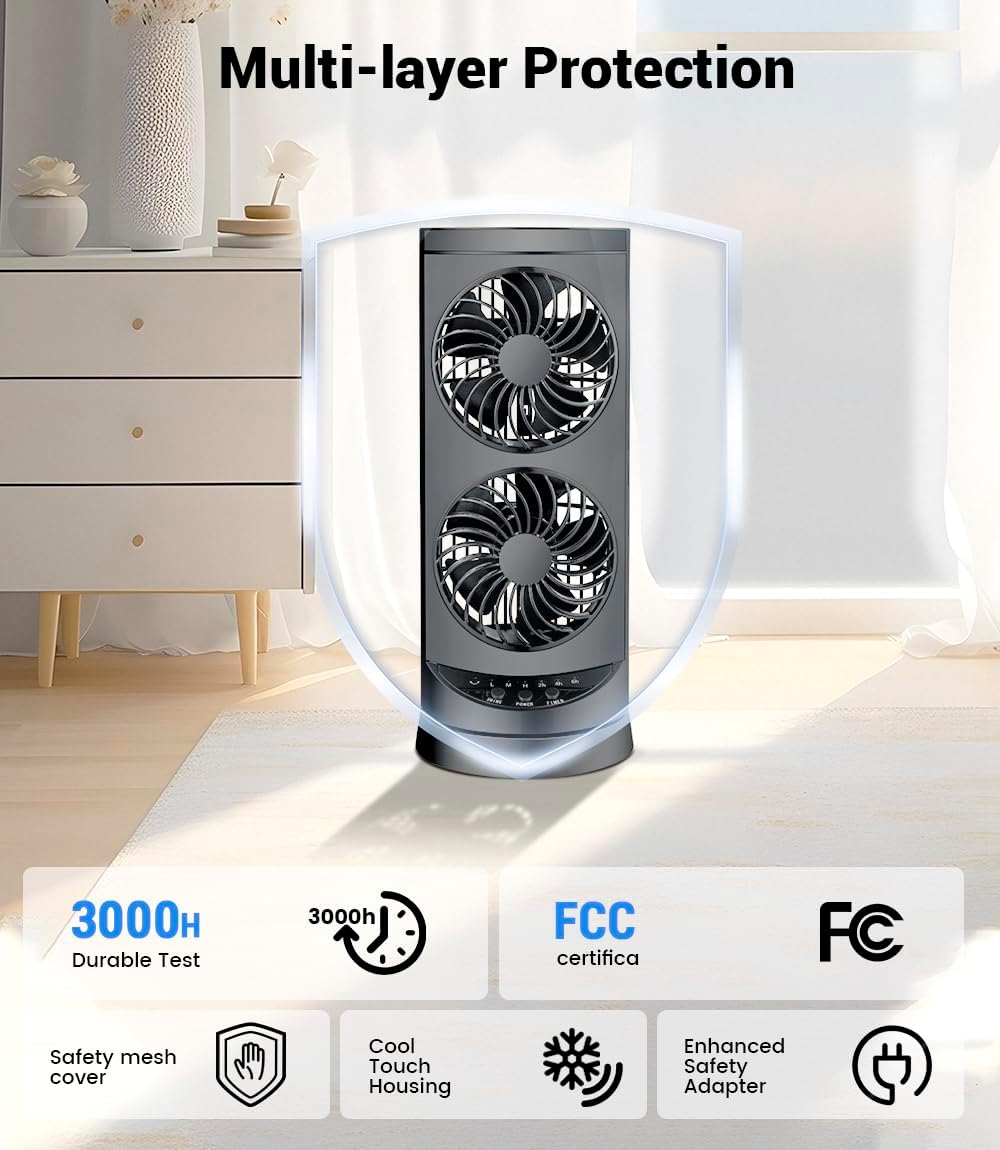
Figure 5: The fan features a safety mesh cover and cool touch housing for user protection.
Troubleshooting
If you experience issues with your KopBeau Tower Fan, refer to the following common problems and solutions:
| Problem | Possible Cause & Solution |
|---|---|
| Fan does not turn on. |
|
| Weak airflow. |
|
| Fan is making unusual noise. |
|
| Oscillation not working. |
|
If the problem persists after trying these solutions, please contact customer support.
Specifications
| Feature | Detail |
|---|---|
| Brand | KopBeau |
| Model Number | FZ09-6MF |
| Color | Grey |
| Product Dimensions | 12.8"D x 12.8"W x 42"H |
| Item Weight | 10.68 pounds |
| Power Source | Corded Electric |
| Voltage | 110 Volts |
| Wattage | 30 watts |
| Speed Settings | 3 (Low, Medium, High) |
| Operating Modes | Normal, Natural, Sleep |
| Oscillation Angles | 60°, 110° |
| Timer | 2-12 Hours (adjustable) |
| Noise Level | 40dB (Quiet Operation) |
| Control Method | Remote, Control Panel |
| Material | Plastic |
| Indoor/Outdoor Usage | Indoor Only |
Warranty and Support
For warranty information or technical support, please refer to the contact details provided with your product packaging or visit the official KopBeau website.
Please note: The warning on the package box was required by California Proposition 65.
Ask a question about this manual
Ask about setup, troubleshooting, compatibility, parts, safety, or missing instructions. Manuals+ will review the question and use this page’s manual context to help answer it.