
1. Introduction
This manual provides detailed instructions for the Boompods Boombuds X True Wireless Earbuds. Please read this guide thoroughly before using your earbuds to ensure proper operation and to maximize your listening experience. These earbuds feature Bluetooth 5.0 connectivity, IPX6 water resistance, and an ergonomic design for secure fit.
2. Package Contents
Verify that all items are present in your Boombuds X package:
- Boompods Boombuds X True Wireless Earbuds (Left and Right)
- Portable Magnetic Charging Case
- USB Charging Cable
- Multiple sizes of Silicone Ear Tips (Small, Medium, Large)
- Wing Tips for secure fit
- User Manual (this document)

Image: Boompods Boombuds X packaging. The image displays the product box, open to reveal the earbuds, charging case, and included accessories like ear tips and charging cable.
3. Setup
3.1 Initial Charging
Before first use, fully charge your Boombuds X earbuds and charging case.
- Place both earbuds into the magnetic charging case. Ensure they are seated correctly; magnets will guide them into position.
- Connect the provided USB charging cable to the charging port on the case and to a USB power source.
- The indicator lights on the case and earbuds will show charging status. A full charge typically takes approximately 2 hours.

Image: Boompods Boombuds X charging case. The image shows the blue charging case with both earbuds securely placed inside, illustrating the magnetic hold and indicating up to 20 hours of total playtime.
3.2 Pairing with a Device
The Boombuds X utilize Bluetooth 5.0 for a stable and efficient connection.
- Ensure the earbuds are charged.
- Open the charging case. The earbuds will automatically power on and enter pairing mode.
- On your device (smartphone, tablet, computer), go to Bluetooth settings and enable Bluetooth.
- Search for available devices and select "Boompods Boombuds X" from the list.
- Once connected, you will hear an audible confirmation, and the earbuds will be ready for use.
The earbuds feature instant connection and will automatically connect to the last paired device when removed from the case.
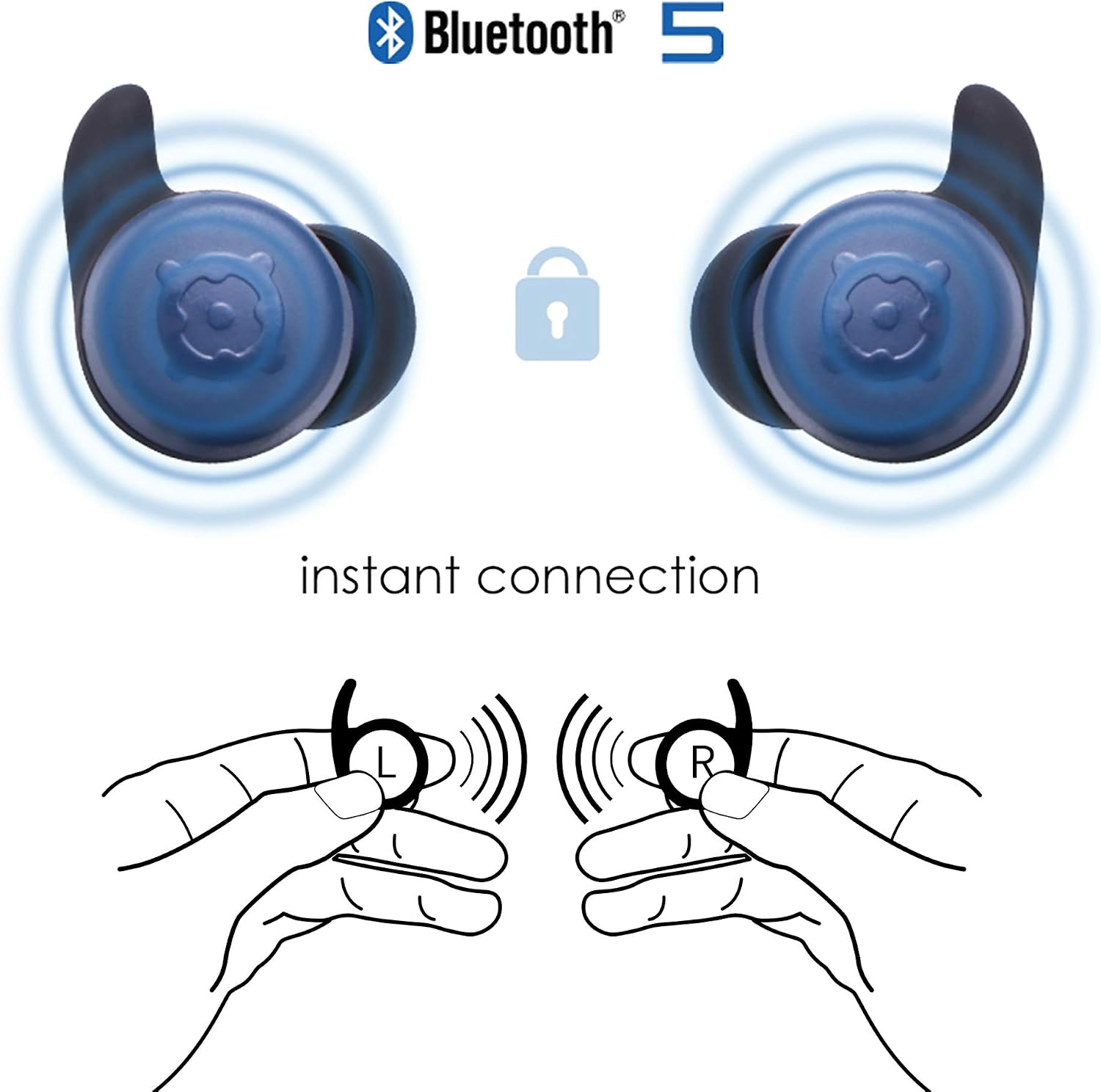
Image: Boompods Boombuds X instant connection. This diagram illustrates the automatic pairing process, showing two earbuds emitting signals and a padlock icon indicating a secure, instant connection.
3.3 Ergonomic Fit (Ergofit)
For optimal sound quality and comfort, select the correct ear tips and wing tips.
- The Boombuds X come with various sizes of silicone ear tips (Small, Medium, Large) and wing tips.
- Experiment with different sizes to find the combination that provides a secure, comfortable fit and good sound isolation.
- A proper fit is crucial for experiencing the deep bass and stereo sound.

Image: Boompods Boombuds X ergonomic design. The image displays two earbuds from different angles, highlighting their ergonomic shape and the 'Ergofit' branding, indicating a comfortable and secure fit.
4. Operating Instructions
4.1 Power On/Off
- Power On: The earbuds automatically power on when removed from the charging case.
- Power Off: Place the earbuds back into the charging case. They will automatically power off and begin charging.
4.2 Touch Controls
The Boombuds X feature intuitive touch controls on each earbud:
- Play/Pause: Single tap on either earbud.
- Next Track: Double tap on the right earbud.
- Previous Track: Double tap on the left earbud.
- Volume Up: Triple tap on the right earbud.
- Volume Down: Triple tap on the left earbud.
- Answer/End Call: Single tap on either earbud during an incoming call.
- Reject Call: Press and hold either earbud for 2 seconds during an incoming call.
- Activate Voice Assistant: Press and hold either earbud for 3 seconds.
4.3 Single Earbud Use
You can use either the left or right earbud independently. Simply remove one earbud from the case, and it will connect to your device. The other earbud can remain in the case or be used later for stereo sound.
5. Maintenance
5.1 Cleaning
- Regularly clean your earbuds and charging case with a soft, dry, lint-free cloth.
- Remove ear tips and clean them separately with mild soap and water if necessary. Ensure they are completely dry before reattaching.
- Avoid using abrasive materials or harsh chemicals.
5.2 Water Resistance (IPX6)
The Boombuds X are rated IPX6 water-resistant, meaning they can withstand strong jets of water. This makes them suitable for workouts and outdoor activities where they may be exposed to sweat or rain.
- Do not submerge the earbuds in water.
- The charging case is not water-resistant. Keep it dry.
- If earbuds get wet, wipe them dry before placing them back in the charging case to prevent damage.

Image: Boompods Boombuds X IPX6 water resistance. The image shows the earbuds with water droplets, alongside an IPX6 water-resistant logo and a person kayaking, illustrating their suitability for active use.
5.3 Battery Care
- Store the earbuds and case in a cool, dry place when not in use.
- Avoid extreme temperatures, which can affect battery life.
- Charge the earbuds regularly, even if not used frequently, to maintain battery health.
6. Troubleshooting
| Problem | Possible Cause | Solution |
|---|---|---|
| Earbuds not powering on | Low battery | Place earbuds in the charging case and charge fully. |
| Earbuds not pairing | Bluetooth off on device; earbuds not in pairing mode; previously paired to another device | Ensure Bluetooth is enabled on your device. Place earbuds in case, then remove to enter pairing mode. Forget device on previous connections. |
| No sound or low volume | Volume too low; improper fit; earbud obstruction | Adjust volume on earbuds and device. Ensure earbuds are seated correctly. Clean ear tips and earbud grilles. |
| Intermittent connection | Distance from device; interference; low battery | Keep earbuds within Bluetooth range (approx. 10 meters). Avoid strong electromagnetic interference. Charge earbuds. |
7. Specifications
- Model Name: BOOMBUDS X
- Model Number: BBXBLU
- Brand: Boompods
- Connectivity Technology: Wireless (Bluetooth)
- Bluetooth Version: 5.0
- Ear Placement: In-Ear
- Form Factor: In-Ear
- Noise Control: Sound Isolation
- Audio Driver Type: Dynamic
- Frequency Range: 20 Hz - 20,000 Hz
- Control Type: Touch Controls, Volume Control
- Water Resistance Level: IPX6 (Water-Resistant)
- Battery Type: Lithium-ion (included)
- Earbud Battery Life: Up to 5 hours (single charge)
- Total Playtime with Charging Case: Up to 20 hours
- Charging Time: Approximately 2 hours
- Charging Port: USB
- Compatible Devices: Bluetooth-enabled devices
- Included Components: Charging case, charging cable, ear tips, wing tips
- Country of Origin: China
8. Safety Information
- Do not use the earbuds at high volume for extended periods to prevent hearing damage.
- Exercise caution when using earbuds in situations requiring awareness of your surroundings, such as driving or walking in traffic.
- Keep the product away from extreme heat, direct sunlight, and sharp objects.
- Do not attempt to disassemble or modify the earbuds or charging case. This will void the warranty and may cause damage.
- Keep out of reach of children and pets. Small parts may pose a choking hazard.
9. Warranty and Support
For warranty information or technical support, please refer to the official Boompods website or contact their customer service directly. Keep your proof of purchase for any warranty claims.
Boompods Official Website: www.boompods.com
