
Introduction
This manual provides essential instructions for the safe and efficient use of your Redmi 10000mAh Power Bank (Model PB100LZm). Please read this manual thoroughly before using the product and retain it for future reference.
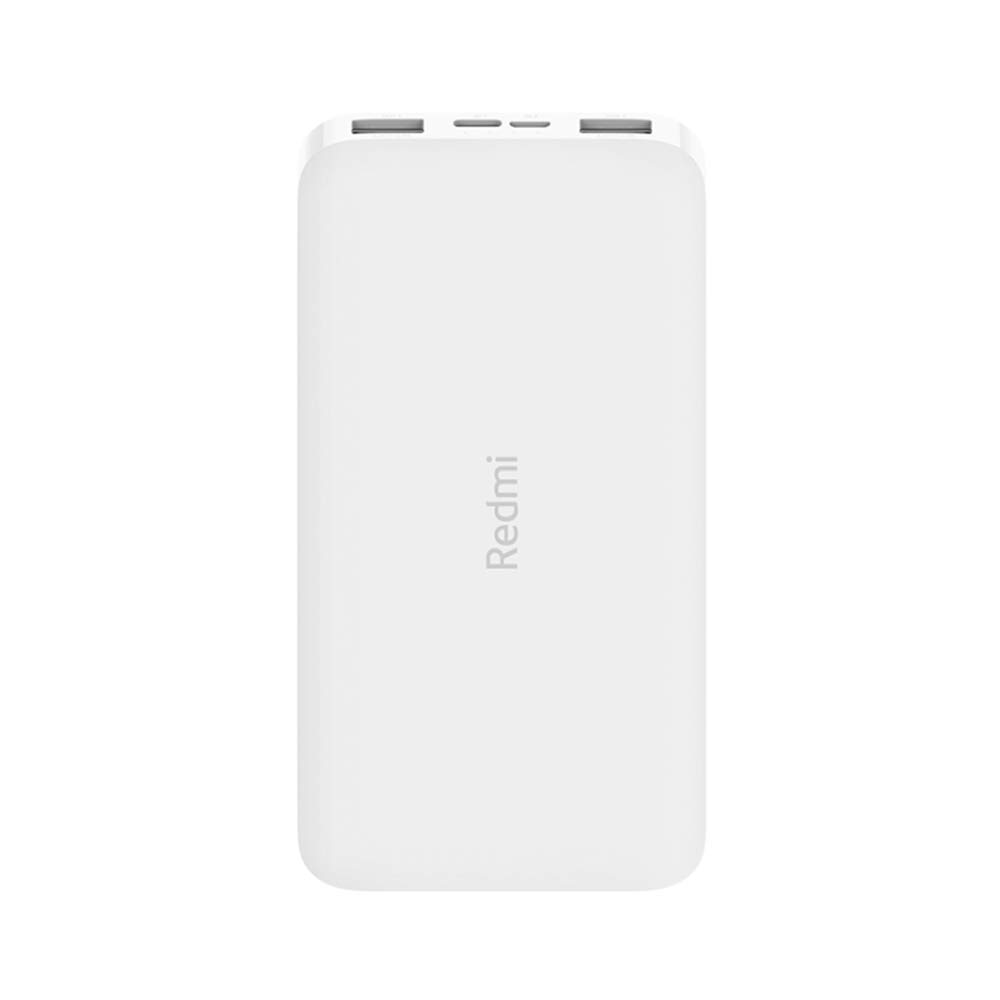
Image: Angled view of the white Redmi 10000mAh Power Bank.
Safety Information
To prevent injury, damage to the product, or damage to property, observe the following safety precautions:
- Do not disassemble, repair, or modify the power bank.
- Do not expose the power bank to fire, high temperatures, or direct sunlight.
- Avoid contact with water or other liquids.
- Do not drop, impact, or subject the power bank to strong vibrations.
- Keep out of reach of children.
- Use only compatible charging cables and adapters.
- Dispose of the power bank according to local regulations.
Product Overview
Familiarize yourself with the components of your Redmi 10000mAh Power Bank.

Image: Close-up of the power bank's top edge showing two USB-A output ports (OUT1, OUT2), one Micro-USB input port (IN1), one USB-C input port (IN2), and four LED battery level indicators.
- USB-A Output Ports (OUT1, OUT2): Used to charge external devices.
- Micro-USB Input Port (IN1): Used to charge the power bank.
- USB-C Input Port (IN2): Used to charge the power bank.
- LED Indicators: Four small lights indicating the remaining battery level.
- Power Button: Located on the side, used to check battery level or activate charging.

Image: Side view of the power bank highlighting the power button.
Setup
Initial Charging of the Power Bank
Before first use, fully charge your Redmi 10000mAh Power Bank.
- Connect a compatible USB cable to either the Micro-USB (IN1) or USB-C (IN2) input port on the power bank.
- Connect the other end of the cable to a USB power adapter (not included) or a computer's USB port.
- The LED indicators will light up, showing the charging progress. All four LEDs will be solid when fully charged.
Connecting Devices
The power bank is compatible with mobile phones and other USB-powered devices.
- Use the appropriate charging cable for your device.
- Connect one end of the cable to one of the USB-A output ports (OUT1 or OUT2) on the power bank.
- Connect the other end of the cable to your device's charging port.
Operating Instructions
Charging External Devices
Once a device is connected, the power bank should automatically begin charging. If not, press the power button once to initiate charging.

Image: The power bank connected via a USB cable to charge a mobile phone, resting on a wooden table.
- The LED indicators will show the power bank's remaining battery level during charging.
- You can charge two devices simultaneously using both USB-A output ports.
Checking Battery Level
Press the power button once to check the remaining battery level. The LED indicators will light up for a few seconds:
- 1 LED: 0-25% remaining battery
- 2 LEDs: 25-50% remaining battery
- 3 LEDs: 50-75% remaining battery
- 4 LEDs: 75-100% remaining battery
Maintenance
- Cleaning: Wipe the power bank with a soft, dry cloth. Do not use harsh chemicals or abrasive materials.
- Storage: Store the power bank in a cool, dry place away from direct sunlight and extreme temperatures.
- Battery Care: For optimal battery life, avoid fully discharging the power bank frequently. Recharge it when the battery level is low. If not used for extended periods, charge it to about 50% every three months.
Troubleshooting
| Problem | Possible Solution |
|---|---|
| Power bank not charging. |
|
| Device not charging from power bank. |
|
| Slow charging. |
|
Specifications
| Brand | Xiaomi |
| Model Number | PB100LZm |
| Capacity | 10000 mAh |
| Color | White |
| Battery Type | Lithium Polymer |
| Input Ports | 1x Micro-USB, 1x USB-C |
| Output Ports | 2x USB-A (5.1V=2.4A each) |
| Compatible Devices | Mobile Phones and other USB-powered devices |
| Dimensions | 15.8 x 8 x 2 cm |
| Weight | 276 grams |
Warranty and Support
Based on the provided product information, this product is indicated as having no warranty. For any product-related inquiries or technical support, please refer to the official Xiaomi support channels or your point of purchase.


