1. Product Overview
The UGREEN 20883 USB 3.0 A Male to Type C Male Cable, measuring 1.5 meters in length, is designed for efficient charging and high-speed data syncing. It offers a transfer rate of up to 5Gbps, enabling swift transfer of large files such as HD videos and lossless audio. This cable supports fast charging with a maximum output of 3A for lengths up to 1.5 meters, and 2.4A for lengths exceeding 2 meters. Its durable construction includes a tin-plated oxygen-free copper wire core and multiple internal shielding for reliable performance. A built-in 56kΩ pull-up resistor protects connected devices from overcurrent during charging.
Key Features:
- Fast Charging: Supports up to 3A fast charging for lengths ≤1.5m, and 2.4A for lengths ≥2m.
- High-Speed Data Syncing: Transfers data at speeds up to 5Gbps, ideal for large file transfers.
- Power Compatibility: Supports QC3.0/AFC/FCP fast charging protocols.
- Durable Construction: Tin-plated oxygen-free copper wire core and multiple internal shielding ensure durability.
- Overcurrent Protection: 56kΩ pull-up resistor protects devices from excessive current during charging.

Image 1.1: UGREEN USB 3.0 to Type C Cable, illustrating the USB-A and USB-C connectors.

Image 1.2: Internal view of the USB-C connector, highlighting the integrated 56kΩ pull-up resistor for overcurrent protection.

Image 1.3: Cable design featuring reinforced strain relief for enhanced durability and resistance to bending.
2. Specifications
| Feature | Detail |
|---|---|
| Brand | UGREEN |
| Model Number | 20883 |
| Connector Type | USB Type C (Male) to USB Type A (Male) |
| Cable Type | USB 3.0 |
| Data Transfer Rate | Up to 5 Gigabits Per Second (5Gbps) |
| Fast Charging Support | Up to 3 Amps (for lengths ≤1.5m), 2.4 Amps (for lengths ≥2m) |
| Charging Protocols | QC3.0/AFC/FCP |
| Overcurrent Protection | 56kΩ Pull-up Resistor |
| Cable Length | 1.5 meters |
| Color | Black |
| Item Weight | 60 Grams |
| Product Dimensions | 150 x 1 x 3 cm |
| Compatible Devices | Devices with USB-C port (e.g., smartphones, tablets, laptops) and USB-A port (e.g., charging adapters, computers) |
3. Setup
The UGREEN 20883 USB 3.0 to Type C cable is designed for plug-and-play functionality. No special drivers or software installation is required.
- Identify Ports: Locate the USB-A port on your power adapter, computer, or other host device, and the USB-C port on your smartphone, tablet, or other compatible device.
- Connect USB-A End: Insert the USB-A connector of the cable into the USB-A port of your host device.
- Connect USB-C End: Insert the USB-C connector of the cable into the USB-C port of your target device. Ensure a firm connection at both ends.

Image 3.1: Illustrates connecting the USB-C end to a smartphone and the USB-A end to a laptop for charging or data transfer.
4. Operating Instructions
4.1. Charging Your Device
To charge your USB-C compatible device:
- Connect the USB-A end of the cable to a compatible USB wall charger, power bank, or computer USB-A port.
- Connect the USB-C end of the cable to your device's USB-C charging port.
- Ensure the power source is active. Your device should indicate that it is charging.
This cable supports fast charging protocols such as QC3.0, AFC, and FCP, delivering up to 3A for optimal charging speeds when paired with a compatible fast charger and device.
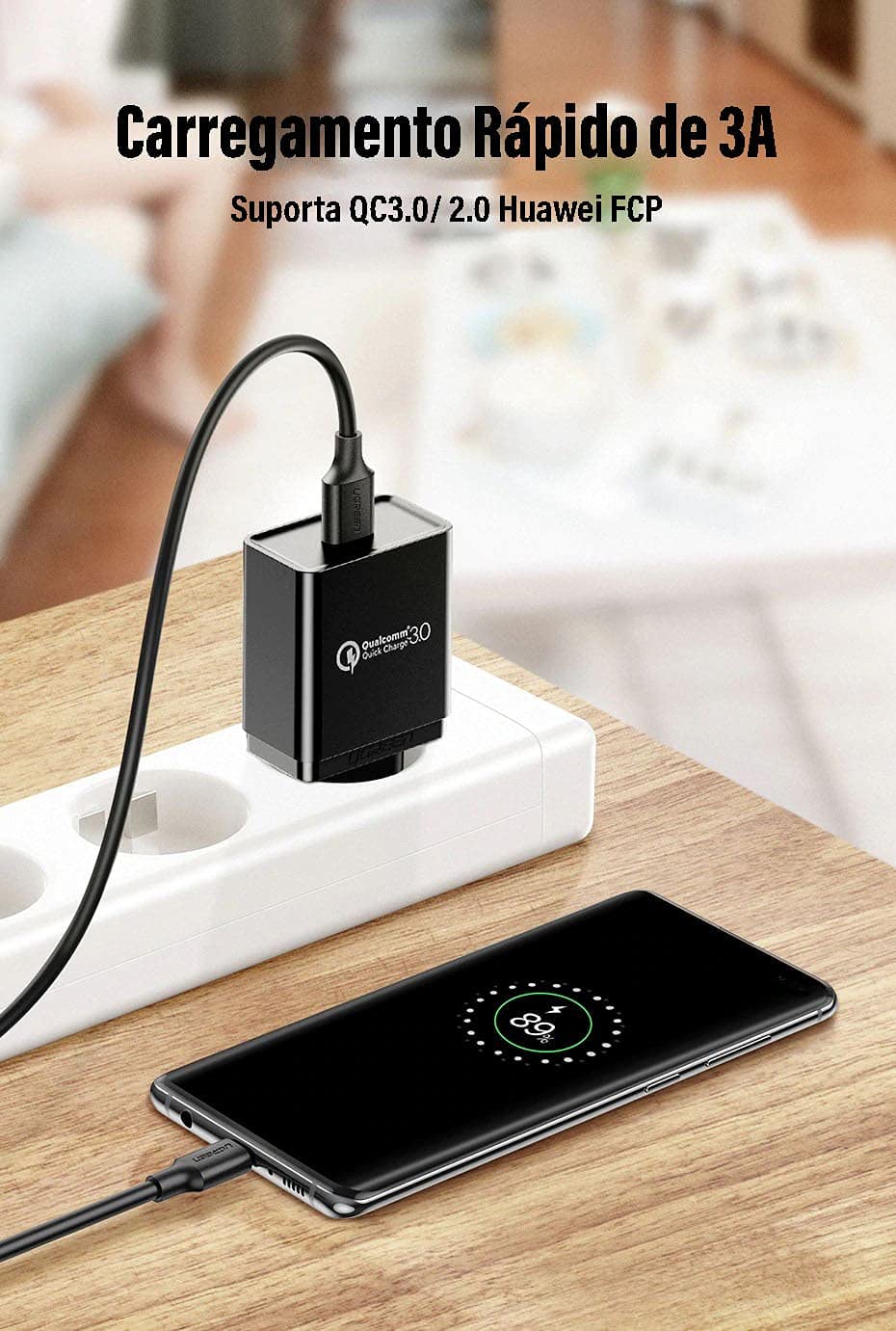
Image 4.1: A smartphone connected to a fast charging adapter via the UGREEN USB-C cable, demonstrating fast charging capability.
4.2. Data Transfer
To transfer data between your USB-C device and a computer:
- Connect the USB-A end of the cable to an available USB 3.0 port on your computer.
- Connect the USB-C end of the cable to your smartphone, tablet, or other USB-C storage device.
- Your computer should recognize the connected device. Follow your operating system's prompts to access and transfer files.
The cable supports USB 3.0 speeds, allowing data transfer rates of up to 5Gbps. This enables quick transfer of large files, such as high-definition videos and extensive photo libraries.

Image 4.2: Data transfer from a laptop to an external hard drive using the UGREEN USB-C cable, illustrating 5Gbps transfer speed.

Image 4.3: Visual representation of the USB 3.0 connector and its capability for faster data transmission at 5Gbps.
5. Maintenance
Proper care will extend the life and performance of your UGREEN USB 3.0 to Type C cable:
- Storage: Store the cable in a cool, dry place away from direct sunlight and extreme temperatures.
- Handling: Avoid sharp bends, kinks, or excessive pulling on the cable, especially near the connectors. Always grasp the connector head when plugging or unplugging, not the cable itself.
- Cleaning: If necessary, gently wipe the cable and connectors with a soft, dry, lint-free cloth. Do not use liquid cleaners or solvents.
- Protection: Keep the connectors free from dust, dirt, and moisture.
6. Troubleshooting
If you encounter issues with your UGREEN USB 3.0 to Type C cable, try the following solutions:
- Device Not Charging:
- Ensure both ends of the cable are securely connected.
- Verify that the power adapter or USB port you are using is functional and providing power.
- Try using a different power adapter or USB port.
- Test the cable with another compatible device to rule out a device-specific issue.
- Slow Charging:
- Ensure your power adapter supports fast charging protocols (e.g., QC3.0, AFC, FCP) and provides sufficient amperage (e.g., 3A).
- Confirm your device also supports fast charging.
- Avoid charging from low-power USB ports (e.g., some older computer USB 2.0 ports).
- Data Transfer Not Working or Slow:
- Ensure the USB-A end is connected to a USB 3.0 port on your computer for optimal speeds. USB 2.0 ports will result in slower transfer rates.
- Check that your device is set to "File Transfer" mode (or similar) when connected to a computer, rather than "Charging Only".
- Restart both your computer and the connected device.
- Try a different USB port on your computer.
- Cable Appears Damaged:
Discontinue use immediately if the cable or connectors show signs of damage (e.g., fraying, exposed wires, bent pins). Using a damaged cable can be unsafe.
7. Warranty and Support
For warranty information or technical support regarding your UGREEN 20883 USB 3.0 to Type C Cable, please refer to the official UGREEN website or contact UGREEN customer service directly. Details can typically be found on the product packaging or the UGREEN brand store.
UGREEN Official Website: www.ugreen.com
UGREEN Amazon Store: Visit the UGREEN Store on Amazon