
Introduction
This manual provides essential information for the Konix FFF Gaming Mouse Mat, designed to enhance your gaming experience. It features a non-slip rubber base for stability and a microfibre surface for precise mouse tracking. The mat is built for durability with laser-cut, smooth, and braided edges to prevent fraying. Its protective coating further extends its lifespan. Measuring 32 x 27 cm (approximately 10.6L x 12.6W inches), it offers ample space for mouse movement and is lightweight and flexible for easy transport.

Image: Top-down view of the Konix FFF Gaming Mouse Mat, showcasing its black surface and the FFF logo in the bottom left corner.
Setup
- Unpack: Carefully remove the Konix FFF Gaming Mouse Mat from its packaging.
- Placement: Unroll the mouse mat and place it on a clean, flat, and stable surface, such as your desk.
- Stability Check: Ensure the non-slip rubber base is in full contact with the desk to prevent any unwanted movement during use.
- Mouse Positioning: Place your gaming mouse on the microfibre surface of the mat.
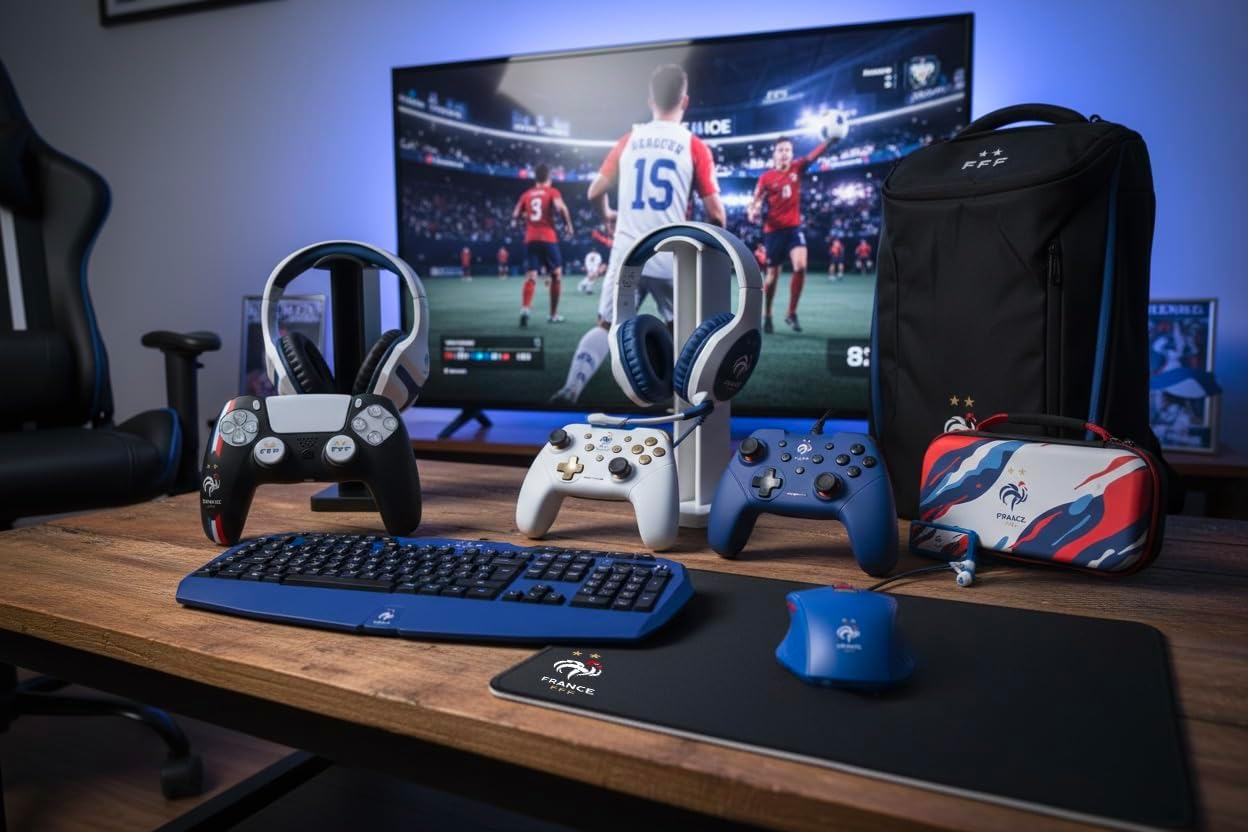
Image: The Konix FFF Gaming Mouse Mat laid out on a wooden desk, surrounded by other gaming peripherals, demonstrating a typical setup.
Operating Instructions
The Konix FFF Gaming Mouse Mat is designed for straightforward use, providing an optimized surface for your gaming mouse.
- Smooth Movement: Move your mouse smoothly across the microfibre surface for precise and consistent tracking.
- Stable Performance: The non-slip rubber base ensures the mat remains firmly in place, even during intense and rapid mouse movements.
- Optimal Tracking: The microfibre material is engineered to provide an ideal balance of speed and control for various mouse sensor types.
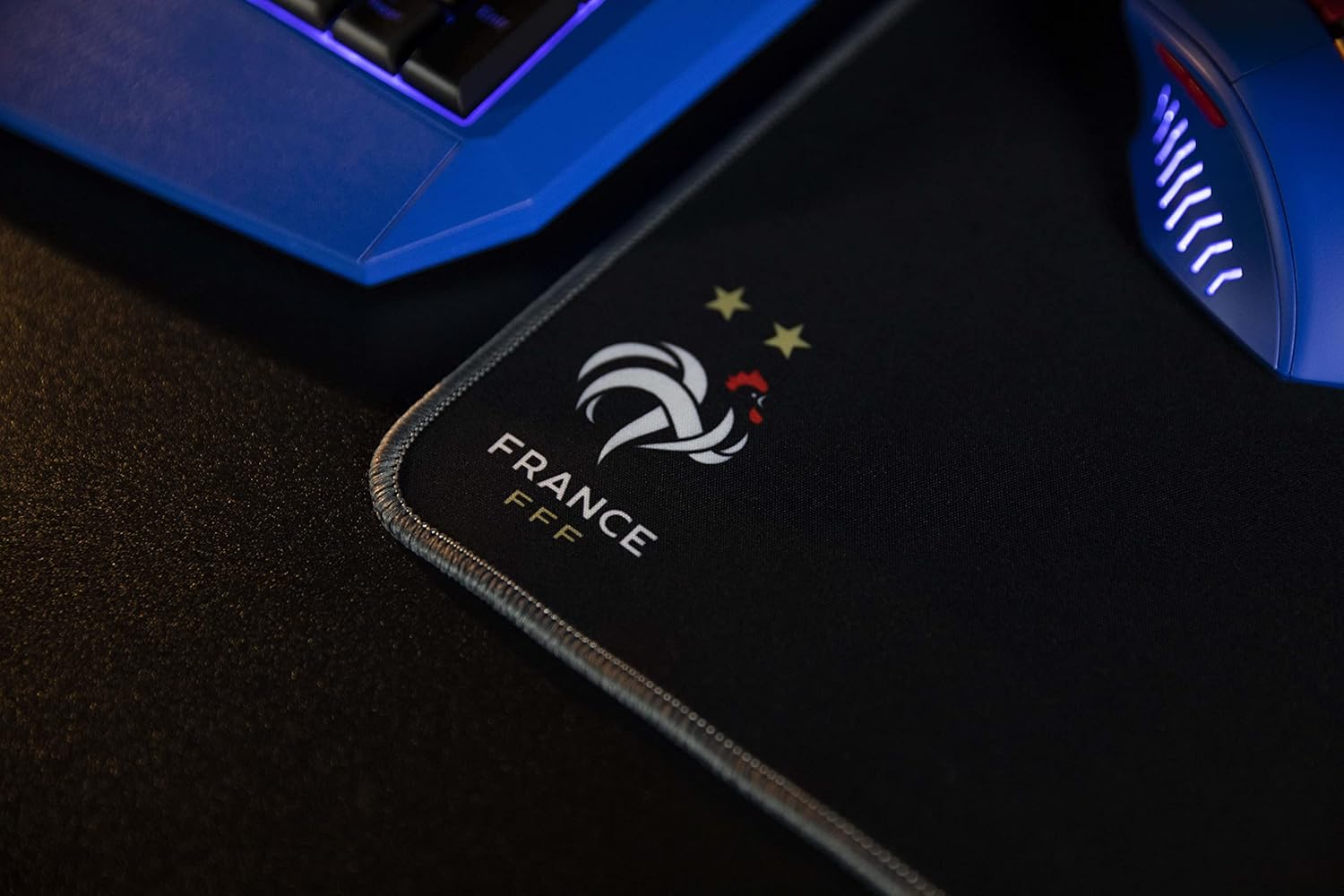
Image: A close-up view of the Konix FFF Gaming Mouse Mat surface, highlighting the texture and the FFF logo with its two stars.
Maintenance
Proper care will extend the life and maintain the performance of your mouse mat.
- Cleaning the Surface: To clean the microfibre surface, gently wipe it with a soft, damp cloth. Use only water or a mild, non-abrasive cleaning solution if necessary.
- Drying: Allow the mat to air dry completely before placing your mouse back on it. Do not expose to direct sunlight or use heat to dry.
- Avoid Harsh Chemicals: Do not use harsh chemicals, bleach, or abrasive cleaners, as these can damage the surface and protective coating.
- Storage: When not in use or for transport, the mat can be rolled up. Store it in a clean, dry place to prevent dust accumulation and creasing.
- Do Not Machine Wash: This mouse mat is not suitable for machine washing or tumble drying.
Troubleshooting
If you encounter any issues with your Konix FFF Gaming Mouse Mat, refer to the following common solutions:
- Issue: Mouse tracking is inconsistent or inaccurate.
Solution: Ensure your mouse sensor is clean and free of debris. Clean the mouse mat surface as per the maintenance instructions to remove any dust or particles that might interfere with tracking. - Issue: The mouse mat slides on the desk during use.
Solution: Verify that the desk surface beneath the mat is clean, dry, and free of any oils or residues. The non-slip rubber base requires direct contact with a clean surface for optimal grip. - Issue: Edges appear to be fraying.
Solution: The mat features braided edges designed for durability. Minor fraying over extended use is rare but typically does not affect performance. Avoid sharp objects or excessive pulling on the edges.
Specifications
| Brand | Konix |
| Series | FFF |
| Model Number | 3328170280273 |
| Dimensions (L x W x H) | 12.6 x 10.63 x 1.18 inches (32 x 27 x 3 cm) |
| Item Weight | 6.7 ounces (190 grams) |
| Color | Black |
| Material | Microfibre (surface), Rubber (base) |
| Special Feature | Non-slip base, Braided edges |
| Recommended Use | Gaming |
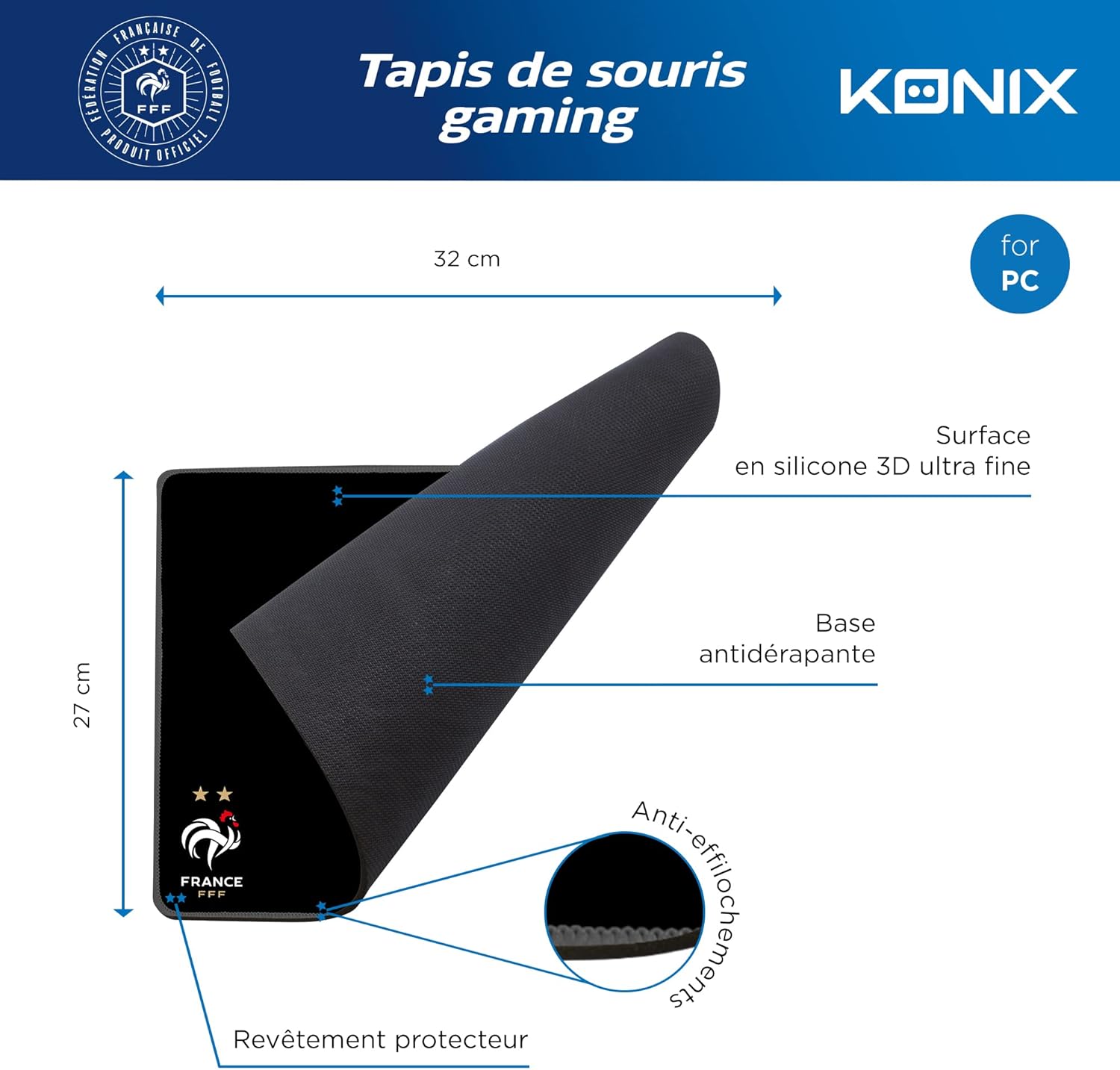
Image: A diagram illustrating the dimensions (32 cm x 27 cm) and key features of the Konix FFF Gaming Mouse Mat, including its ultra-fine silicone surface, non-slip base, anti-fray stitching, and protective coating.
Warranty Information
Specific warranty details for the Konix FFF Gaming Mouse Mat are not provided in this manual. For information regarding product warranty, including terms, conditions, and duration, please refer to the official Konix website or contact the retailer from whom you purchased the product. Always retain your proof of purchase for any warranty claims.
Customer Support
Should you require further assistance, have questions about your Konix FFF Gaming Mouse Mat, or need to report an issue, please contact customer support through the following channels:
- Konix Official Website: Visit the official Konix website for support resources, FAQs, and contact information.
- Retailer Support: Contact the customer service department of the retailer where you purchased the product.