
Retevis FA9160AX6-C9034AX6-C9003AX12
Retevis RT19 Walkie Talkies User Manual
Model: RT19 | Brand: Retevis
Introduction
Thank you for choosing the Retevis RT19 Walkie Talkies. This compact and lightweight two-way radio system is designed for efficient communication in various environments, including commercial, retail, healthcare, and hospitality settings. This manual provides comprehensive instructions for setting up, operating, maintaining, and troubleshooting your RT19 radios to ensure optimal performance and longevity.

Image: A set of Retevis RT19 walkie talkies with accompanying earpieces, showcasing the complete package.
What's in the Box
Your Retevis RT19 package includes the following components:
- 12 x RT19 Two Way Radio
- 12 x 1300mAh Li-on Battery
- 12 x Belt Clip
- 12 x Acoustic Tube earpiece
- 12 x Strap
- 6 x Charger adapter
- 6 x Micro-USB cable (Length: 39 inches)
- 6 x English User manual
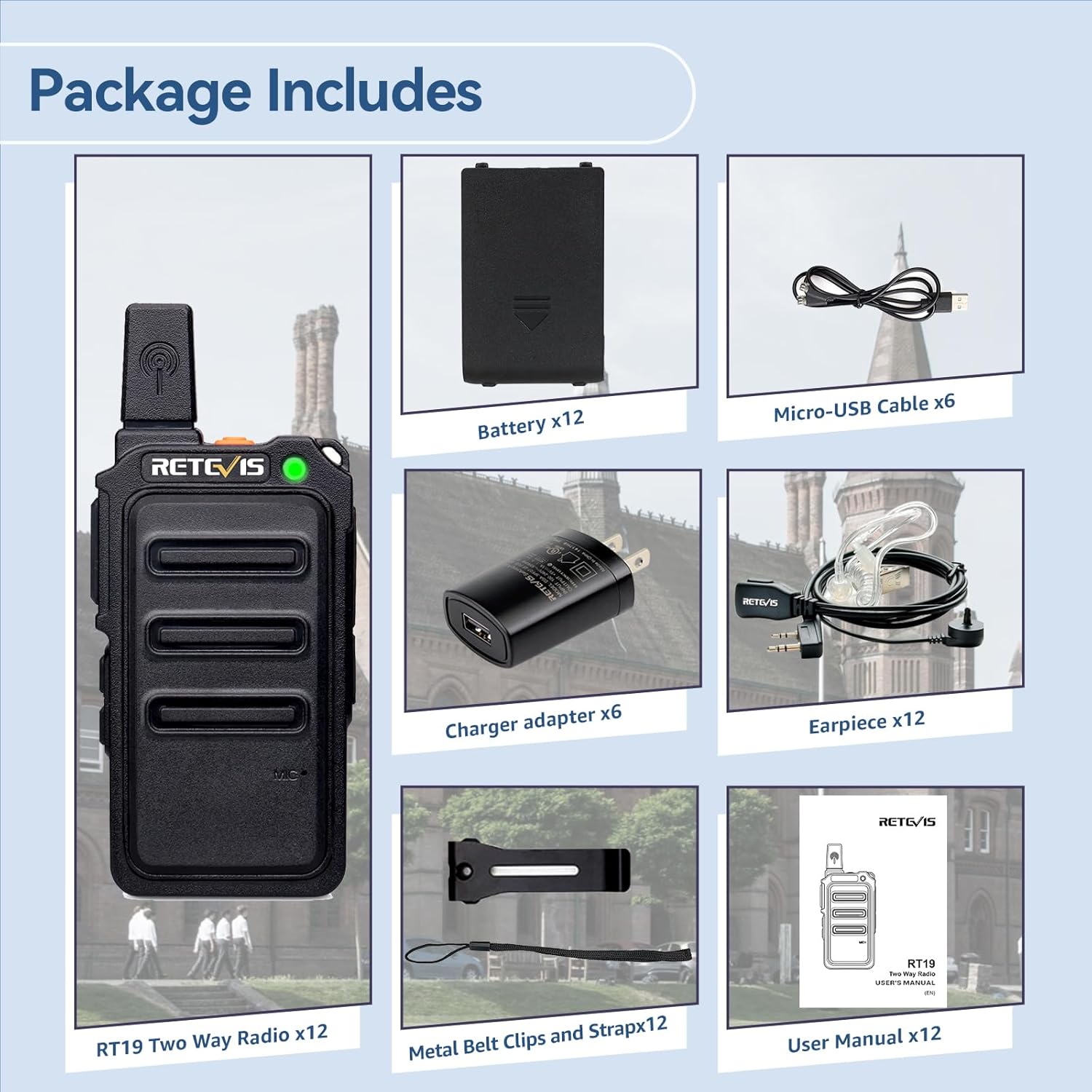
Image: A visual representation of all items included in the Retevis RT19 walkie talkie package, such as radios, batteries, chargers, earpieces, and manuals.
Product Overview
The Retevis RT19 is designed for ease of use and durability. Key features include its ultra-slim and lightweight profile, robust metal back clip, and clear audio output.

Image: Close-up views highlighting different aspects of the RT19 radio, including its top, side, and back, showing the antenna, PTT button, and charging port.
Dimensions and Weight
- Dimensions: 8.54 x 5.71 x 12.99 inches
- Item Weight: 2.4 ounces (0.15 lb)

Image: The RT19 walkie talkie shown with its height, width, and thickness measurements, emphasizing its compact and lightweight design.
Durability
The RT19 features a sturdy and drop-resistant design, making it suitable for demanding environments. The metal back clip provides enhanced durability compared to standard plastic clips.
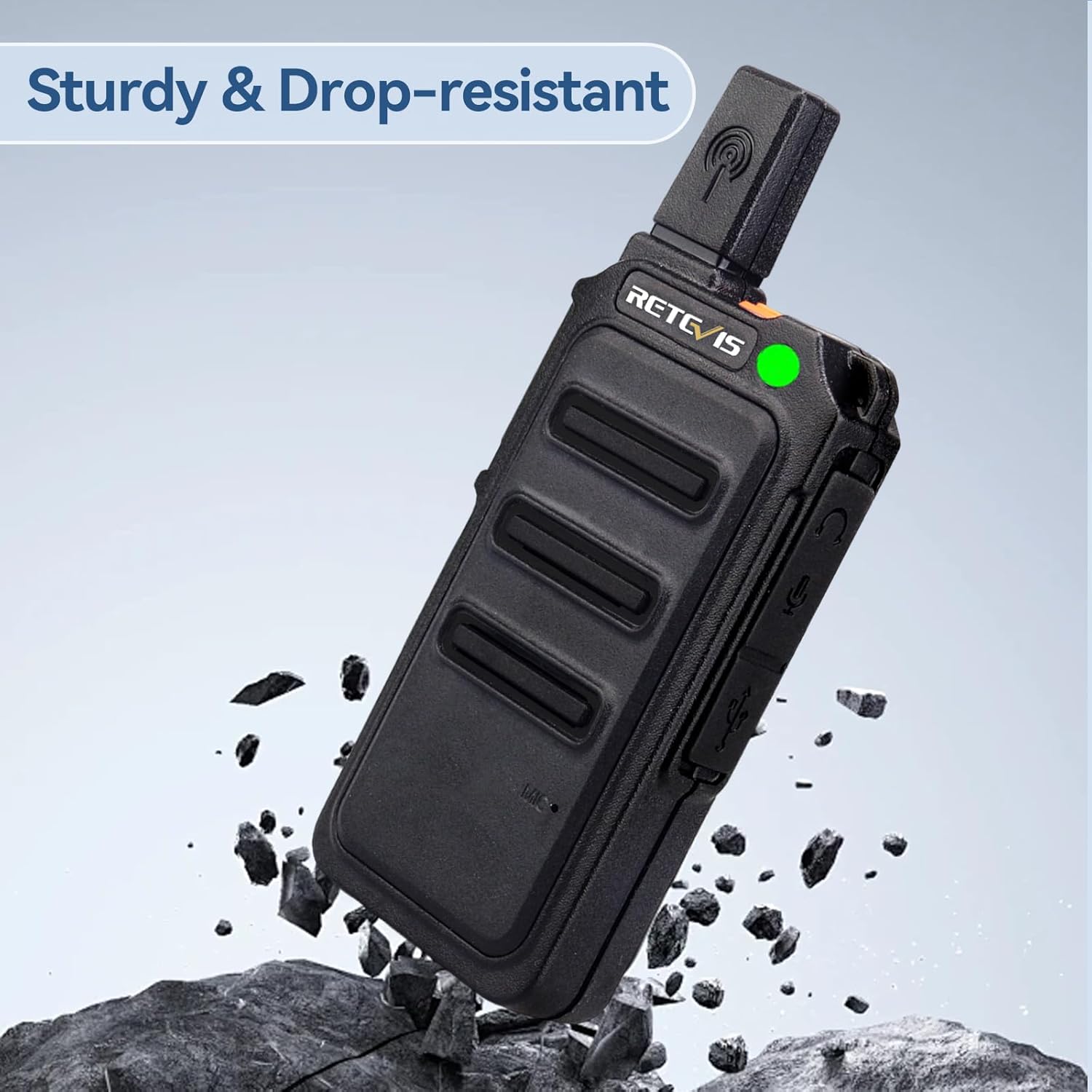
Image: An RT19 walkie talkie shown in a rugged setting, illustrating its sturdy and drop-resistant construction.
Setup
1. Battery Installation
- Ensure the radio is powered off.
- Locate the battery compartment on the back of the radio.
- Insert the 1300mAh Li-on battery, ensuring the contacts align correctly.
- Close the battery compartment cover securely.

Image: The rear view of an RT19 walkie talkie with its battery removed, showing the battery compartment and FCC ID label.
2. Charging the Battery
The RT19 features a 1300mAh battery, providing over 15 hours of frequent use. Use the provided charger adapter and Micro-USB cable to charge the radios.
- Connect the Micro-USB cable to the charging port on the radio.
- Connect the other end of the Micro-USB cable to the charger adapter.
- Plug the charger adapter into a standard wall outlet.
- The indicator light on the radio will show charging status (e.g., red for charging, green for fully charged).

Image: An RT19 walkie talkie with a visual representation of its long battery life, indicating a 1300mAh capacity.
3. Attaching the Earpiece
For private communication and hands-free operation, attach the acoustic tube earpiece.
- Locate the earpiece jack on the side of the radio.
- Insert the K-Plug of the earpiece firmly into the jack.
- Adjust the acoustic tube and earpiece for comfortable wear.
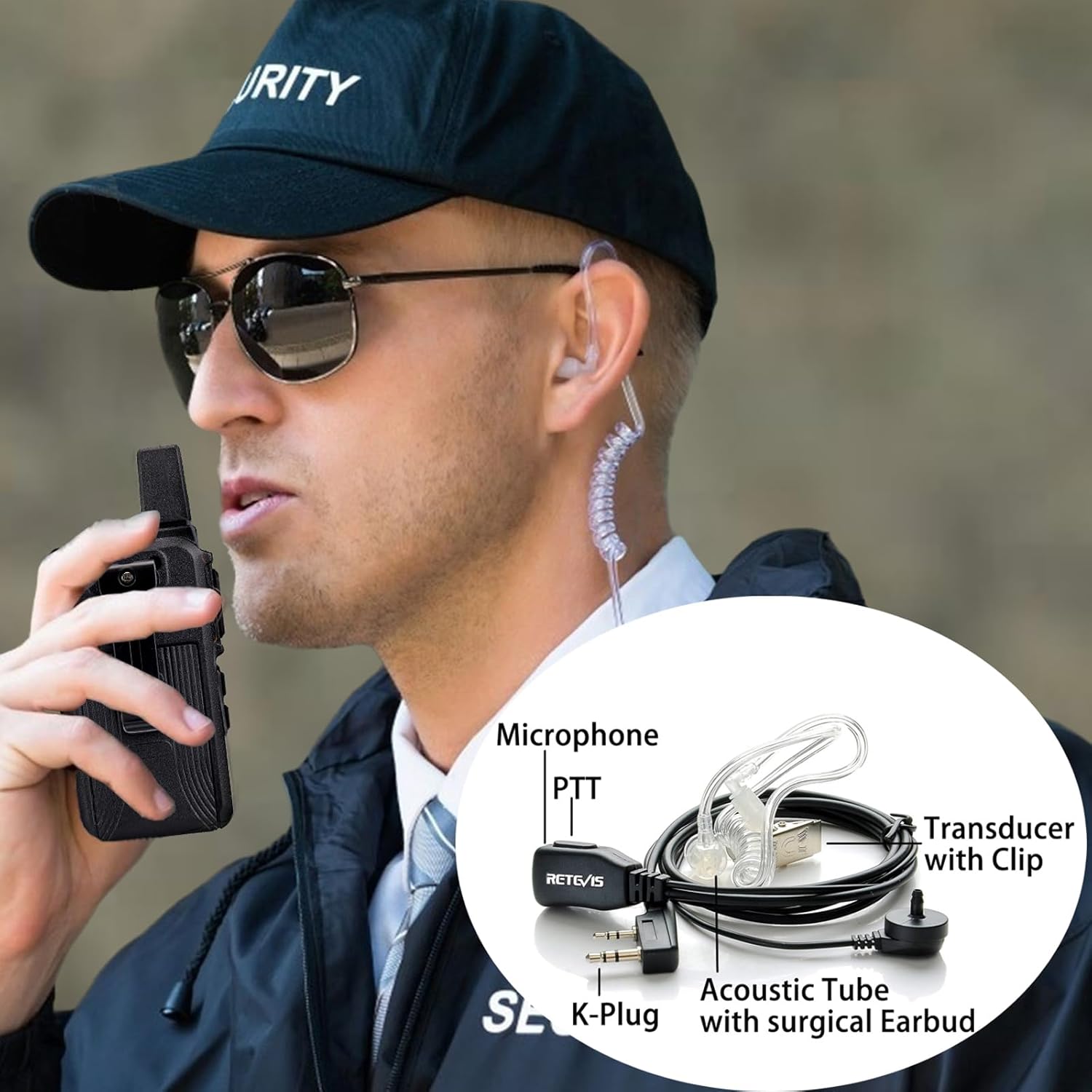
Image: A person wearing an RT19 walkie talkie with an acoustic tube earpiece, demonstrating its use in a professional setting.
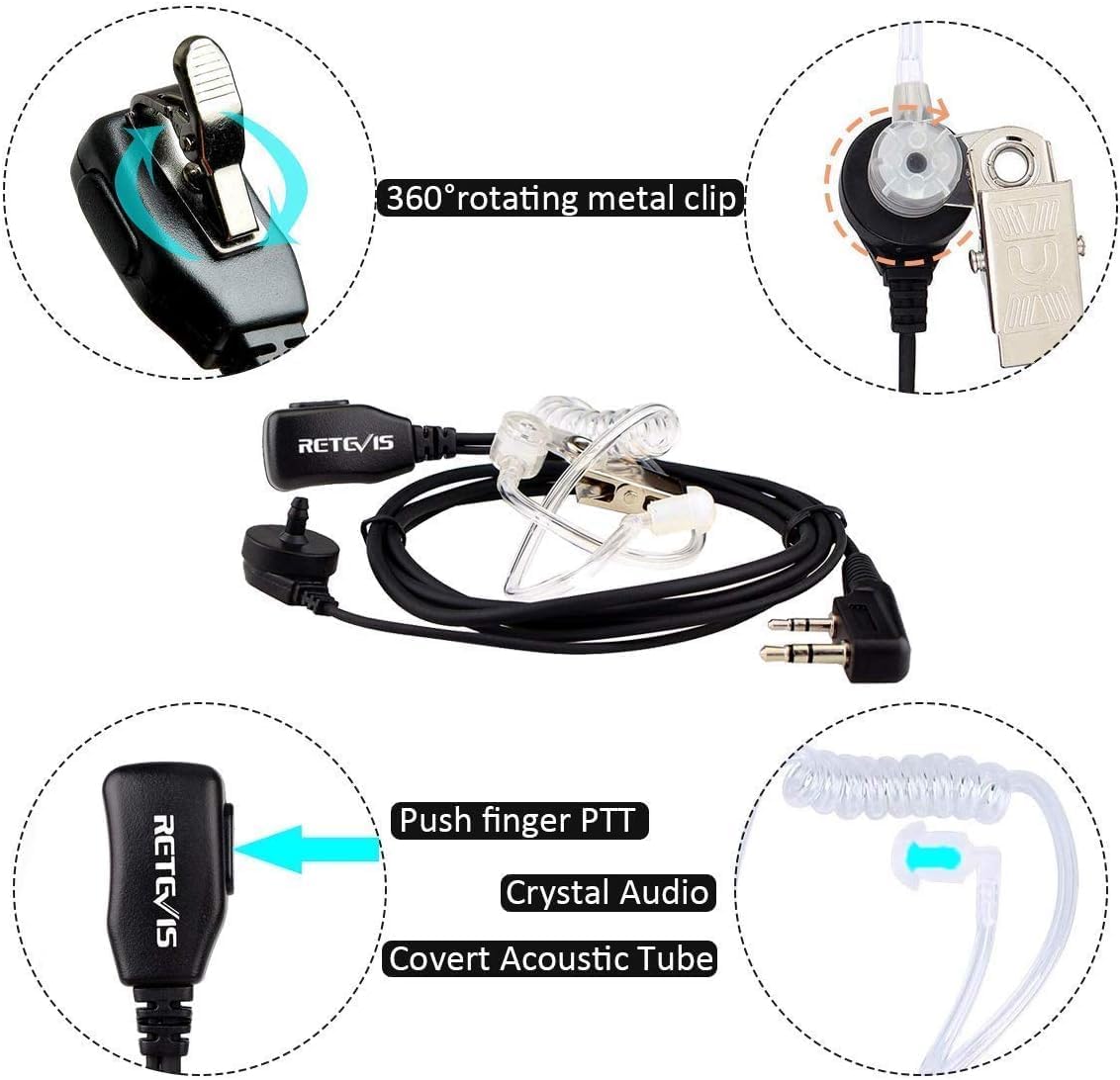
Image: A close-up diagram of the earpiece, showing its microphone, PTT button, acoustic tube, and metal clip.
Operating Instructions
1. Power On/Off and Volume Control
- To power on, rotate the power/volume knob clockwise until you hear a click.
- To power off, rotate the knob counter-clockwise until it clicks off.
- Adjust the volume by rotating the same knob.
2. Channel Selection
The RT19 supports 22 FRS channels. Channels are typically pre-programmed. To change channels, use the channel selector knob on the top of the radio.
3. Push-to-Talk (PTT) Operation
- To transmit, press and hold the PTT button on the side of the radio (or on the earpiece PTT).
- Speak clearly into the microphone.
- Release the PTT button to receive.
4. VOX (Voice Operated Exchange) Function
The VOX function allows for hands-free communication without pressing the PTT button. When VOX is enabled, the radio transmits automatically when it detects your voice.

Image: An illustration of two individuals using the VOX feature on their RT19 radios, showing voice activation for communication.
5. Squelch Function
The RT19 features a 0-9 level squelch, which helps to suppress weak signals and background noise, ensuring clear reception. Adjusting the squelch level can improve audio clarity, especially in noisy environments.

Image: An RT19 walkie talkie next to a megaphone, illustrating the squelch function's ability to provide clear communication by filtering out noise.
6. CTCSS/DCS Tones
CTCSS (Continuous Tone-Coded Squelch System) and DCS (Digitally Coded Squelch) tones allow you to filter out unwanted conversations on the same channel. Only radios set to the same CTCSS/DCS tone will hear each other.

Image: Two RT19 walkie talkies exchanging messages, illustrating how CTCSS/DCS tones ensure private communication within a group.
7. Talking Range
The maximum talking range for the RT19 is up to 2 miles under optimal conditions. Actual range may vary significantly based on terrain, obstructions, and electromagnetic interference.
Maintenance
Cleaning
- Wipe the radio surface with a soft, damp cloth. Do not use harsh chemicals or abrasive cleaners.
- Ensure the charging port and earpiece jack are free of dust and debris.
Battery Care
- Fully charge batteries before first use.
- Avoid overcharging or completely draining the battery, as this can reduce its lifespan.
- If storing the radios for an extended period, remove the batteries and store them in a cool, dry place.
Storage
- Store radios in a dry, cool environment away from direct sunlight and extreme temperatures.
- The RT19 is not water resistant; avoid exposure to water or high humidity.
Troubleshooting
| Problem | Possible Cause | Solution |
|---|---|---|
| Radio does not power on. | Battery is low or not installed correctly. | Charge the battery. Ensure the battery is properly seated in the compartment. |
| No sound or low volume. | Volume too low; squelch level too high; earpiece not connected properly. | Increase volume. Adjust squelch level. Reconnect earpiece firmly. |
| Cannot communicate with other radios. | Different channels; different CTCSS/DCS tones; out of range. | Ensure all radios are on the same channel and have matching CTCSS/DCS settings. Move closer to other radios. |
| Poor sound quality / static. | Weak signal; interference; squelch level too low. | Move to an open area. Avoid sources of interference. Increase squelch level. |
Specifications
| Feature | Detail |
|---|---|
| Model Number | FA9160AX6-C9034AX6-C9003AX12 |
| FCC ID | 2ASNSRT19 |
| Item Weight | 2.4 ounces |
| Product Dimensions | 8.54 x 5.71 x 12.99 inches |
| Battery Type | 1300mAh Lithium Ion (included) |
| Voltage | 3.7 Volts |
| Number of Channels | 22 FRS Channels |
| Frequency Range | FRS |
| Talking Range Maximum | 2 Mile |
| Water Resistance Level | Not Water Resistant |
| Special Features | Headset with earpieces, VOX hands-free, 1300 mAh battery, Handheld and portable, Metal clip |
Warranty and Support
Retevis provides the following warranty for your RT19 Walkie Talkies:
- Radio Body: 2-year warranty
- Accessories: 1-year warranty
- Return Policy: 30 days no reason to return
Beyond the warranty period, Retevis offers maintenance services, with buyers responsible for associated costs. For any inquiries or support, please contact Retevis customer service on Amazon. They aim to reply within 12 hours.
For more information and product updates, visit the official Retevis store: Retevis Amazon Store.
Related documentsFA9160AX6-C9034AX6-C9003AX12


Ask a question about this manual
Ask about setup, troubleshooting, compatibility, parts, safety, or missing instructions. Manuals+ will review the question and use this page’s manual context to help answer it.