
1. Introduction
This manual provides instructions for the proper use and maintenance of your Bytech BYAXAU103AC 3-Foot Braided Auxiliary Audio Cable. Please read this manual thoroughly before using the product to ensure optimal performance and longevity.
2. Product Overview
The Bytech BYAXAU103AC is a 3-foot braided auxiliary audio cable designed for connecting audio devices. Its braided outer material enhances durability and prevents tangling. This cable features male-to-male auxiliary connectors for universal compatibility with standard 3.5mm audio jacks.
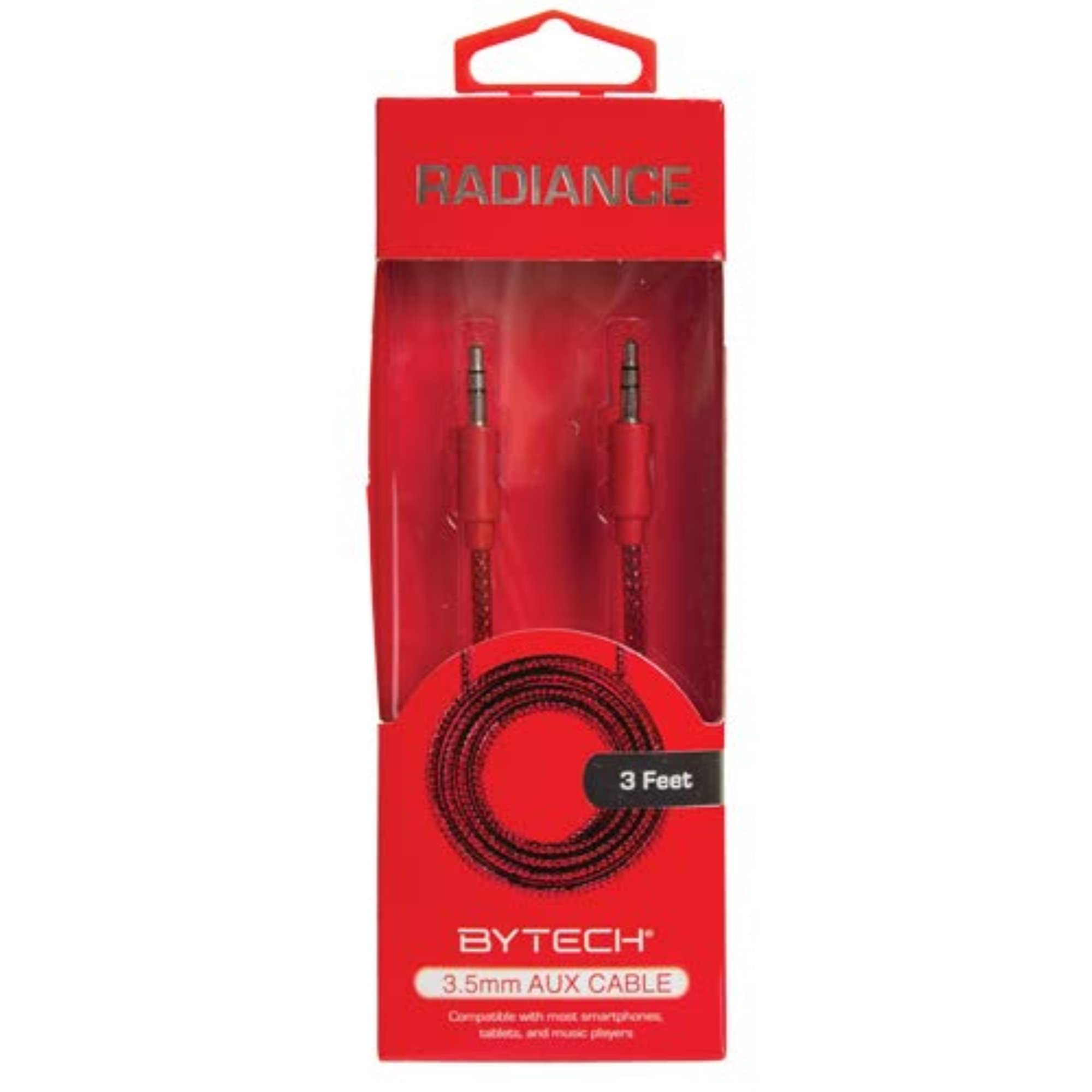
Image 1: Bytech BYAXAU103AC Braided Auxiliary Audio Cable. This image displays the black braided cable with its 3.5mm male connectors on both ends.
Key Features:
- Braided Outer Material: Provides enhanced durability and tangle resistance.
- 3-Foot Length: Offers convenient reach for various setups.
- Universal Compatibility: Works with devices featuring a standard 3.5mm auxiliary port.
- High-Quality Audio Transmission: Designed for clear sound delivery.
3. Setup
Setting up your Bytech auxiliary cable is a straightforward process. Ensure both devices you intend to connect have a compatible 3.5mm auxiliary audio input/output port.
- Identify Ports: Locate the 3.5mm auxiliary audio output port on your source device (e.g., smartphone, tablet, MP3 player) and the 3.5mm auxiliary audio input port on your receiving device (e.g., car stereo, portable speaker, amplifier).
- Connect First End: Insert one end of the Bytech auxiliary cable firmly into the audio output port of your source device.
- Connect Second End: Insert the other end of the Bytech auxiliary cable firmly into the audio input port of your receiving device.
- Power On Devices: Ensure both connected devices are powered on.
- Select Input: On your receiving device, select the correct auxiliary input source. This is often labeled "AUX" or represented by an icon.
Your devices are now connected and ready for audio playback.
4. Operating Instructions
Once the Bytech auxiliary cable is properly connected, audio playback is controlled directly from your source device.
- Start Playback: Begin playing audio (music, podcasts, etc.) on your source device.
- Adjust Volume: Adjust the volume level on both your source device and your receiving device to achieve the desired sound output. It is recommended to start with lower volumes and gradually increase them.
- Control Playback: Use the controls on your source device to pause, skip tracks, or manage other playback functions.
The cable transmits the audio signal; it does not have its own controls.
5. Maintenance
Proper care will extend the life of your Bytech auxiliary cable.
- Storage: When not in use, coil the cable loosely. Avoid tight coiling or sharp bends, which can damage the internal wires.
- Cleaning: Use a soft, dry cloth to wipe the cable and connectors. Do not use harsh chemicals or abrasive cleaners.
- Handling: Always grasp the connector housing when plugging or unplugging the cable. Avoid pulling directly on the cable itself.
- Environment: Keep the cable away from extreme temperatures, direct sunlight, and moisture.
6. Troubleshooting
If you encounter issues with your Bytech auxiliary cable, refer to the following common solutions:
| Problem | Possible Solution |
|---|---|
| No sound or intermittent sound. |
|
| Poor audio quality (static, distortion). |
|
7. Specifications
| Feature | Detail |
|---|---|
| Brand | Bytech |
| Model Name | BYAXAU103AC |
| Connector Type | Auxiliary (3.5mm Male-to-Male) |
| Cable Type | AUX |
| Length | Approximately 3 feet (derived from product title "3\"" interpreted as 3-foot for practical use) |
| Special Feature | Braided outer material |
| Color | Black |
| Compatible Devices | Amplifiers, smartphones, tablets, car stereos, portable speakers, and other devices with a 3.5mm audio jack. |
| Recommended Uses | Connecting audio devices to amplifiers or other audio systems. |
| Outer Material | Braided |
| Item Weight | 1 pound (approximate) |
| Product Dimensions | 1 x 1 x 1 inches (packaging dimensions, cable length is 3 feet) |
| UPC | 805112313402 |
| ASIN | B082FYMNRN |
| Manufacturer | DEEJAYLED |
8. Warranty and Support
Bytech products are manufactured to high-quality standards. For information regarding warranty coverage, technical support, or service inquiries, please refer to the documentation included with your purchase or visit the official Bytech website. Please retain your proof of purchase for warranty claims.
For further assistance, you may contact Bytech customer support through their official channels.