
Onelap Ol_micro_WR
Onelap Micro GPS Tracker User Manual - Wired Model Ol_micro_WR
Comprehensive instructions for your Onelap Micro GPS Tracker, including setup, operation, and features.
1. Introduction
The Onelap Micro GPS Tracker is a compact, wired device designed for real-time vehicle tracking and security. It provides live location updates, anti-theft alerts, and remote engine control capabilities for various vehicles including bikes, cars, and trucks. This manual will guide you through the installation, operation, and maintenance of your GPS tracker.
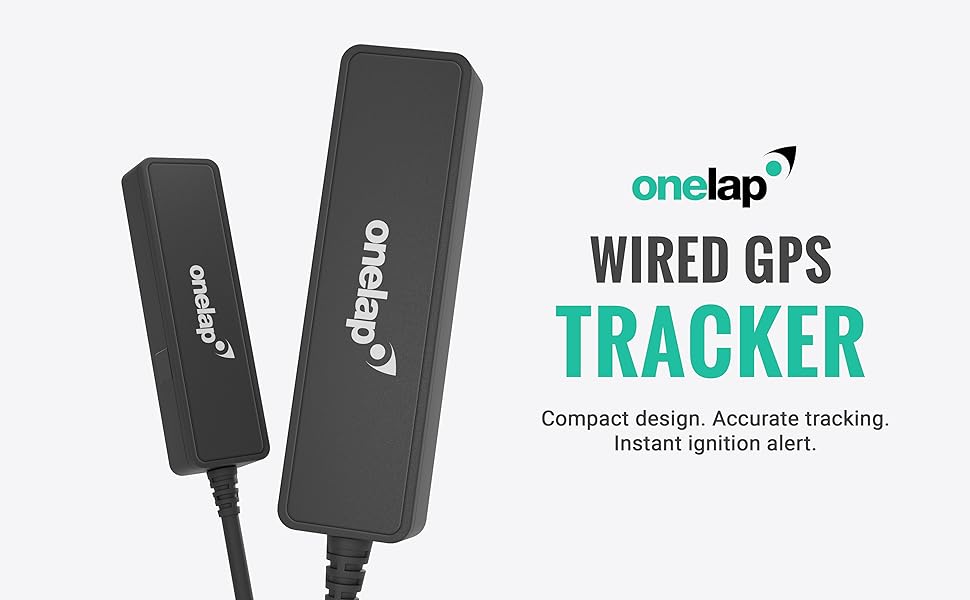
Image: The Onelap Micro Wired GPS Tracker device, showcasing its compact design and wiring.
2. Package Contents
Upon opening your Onelap Micro GPS Tracker package, you should find the following items:
- Onelap Micro Wired GPS Tracker unit
- Wiring harness for installation
- 12 Months Pre-Recharged Activated 4G Data Device SIM Card (pre-installed or included separately)
- User Manual (this document)

Image: The Onelap Micro GPS Tracking Device packaging alongside a 12-month SIM card, indicating included components.
Important Note: The GPS tracking device requires an active and recharged SIM card to transmit location data to the mobile application. Without an active SIM card with a data plan, the device cannot send location information.
3. Setup and Installation
The Onelap Micro GPS Tracker is designed for hidden installation in various vehicle types. Professional installation is recommended for optimal performance and security.
3.1 SIM Card Activation (if not pre-activated)
If your package includes an inactive SIM card, you will need to recharge and activate it according to the provider's instructions. Alternatively, you can use your own normal SIM card with an active data plan.
3.2 Device Placement
Due to its small size (7.5 x 2.4 x 1.2 cm), the device can be discreetly installed in various hidden locations within your vehicle. Ensure the chosen location allows for good GPS signal reception and is protected from extreme elements.
- Under the headlights
- Under the bike seat
- Inside the dashboard
- Rooftop (internal)
- Doors
- Boot space

Image: Visual examples demonstrating hidden installation of the GPS tracker inside a car dashboard and a motorcycle headlight, highlighting its discreet placement.
3.3 Wiring Connection
Connect the GPS tracker's wiring harness to your vehicle's electrical system. This device is compatible with both key and push-button start vehicles. It is crucial to ensure correct wiring to avoid damage to the device or vehicle. Consult a professional mechanic if you are unsure about the wiring process.
The device features an ignition alert sensor that quickly detects vehicle ignition status, providing instant on/off alerts.
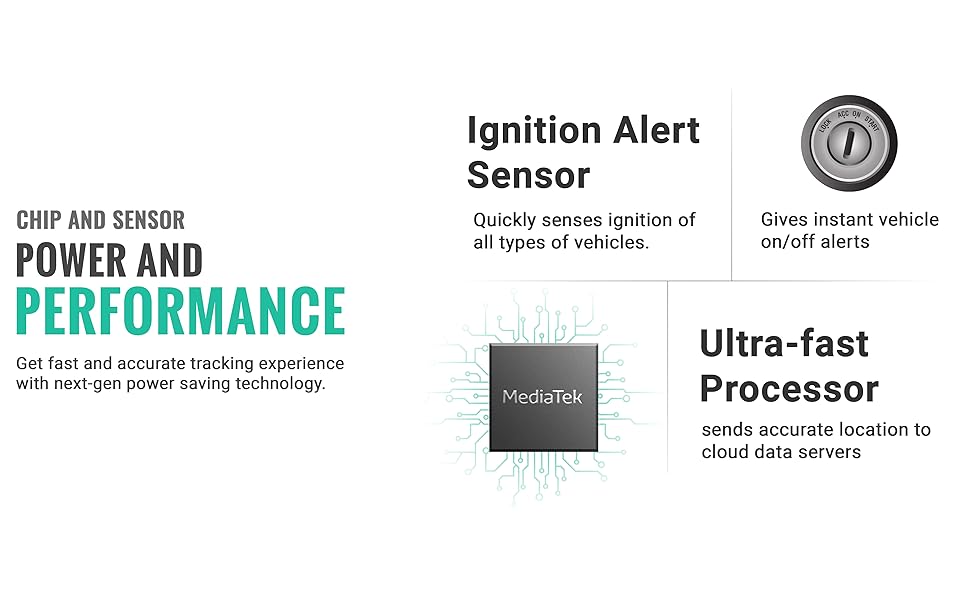
Image: Diagram illustrating the device's power and performance features, including the Ignition Alert Sensor and MediaTek Ultra-fast Processor for accurate tracking.
4. Operating Instructions
The Onelap Micro GPS Tracker operates in conjunction with the dedicated Onelap mobile application.
4.1 Mobile Application
Download the Onelap application from the Android Play Store or Apple App Store. The application allows you to manage your vehicle's tracking and receive alerts.

Image: Multiple screenshots of the Onelap mobile application, showcasing its user interface for live tracking, alerts, and daily statistics.
4.2 Live GPS Tracking
Once installed and connected, the device transmits your vehicle's precise location in real-time to the mobile app. You can view live movements and track your vehicle's current position on a map.

Image: A person demonstrating the Onelap mobile app with a live tracking interface, showing the device and a vehicle on a map.
4.3 Detailed Travel History
The application stores a complete record of your vehicle's driving history, allowing you to review past routes, distances covered, and stoppage times for any given day.

Image: The Onelap app displaying a vehicle's daily report with distance and longest distance covered, alongside the engine lock interface.
4.4 Alerts and Notifications
The Onelap Micro GPS Tracker provides various instant alerts to keep you informed about your vehicle's status:
- Remote Engine On/Off Alerts: Receive notifications when your vehicle's ignition is turned on or off.
- Anti-Theft Alarm: Get instant alarms if the ignition is turned on without authorization or if the vehicle is moved via towing or pushing.
- Geo-Fence Alerts (Safezone Alerts): Set up virtual boundaries (geofences) and receive alerts when your vehicle enters or exits these predefined areas.
- Overspeeding Alerts: Be notified if the vehicle exceeds a set speed limit.
- Vibration Detected: Alerts for unusual vibrations.

Image: The Onelap app interface displaying Safezone alerts for entry/exit and Engine On/Off alerts, including an anti-theft notification.

Image: A mobile phone screen displaying various instant notifications from the Onelap app, such as vibration detected, anti-theft, and overspeeding alerts.
4.5 Remote Engine Lock
The device supports remote engine lock functionality, allowing you to remotely disable your vehicle's engine through the mobile application. This feature provides an additional layer of security against theft.
5. Specifications
| Feature | Detail |
|---|---|
| Brand | Onelap |
| Model | Ol_micro_WR |
| Product Dimensions | 7.5 x 2.4 x 1.2 cm |
| Item Weight | 26 g |
| Material | Plastic |
| Batteries | 1 Lithium Ion battery (included, rechargeable) |
| Compatible Devices | Android, iPhone |
| Special Features | Alert Notification, Anti-Theft, Geo-Fence, Real Time Tracking |
| Connectivity Technology | Cellular |
| Supported Application | GPS |
| Specific Uses For Product | Vehicle Tracking |
| Country of Origin | India |
6. Maintenance
The Onelap Micro GPS Tracker is designed for low maintenance. To ensure optimal performance:
- Ensure the device remains securely installed and its wiring connections are intact.
- Keep the SIM card active and recharged with a suitable data plan.
- Avoid exposing the device to extreme temperatures or direct water immersion, although it is designed to be water-resistant.
- Regularly update the Onelap mobile application to benefit from the latest features and improvements.
The device consumes very little battery due to its advanced sleep and wake technology, making it vehicle battery-friendly.
7. Troubleshooting
If you encounter issues with your Onelap Micro GPS Tracker, consider the following:
- No Location Data: Verify that the SIM card inside the device is active and has a valid data plan. Ensure the device has a clear line of sight to the sky for GPS signal reception. If the vehicle is parked in a closed garage, GPS signal acquisition might be difficult.
- Inaccurate Tracking: Ensure the device is installed in a location that does not obstruct GPS signals. Dense urban areas or underground parking can sometimes affect accuracy.
- Alerts Not Received: Check your mobile application notification settings and ensure they are enabled. Verify that the device has an active SIM card and data connection.
- Device Not Powering On: Check the wiring connections to the vehicle's battery. Ensure the vehicle's battery is charged.
- Engine Lock Feature Not Working: Ensure the device is correctly wired to support this feature. Some installations may require an additional relay for engine lock functionality, especially for certain vehicle types.
For further assistance, please contact customer support.
8. Warranty and Support
Onelap provides comprehensive support for its products.
8.1 Warranty Information
Your Onelap Micro Wired GPS Tracker comes with a 1-year doorstep replacement warranty. This warranty covers manufacturing defects and ensures a hassle-free replacement process.
8.2 Customer Support
For any technical queries, installation assistance, or warranty claims, you can reach Onelap customer support:
- Whatsapp Helpline: +91-7217760961 (24/7 support)
- Toll-free Number: 1800 103 0274
- Email: Support@onelap.in
Image: Visual representation of Onelap's quick customer support via Whatsapp and their free doorstep pickup & drop warranty service.
Ask a question about this manual
Ask about setup, troubleshooting, compatibility, parts, safety, or missing instructions. Manuals+ will review the question and use this page’s manual context to help answer it.