
1. Introduction
Thank you for purchasing the One Fire HMT-01 Galaxy Projector Light. This device is designed to project dynamic nebula and star patterns, create a relaxing ambiance, and provide audio playback through its integrated Bluetooth speaker and white noise functions. Please read this manual thoroughly to ensure proper operation and maintenance.

Figure 1: One Fire HMT-01 Galaxy Projector Light, showcasing its compact design and projected light effects.
2. Safety Information
- Do not look directly into the projector light source to avoid eye strain.
- Keep the device away from water or other liquids to prevent electric shock.
- Do not disassemble or attempt to repair the device yourself. Contact qualified personnel for service.
- Ensure the device is placed on a stable, flat surface to prevent it from falling.
- Use only the provided power adapter or a compatible USB power source.
- Keep out of reach of small children to prevent accidental ingestion of small parts or misuse.
3. Package Contents
Verify that all items are present in your package:
- One Fire HMT-01 Galaxy Projector Light
- Remote Control (AAA batteries not included)
- USB Power Cable
- User Manual (this document)
4. Product Overview
Familiarize yourself with the main components and controls of your projector.

Figure 2: Front view of the projector and its remote control, highlighting the control buttons.
4.1 Device Controls
- Power Button: Located on the bottom, for main power ON/OFF.
- USB Port: For power input.
- TF Card Slot: For playing music from a memory card.
- Audio Input (AUX): For connecting external audio devices.
- Speaker: Integrated for audio output.
4.2 Remote Control Functions
The remote control provides convenient access to all functions:
- Power Button: Turns the projector light and music ON/OFF.
- Light Mode Button: Cycles through different light effects (single color, multi-color, dynamic).
- Brightness Adjustment: Increases or decreases light intensity (3 gears).
- Volume Control: Adjusts music volume.
- Previous/Next Track: Skips between music tracks.
- Play/Pause: Controls music playback.
- White Noise Selection: Cycles through 10 built-in white noise sounds.
- Timer Buttons: Sets auto-off timer (2H/4H).
5. Setup
5.1 Power Connection
- Connect the provided USB power cable to the USB port on the projector.
- Plug the other end of the USB cable into a compatible USB power adapter (5V/2A recommended) and then into a wall outlet.
- Ensure the main power switch on the bottom of the projector is in the "ON" position.
5.2 Remote Control Setup
- Open the battery compartment on the back of the remote control.
- Insert 2x AAA batteries (not included), ensuring correct polarity (+/-).
- Close the battery compartment.
6. Operating Instructions
6.1 Power On/Off
- Press the power button on the remote control to turn the projector ON.
- Press the power button again to turn the projector OFF.
6.2 Adjusting Light Modes and Colors
Use the "Light Mode" button on the remote to cycle through various projection patterns and color combinations. The projector offers single light and colorful nebula effects.

Figure 3: Example of dynamic ocean wave projection effects in various colors.

Figure 4: Illustration of 40 lighting effects with 5 dimmable brightness levels and 8 colors.
6.3 Brightness Adjustment
Press the brightness adjustment buttons on the remote to select from 3 available brightness levels (e.g., 20%, 40%, 60%, 80%, 100%).

Figure 5: Remote control and visual representation of brightness settings from 0% to 100%.
6.4 Music Playback
The projector supports three methods for music playback: Bluetooth, TF card, and AUX input.
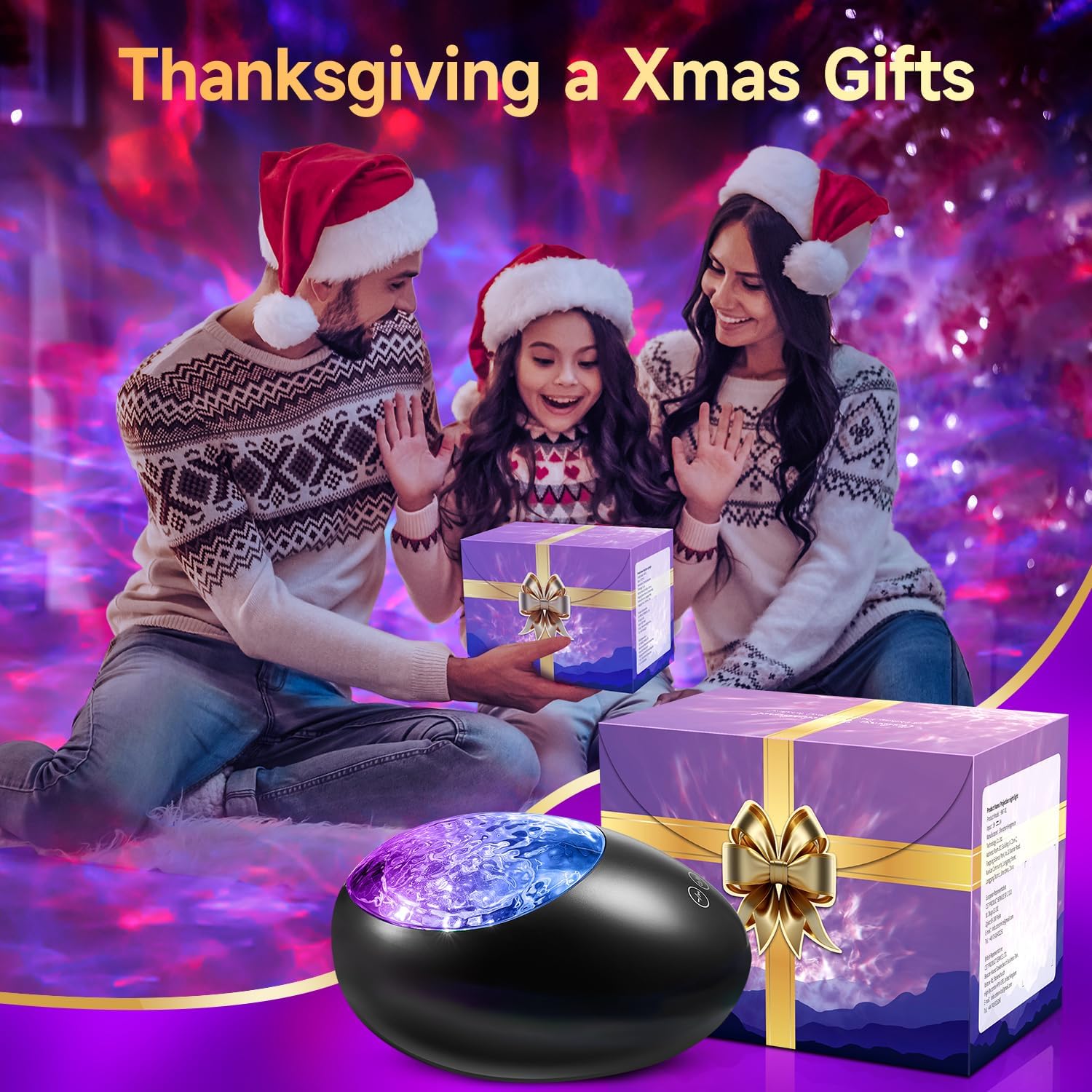
Figure 6: The projector's built-in speaker and connectivity options for TF card, Audio, and Bluetooth.
6.4.1 Bluetooth Pairing
- Turn on the projector. It will automatically enter Bluetooth pairing mode.
- Enable Bluetooth on your mobile device and search for "HMT-01" (or similar device name).
- Select the device to pair. A voice prompt will confirm successful connection.
- You can now play music from your device through the projector's speaker. Use the remote for volume, play/pause, and track control.
6.4.2 White Noise Sounds
The projector includes 10 built-in white noise sounds. Press the dedicated white noise button on the remote to cycle through them.

Figure 7: Icons representing the 10 white noise sounds available for relaxation and sleep.
6.4.3 TF Card / AUX Input
- TF Card: Insert a TF card with MP3 audio files into the TF card slot. The projector will automatically detect and play the music.
- AUX Input: Connect an external audio device (e.g., smartphone, MP3 player) to the AUX port using a 3.5mm audio cable.
6.5 Timer Function
Set an automatic shut-off time for the projector:
- Press the "2H" button on the remote for the projector to turn off after 2 hours.
- Press the "4H" button on the remote for the projector to turn off after 4 hours.
- To cancel the timer, press the timer button again or turn the device off and on.
6.6 Projection Angle and Rotation
The projector's head can be adjusted to direct the light to different areas. The projection also features a 360° rotation for dynamic effects.
7. Maintenance
- Cleaning: Use a soft, dry cloth to clean the surface of the projector. Do not use abrasive cleaners or solvents.
- Storage: When not in use for extended periods, store the device in a cool, dry place, away from direct sunlight and extreme temperatures.
- Lens Care: Gently wipe the projection lens with a microfiber cloth to ensure clear projection.
8. Troubleshooting
| Issue | Possible Cause | Solution |
|---|---|---|
| Projector does not turn on. | No power, main switch off, remote batteries dead. | Check power connection, ensure main switch is ON, replace remote batteries. |
| No light projection. | Light function off, brightness too low. | Press light mode button on remote, increase brightness. |
| Bluetooth not connecting. | Device not in pairing mode, Bluetooth off on phone, too far from device. | Ensure projector is on, enable Bluetooth on phone, move closer to projector, restart both devices. |
| No sound from speaker. | Volume too low, incorrect input source, muted. | Increase volume, select correct input (Bluetooth/TF/AUX), unmute device. |
9. Specifications
| Model Number | HMT-01 |
| Brand | One Fire |
| Product Dimensions | 5"D x 5"W x 5.02"H |
| Item Weight | 1.1 pounds |
| Light Source Type | LED |
| Light Color | Multicolor |
| Special Features | LED Galaxy Projector, White Noise, Bluetooth, Auto Off Timer |
| Control Method | Remote |
| Power Source | Battery Powered (USB charging) |
| Material | Plastic |
10. Warranty and Support
One Fire products are manufactured with high-quality materials and undergo strict quality control. This product is covered by a standard manufacturer's warranty against defects in materials and workmanship from the date of purchase.
For warranty claims, technical support, or any questions regarding your product, please contact our customer service team:
- Email: support@onefire.com (Example email, actual email not provided)
- Website: Visit the One Fire Store on Amazon for more information and contact options.
Please have your model number (HMT-01) and purchase date ready when contacting support.