Introduction
The My Audio Stories Bundle offers an engaging experience for children, combining a beautifully illustrated storybook with an interactive Bluetooth speaker and a companion mobile application. This bundle allows children to listen to pre-recorded stories, record their own versions, and enjoy music through the portable speaker. This manual provides essential instructions for setting up, operating, maintaining, and troubleshooting your My Audio Stories Bundle.
What's in the Box
Upon unboxing your My Audio Stories Bundle, please verify that all the following components are present:
- 1 x Hardcover Book: "You Silly Little Raccoon"
- 1 x My Audio Pet Bluetooth Speaker (Raccoon character)
- 1 x Lanyard
- 1 x Charging Cable
- 1 x User Guide (this document)

Image: The My Audio Stories Bundle components, including the 'You Silly Little Raccoon' book, the Raccoon Bluetooth speaker, and a representation of the My Audio Stories app interface.
Setup
1. Charging the My Audio Pet Bluetooth Speaker
- Locate the charging port on your My Audio Pet speaker.
- Connect the provided charging cable to the speaker and a standard USB power source (e.g., computer USB port, wall adapter).
- The speaker's indicator light will illuminate during charging and turn off or change color when fully charged. A full charge typically takes 1-2 hours.
2. Powering On/Off and Bluetooth Pairing
- To power on the speaker, press and hold the power button (usually located on the bottom or back) for a few seconds until you hear an audible prompt or see an indicator light.
- The speaker will automatically enter Bluetooth pairing mode, indicated by a flashing light.
- On your mobile device (smartphone or tablet), go to the Bluetooth settings.
- Select "My Audio Pet" or a similar name from the list of available devices.
- Once connected, you will hear a confirmation sound from the speaker.
- To power off, press and hold the power button again until the speaker turns off.

Image: A close-up view of the My Audio Pet Raccoon Bluetooth Speaker, highlighting its design and portability.
3. Installing the My Audio Stories Plus App
- Ensure your mobile device is connected to the internet.
- Open the App Store (for iOS devices) or Google Play Store (for Android devices).
- Search for "My Audio Stories Plus".
- Download and install the application.
- Once installed, open the app and follow any on-screen prompts for initial setup or account creation.
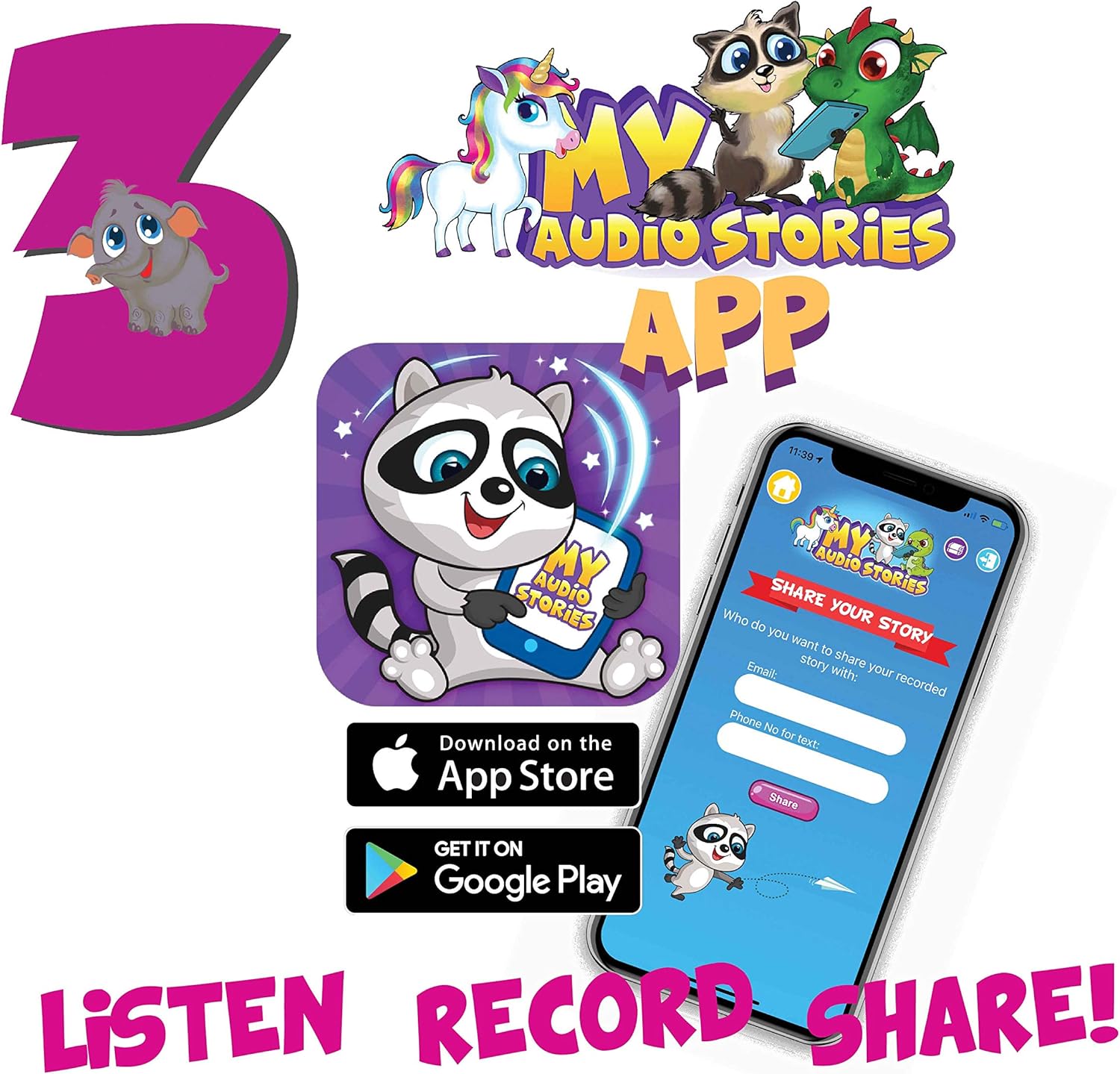
Image: The My Audio Stories app icon and a smartphone screen displaying the app's interface for sharing stories.
Operating Instructions
1. Engaging with Pre-recorded Stories
- Ensure your My Audio Pet speaker is powered on and connected to your mobile device via Bluetooth.
- Open the My Audio Stories Plus app.
- Navigate to the library of stories within the app.
- Select "You Silly Little Raccoon" to begin playback. The audio will stream through your connected My Audio Pet speaker.
- Children can follow along in the physical book while listening to the story.
2. Recording Your Own Story Version
- Within the My Audio Stories Plus app, locate the recording feature.
- Follow the in-app instructions to record your voice reading the story.
- You can pause and resume recording as needed.
- After recording, save your personalized story to the app's library.
3. Sharing Recorded Stories
- From the app's library, select a recorded story you wish to share.
- Utilize the sharing options within the app to send your recorded story to others via email or other supported methods.
- Recipients can then listen to your personalized reading of the story.
4. Using the Speaker for Music Playback
- Ensure your My Audio Pet speaker is powered on and connected to your mobile device via Bluetooth.
- Open your preferred music streaming application or audio player on your mobile device.
- Play music as you normally would. The audio will be routed through the My Audio Pet speaker.
Maintenance
General Care
- Speaker: Wipe the speaker with a soft, dry cloth. Do not use abrasive cleaners or immerse in water.
- Book: Keep the book away from liquids and direct sunlight to preserve its condition.
- Store the bundle components in a cool, dry place when not in use.
Safety Information
- Keep the My Audio Pet speaker and book away from direct heat sources to prevent damage.
- This product contains a Lithium Ion battery. Do not attempt to replace the battery yourself.
- Supervise young children during use, especially with small parts like the lanyard.
Troubleshooting
- Speaker not turning on: Ensure the speaker is fully charged. Connect it to the charging cable and allow it to charge for at least 30 minutes before attempting to power on again.
- Speaker not pairing with device:
- Ensure the speaker is in pairing mode (flashing indicator light).
- Turn off and then on your device's Bluetooth.
- Move the speaker closer to your device.
- Forget the device in your Bluetooth settings and attempt to pair again.
- No sound from speaker: Check the volume levels on both the speaker and your connected device. Ensure the speaker is properly paired.
- App not functioning correctly:
- Ensure your mobile device has a stable internet connection.
- Close and restart the My Audio Stories Plus app.
- Check for app updates in your device's app store.
- If issues persist, try uninstalling and reinstalling the app.
Specifications
| Product Dimensions | 1.75 x 1.75 x 2 inches |
| Item Weight | 1.21 pounds |
| ASIN | B0829JFP57 |
| Manufacturer Recommended Age | 12 months and up |
| Batteries | 1 Lithium Ion battery required (included) |
| Release Date | December 5, 2019 |
| Manufacturer | JAKAB Solutions |
Warranty and Support
For information regarding warranty coverage or technical support for your My Audio Stories Bundle, please refer to the manufacturer's official website or contact JAKAB Solutions directly. Contact details are typically provided on the product packaging or through the My Audio Pet brand store online.
Manufacturer: JAKAB Solutions
For further assistance, visit the My Audio Pet Store.


