1. Introduction
This user manual provides essential information for the proper installation, operation, and maintenance of your X-Sense SD11 10-Year Battery Smoke Detector. Please read this manual thoroughly before installation and retain it for future reference. This device is designed to detect smoke and alert occupants to potential fire hazards, contributing to overall home safety.
2. Safety Information
- Important: This smoke detector is designed for indoor use only.
- Warning: Do not paint the smoke detector. Paint can clog the sensing chambers and prevent the alarm from functioning correctly.
- Caution: Do not attempt to open or repair the device. There are no user-serviceable parts inside.
- Testing: Test the smoke detector weekly to ensure proper operation.
- Alarm Response: If the alarm sounds, evacuate all occupants immediately and call emergency services.
- Battery: The integrated lithium battery is designed to last 10 years and is not replaceable. Do not attempt to remove or replace the battery.
3. Package Contents
Upon opening the package, verify that all components are present and in good condition:
- X-Sense SD11 Smoke Detector(s)
- Mounting Bracket(s)
- Screws and Anchor Plugs
- User Manual

Image 3.1: X-Sense SD11 Smoke Detector and included units.
4. Product Overview
The X-Sense SD11 smoke detector features a compact design with a photoelectric sensor for reliable smoke detection. Key components include:
- Test/Silence Button: Used to test the alarm and silence false alarms.
- LED Indicator: Provides visual status of the detector.
- Alarm Horn: Emits a loud alarm sound during a fire event.
- Mounting Bracket: For secure installation on ceilings or walls.
- Insect-Proof Design: Helps prevent false alarms caused by small insects.
- Photoelectric Sensor: Detects smoke particles.

Image 4.1: Internal view of the photoelectric sensor for enhanced smoke detection.

Image 4.2: Detail of the insect-proof mesh, designed to reduce false alarms.
5. Installation
5.1 Choosing a Location
For optimal protection, install smoke detectors in every sleeping area and on every level of your home, including the basement. Consider placing detectors in hallways leading to sleeping areas. Avoid placing detectors in:
- Kitchens, bathrooms, or garages where cooking fumes, steam, or exhaust can cause false alarms.
- Areas with high humidity or extreme temperatures.
- Near vents, fans, or air conditioners that can interfere with smoke reaching the detector.

Image 5.1: Example of a smoke detector installed on a living room ceiling.
5.2 Mounting Instructions
The X-Sense SD11 can be installed using screws or a magnetic mount (sold separately).
Screw Mounting:
- Choose a suitable mounting location on the ceiling or wall.
- Use the mounting bracket to mark the two screw holes.
- Drill two holes (approximately 6 mm in diameter) at the marked positions.
- Insert the anchor plugs into the holes.
- Attach the mounting bracket using the provided screws.
- Align the detector with the mounting bracket and twist clockwise until it locks into place.
Magnetic Mounting (Optional, magnetic pads sold separately):
- Ensure the mounting surface is clean, dry, and smooth.
- Attach the magnetic adhesive pads to the back of the detector and the desired mounting location.
- Press the detector firmly against the magnetic pad on the ceiling/wall for secure attachment.
5.3 Initial Activation
Once the detector is twisted onto the mounting bracket, it will automatically activate. The LED indicator will flash briefly, and the unit will emit a short beep to confirm activation.
6. Operating Instructions
6.1 Testing the Alarm
It is recommended to test your smoke detector weekly to ensure it is functioning correctly.
- Press and hold the Test/Silence button on the detector.
- The alarm will sound loudly (a series of three long beeps) and the LED indicator will flash rapidly.
- Release the button. The alarm will stop.

Image 6.1: Pressing the Test/Silence button to verify alarm functionality.
6.2 Silence Function
If a non-emergency alarm occurs (e.g., from cooking fumes), you can temporarily silence the alarm:
- Press the Test/Silence button once.
- The alarm will be silenced for approximately 9 minutes. The LED indicator will flash every 5 seconds to indicate it is in silence mode.
- After 9 minutes, if smoke is still present, the alarm will reactivate.
6.3 Automatic Self-Test
The X-Sense SD11 performs an automatic self-test every 10 seconds to ensure its internal components are functioning correctly. It also checks for smoke every 10 seconds for precise and intelligent detection.

Image 6.2: The detector performs continuous self-checks for reliability.
7. Maintenance
7.1 Cleaning Your Smoke Detector
To keep your smoke detector in good working condition, clean it regularly (at least once every 6 months):
- Gently vacuum the exterior of the detector using a soft brush attachment to remove dust and debris.
- Do not use water, cleaning solutions, or solvents, as these can damage the unit.
7.2 Battery Life and End-of-Life Indication
The X-Sense SD11 is equipped with a sealed 10-year lithium battery. This battery is designed to power the detector for its entire lifespan, eliminating the need for battery replacement.
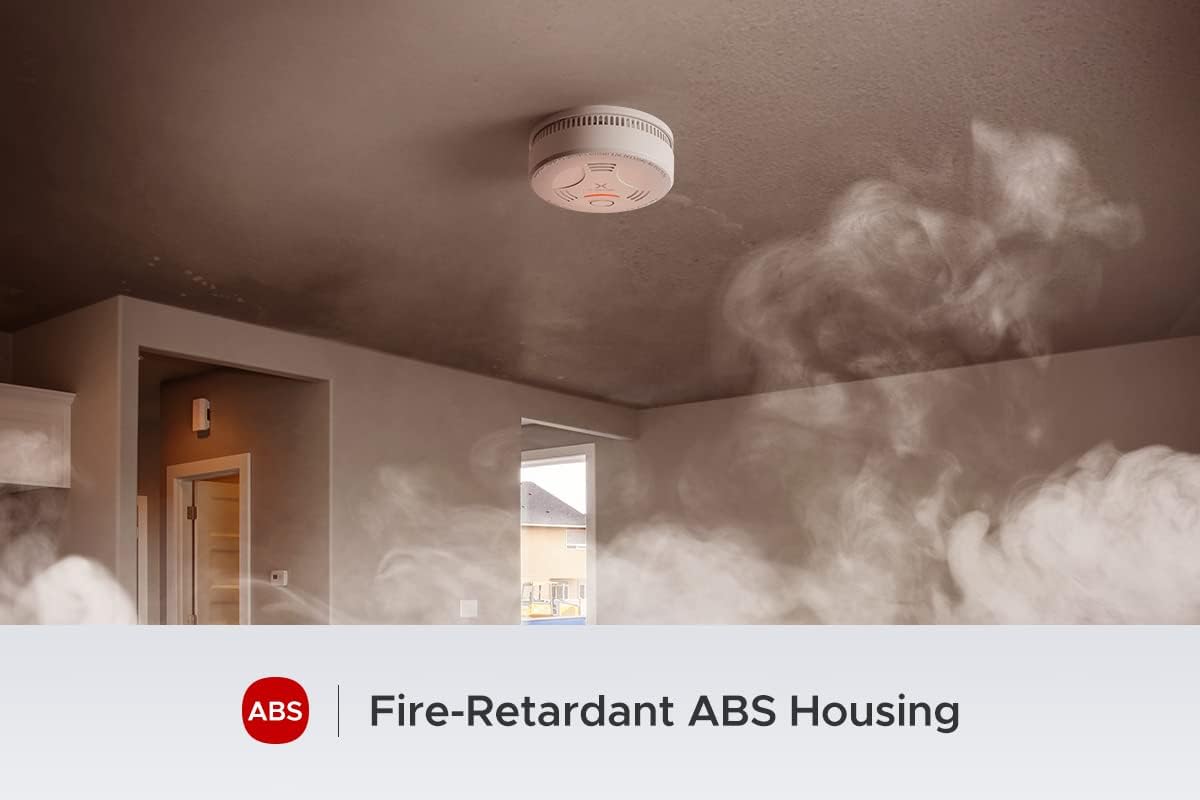
Image 7.1: The detector features a 10-year sealed lithium battery for long-term operation.
When the detector reaches the end of its 10-year lifespan, it will emit a specific end-of-life signal (typically a short beep every 30-40 seconds) to indicate that it needs to be replaced. Replace the entire unit promptly.
8. Troubleshooting
| Problem | Possible Cause | Solution |
|---|---|---|
| Alarm sounds frequently without apparent smoke (false alarms). | Dust or debris in the sensing chamber; detector too close to cooking fumes, steam, or high humidity. | Clean the detector as described in Section 7.1. Relocate the detector if it is in an unsuitable area. The insect-proof design helps minimize insect-related false alarms. |
| Detector chirps or beeps intermittently (e.g., every 30-40 seconds). | Low battery or end-of-life signal. | The integrated 10-year battery is nearing its end of life. Replace the entire smoke detector unit immediately. |
| Alarm does not sound during testing. | Detector not properly activated; unit malfunction. | Ensure the detector is correctly twisted onto its mounting bracket. If the issue persists, the unit may be faulty and needs replacement. |
9. Specifications
- Model: SD11
- Sensor Type: Photoelectric
- Power Source: 10-Year Sealed Lithium Battery (CR123A)
- Sound Level: 85 dB at 3 meters (10 feet)
- Coverage Area: 20-40 m²
- Operating Temperature: 0°C to 40°C (32°F to 104°F)
- Operating Humidity: 30% to 90% RH (non-condensing)
- Dimensions: 12.2 x 12.2 x 4.5 cm (4.8 x 4.8 x 1.8 inches)
- Weight: 178 grams (6.3 ounces)
- Material: Enhanced ABS (high temperature and corrosion resistance)
- Certifications: EN14604, TÜV Rheinland, CE
- Installation Method: Screw mounting or magnetic mounting (magnetic pads sold separately)

Image 9.1: X-Sense SD11 certifications for quality and safety.

Image 9.2: The durable ABS housing provides high temperature resistance.
10. Warranty and Support
For warranty information and customer support, please refer to the official X-Sense website or contact their customer service directly. Keep your purchase receipt as proof of purchase for warranty claims.
Website: www.x-sense.com
Email: Refer to the X-Sense website for specific contact details.