Introduction
Thank you for choosing the YougetTech Digital Whole-House Portable Evaporative Humidifier. This manual provides important information regarding the safe operation, maintenance, and troubleshooting of your new humidifier. Please read it thoroughly before use and retain it for future reference.
This evaporative humidifier is designed to provide consistent humidity levels in large rooms, featuring intelligent constant humidity control, a 4-gallon water tank, and a washable filter for efficient and clean humidification without mist or white dust.
Important Safety Instructions
To reduce the risk of fire, electric shock, or injury, please observe the following safety precautions:
- Always place the humidifier on a firm, flat, level surface.
- Do not operate the humidifier without water in the tank.
- Keep the power cord away from heated surfaces.
- Do not block air vents.
- Unplug the humidifier before filling, cleaning, or moving it.
- Do not immerse the humidifier in water or other liquids.
- This appliance is not intended for use by persons (including children) with reduced physical, sensory or mental capabilities, or lack of experience and knowledge, unless they have been given supervision or instruction concerning use of the appliance by a person responsible for their safety.
Product Overview
Familiarize yourself with the components of your YougetTech Humidifier:

Figure 1: Front view of the YougetTech Digital Whole-House Portable Evaporative Humidifier, showing the main body, air intake grille, and water level indicator.
- Control Panel: Digital display and buttons for setting humidity, speed, and modes.
- Water Tank: 4-gallon (15-liter) capacity for extended operation.
- Washable Filter: High-efficiency filter for clean humidification.
- Air Outlet: Top grille for humidified air release.
- Water Level Indicator: Transparent window to monitor water level.
Setup
- Unpack: Carefully remove the humidifier from its packaging. Retain packaging for storage or future shipping.
- Placement: Place the humidifier on a firm, level, water-resistant surface at least 6 inches (15 cm) away from walls and furniture. Ensure the air intake and outlet are not obstructed.
- Fill Water Tank: Remove the water tank from the base. Fill the tank with clean, cool tap water. Do not overfill beyond the MAX line.
- Replace Tank: Securely place the filled water tank back onto the humidifier base.
- Connect Power: Plug the power cord into a standard electrical outlet.
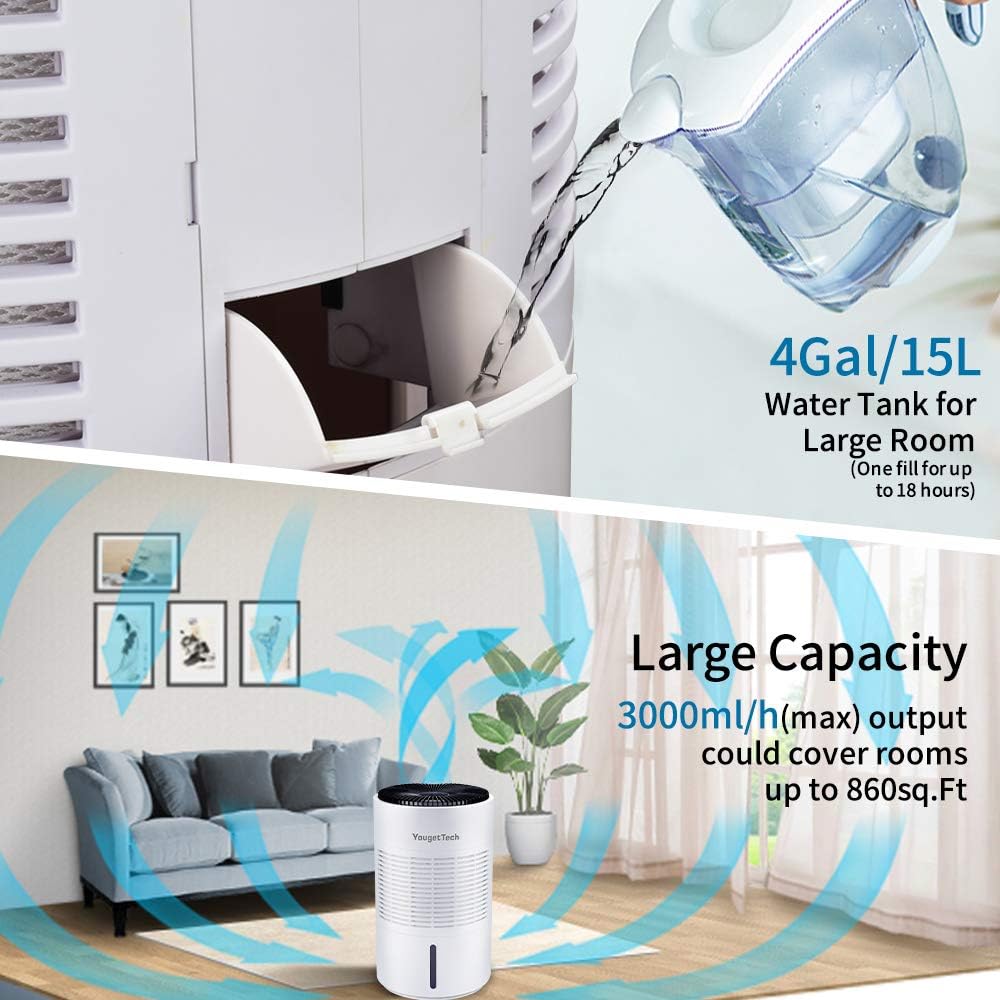
Figure 2: Illustration of filling the 4-gallon (15L) water tank, which provides up to 18 hours of humidification.
Operating Instructions
Power On/Off
Press the Power button on the control panel to turn the humidifier on or off.
Setting Humidity Level
The humidifier features an intelligent constant humidity mode. Use the humidity control buttons to set your desired humidity level between 30% and 99%.
The built-in sensor will automatically adjust the output to maintain the set humidity.
Adjusting Fan Speed
The humidifier has 4 fan speeds. Press the Speed button to cycle through the available speeds (Low, Medium, High, Max) to adjust the humidification output.
Smart Sleep Mode
Activate Sleep Mode for quiet operation during nighttime hours. In this mode, the display lights dim, and the fan operates at a lower, quieter setting to ensure undisturbed sleep while continuing to humidify.
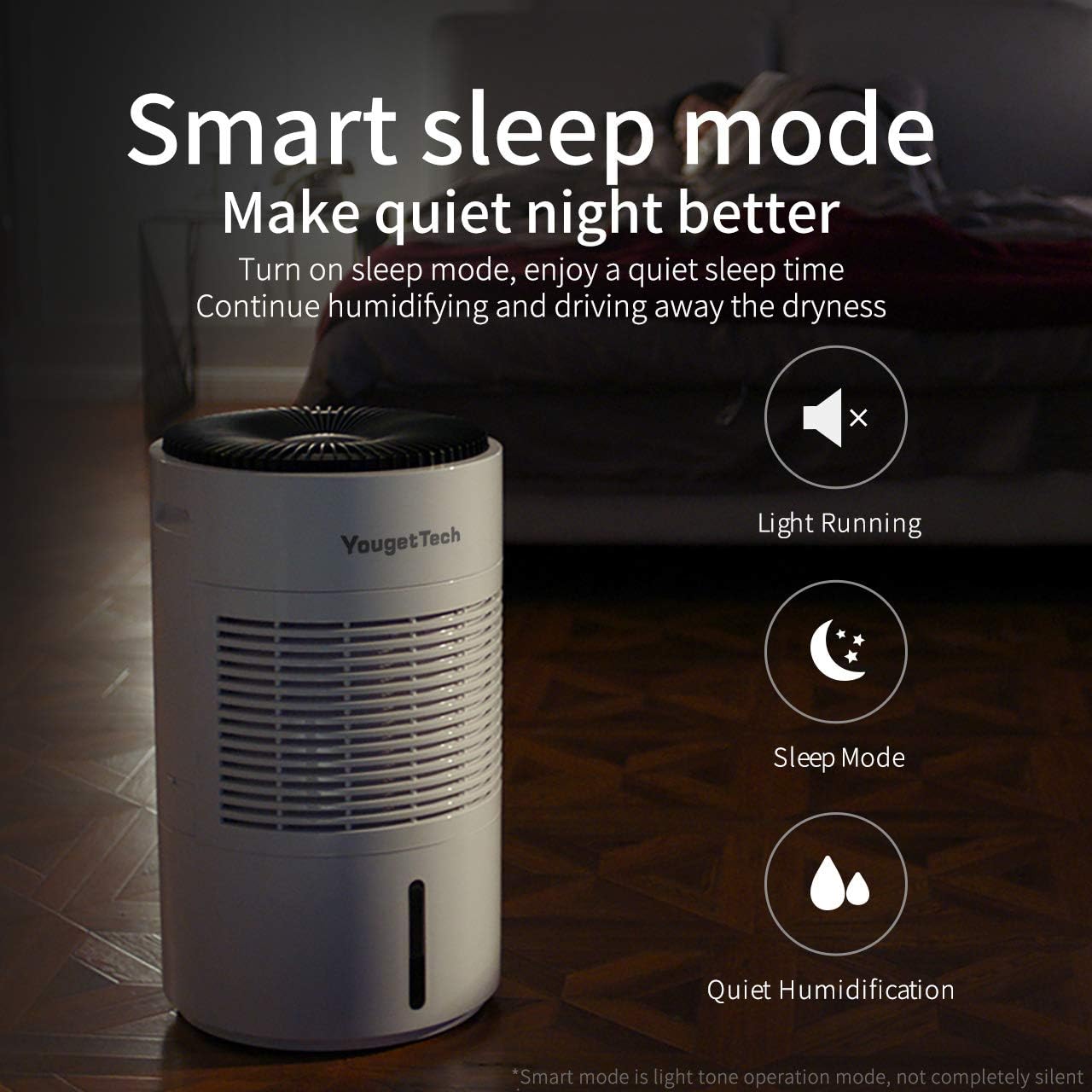
Figure 3: The humidifier's Smart Sleep Mode provides quiet operation for a better night's rest, ensuring continuous humidification with minimal disturbance.
Note: Sleep mode is a light tone operation mode, not completely silent.
Auto Shut-Off
The humidifier is equipped with an auto shut-off feature that activates when the water tank is empty, preventing damage to the unit and ensuring safety.
Maintenance
Regular maintenance ensures optimal performance and longevity of your humidifier.
Daily Maintenance
- Empty and rinse the water tank daily to prevent mineral buildup and bacterial growth.
- Wipe down the exterior of the unit with a soft, damp cloth.
Washable Filter Cleaning
The humidifier features a durable, washable filter designed for extended use (10-20 times the lifespan of ordinary filters).
- Remove Filter: Unplug the humidifier. Carefully remove the filter from its compartment.
- Rinse: Rinse the filter under cool running water to remove dust and mineral deposits. For stubborn buildup, a mild detergent can be used.
- Machine Wash (Optional): The filter is machine washable. Place it in a laundry bag and wash on a gentle cycle with cold water.
- Dry: Allow the filter to air dry completely before reinserting it into the humidifier. Do not use heat to dry.
The filter's innovative material and honeycomb structure, with spider silk-like internal arrangement, ensure efficient humidification even after washing.
Deep Cleaning (Weekly/Bi-weekly)
- Descaling: For mineral buildup, fill the water tank with a mixture of equal parts white vinegar and water. Let it sit for 20-30 minutes, then rinse thoroughly.
- Base Cleaning: Wipe the inside of the base with a soft cloth dampened with vinegar solution, then rinse with clean water.
Always ensure the humidifier is unplugged before any cleaning procedure.
Troubleshooting
| Problem | Possible Cause | Solution |
|---|---|---|
| Humidifier not turning on | No power; Water tank empty or not properly seated. | Check power connection; Fill water tank and ensure it's correctly placed. |
| Low humidification output | Filter is dirty or clogged; Fan speed too low. | Clean or replace filter; Increase fan speed. |
| Unusual noise | Humidifier not on a level surface; Obstruction in fan. | Place on a level surface; Check for and remove any obstructions. |
| Odor from humidifier | Stagnant water; Mineral buildup or bacterial growth. | Empty and clean water tank and base thoroughly. Use fresh water daily. |
Specifications
- Brand: YougetTech
- Model: B08239ZHJQ
- Type: Digital Whole-House Portable Evaporative Humidifier
- Color: White
- Capacity: 4 Gallons (15 Liters)
- Max Humidity Output: Approx. 19 Gallons per Day (3000ml/h max output)
- Applicable Area: Up to 860 sq. ft. (under strict laboratory environment)
- Number of Speeds: 4
- Operation Mode: Evaporative
- Special Features: Intelligent Constant Humidity, Washable Filter, Smart Sleep Mode, Auto Shut-Off
- Product Dimensions: 14.2"D x 14.2"W x 24.4"H
- Item Weight: 20.9 pounds
- UPC: 781827416112
Warranty and Support
YougetTech products are manufactured to the highest quality standards. For warranty information or technical support, please refer to the warranty card included with your purchase or visit the official YougetTech website.
For assistance, you may also contact YougetTech customer service through the retailer where the product was purchased.
