Introduction
The Dreamegg White Noise Machine D3Pro-Black is designed to enhance sleep quality and mask unwanted noise for babies, kids, and adults. This portable sound machine offers a wide variety of sounds and convenient features to create a peaceful environment at home or on the go. Enjoy more restful sleep and focused time with this versatile sleep aid.
Product Features
- 29 Soothing Sounds: Includes 7 white noise, 7 fan sounds, and 15 nature sounds (Bird, Sea Wave, Gentle Surf, Lullaby, Music Box, Solid Rain, Thunder Rain, Brook, Campfire, Cricket, Drip, Pendulum, Shushing, and Fetal Tone).
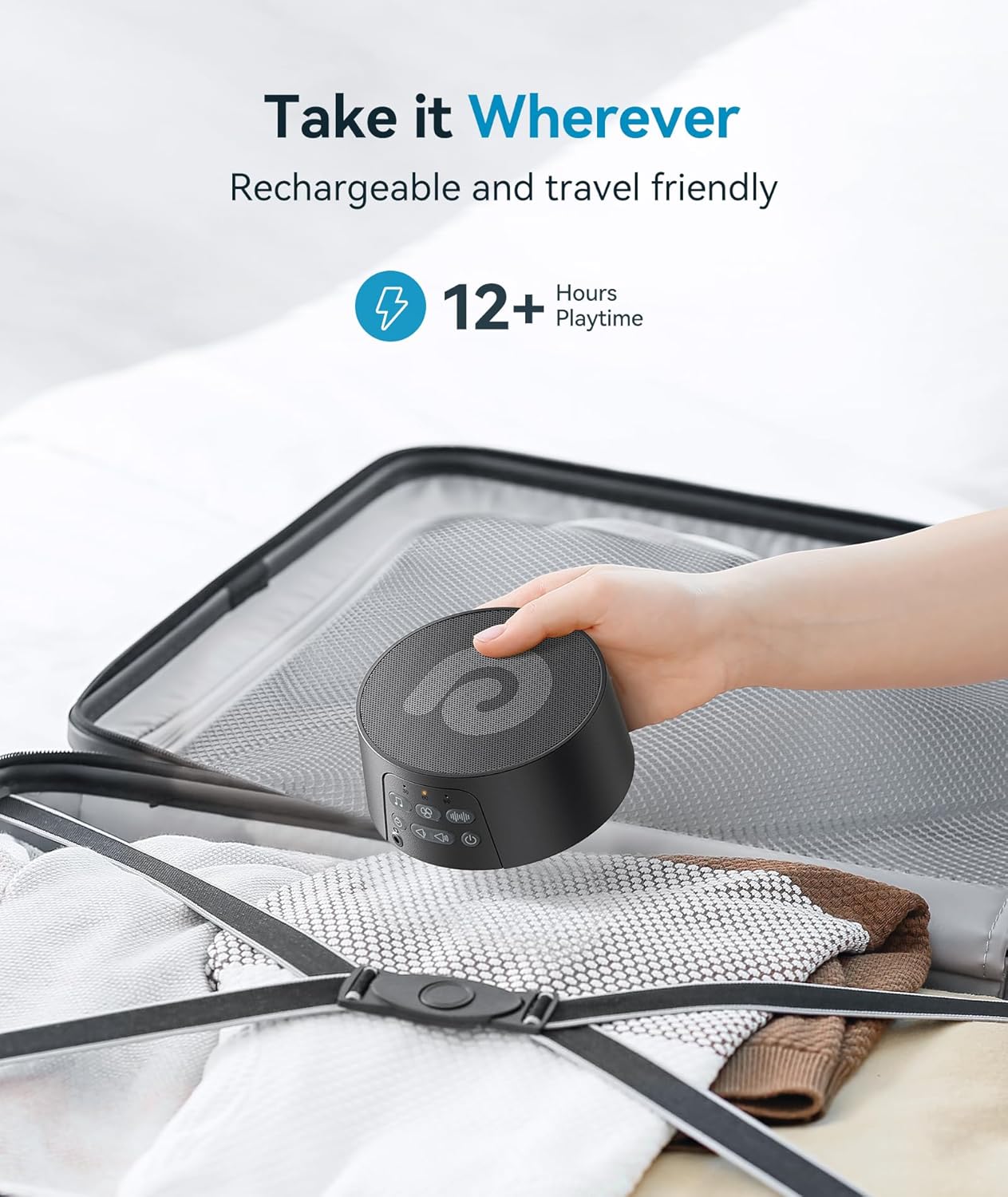
- Rechargeable & Portable: Features a 1200mAh rechargeable battery for up to 12 hours of continuous use on a single charge, making it ideal for travel.
- Adjustable Timer: Offers 30, 60, or 90-minute timer options, or continuous play for all-night use.
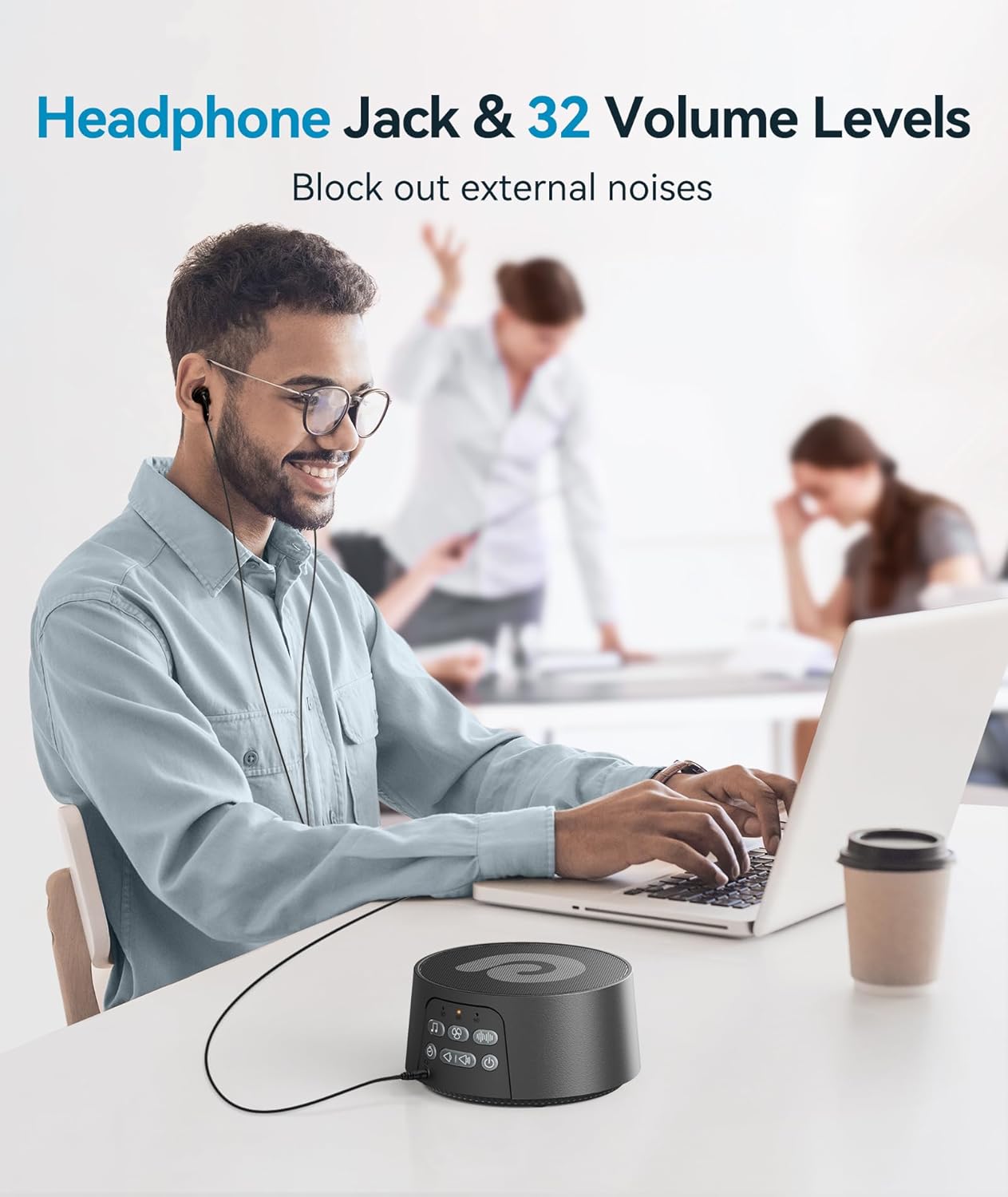
- 32 Volume Levels: Allows precise volume adjustment to suit individual preferences and environments.
- Headphone Jack: For private listening without disturbing others.
- Memory Function: Retains the last sound, volume, and timer settings for instant setup.

Safety Information
General safety warnings include precautions about battery ingestion, maintaining appropriate volume levels to prevent hearing damage, and avoiding exposure to liquids or extreme temperatures to prevent electric shock or device damage. Ensure the device is used in a stable environment.
Setup
- Charging: Before first use, fully charge the device using the provided USB cable and wall adapter. The device can be run while charging.
- Power On: Long press the power button for 2 seconds to turn on the noise machine.
- Placement: Place the device on a stable, flat surface away from water or heat sources.

Operating Instructions
- Power On/Off: Long press the power button (⏻) for 2 seconds.
- Select Sound: Press the music note button (♬) for nature sounds, the fan button (⌂) for fan sounds, or the waveform button (≀) for white noise. Cycle through options within each category using the forward/backward buttons.
- Adjust Volume: Use the volume up (🔊) and volume down (🔉) buttons to select your preferred sound level from 32 options.
- Set Timer: Press the timer button (⏱) to cycle through 30, 60, or 90-minute auto-off options. If no indicator light is on, the device will play continuously.
- Headphone Use: Plug headphones into the 3.5mm jack for private listening.

Sounds Available
The D3Pro-Black offers a comprehensive library of 29 sounds to cater to various preferences:
- White Noise: 7 distinct variations.
- Fan Sounds: 7 different fan noises.
- Nature Sounds: 15 options including Bird, Sea Wave, Gentle Surf, Lullaby, Music Box, Solid Rain, Thunder Rain, Brook, Campfire, Cricket, Drip, Pendulum, Shushing, and Fetal Tone.
Charging and Portability
The Dreamegg D3Pro-Black is designed for convenience and travel. Its built-in 1200mAh Lithium Ion battery provides up to 12 hours of continuous playtime on a single charge. It comes with a convenient wall plug and USB cable for charging from electrical outlets or other USB power sources. Its compact dimensions (4 x 4 x 2.3 inches; 11.52 ounces) make it an ideal travel companion, easily fitting into bags or luggage.
Specifications
| Product Dimensions | 4 x 4 x 2.3 inches |
| Item Weight | 11.52 ounces |
| Model Number | D3Pro-Black |
| Batteries | 1 Lithium Ion batteries required (included) |
| Power Source | Battery Powered |
| Material | Plastic |
| Color | Black |
Maintenance
- Keep the device clean by wiping it with a soft, dry cloth.
- Avoid using abrasive cleaners or solvents.
- Store in a cool, dry place when not in use.
Troubleshooting
- Device not turning on: Ensure the device is fully charged. Long press the power button for 2 seconds.
- No sound: Check the volume level and ensure it is not muted. Verify that a sound category is selected.
- Short battery life: Ensure the device is fully charged before use. Battery performance may vary with volume level and continuous play.
- Sound quality issues: Ensure the device is placed on a stable surface and not obstructed.
Warranty and Support
Dreamegg is committed to enhancing sleep quality and masking unwanted noise. For any concerns or issues, please contact Dreamegg customer service for a faster solution. The D3 PRO sound machine has a built-in rechargeable battery, so no battery replacement is required. This sound machine for sleeping has been tested and found to comply with the limits for a Class B digital device in accordance with the specifications in part 15 of the FCC rules.


