Introduction
The XD Xclusive Madrid Anti-Theft Laptop Backpack is designed to provide secure and convenient storage for your electronic devices and personal belongings. Its interior is padded to protect items such as a 15.6" laptop, tablet, and headphones. Key features include RFID protected pockets and an integrated USB side output for charging devices on the go. This manual provides essential information for the proper use and care of your backpack.
Features
- Material: Constructed from durable Polyester and Polyurethane.
- Dimensions: Height: 17.91in., Length: 11.81in., Width: 5.71in.
- Capacity: 35.2 pint (approximately 16.6 liters).
- Anti-Theft Design: Features hidden zippers and secure compartments to deter theft.
- RFID Protected Pockets: Safeguards your credit cards and passport from unauthorized scanning.
- Integrated USB Charging Port: Allows for convenient charging of mobile devices via an external port (power bank not included).
- Padded Compartments: Dedicated padded sleeves for laptops up to 15.6 inches and tablets.
- PVC-free: Environmentally conscious material choice.
Setup
- Unpacking: Carefully remove the backpack from its packaging. Inspect for any signs of damage.
- Adjusting Straps: Adjust the shoulder straps to ensure a comfortable and secure fit. The padded back panel should rest flat against your back.
- Loading Contents: Utilize the dedicated padded compartments for your laptop and tablet. Place smaller items in the various internal pockets.
- USB Charging Setup: Locate the internal USB cable inside the backpack. Connect your own power bank (not included) to this cable. The external USB port on the side of the backpack will then be ready for use.

Figure 1: Interior view showing padded compartments.
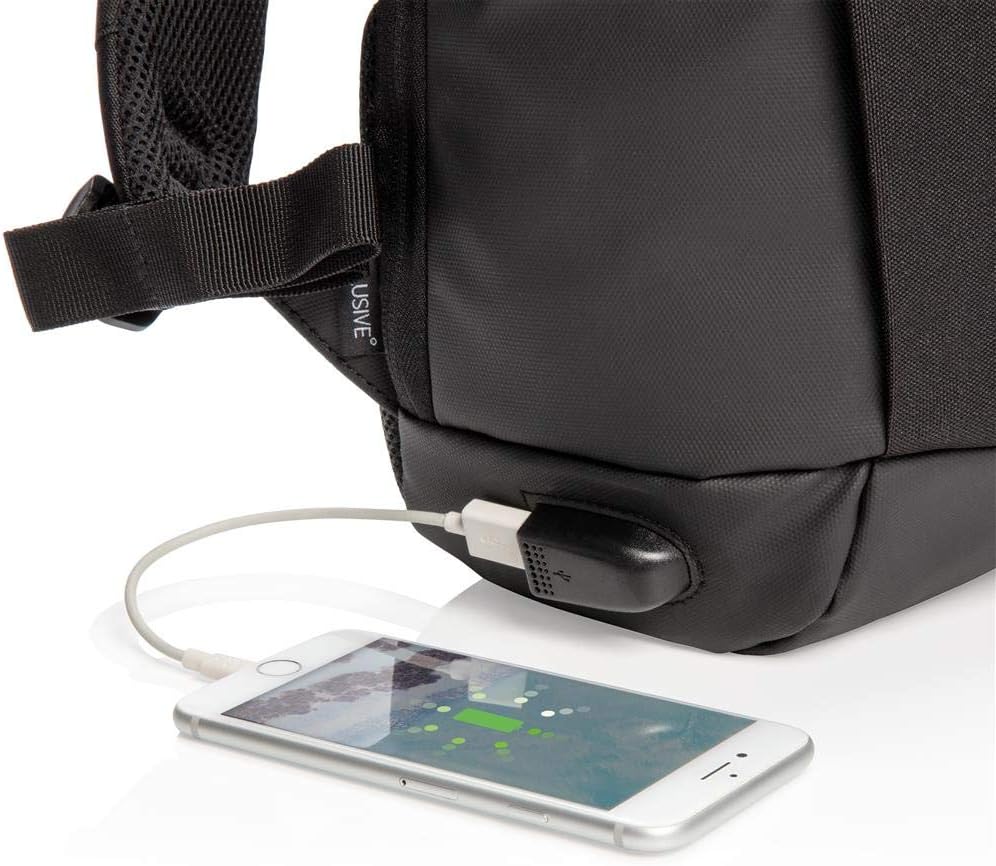
Figure 2: External USB charging port in use.
Operating
- Anti-Theft Zippers: The main compartments feature hidden zippers that are not easily accessible when the backpack is worn, enhancing security.
- RFID Pockets: Store your wallet, passport, and other sensitive items in the designated RFID-protected pockets to prevent electronic pickpocketing.
- Using the USB Charging Port: Once your power bank is connected internally, simply plug your device's charging cable into the external USB port on the side of the backpack to charge.

Figure 3: Front view of the backpack, showcasing its sleek design.
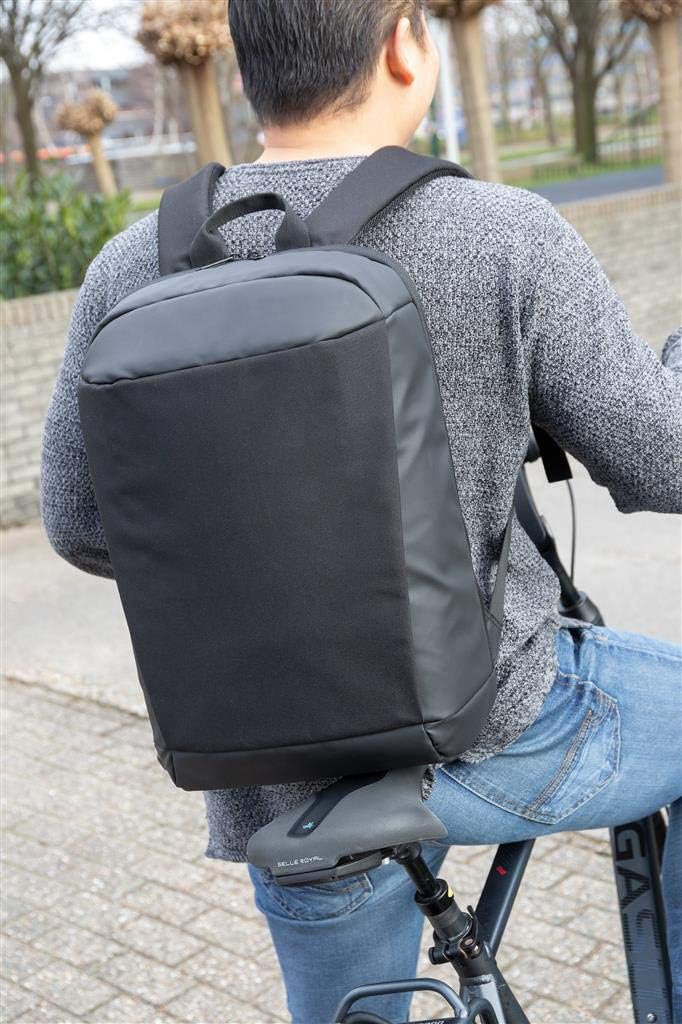
Figure 4: Backpack in use, demonstrating comfortable wear.
Maintenance
- Cleaning: For general cleaning, wipe the exterior with a damp cloth and mild soap. Do not machine wash or tumble dry.
- Drying: Allow the backpack to air dry completely before storing or reusing. Do not expose to direct sunlight or high heat.
- Storage: Store the backpack in a cool, dry place away from direct sunlight when not in use.
Troubleshooting
- USB Port Not Charging: Ensure your power bank is fully charged and properly connected to the internal USB cable. Check that the device you are trying to charge is compatible and its cable is functioning correctly.
- Zipper Stiffness: If a zipper feels stiff, apply a small amount of zipper lubricant or a graphite pencil lead along the teeth. Avoid forcing the zipper.
- Stains: For stubborn stains, a gentle fabric cleaner designed for polyester can be used. Test on an inconspicuous area first.
Specifications
| Attribute | Detail |
|---|---|
| Item Model Number | BGXD 811 |
| Brand | XD Xclusive |
| Material | Polyester, Polyurethane |
| Height | 17.91 inches (45.5 cm) |
| Length | 11.81 inches (30 cm) |
| Width | 5.71 inches (14.5 cm) |
| Capacity | 35.2 pint (approx. 16.6 liters) |
| Department | Mens |
| Country of Origin | Switzerland |
Safety Information
Please read all product packaging literature and product labels before use. Do not overload the backpack beyond its intended capacity, as this may cause damage to the product or injury to the user. Keep away from open flames or extreme heat sources. This product is not intended for children under 3 years of age due to small parts that may pose a choking hazard.
Warranty and Support
For information regarding product warranty, please refer to the documentation provided with your purchase or contact XD Xclusive customer support directly. Support contact details can typically be found on the manufacturer's official website or on the product packaging. Please retain your proof of purchase for any warranty claims.


