
OneOdio A70 Fusion
OneOdio A70 Wireless Bluetooth Headphones User Manual
Model: A70 Fusion
Introduction
This manual provides detailed instructions for the safe and effective use of your OneOdio A70 Wireless Bluetooth Headphones. Please read this manual thoroughly before using the product and retain it for future reference.

Image: OneOdio A70 Wireless Bluetooth Headphones in red and black, shown with 3.5mm and 6.35mm audio cables.
Package Contents
Ensure all items are present in the package:
- OneOdio A70 Fusion Headphones
- 3.5mm to 3.5mm Jack Cable with Microphone (1.2 M)
- 3.5mm to 6.35mm Jack Cable with Spring Wire (2-3 M)
- Micro-USB Charging Cable (0.6 M)
- Protective Pouch
- User Manual (this document)

Image: Overview of the OneOdio A70 package contents, including the headphones, various cables, and a carrying pouch.
Product Overview
The OneOdio A70 headphones feature a versatile design for both wireless and wired use, offering high-quality audio and comfortable wear.
- Audio Drivers: Equipped with 40mm drivers for powerful bass and clear treble.
- Connectivity: Bluetooth 5.2 for wireless connection, and multiple wired options (3.5mm, 6.35mm).
- Battery Life: Up to 72 hours of playback on a single charge (at 50% volume).
- Microphone: Integrated CVC 8.0 noise-cancelling microphone for clear calls.
- Share Port: Allows two headphones to connect to one audio source for shared listening.
- Comfort: Thick foam ear pads and a foldable, adjustable headband for extended wear comfort.
- Jack Lock: Secure locking mechanism for the auxiliary stereo cable.
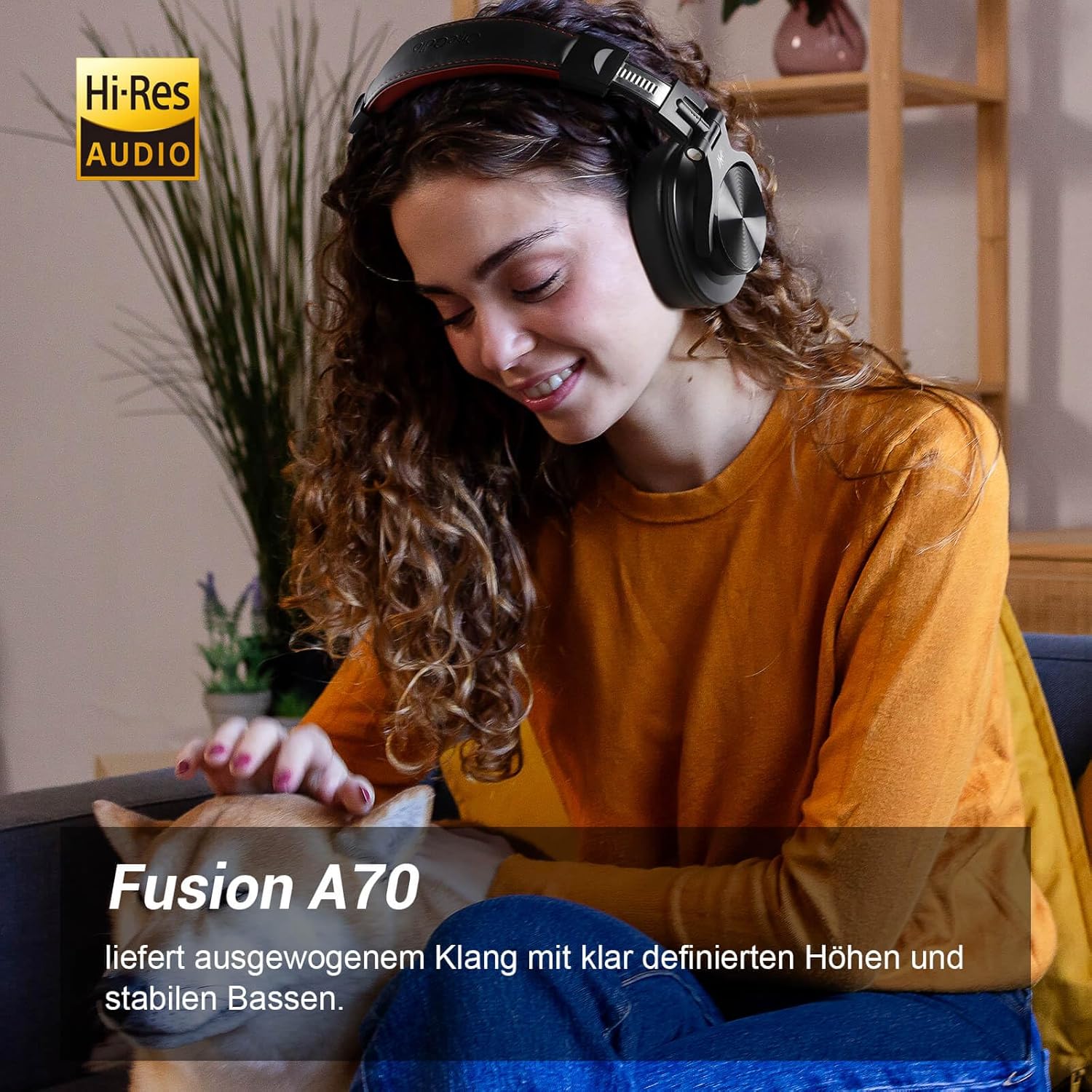
Image: A woman wearing the OneOdio A70 headphones, emphasizing the Hi-Res Audio capability.
Setup
Charging the Headphones
Before first use, fully charge the headphones. Use the provided Micro-USB charging cable.
- Connect the Micro-USB end of the charging cable to the charging port on the headphone.
- Connect the USB-A end to a USB power adapter (not included) or a computer's USB port.
- The LED indicator will show charging status (e.g., red for charging, blue for fully charged).

Image: A detailed view of the headphone's side, showing the Micro-USB charging port and control buttons.
Bluetooth Pairing
To connect your headphones wirelessly:
- Ensure the headphones are charged and turned off.
- Press and hold the Multi-function button (usually the power button) for approximately 5 seconds until the LED indicator flashes red and blue alternately, indicating pairing mode.
- On your device (smartphone, tablet, PC), enable Bluetooth and search for available devices.
- Select "OneOdio A70" from the list of devices.
- Once connected, the LED indicator will turn solid blue or flash blue slowly.
Wired Connection
The A70 headphones support two types of wired connections:
- 3.5mm to 3.5mm Cable: For connecting to smartphones, tablets, laptops, and other devices with a 3.5mm audio jack. This cable includes an in-line microphone for calls.
- 3.5mm to 6.35mm Cable: For connecting to professional audio equipment like DJ mixers, amplifiers, and guitars.
To use a wired connection, simply plug the appropriate cable into the headphone's corresponding port and the other end into your audio source. The headphones will automatically switch to wired mode when a cable is inserted.

Image: A visual guide illustrating the wide compatibility of the OneOdio A70 headphones with different devices using 3.5mm and 6.35mm cables.
Operating Instructions
Basic Controls (Bluetooth Mode)
| Function | Action |
|---|---|
| Power On/Off | Press and hold Multi-function button for 3 seconds. |
| Play/Pause | Press Multi-function button once. |
| Volume Up | Press '+' button. |
| Volume Down | Press '-' button. |
| Next Track | Press and hold '+' button. |
| Previous Track | Press and hold '-' button. |
| Answer/End Call | Press Multi-function button once. |
| Reject Call | Press and hold Multi-function button for 2 seconds. |
| Activate Voice Assistant | Double-press Multi-function button. |

Image: Controls for the in-line microphone on the 3.5mm cable, detailing functions like play, pause, answer, and end calls.
Share Port Function
The OneOdio A70 headphones feature a unique Share Port, allowing two headphones to share audio from one source.
- Connect the 3.5mm to 3.5mm cable to the 3.5mm input port on your A70 headphones.
- Connect the other end of this cable to the 3.5mm output port of another headphone (e.g., another A70 or compatible headphone).
- Ensure the primary A70 headphone is connected to your audio source (via Bluetooth or 6.35mm cable).
- Both headphones will now receive audio from the same source.

Image: Two individuals sharing audio from a single device using the Share Port technology of the OneOdio A70 headphones.
Maintenance and Care
- Clean the headphones regularly with a soft, dry cloth. Do not use abrasive cleaners or solvents.
- Store the headphones in the provided protective pouch when not in use to prevent scratches and damage.
- Avoid exposing the headphones to extreme temperatures, humidity, or direct sunlight.
- Do not attempt to disassemble or modify the headphones, as this will void the warranty.
- The headphones are not waterproof. Avoid contact with liquids.

Image: The OneOdio A70 headphones in their folded configuration, ready for storage in the protective pouch.
Troubleshooting
| Problem | Possible Cause | Solution |
|---|---|---|
| No sound (Bluetooth) | Headphones not paired or connected. Low battery. Volume too low. | Ensure headphones are in pairing mode and connected. Recharge headphones. Increase volume on headphones and device. |
| No sound (Wired) | Cable not fully inserted. Incorrect cable used. Device volume too low. | Ensure cables are securely plugged in. Use the correct cable for your device. Increase volume on device. |
| Poor sound quality | Interference (Bluetooth). Damaged cable. Low quality audio source. | Move closer to the Bluetooth device. Try a different cable. Test with a different audio source. |
| Microphone not working | Using wrong cable (only 3.5mm to 3.5mm has mic). Mic muted on device. | Ensure you are using the 3.5mm cable with the in-line microphone. Check microphone settings on your device. |
| Headphones won't turn on | Battery is completely drained. | Charge the headphones for at least 30 minutes before attempting to power on. |
Specifications
| Feature | Detail |
|---|---|
| Model Name | OneOdio A70 Fusion |
| Connectivity Technology | Bluetooth 5.2, Wired (3.5mm, 6.35mm) |
| Driver Size | 40mm |
| Frequency Range | 20 Hz - 20,000 Hz |
| Impedance | 32 ohms |
| Sensitivity | 110 dB |
| Battery Composition | Lithium-polymer |
| Battery Life | Up to 72 hours (at 50% volume) |
| Weight | 250 Grams |
| Material | Leather (earpads/headband) |
| Special Features | Volume Control, Noise Isolation, Built-in Microphone (CVC 8.0), Foldable Design, Share Port, Jack Lock |
Warranty and Support
OneOdio products are designed and manufactured to the highest quality standards. For warranty information and customer support, please refer to the official OneOdio website or contact their customer service directly.
Manufacturer: OneOdio
Seller: OneOdio EU (via Amazon.com.be)
For further assistance, visit the OneOdio Store on Amazon.
Related documentsA70 Fusion


Ask a question about this manual
Ask about setup, troubleshooting, compatibility, parts, safety, or missing instructions. Manuals+ will review the question and use this page’s manual context to help answer it.