
1. Introduction
This manual provides essential instructions for the proper installation, use, and maintenance of your Microsonic Legion Series Protective Case for the Apple iPhone 11 Pro (5.8-inch). Please read this manual thoroughly to ensure optimal performance and longevity of your product.
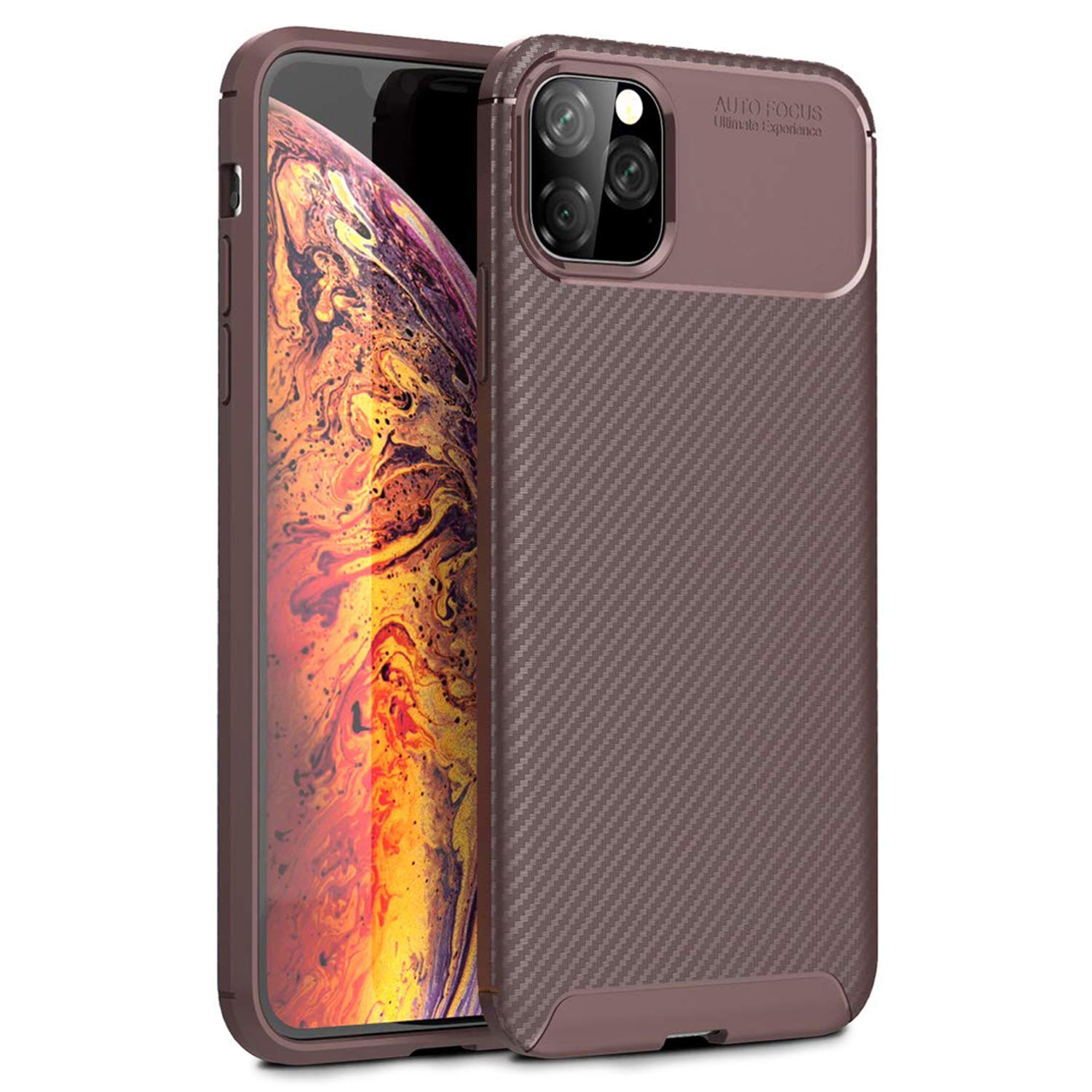
Image 1.1: Front view of the Microsonic Legion Series Protective Case.
2. Product Overview
The Microsonic Legion Series Protective Case is designed to provide robust protection and enhance the aesthetics of your Apple iPhone 11 Pro (5.8-inch). Crafted from durable thermoplastic material, it offers a secure fit and features a carbon fiber texture for improved grip and impact resistance.
Key Features:
- 100% Compatible with Apple iPhone 11 Pro (5.8-inch).
- Enhances device aesthetics with a sleek design.
- Made from long-lasting, durable thermoplastic material.
- Soft TPU interior and exterior to prevent scratches to the phone.
- 1.3mm thickness for balanced protection without excessive bulk.
- Carbon fiber surface provides protection against drops, impacts, and scratches.
- Flexible design for comfortable handling.
- Non-slip and thin construction for improved grip and comfort.
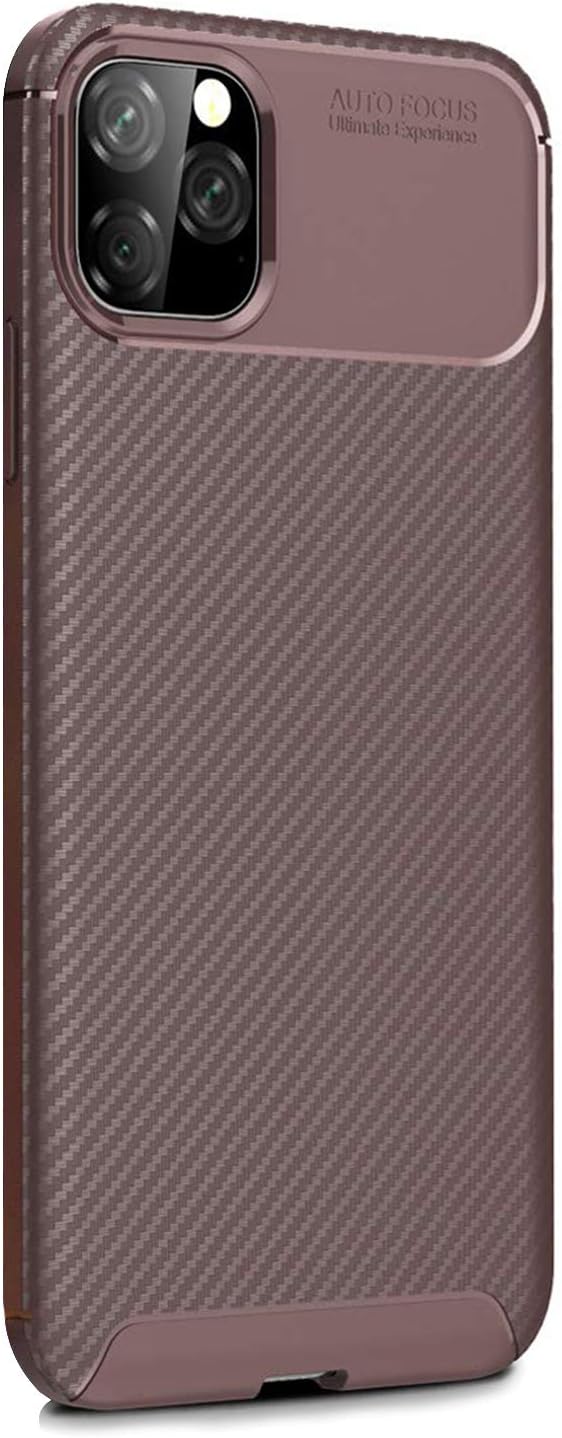
Image 2.1: Rear view of the protective case, highlighting the camera cutout and textured surface.
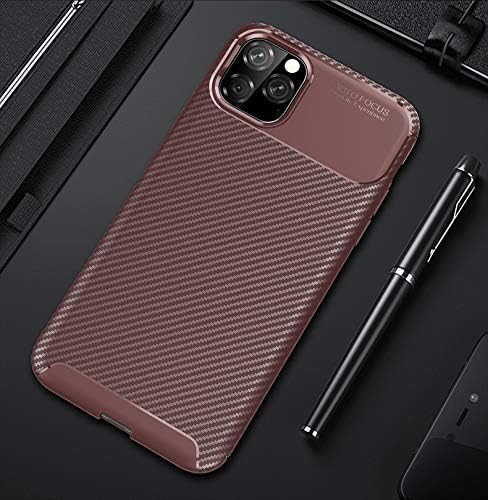
Image 2.2: The case's textured finish and slim profile.

Image 2.3: Overview of the Legion Series design.
3. Setup (Installation)
- Clean Your Device: Before installing the case, ensure your iPhone 11 Pro is clean and free of dust or debris. Use a soft, dry cloth to wipe down the phone's surface.
- Align the Case: Hold the case with the camera cutout aligned with your phone's camera module.
- Insert the Phone: Gently push one side of your iPhone into the case, starting with the top or bottom edge. Ensure all corners are properly seated within the case's protective frame.
- Verify Fit: Once installed, check that all buttons (power, volume) and ports (charging, speakers) are accessible and functional. The case should fit snugly without any gaps.

Image 3.1: The soft TPU interior and precise fit for the device.
4. Operating (Usage)
Your Microsonic Legion Series case is designed for everyday use, providing continuous protection for your iPhone 11 Pro. The case allows full access to all phone functions without removal.
- Button Access: The case features precise cutouts or responsive button covers for the power and volume buttons, ensuring easy operation.
- Port Access: Charging ports, speakers, and microphones remain fully accessible.
- Camera Protection: The raised edges around the camera module help protect the lenses from scratches when placed on flat surfaces.
- Screen Protection: The slightly raised front lip helps protect the screen from direct contact with surfaces when placed face down.

Image 4.1: Illustration of the flexible and protective design.
5. Maintenance
To keep your Microsonic Legion Series case in optimal condition, follow these simple maintenance guidelines:
- Cleaning: Use a soft, damp cloth with mild soap and water to clean the exterior of the case. Avoid harsh chemicals or abrasive cleaners, as these can damage the material.
- Drying: Allow the case to air dry completely before reattaching it to your phone.
- Regular Inspection: Periodically remove the case and clean both your phone and the inside of the case to prevent dust buildup that could cause scratches.
- Avoid Extreme Conditions: Do not expose the case to extreme temperatures or direct sunlight for prolonged periods, as this may affect its material integrity and color.

Image 5.1: Close-up of the carbon fiber texture, emphasizing durability.
6. Troubleshooting
If you encounter any issues with your Microsonic Legion Series case, refer to the following common solutions:
- Case is difficult to install/remove: Ensure your phone is correctly aligned. The flexible thermoplastic material allows for a snug fit; apply gentle, even pressure.
- Buttons are not responsive: Check that the case is properly seated around your phone. Remove and re-install the case to ensure correct alignment with the phone's buttons.
- Dust or debris inside the case: Remove the case, clean both your phone and the interior of the case with a soft, dry cloth, then re-install.
- Case appears discolored or damaged: This may occur due to prolonged exposure to harsh chemicals, extreme temperatures, or significant impact. If the case is damaged, it may compromise protection and should be replaced.
7. Specifications
| Feature | Detail |
|---|---|
| Brand | Microsonic |
| Model Number | 21430 |
| Compatible Devices | iPhone 11 Pro (5.8-inch) |
| Material Type | Thermoplastic |
| Form Factor | Protective Case |
| Color | Brown |
| Product Dimensions | 10 x 6 x 2 cm |
| Item Weight | 200 grams |
| First Available Date | 14 November 2019 |
8. Warranty and Support
Microsonic is committed to providing high-quality products and ensuring customer satisfaction. If you have any questions, concerns, or require support regarding your Legion Series Protective Case, please contact Microsonic customer service through the Amazon platform. Messages are typically responded to within 24 hours.
For more information about Microsonic products, please visit the official Microsonic Store: