
Introduction
Thank you for choosing the Havit E303P Wired In-Ear Earphones. This manual provides essential information for the proper setup, operation, and maintenance of your earphones. Please read it carefully before use to ensure optimal performance and longevity.
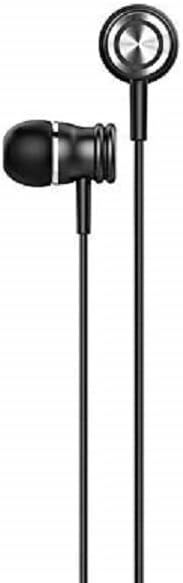
Image: Front view of the Havit E303P Wired In-Ear Earphones, showcasing the black earbuds and cable.
Package Contents
The Havit E303P package typically includes:
- Havit E303P Wired In-Ear Earphones
- Multiple sizes of silicone ear tips (ear pads)
- User Manual (this document)
Product Overview
The Havit E303P earphones feature a durable design with 10mm speaker drivers for clear audio. The in-ear design provides passive noise isolation for an immersive listening experience.

Image: Exploded view of an E303P earbud, illustrating the internal speaker driver and acoustic components.
Key Features:
- 10mm Speaker Drivers: Deliver balanced audio for music and calls.
- In-Ear Design: Provides passive noise isolation and a secure fit.
- Ergonomic Fit: Engineered for comfort during extended use.
- In-line Control: Integrated microphone and control buttons for calls and music playback.
- 3.5mm Audio Jack: Universal compatibility with most audio devices.
Setup
- Select Ear Tips: Choose the ear tips that provide the most comfortable and secure fit for your ears. A good seal is crucial for optimal sound quality and bass response.
- Connect to Device: Insert the 3.5mm audio jack into the headphone port of your smartphone, tablet, computer, or other audio device.
- Adjust Volume: Start with a low volume level on your device before playing audio to prevent sudden loud sounds.
Operating Instructions
The Havit E303P earphones feature an in-line remote with a microphone for convenient control of your audio and calls.
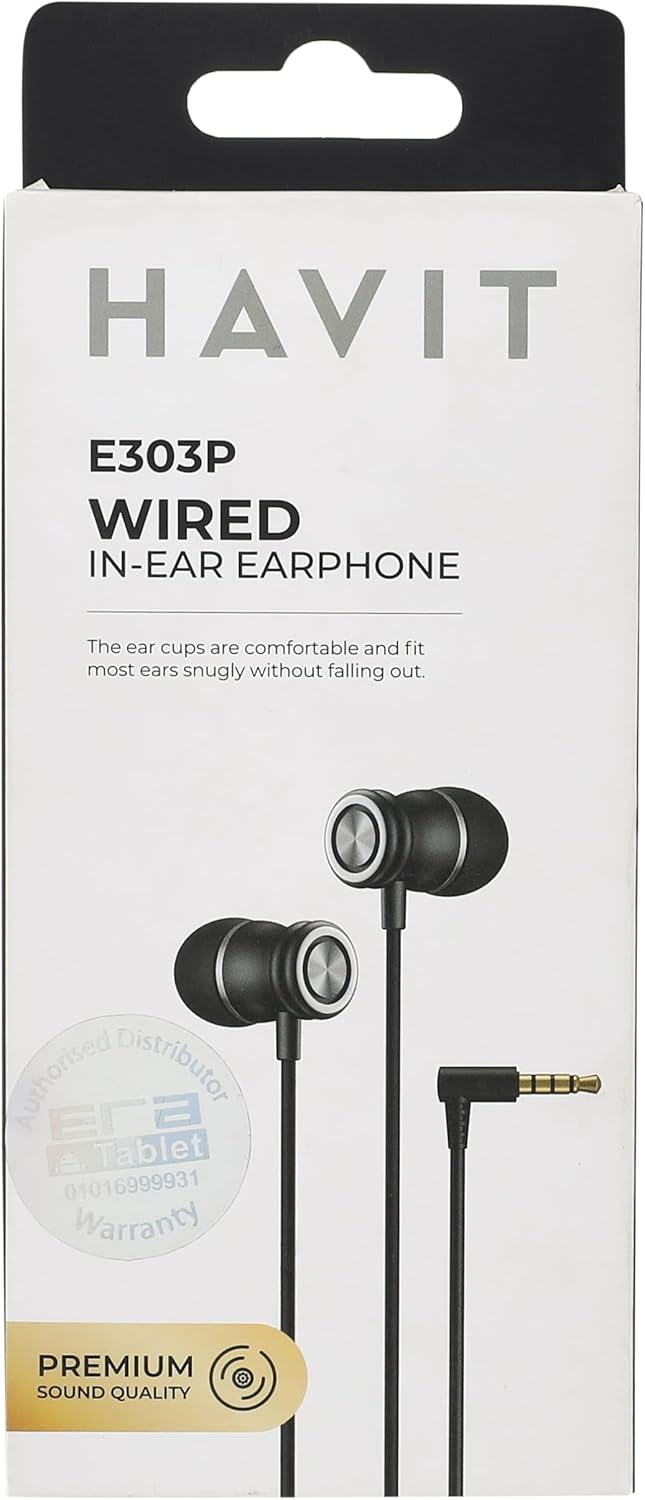
Image: Havit E303P earphones with in-line controls connected to a mobile phone, demonstrating typical usage.
Music Playback:
- Play/Pause: Press the multi-function button once.
- Next Track: Press the multi-function button twice quickly.
- Previous Track: Press the multi-function button three times quickly.
Call Management:
- Answer/End Call: Press the multi-function button once.
- Reject Call: Press and hold the multi-function button for approximately 2 seconds.
Note: Functionality of in-line controls may vary slightly depending on your device's operating system and specific applications.
Maintenance
- Cleaning: Regularly clean the ear tips with a soft, dry cloth. For deeper cleaning, remove the ear tips and wash them with mild soap and water, ensuring they are completely dry before reattaching. Do not use harsh chemicals or abrasive materials on the earphones.
- Storage: When not in use, store your earphones in a clean, dry place, preferably in a protective pouch, to prevent tangling and damage.
- Cable Care: Avoid pulling the cable forcefully or wrapping it too tightly, as this can damage the internal wires.
- Moisture: Keep the earphones away from water and excessive moisture. They are not waterproof.
Troubleshooting
| Problem | Possible Cause | Solution |
|---|---|---|
| No sound or low volume |
|
|
| Poor sound quality (e.g., muffled, distorted) |
|
|
| Microphone not working |
|
|
Specifications

Image: Rear view of the Havit E303P packaging, detailing product specifications in multiple languages.
| Feature | Detail |
|---|---|
| Brand | Havit |
| Model Number | E303P |
| Color | Black |
| Speaker Driver | 10mm |
| Sensitivity | 93 ± 3dB |
| Impedance | 32Ω ± 15% |
| Frequency Response | 20Hz - 20KHz |
| Plug Type | 3.5mm |
| Cord Length | Approx. 1.2m |
| Material | Plastic |
| Product Dimensions | 16 x 5 x 2 cm |
| Weight | 200 grams (approximate, for product and packaging) |
| Country of Origin | Virgin Islands (U.S.) |
Warranty and Support
For warranty information and technical support, please refer to the warranty card included in your product packaging or visit the official Havit website. Keep your purchase receipt as proof of purchase for warranty claims.
Official Havit Website: www.havit.hk

