
iJoy IJ2001BKISOAZ
Contents
iJoy ISO Wireless Over-Ear Headphones User Manual
Model: IJ2001BKISOAZ | Brand: iJoy
Introduction
Thank you for choosing the iJoy ISO Bluetooth 5.0 Wireless Over Ear Foldable Stereo Headphones. This manual provides essential information for the proper setup, operation, and maintenance of your new headphones. Please read it thoroughly before use to ensure optimal performance and longevity.
Safety Information
- Do not expose headphones to extreme temperatures or humidity.
- Avoid dropping or subjecting the headphones to strong impacts.
- Do not disassemble or attempt to repair the headphones yourself. This will void the warranty.
- Clean only with a soft, dry cloth. Avoid harsh chemicals.
- Keep out of reach of children.
- Prolonged listening at high volume levels may cause hearing damage.
Product Overview
The iJoy ISO headphones are designed for comfort and high-quality audio. They feature a foldable design for portability and intuitive controls for ease of use.

Figure 1: iJoy ISO Wireless Over-Ear Headphones. These headphones feature a sleek matte black finish with comfortable earcups and an adjustable headband.

Figure 2: Intuitive Controls. The right earcup houses three smart buttons for controlling volume, track navigation, and call management.
Setup
1. Charging the Headphones
Before first use, fully charge your iJoy ISO headphones. A full charge takes approximately 2.5 hours and provides up to 30 hours of talk time or 26 hours of play time.
- Locate the charging port on the headphone earcup.
- Connect the provided USB charging cable to the headphones and a compatible USB power source (e.g., computer USB port, wall adapter).
- The LED indicator will show charging status (refer to the LED indicator section for details).

Figure 3: Extended Playtime. The iJoy ISO headphones offer up to 30 hours of talk time and 26 hours of music playback on a single charge.
2. Bluetooth Pairing
The iJoy ISO headphones utilize Bluetooth 5.0 for stable and efficient wireless connections.
- Ensure the headphones are fully charged and powered off.
- Press and hold the Power button until the LED indicator flashes blue and red, indicating pairing mode.
- On your device (smartphone, tablet, laptop, etc.), enable Bluetooth and search for available devices.
- Select "iJoy ISO" from the list of found devices.
- Once paired, the LED indicator will turn solid blue or flash blue slowly.

Figure 4: Universal Compatibility. These headphones connect seamlessly with any Bluetooth-enabled device, including phones, tablets, and computers.
3. Wired Connection (Optional)
The iJoy ISO headphones can also be used with a wired connection via the included 3.5mm audio cable, even if the battery is depleted.
- Insert one end of the 3.5mm audio cable into the headphone's audio jack.
- Insert the other end into the 3.5mm audio output of your device.
- The headphones will automatically switch to wired mode.

Figure 5: Wired Option. A 3.5mm audio cable is included for continued listening even when the battery is low or Bluetooth is not desired.
Operating Instructions
Power On/Off
- Power On: Press and hold the Power button for approximately 3 seconds until the LED indicator lights up.
- Power Off: Press and hold the Power button for approximately 3 seconds until the LED indicator turns off.
Music Playback
- Play/Pause: Press the Play/Pause button once.
- Next Track: Press and hold the Volume Up (+) button.
- Previous Track: Press and hold the Volume Down (-) button.
- Volume Up: Short press the Volume Up (+) button.
- Volume Down: Short press the Volume Down (-) button.
Call Control
- Answer/End Call: Press the Play/Pause button once during an incoming call or active call.
- Reject Call: Press and hold the Play/Pause button for 2 seconds during an incoming call.
- Redial Last Number: Double-press the Play/Pause button.
Maintenance
- Cleaning: Use a soft, lint-free cloth to wipe the headphones. Do not use abrasive cleaners or solvents.
- Storage: When not in use, store the headphones in a cool, dry place. The foldable design allows for compact storage, making them ideal for travel.
- Battery Care: To prolong battery life, avoid fully discharging the headphones frequently. Charge them regularly, even if not in constant use.
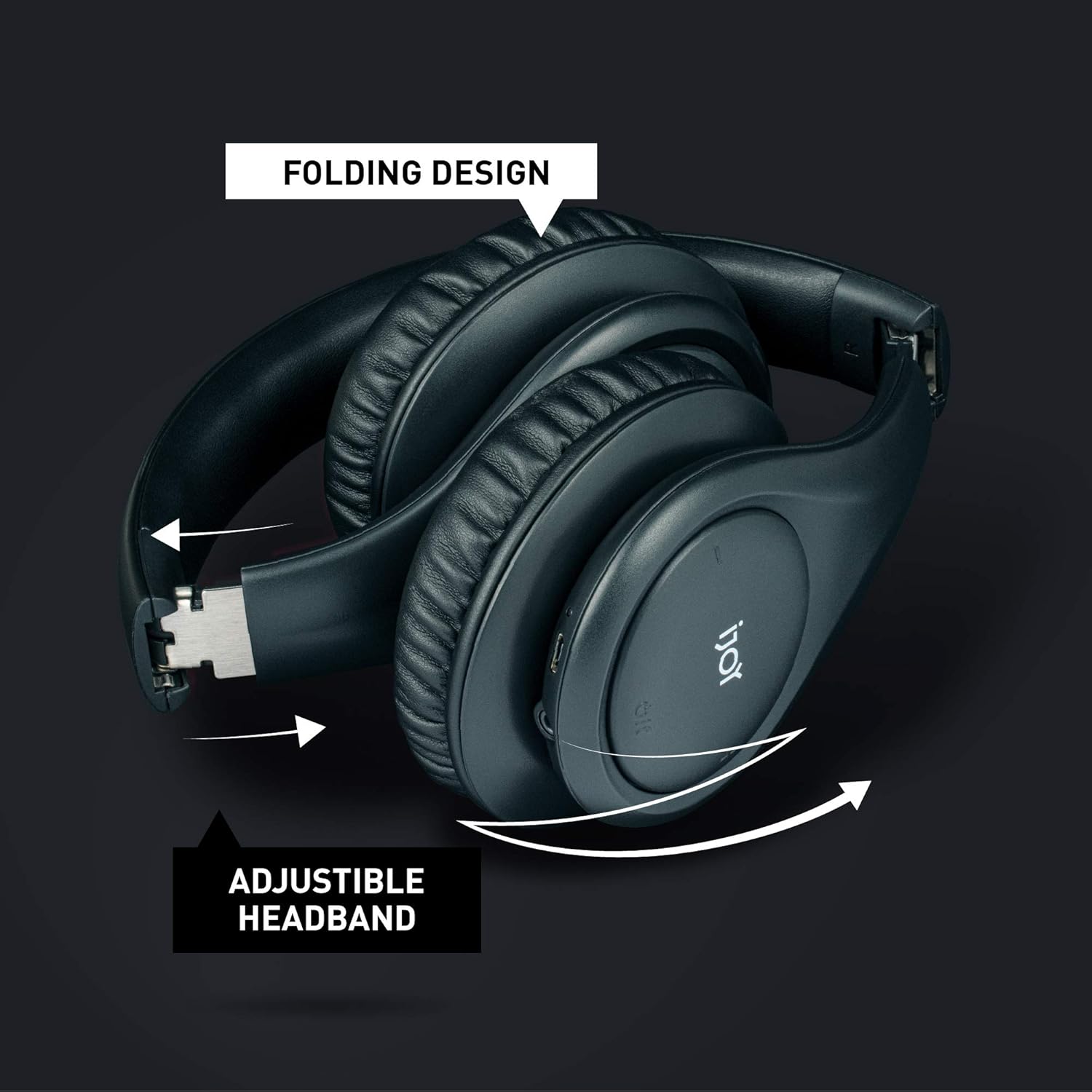
Figure 6: Foldable Design. The headphones can be easily folded for convenient storage and portability, saving space in your bag or on your desk.
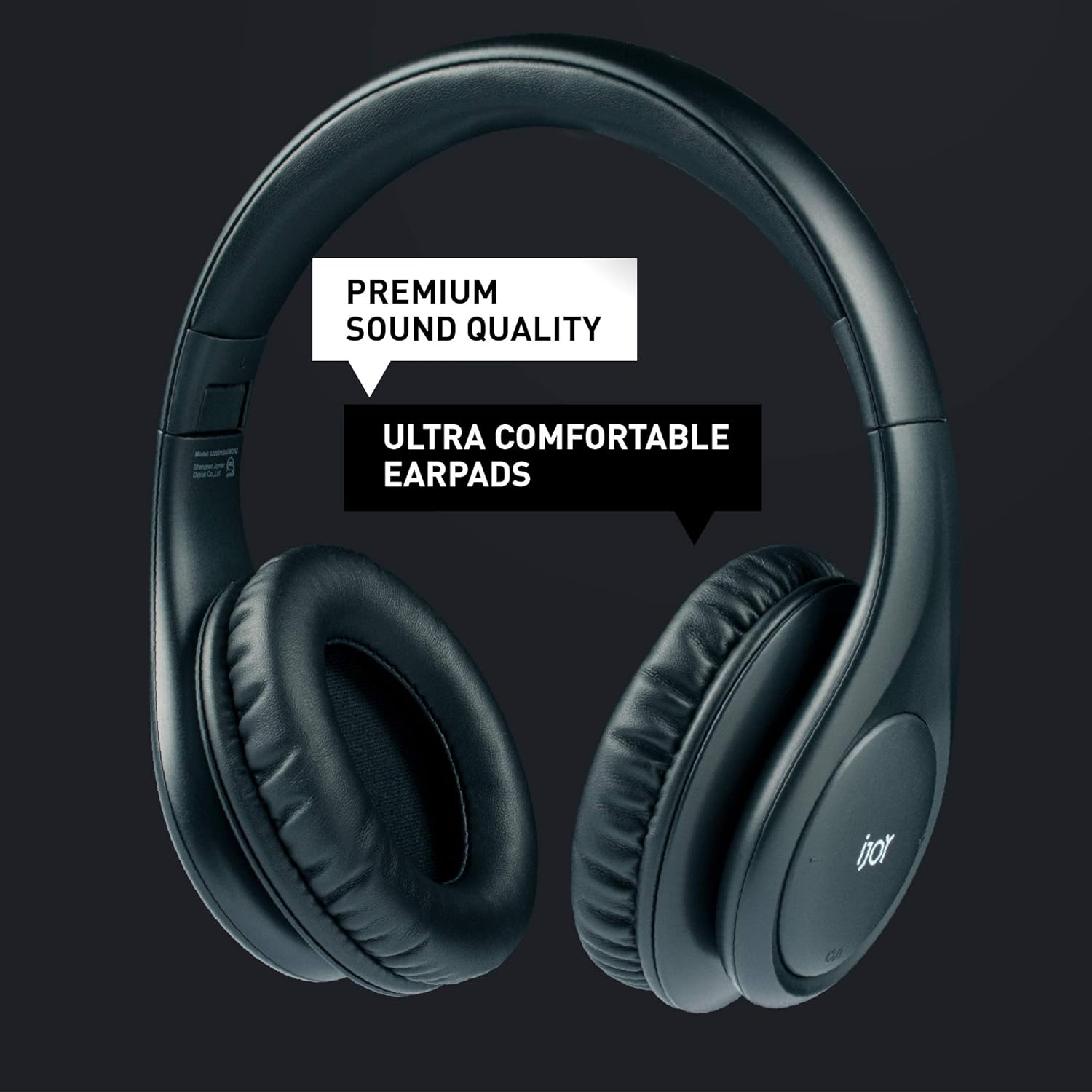
Figure 7: Comfortable Earpads. The ultra-comfortable earpads ensure a pleasant listening experience even during extended use.
Troubleshooting
| Problem | Possible Cause | Solution |
|---|---|---|
| Headphones do not power on. | Low battery. | Charge the headphones fully. |
| Cannot pair with device. | Headphones not in pairing mode; device Bluetooth off; too far from device. | Ensure headphones are in pairing mode (flashing blue/red LED). Turn on device Bluetooth. Move headphones closer to device (within 10 meters). |
| No sound or low volume. | Volume too low on headphones or device; incorrect audio source; headphones not properly connected (wired). | Increase volume on both headphones and device. Check if the correct audio output is selected on your device. For wired connection, ensure the 3.5mm cable is fully inserted. |
| Intermittent connection. | Interference; device too far; low battery. | Move away from other wireless devices. Keep headphones within 10 meters of your device. Charge headphones. |
Specifications
- Model Name: ISO
- Connectivity Technology: Wireless, Bluetooth 5.0
- Wireless Communication Technology: Bluetooth
- Charging Time: 2.5 Hours
- Battery Life: 28 Hours (Play Time), 30 Hours (Talk Time)
- Bluetooth Range: 10 Meters
- Frequency Range: 20 Hz - 20,000 Hz
- Item Weight: 11.2 Ounces
- Product Dimensions: 6 x 3.5 x 6 inches
- Item Model Number: IJ2001BKISOAZ
- Manufacturer: iJoy
- Color: Black
- Ear Placement: Over Ear
- Headphones Jack: 3.5 mm Jack

Figure 8: Detailed Specifications. Key technical specifications for the iJoy ISO headphones.
Official Product Video
Video 1: iJoy ISO Wireless Bluetooth Headphones. This video provides a visual overview of the iJoy ISO headphones, highlighting their design, comfort, and key features such as long battery life, compact folding, and wired connectivity option.
Warranty and Support
For warranty information and customer support, please refer to the documentation included with your product packaging or visit the official iJoy website. Keep your proof of purchase for warranty claims.
Documents and downloads
Ask a question about this manual
Ask about setup, troubleshooting, compatibility, parts, safety, or missing instructions. Manuals+ will review the question and use this page’s manual context to help answer it.