
Introduction
This manual provides comprehensive instructions for the Easy@Home Digital Kitchen Scale, Model ENC-203. This device is designed to accurately measure food weight and assist in nutritional tracking by calculating various nutritional values. Please read this manual thoroughly before use to ensure proper operation and to maximize the benefits of your scale.
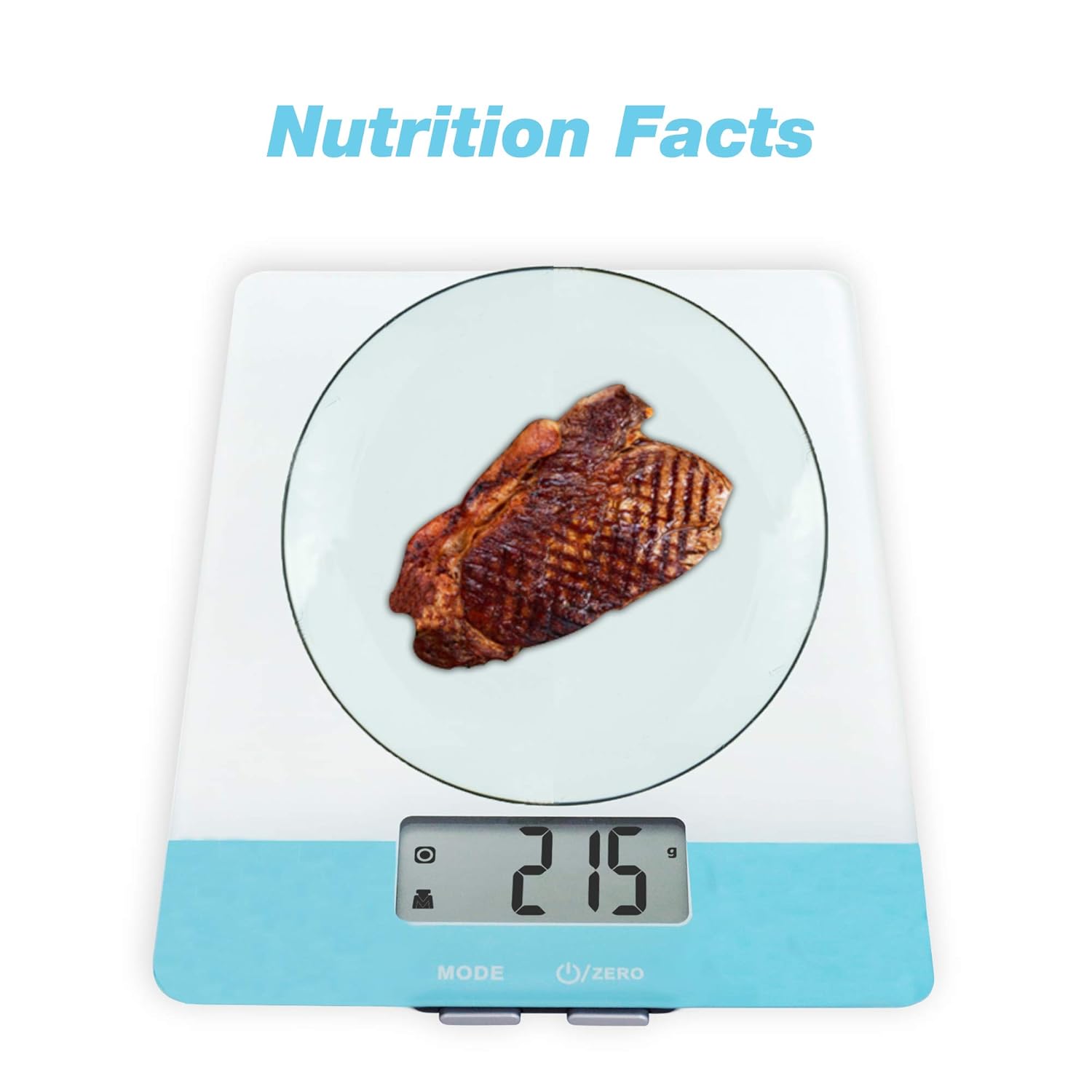
Image: The Easy@Home Digital Kitchen Scale in use, showing a piece of steak being weighed and a reading of 215 grams, indicating its primary function for nutritional measurement.
Setup
- Unpacking: Carefully remove the scale from its packaging. Inspect for any damage.
- Battery Installation: Open the battery compartment located on the underside of the scale. Insert the required batteries (typically AAA, refer to the compartment label) ensuring correct polarity (+/-). Close the compartment securely.
- Placement: Place the scale on a flat, stable, and level surface to ensure accurate readings. Avoid placing it near strong electromagnetic fields or vibrating equipment.
Operating Instructions
1. Power On/Off
Press the U/ZERO button to turn the scale on. The display will show '0' or '0.0'. To turn off the scale, press and hold the U/ZERO button for a few seconds, or the scale will automatically shut off after a period of inactivity (Auto Off feature).
2. Unit Conversion
Press the MODE button to cycle through available weighing units: grams (g), milliliters (ml), fluid ounces (fl'oz), and pounds:ounces (lb:oz). Select the desired unit before weighing.

Image: The scale's display indicating the selection of multiple measuring units, including grams, milliliters, fluid ounces, and pounds:ounces.
3. Tare Function
The Tare function allows you to subtract the weight of a container, so you only measure the net weight of the food item. Follow these steps:
- Place an empty container on the scale.
- Press the U/ZERO button. The display will reset to '0'.
- Add the food item into the container. The display will show only the weight of the food.

Image: A visual guide demonstrating the Tare function, showing how to zero out the weight of a container to measure only the contents.
4. Nutritional Calculation (if applicable)
This scale features a nutritional calculator. To use this function:
- Weigh your food item using the standard weighing procedure.
- Refer to the product's specific instructions or accompanying app (if available) for details on how to input food codes or select food types to retrieve nutritional data (calories, fat, cholesterol, carbohydrates, etc.). This functionality typically requires interaction with a connected application or a database within the scale itself.

Image: An overview of the scale's operational features, including button functions, unit conversion, auto tare, auto off, and battery inclusion.
Maintenance
- Cleaning: Wipe the scale surface with a soft, damp cloth. Do not immerse the scale in water or use abrasive cleaners.
- Storage: Store the scale in a cool, dry place. Avoid placing heavy objects on the scale when not in use.
- Battery Replacement: If the display shows a 'Lo' indicator, replace the batteries promptly to ensure accurate readings and prevent battery leakage.
Troubleshooting
| Problem | Possible Cause | Solution |
|---|---|---|
| Scale does not turn on | Dead batteries or incorrect battery installation | Check battery polarity or replace batteries. |
| 'Lo' displayed | Low battery power | Replace batteries. |
| 'Err' displayed | Overload or unstable surface | Remove excess weight. Ensure scale is on a flat, stable surface. |
| Inaccurate readings | Unstable surface, low battery, or scale not zeroed | Place on a stable surface, replace batteries, or press U/ZERO to re-zero. |
Specifications
- Model: ENC-203
- Capacity: Varies by model, typically up to 5 kg (11 lbs)
- Units: g, ml, fl'oz, lb:oz
- Power Source: AAA batteries (quantity specified in battery compartment)
- Display: LCD with backlight
Warranty Information
Easy@Home products are manufactured to high-quality standards. This product is covered by a limited warranty against defects in materials and workmanship. For specific warranty terms and conditions, please refer to the warranty card included in your product packaging or visit the official Easy@Home website.
Customer Support
If you have any questions, require assistance, or encounter issues not covered in this manual, please contact Easy@Home customer support. Contact information can typically be found on the product packaging, the official Easy@Home website, or through your retailer.


