
1. Introduction
The Sonew Smart Door Window Sensor is a device designed to detect the open or closed status of doors, windows, cabinets, or drawers. It integrates with smart home systems like Tuya, Amazon Alexa, and Google Home, providing real-time notifications and automated control capabilities.

Image 1.1: The Sonew Smart Door Window Sensor, consisting of a main unit and a smaller magnetic strip.
2. Package Contents
Verify that all items are present in the package:
- 1 x Door And Window Sensor (1 x Transmitter, 1 x Magnetic Strip)
- 2 x Adhesive Sticker
- 1 x Pack of Screws
- 1 x Instruction Manual
3. Specifications

Image 3.1: Diagram showing the dimensions of the sensor components. The main unit is approximately 69.5mm (2.74in) long and 24mm (0.94in) wide. The magnetic strip is approximately 40.5mm (1.59in) long, 14.8mm (0.58in) wide, and 16mm (0.63in) thick.
| Feature | Detail |
|---|---|
| Material | ABS plastic |
| Color | White |
| Transmitter Size | Approx. 69.5x24mm / 2.7x0.9in |
| Magnetic Strip Size | Approx. 40.5x14.8x16mm / 1.59x0.58x0.63in |
| Battery | AAA 1.5V x 2 (not included) |
| Standby Current | ≤5uA |
| Alarm Current | ≤160uA |
| Low Point Undervoltage | ≤2.7V |
| Magnetic Control Distance | ≤15mm |
| Protocol | IEEE 802.11b/g/n (2.4 GHz Wi-Fi) |
| Operating Temperature | -10℃ to 40℃ (14℉ to 104℉) |
| Humidity | 20% - 85% |
| Storage Temperature | -10℃ to 60℃ (14℉ to 140℉) |
| Storage Humidity | 0% - 90% |
| Standby Time | 6-12 months |
| Control Method | App |
| Mounting Type | Door Mount |
| Sensor Technology | Contact Sensor |
4. Product Features
- Smart Life App Integration: Connects to the Smart Life app for remote monitoring and control.
- Family Sharing: Allows sharing device access and activity history with family members.
- Voice Control Compatibility: Works with Amazon Alexa and Google Home for voice-activated control.
- IFTTT Support: Enables automated control and integration with other smart devices via IFTTT.
- Real-time Monitoring: Sends instant notifications to your mobile phone when a door or window is opened or closed.
- SMS Notifications: Provides notifications for door/window status changes, tamper alerts, and low battery warnings (note: additional subscription fees may apply for SMS services depending on region/provider).
- Easy Installation: Simple installation using adhesive tape or screws.
5. Setup and Installation
Follow these steps to set up and install your Sonew Smart Door Window Sensor:
5.1. Battery Installation
- Gently open the main sensor unit.
- Insert two AAA 1.5V batteries (not included) into the battery compartment, ensuring correct polarity.
- Close the sensor unit securely.
5.2. App Download and Device Pairing
- Download the "Smart Life" app from Google Play Store or Apple App Store.
- Register or log in to your Smart Life account.
- Ensure your mobile device is connected to a 2.4GHz Wi-Fi network. The sensor only supports 2.4GHz Wi-Fi.
- In the app, tap the "+" icon to add a new device.
- Select "Security & Sensor" and then "Door/Window Sensor (Wi-Fi)".
- Follow the on-screen instructions to put the sensor into pairing mode (usually by pressing and holding the reset button until the indicator light flashes).
- Enter your Wi-Fi network password when prompted.
- Wait for the device to connect and be added to your app.
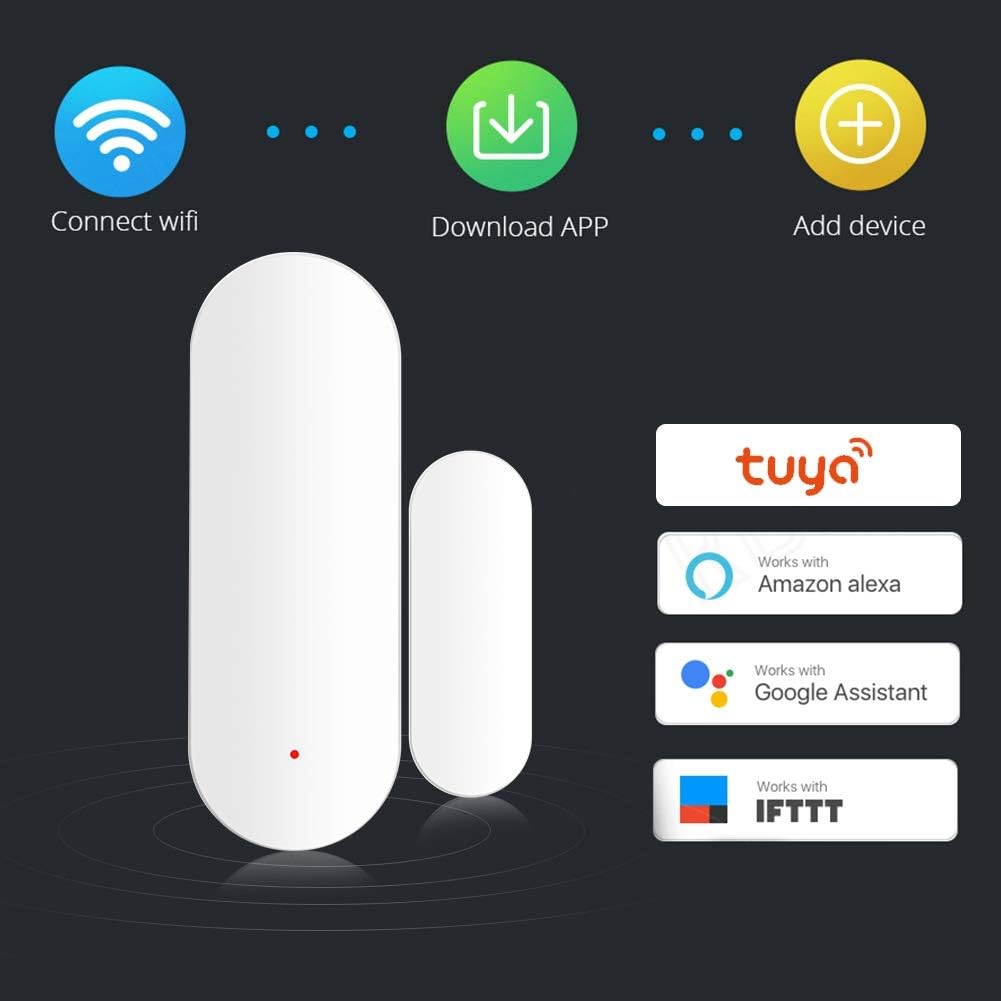
Image 5.2.1: Visual representation of the three main steps for initial setup: connecting to Wi-Fi, downloading the Smart Life app, and adding the device within the app.
5.3. Sensor Mounting
The sensor consists of two parts: a main unit (transmitter) and a magnetic strip. These two parts must be installed close to each other on the door/window frame and the door/window itself.
- Choose a clean, dry, and flat surface for installation.
- Attach the main sensor unit to the door/window frame using the provided adhesive sticker or screws.
- Attach the magnetic strip to the moving part of the door/window, aligning it with the main sensor unit.
- Ensure the gap between the main unit and the magnetic strip is no more than 15mm when the door/window is closed.
- Test the sensor by opening and closing the door/window to verify that the app receives notifications.
Image 5.3.1: The two components of the sensor, which need to be mounted in close proximity to each other.
6. Operating Instructions
6.1. Real-time Monitoring and Notifications
Once installed and paired, the sensor will detect when the door or window it is attached to opens or closes. The Smart Life app will display the current status and send real-time notifications to your smartphone.

Image 6.1.1: A smartphone screen showing an "Open Door Alert" notification, indicating the sensor has detected an open door.

Image 6.1.2: A user checking the sensor status on their smartphone, with an inset showing an open window, illustrating real-time monitoring.
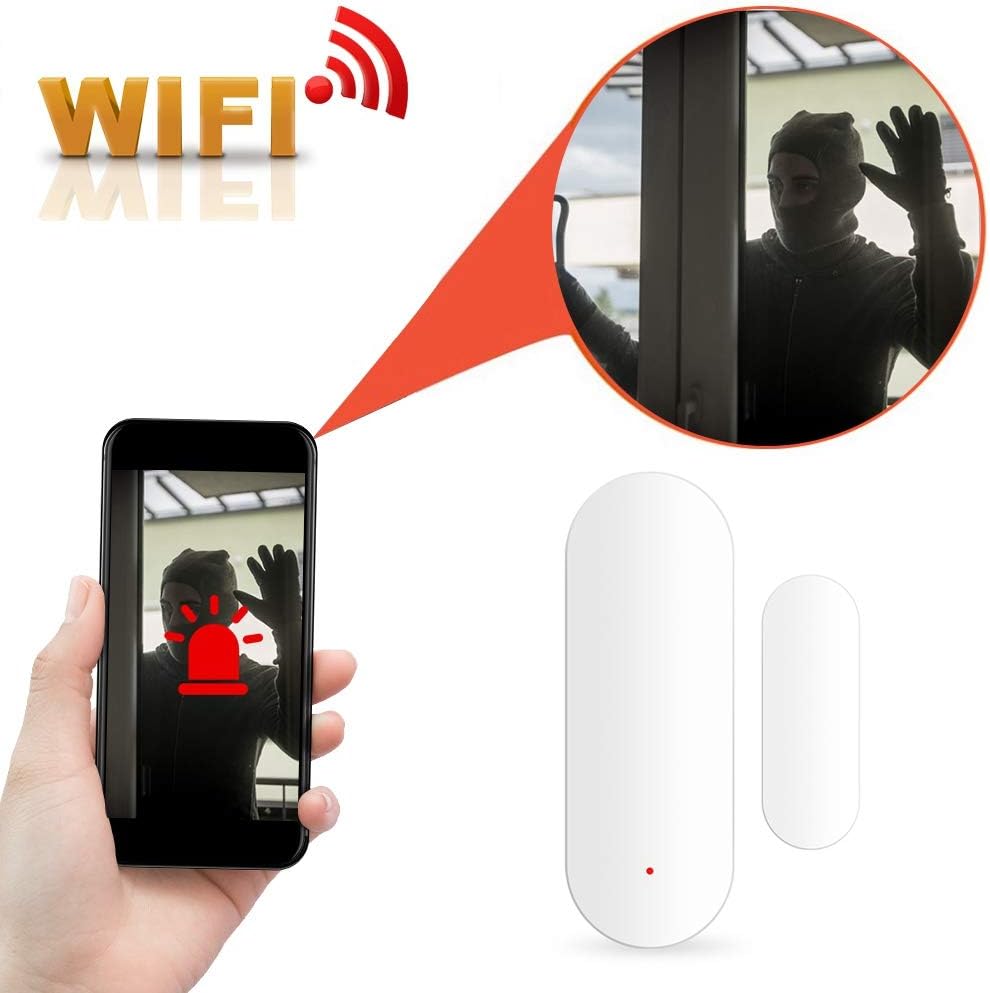
Image 6.1.3: A smartphone screen showing a Wi-Fi intruder alert, indicating unauthorized entry detected by the sensor.
6.2. Voice Control Integration
The sensor is compatible with Amazon Alexa and Google Home. To enable voice control:
- Open the Amazon Alexa or Google Home app.
- Enable the "Smart Life" skill or service.
- Link your Smart Life account.
- Discover devices. Your Sonew sensor should now be controllable via voice commands.
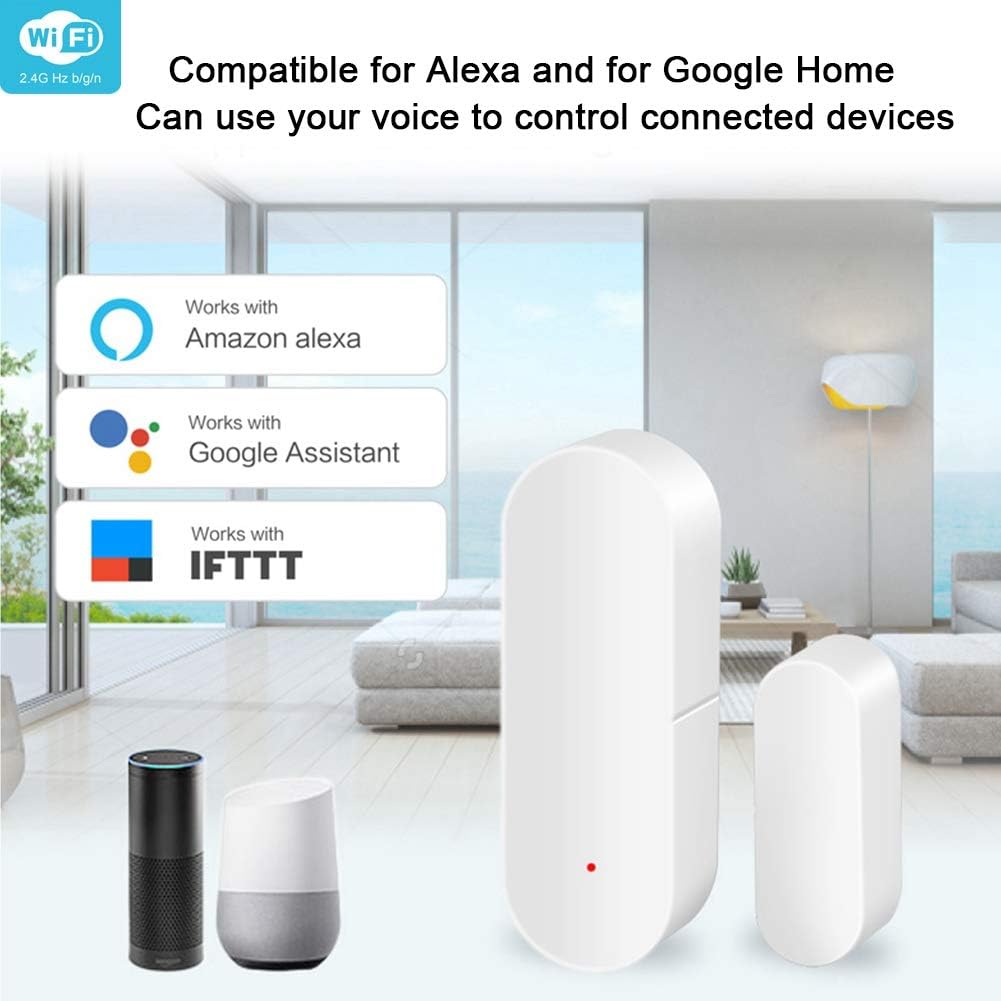
Image 6.2.1: The sensor shown alongside logos for Amazon Alexa, Google Assistant, and IFTTT, indicating compatibility for voice control and automation.
6.3. IFTTT Automation
Utilize IFTTT (If This Then That) to create custom automations with your sensor and other smart devices. For example, you can set up a rule to turn on a light when the door opens.
6.4. Sharing Device Access
Within the Smart Life app, you can share access to your sensor with family members, allowing them to monitor its status and receive notifications.
7. Maintenance
7.1. Battery Replacement
The sensor will send a low battery notification to your smartphone when the battery level is critical. Replace the two AAA 1.5V batteries promptly to ensure continuous operation.
Image 7.1.1: The sensor indicating a low power battery alarm, prompting for battery replacement.
- Gently open the main sensor unit.
- Remove the old AAA batteries.
- Insert new AAA 1.5V batteries, observing correct polarity.
- Close the sensor unit securely.
7.2. Cleaning
Wipe the sensor with a dry, soft cloth. Do not use liquid cleaners or abrasive materials.
8. Troubleshooting
- Sensor not connecting to Wi-Fi:
- Ensure your Wi-Fi network is 2.4GHz. The sensor does not support 5GHz networks.
- Check if your Wi-Fi password is entered correctly in the app.
- Make sure the sensor is within range of your Wi-Fi router.
- Try resetting the sensor (refer to app instructions for specific reset procedure) and re-pairing.
- No notifications received:
- Verify that app notifications are enabled in your smartphone's settings for the Smart Life app.
- Check the sensor's battery level.
- Ensure the gap between the main unit and magnetic strip is within 15mm when closed.
- Confirm the sensor is still connected to Wi-Fi in the Smart Life app.
- Voice control not working:
- Ensure the "Smart Life" skill is enabled and linked in your Amazon Alexa or Google Home app.
- Try rediscovering devices in your Alexa/Google Home app.
- Check your internet connection.
- SMS notifications require a fee:
- Some SMS notification services may incur additional subscription fees from the service provider. This is not controlled by the sensor manufacturer.
9. Product Video
Watch this video for a visual overview of the Sonew Smart Door Window Sensor.
Video 9.1: An official product video demonstrating the features and functionality of the Sonew Smart Door Window Sensor.
10. Warranty and Support
For warranty information and technical support, please refer to the official Sonew website or contact their customer service. Specific warranty details are not provided in this manual.
You can visit the Sonew Store on Amazon for more product information.