
1. Introduction
This manual provides essential information for the safe and efficient operation of your CHiQ U55H7A 55-inch 4K Android TV. Please read it thoroughly before using the product and retain it for future reference.
The CHiQ U55H7A is a 55-inch (140cm) 4K Ultra HD Smart TV featuring the Android TV operating system. It includes integrated Wi-Fi, Bluetooth, and Google Assistant for a comprehensive entertainment experience. Enjoy popular streaming services like Netflix and Prime Video, and connect multiple devices via its 3 HDMI and 2 USB ports.

Figure 1.1: Front view of the CHiQ U55H7A 55-inch 4K Android TV.
2. Safety Information
Always follow these basic safety precautions when using your television:
- Power Source: Ensure the TV is connected to a power supply within the specified voltage range (100-240V AC, 50-60Hz).
- Ventilation: Do not block ventilation openings. Allow adequate space around the TV for proper airflow.
- Water and Moisture: Do not expose the TV to rain or moisture. Do not place objects filled with liquids, such as vases, on the TV.
- Heat Sources: Keep the TV away from heat sources like radiators, heat registers, stoves, or other heat-producing appliances.
- Cleaning: Unplug the TV from the wall outlet before cleaning. Use a soft, dry cloth. Do not use liquid cleaners or aerosol cleaners.
- Cables: Protect the power cord from being walked on or pinched.
- Mounting: When wall-mounting, ensure the mount is suitable for the TV's weight and the wall structure. Follow VESA mounting standards (200x200mm for this model).
- Children: Supervise children to ensure they do not play with the television.
3. Package Contents
Verify that all items are present in the box:
- CHiQ U55H7A 55-inch 4K Android TV
- Remote Control (requires 2 AAA batteries, included)
- Power Cord
- User Manual (this document)
- TV Stands (feet)

Figure 3.1: Rear view of the TV, illustrating various connection ports.
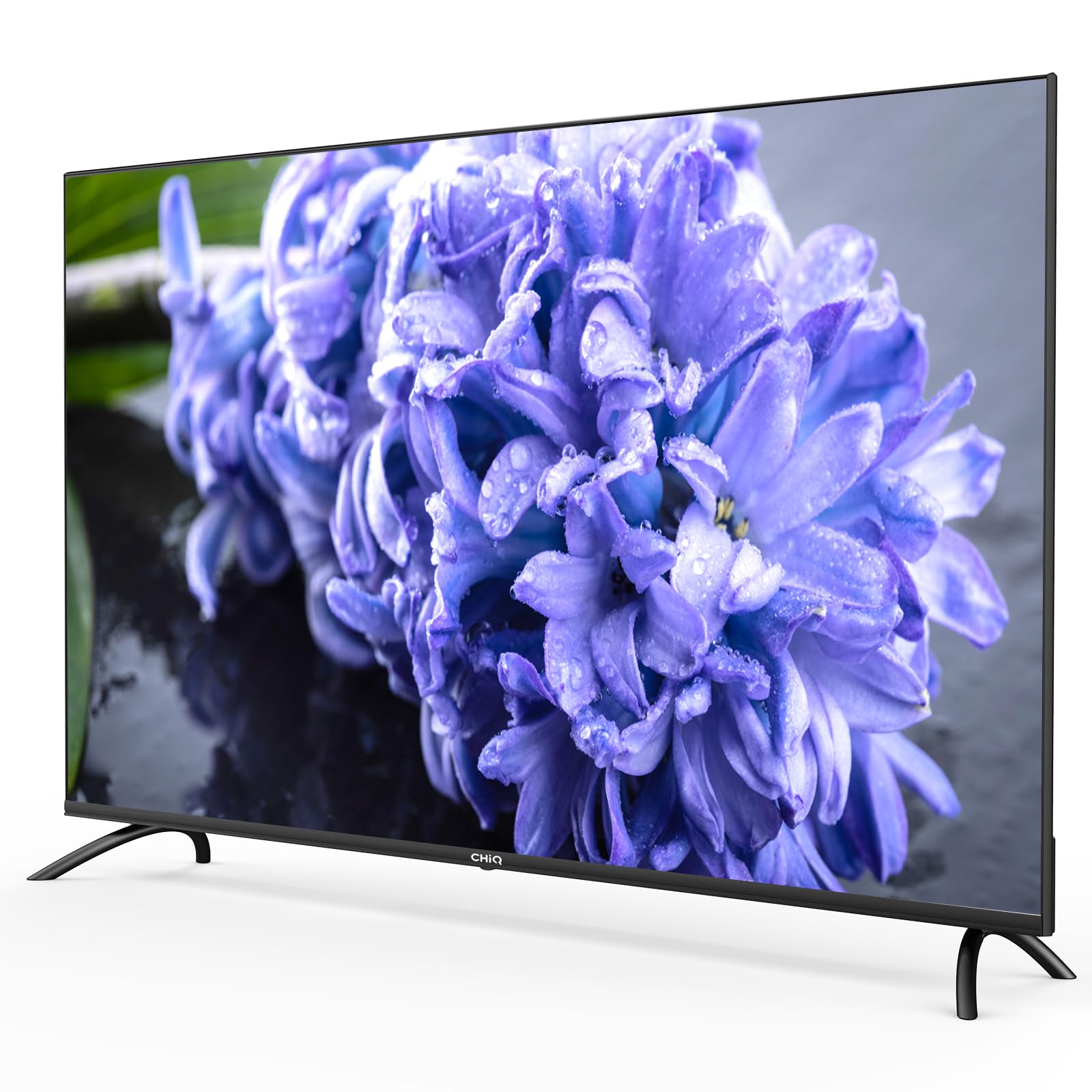
Figure 3.2: Illustration of TV dimensions, remote control, and included accessories.
4. Setup
4.1 Unpacking and Placement
Carefully remove the TV from its packaging. It is recommended to have two people for this process due to the size and weight of the unit. Place the TV on a stable, flat surface or prepare for wall mounting.
Dimensions:
- Without Stand: 123.1 x 71.7 x 9.3 cm (Width x Height x Depth)
- With Stand: 123.1 x 76.9 x 21.2 cm (Width x Height x Depth)
4.2 Attaching the Stand
If using the included stands, carefully attach them to the designated slots at the bottom of the TV using the provided screws. Ensure they are securely fastened before placing the TV upright.
4.3 Wall Mounting (Optional)
The CHiQ U55H7A supports VESA wall mounts with a pattern of 200 x 200 mm. Use appropriate screws and a compatible wall mount kit (sold separately). Consult a professional for wall mounting if you are unsure.
4.4 Connecting Peripherals
Connect your external devices to the TV's ports:
- HDMI: 3 HDMI ports (ARC/CEC compatible) for Blu-ray players, game consoles, set-top boxes.
- USB: 2 USB 2.0 ports for external storage devices or other USB accessories.
- AV Input: 1 AV input for older devices.
- Antenna/Cable: Connect your antenna or cable TV signal to the DVB-T/T2/T2-HD/C/S/S2 tuner input.
- CI+: Common Interface Plus slot for conditional access modules.
- Audio Output: Optical audio output for soundbars or home theater systems.
4.5 Power On and First-Time Setup
- Connect the power cord to the TV and then to a wall outlet.
- Insert the 2 AAA batteries into the remote control.
- Press the Power button on the remote control to turn on the TV.
- Follow the on-screen instructions to complete the initial setup, which includes:
- Language selection
- Network connection (Wi-Fi or Ethernet)
- Google Account sign-in (for Android TV features)
- Channel scanning (DVB-T/T2/C/S/S2)
- Time zone and other basic settings
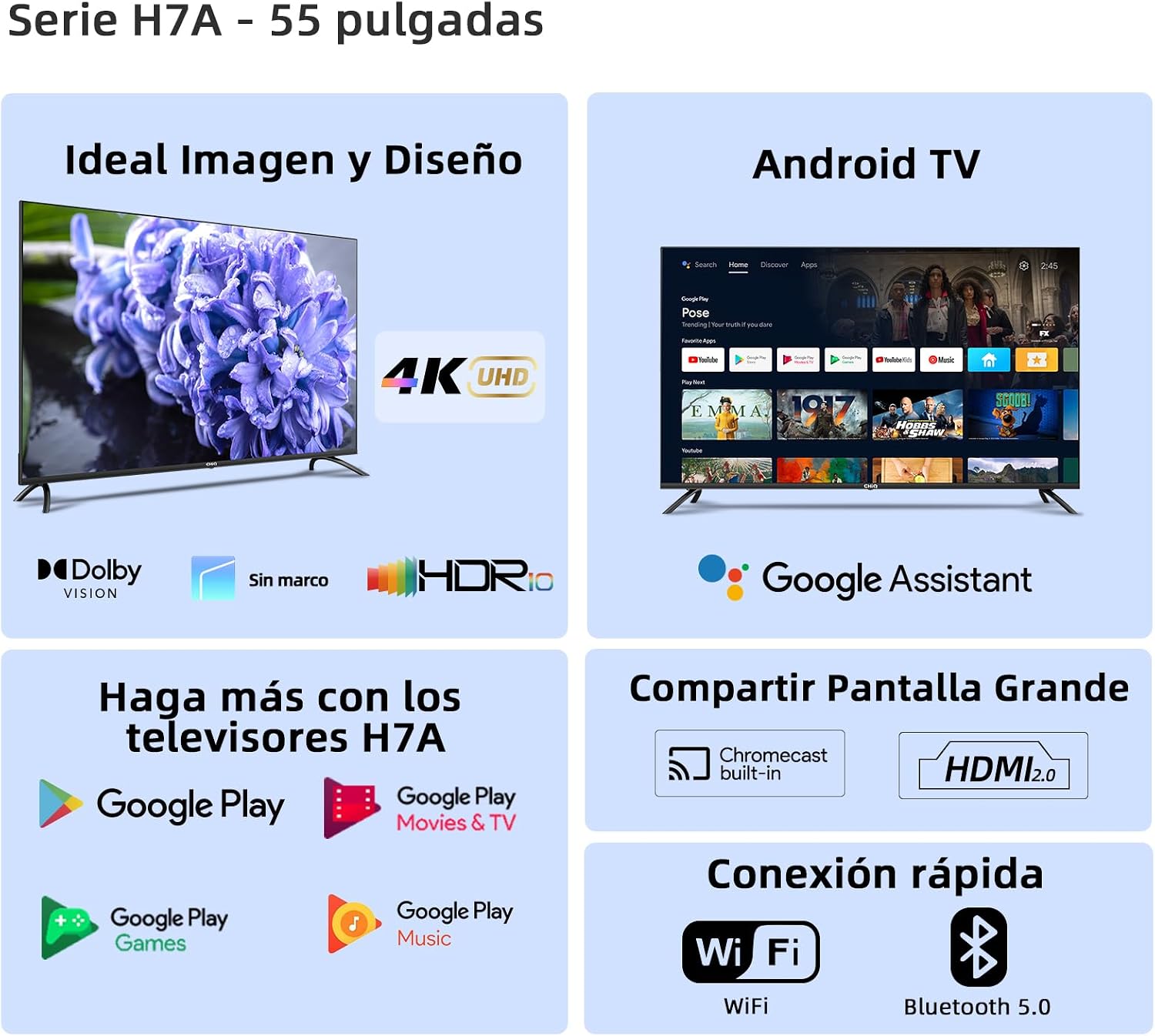
Figure 4.1: Front view of the TV with its stand attached.
5. Operating the TV
5.1 Remote Control Overview
The included Bluetooth remote control allows you to navigate the TV's functions. It features dedicated buttons for popular streaming services like Netflix, Amazon Prime Video, and YouTube, as well as Google Assistant voice control.

Figure 5.1: The CHiQ U55H7A TV remote control.
5.2 Basic TV Functions
- Power: Press the power button to turn the TV on or off.
- Volume: Use the Volume +/- buttons to adjust the sound level.
- Channels: Use the Channel +/- buttons to change TV channels.
- Input Source: Press the Source button to select between HDMI, AV, TV, and other inputs.
- Navigation: Use the directional pad and OK button to navigate menus.
5.3 Android TV Features
Your TV runs on Android TV, providing access to a wide range of apps and services:
- Google Assistant: Press the Google Assistant button on your remote to use voice commands for searching content, controlling smart home devices, and more.
- Google Play Store: Download thousands of apps, games, movies, and music from the Google Play Store.
- Pre-installed Apps: Access Netflix, Amazon Prime Video, YouTube, Disney+, and other popular streaming platforms directly.
- Chromecast Built-in: Cast content from your smartphone, tablet, or computer directly to your TV screen.
- Multiscreen: Share content between your TV and mobile devices.
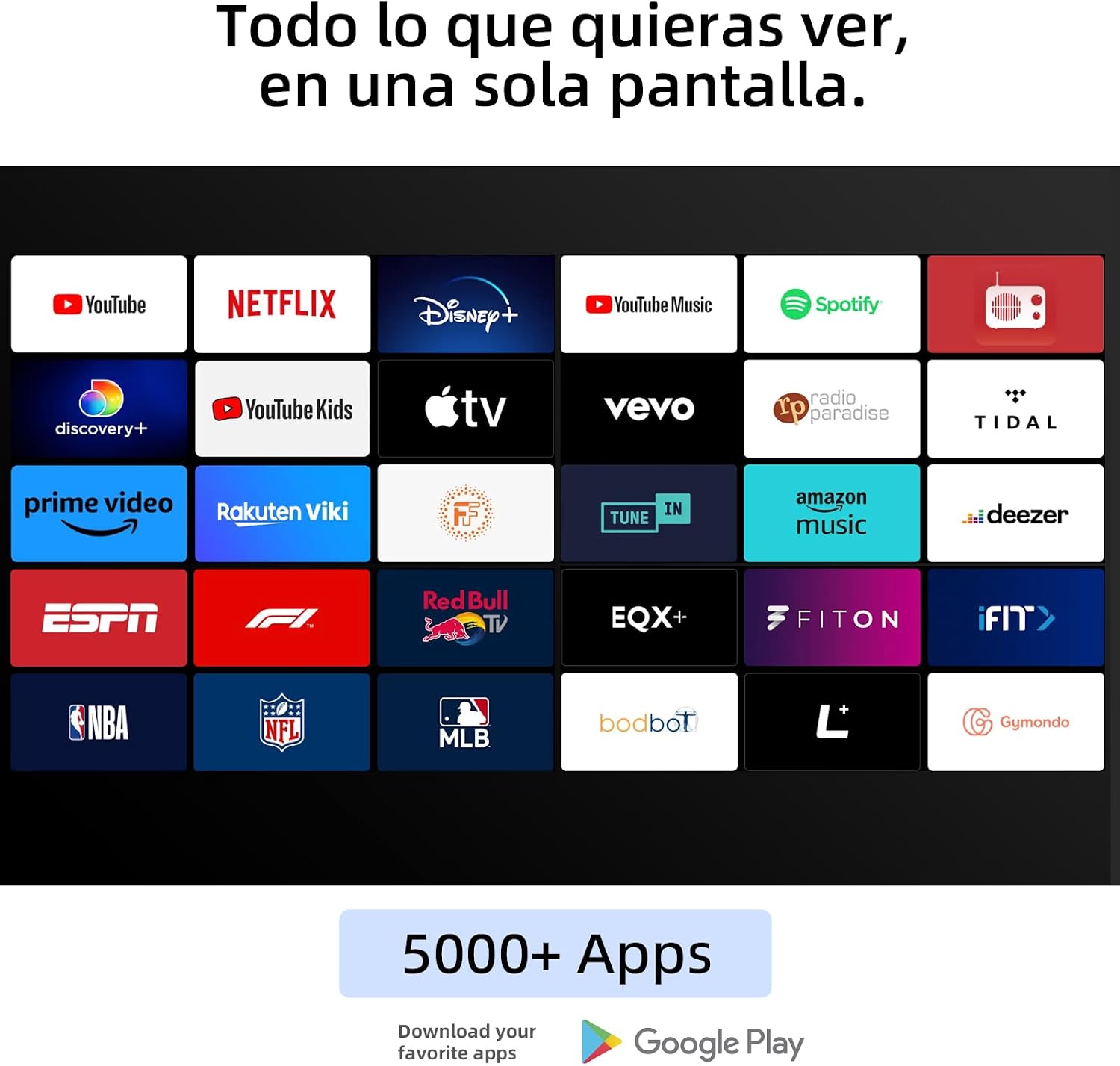
Figure 5.2: The Android TV interface with Google Assistant functionality.
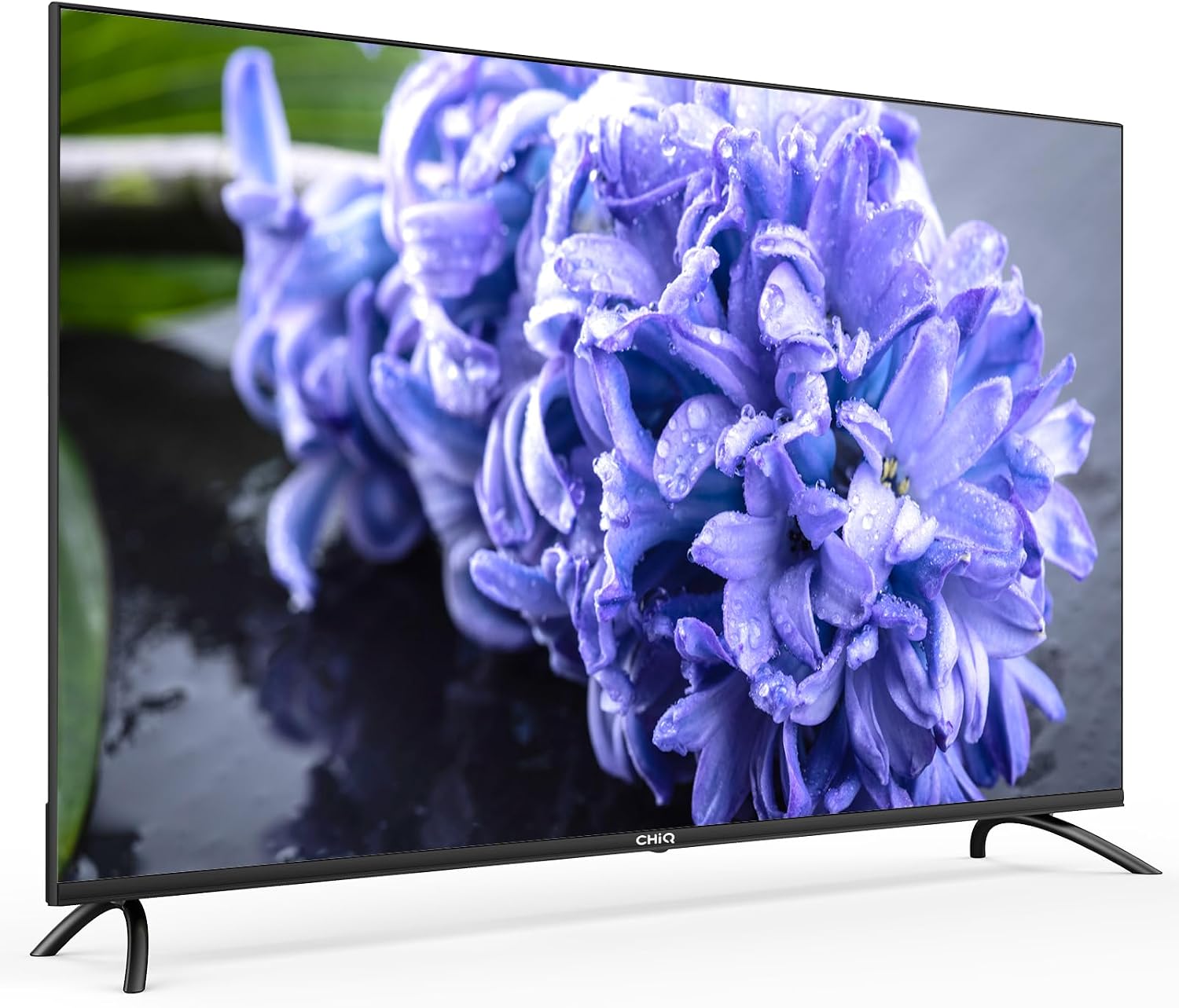
Figure 5.3: A selection of available streaming applications on the CHiQ Android TV.
5.4 Picture and Sound Settings
Access the TV's settings menu to customize picture and sound:
- Picture Modes: Select from various preset picture modes (e.g., Standard, Vivid, Movie, Game) or customize brightness, contrast, color, and sharpness.
- HDR Support: The TV supports HDR10, HLG, and Dolby Vision for enhanced dynamic range and color.
- Sound Modes: Choose from sound presets or adjust bass, treble, and balance. The TV features Dolby Audio for immersive sound.
- Bluetooth Audio: Connect Bluetooth headphones or speakers for wireless audio.
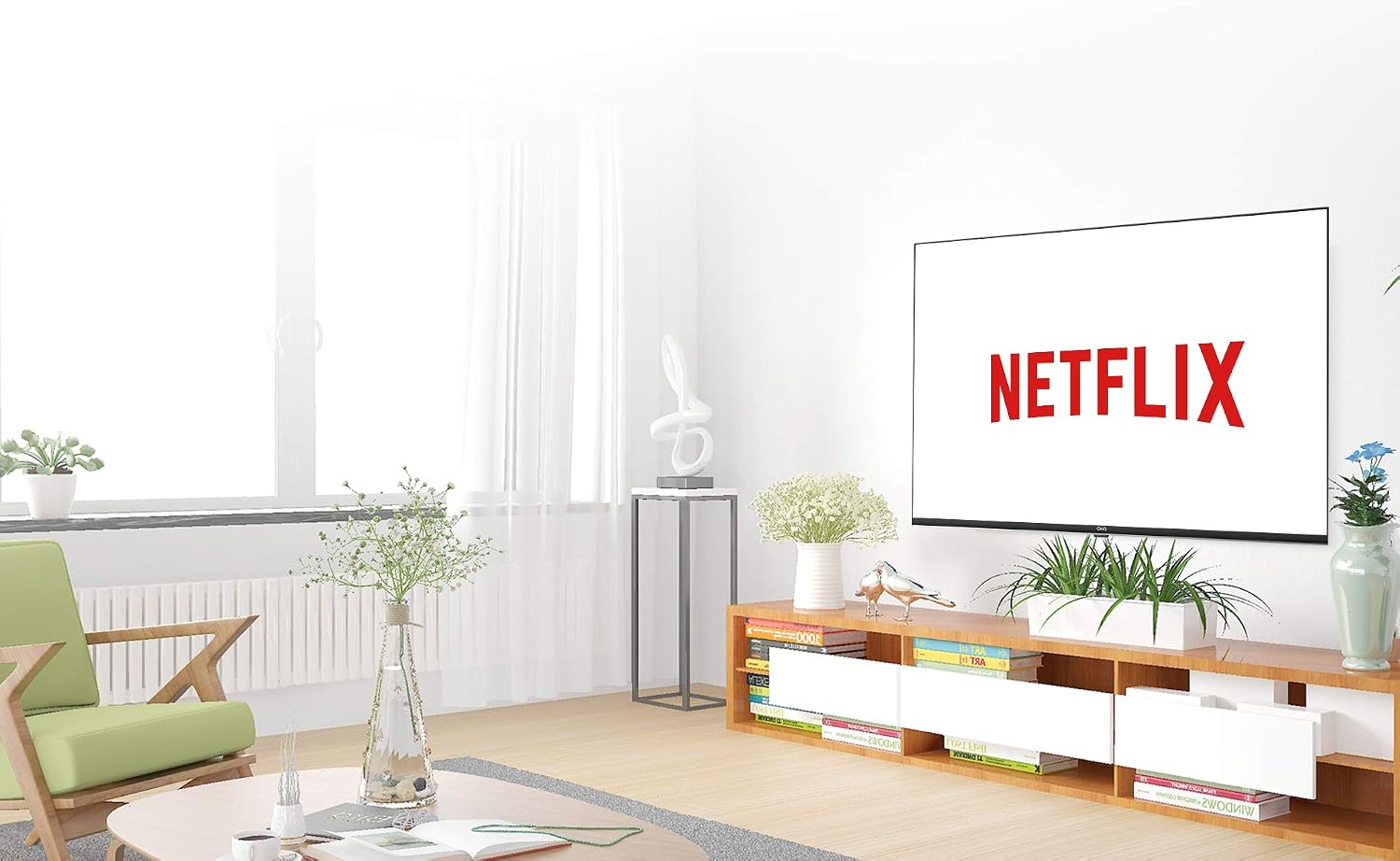
Figure 5.4: Example of the TV's 4K UHD picture quality.

Figure 5.5: Illustration of the TV's audio system, featuring Dolby Audio.
6. Maintenance
Proper care ensures the longevity of your TV:
- Screen Cleaning: Gently wipe the screen with a soft, lint-free cloth. For stubborn marks, slightly dampen the cloth with water or a specialized screen cleaner. Never spray liquid directly onto the screen.
- Cabinet Cleaning: Use a soft, dry cloth to clean the TV cabinet.
- Dusting: Regularly dust the ventilation openings to prevent overheating.
- Power Off: Unplug the TV during lightning storms or when it will be left unattended for long periods.
7. Troubleshooting
If you encounter issues, refer to the following common problems and solutions:
| Problem | Possible Solution |
|---|---|
| No power | Check if the power cord is securely plugged into the TV and the wall outlet. Ensure the outlet has power. |
| No picture, but sound is present | Verify the correct input source is selected. Check cable connections to external devices. |
| No sound, but picture is present | Check volume level and mute status. Ensure audio cables are correctly connected. If using external audio, check its settings. |
| Remote control not working | Replace batteries. Ensure there are no obstructions between the remote and the TV. Re-pair the Bluetooth remote if necessary. |
| "No Signal" message | Check antenna/cable connection. Ensure the correct input source is selected for your TV channels or external device. |
| Smart TV apps not loading/working | Check your internet connection (Wi-Fi or Ethernet). Try restarting the TV. Clear app cache or reinstall the app. |
If the problem persists after trying these solutions, please contact customer support.
8. Specifications
| Feature | Detail |
|---|---|
| Model Number | U55H7A |
| Screen Size | 55 inches (140 cm) |
| Display Technology | LED |
| Resolution | 4K UHD (3840 x 2160 pixels) |
| Refresh Rate | 60 Hz |
| HDR Support | HDR10, HLG, Dolby Vision |
| Operating System | Android TV |
| Processor | Quad-core |
| Internal Storage | 8 GB |
| Connectivity | Wi-Fi, Bluetooth 5.0 |
| HDMI Ports | 3 (ARC/CEC) |
| USB Ports | 2 (USB 2.0) |
| Other Inputs | 1x AV Input, CI+ Slot |
| Audio Output | Optical, Bluetooth |
| Audio Technology | Dolby Audio |
| Voice Control | Google Assistant |
| Wireless Sharing | Chromecast Built-in, Multiscreen |
| Power Consumption | 92 Watts |
| Voltage | 100-240V AC, 50-60Hz |
| Weight (with stand) | 12.5 Kilograms |
| VESA Mount | 200 x 200 mm |
| Included Components | TV, Remote Control, Power Cord, Manual, Feet |

Figure 8.1: Energy efficiency label for the CHiQ U55H7A. For more details, visit eprel.ec.europa.eu/qr/431366.
9. Warranty and Support
CHiQ provides a general warranty for this product. For specific warranty terms and conditions, please refer to the documentation included with your purchase or visit the official CHiQ website.
If you encounter any issues or require technical assistance, please contact CHiQ customer service. Information regarding spare parts availability is not provided.
Software updates are guaranteed up to an unspecified date. Please check the TV's system settings for available updates to ensure optimal performance and security.


