
1. Important Safety Instructions
Please read this manual carefully before installation and use. Keep it for future reference.
- Gas Safety: This appliance uses gas. Ensure proper ventilation during operation. Installation and maintenance must be performed by a qualified technician in accordance with local regulations and standards.
- Gas Type: The cooker is factory-set for natural gas (20 mbar). If using LPG (50 mbar), a conversion kit and professional adjustment are required.
- Gas Connection: A gas hose and pressure regulator are required for connection and are not included with the appliance. Purchase these separately and ensure they comply with local safety standards.
- Electrical Safety: Connect the appliance to a properly grounded 220-240 V / 50-60 Hz power supply. Do not use extension cords or adapters.
- Ventilation: Ensure adequate ventilation in the kitchen area to prevent the accumulation of unburnt gases.
- Children and Pets: Keep children and pets away from the appliance during operation and when it is hot.
- Hot Surfaces: Burners and surrounding areas become hot during use. Avoid touching hot surfaces. Use oven mitts or appropriate protection.
- Flammable Materials: Do not store or use flammable materials near the cooker.
2. Product Overview
The Klarstein Ignito Domino Gas Cooker is a compact, built-in gas hob featuring two high-efficiency Sabaf burners and a durable stainless steel surface.

Figure 2.1: Top view of the Klarstein Ignito Domino Gas Cooker with both burners active, showing the stainless steel surface and cast iron grates.
Key Components:
- Sabaf Burners: Two high-performance burners (3 kW and 1 kW) designed for even heat distribution.
- Cast Iron Grates: Robust and stable supports for various pot and pan sizes.
- Stainless Steel Surface: Durable and easy-to-clean cooking surface.
- Control Knobs: Ergonomic rotary knobs for precise flame adjustment.
- Snap-Jet-Ignition System (SJIS): Integrated electronic ignition for immediate lighting without external tools.

Figure 2.2: Detail of a Sabaf burner, illustrating its design for balanced heat distribution across the cooking surface.

Figure 2.3: View of the intuitive control knobs, each with clear symbols for operation and flame adjustment.

Figure 2.4: Close-up of the Snap-Jet-Ignition system, showing the igniter pin next to the burner for instant flame.
3. Setup and Installation
This appliance is designed for built-in installation into a countertop. Professional installation is highly recommended to ensure safety and proper function.
3.1 Unpacking
- Carefully remove the cooker from its packaging.
- Check for any damage during transit. Contact your supplier immediately if damage is found.
- Ensure all included components, such as mounting material, are present.
3.2 Countertop Preparation
A rectangular cutout in the countertop is required for installation. Refer to the dimensions provided in the specifications section and the diagram below for precise measurements.
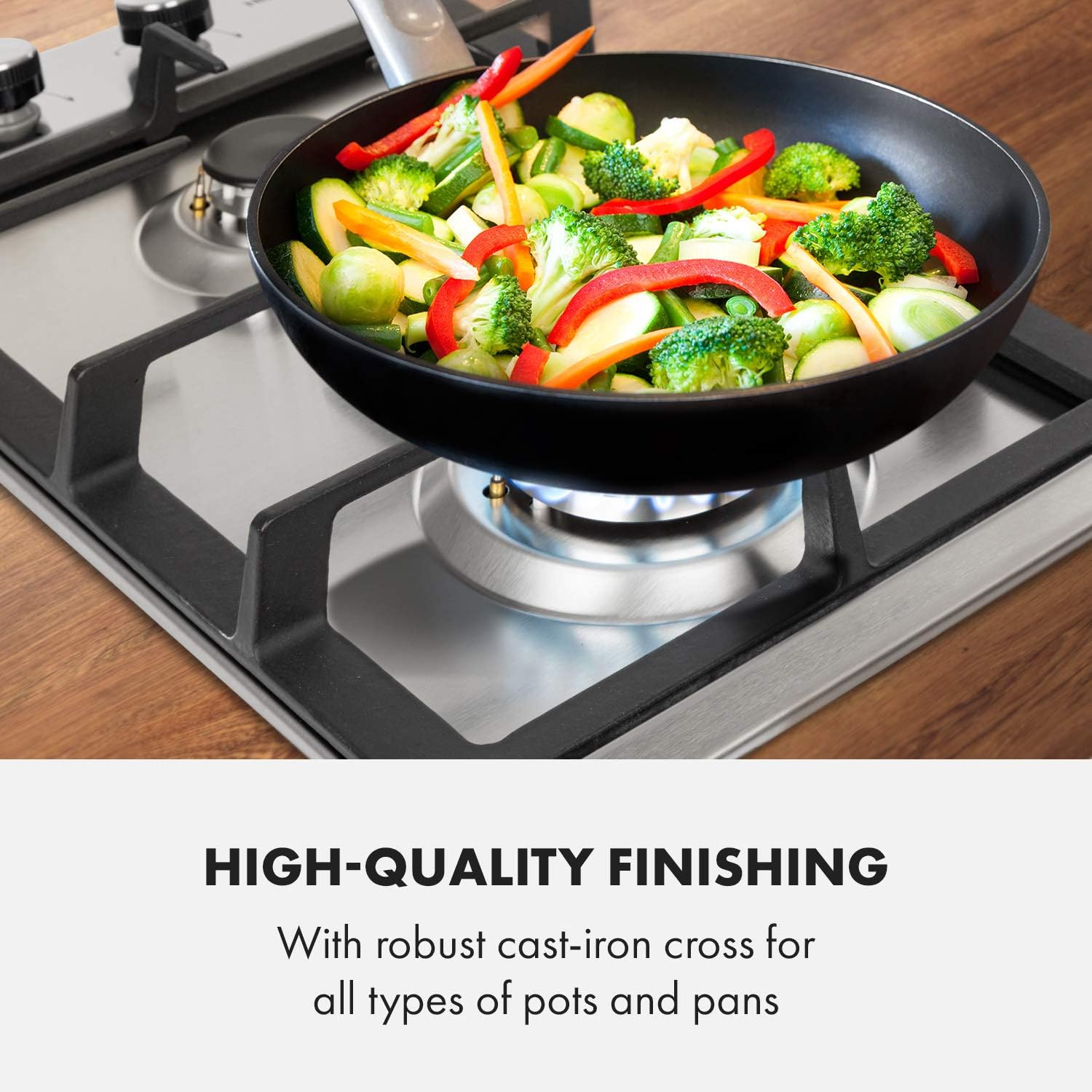
Figure 3.1: Installation diagram with overall dimensions (30 cm width, 52 cm depth, 10.5 cm height) for countertop integration.
3.3 Gas Connection
- The appliance is pre-configured for natural gas (20 mbar). If using LPG (propane), a qualified technician must perform the conversion using an appropriate kit.
- Connect the gas supply using a suitable gas hose and pressure regulator. These items are sold separately.
- Ensure all gas connections are leak-free using a soapy water solution. Do not use an open flame to check for leaks.
3.4 Electrical Connection
- Connect the power cable to a grounded 220-240 V / 50-60 Hz electrical outlet.
- The power cable length is approximately 100 cm. Ensure the outlet is within reach without stretching the cable.
4. Operating Instructions
The Klarstein Ignito Domino Gas Cooker features simple and intuitive controls for efficient cooking.
4.1 Lighting a Burner
- Place a suitable pot or pan on the cast iron grate over the desired burner.
- Push down the corresponding control knob and rotate it counter-clockwise to the maximum flame setting.
- The integrated Snap-Jet-Ignition system will automatically generate a spark to ignite the gas.
- Once the flame is lit, hold the knob down for a few seconds to allow the thermocouple to heat up and activate the flame failure safety device.
- Release the knob. If the flame extinguishes, repeat the process.
4.2 Adjusting the Flame
- After lighting, rotate the control knob to adjust the flame intensity.
- Rotate clockwise to decrease the flame, and counter-clockwise to increase it.
- For minimum flame, rotate the knob to the smallest flame symbol.
4.3 Turning Off a Burner
- Rotate the control knob clockwise until it clicks into the "off" position (usually indicated by a dot or zero symbol).
- Ensure the flame is completely extinguished.
5. Maintenance and Cleaning
Regular cleaning and maintenance will ensure the longevity and optimal performance of your gas cooker.
5.1 Daily Cleaning
- Always ensure the appliance is cool before cleaning.
- Wipe the stainless steel surface with a soft cloth and mild detergent. Avoid abrasive cleaners or scouring pads that can scratch the surface.
- Remove any food spills immediately to prevent staining.

Figure 5.1: Demonstrating the ease of cleaning the stainless steel surface with a soft cloth.
5.2 Burner and Grate Cleaning
- The cast iron grates and burner caps can be removed for thorough cleaning.
- Wash them with warm soapy water. For stubborn stains, a non-abrasive cleaner can be used.
- Ensure all parts are completely dry before reassembling them.
- Periodically check the burner ports for any blockages and clean them carefully if necessary.
6. Troubleshooting
If you encounter issues with your gas cooker, refer to the following common problems and solutions before contacting service.
| Problem | Possible Cause | Solution |
|---|---|---|
| Burner does not ignite. | No gas supply, power outage, igniter dirty/blocked, control knob not held long enough. | Check gas supply valve. Verify power connection. Clean igniter. Hold control knob down for 3-5 seconds after ignition. |
| Flame is uneven or yellow. | Burner ports blocked, incorrect gas type/pressure, burner components not seated correctly. | Clean burner ports. Ensure burner caps and rings are correctly positioned. Verify correct gas type and pressure with a technician. |
| Gas smell detected. | Gas leak. | Immediately turn off gas supply. Open windows for ventilation. Do not operate electrical switches. Contact a qualified gas technician immediately. |
If the problem persists after attempting these solutions, contact Klarstein customer support or a qualified service technician.
7. Specifications
| Feature | Detail |
|---|---|
| Brand | KLARSTEIN |
| Model Number | DSM-90400-gnit |
| Installation Type | Built-In |
| Burner Type | Gas Burners (Sabaf) |
| Number of Burners | 2 |
| Burner Power | 1 x 3 kW, 1 x 1 kW (Total 4 kW) |
| Fuel Type | Natural Gas (20 mbar, factory setting), Propane/LPG (50 mbar, convertible) |
| Ignition System | Snap-Jet-Ignition (Electronic) |
| Material | Stainless Steel Surface, Cast Iron Grates |
| Power Supply | 220-240 V / 50-60 Hz |
| Total Dimensions (W x H x D) | Approx. 30 x 9 x 52 cm (11.81 x 3.54 x 20.47 inches) |
| Large Burner Diameter | Approx. 10 cm |
| Small Burner Diameter | Approx. 5 cm |
| Power Cable Length | Approx. 100 cm |
| Item Weight | Approx. 5.5 kg (12.1 pounds) |
| Included Components | Mounting material |
8. Warranty and Support
For warranty information, please refer to the documentation provided at the time of purchase or contact your retailer. For technical support or service inquiries, please contact Klarstein customer service.
Klarstein Customer Service: Refer to the official Klarstein website or your purchase documentation for contact details.