
HSH LC030101
HSH L Shaped Computer Desk Instruction Manual
Model: LC030101 | Brand: HSH
1. Introduction
Thank you for choosing the HSH L Shaped Computer Desk. This versatile and stylish desk is designed to enhance your workspace, offering ample surface area and integrated storage solutions. Its robust construction and adaptable design make it suitable for various environments, including home offices, study rooms, and gaming setups. This manual provides essential information for safe assembly, operation, and maintenance of your new desk.

2. Safety Information
WARNING: This desk requires assembly and may involve moving heavy parts. Always use proper lifting techniques to avoid injury. Due to its L-shape and height, it is recommended to secure the desk to the wall or floor to prevent tipping. Do not exceed the maximum weight recommendation of 350 pounds on the desktop to ensure stability and safety.
- Always assemble the desk on a soft, clean surface to prevent scratches.
- Ensure all screws and fasteners are tightened securely before use.
- Do not stand or sit on the desk.
- Keep small parts away from children during assembly.
- Distribute weight evenly across the desktop and shelves.
3. Product Features & Dimensions
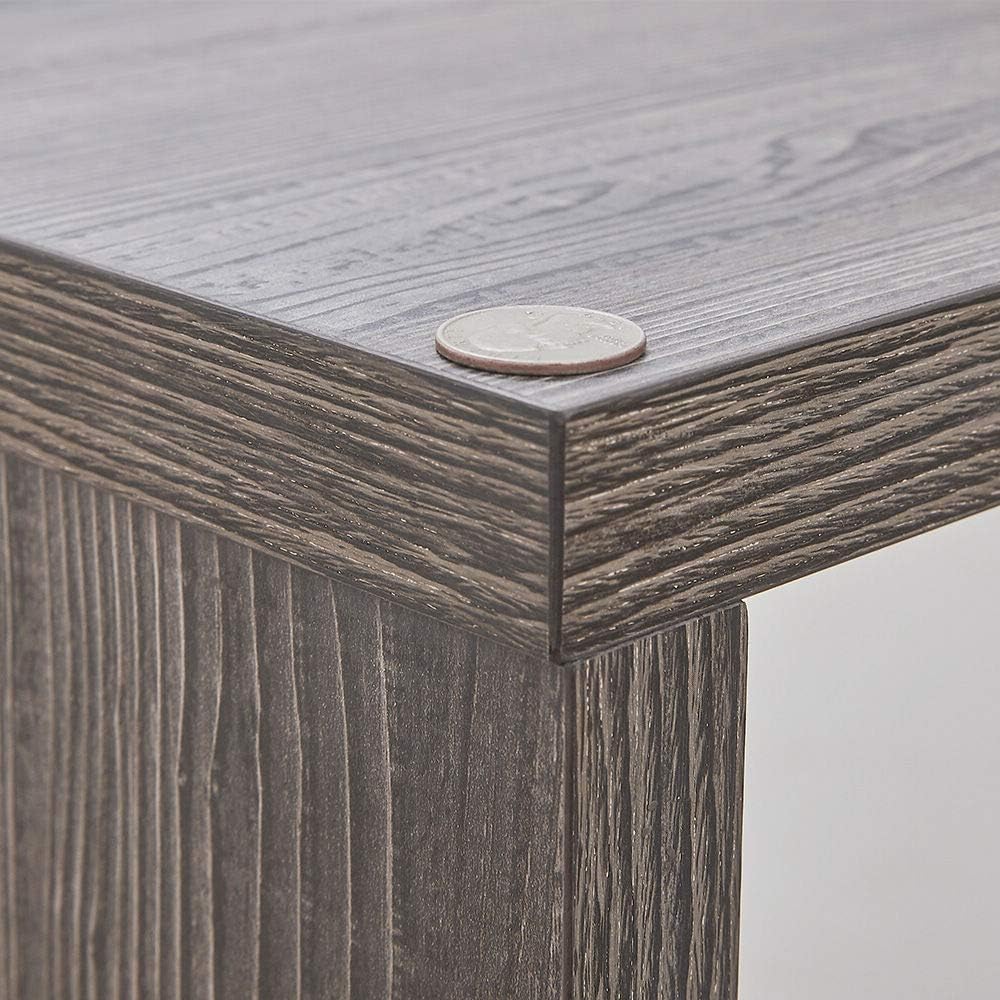
The HSH L Shaped Computer Desk is designed for optimal functionality and aesthetic appeal. It features a durable engineered wood top and sturdy alloy steel base, providing a stable and long-lasting workspace.
- Spacious Desktop: The main desktop measures 19.7 inches deep, providing ample room for writing, computing, and other tasks. The extended section offers additional space.
- Integrated Storage: Two long shelves and a storage cabinet with three adjustable shelves offer convenient storage for office essentials, files, and personal items.
- Geometric Design: The desk's design allows for flexible placement and integration into various contemporary settings.
- Built-in Outlet: Includes a built-in outlet for convenient power access.


4. Assembly Instructions
The HSH L Shaped Computer Desk is designed for straightforward assembly, typically taking less than 30 minutes with all hardware included. Follow the detailed instructions provided in the packaging for a smooth setup.
- Unpack all components and verify against the parts list in your included manual.
- Identify the main desktop and the storage unit panels.
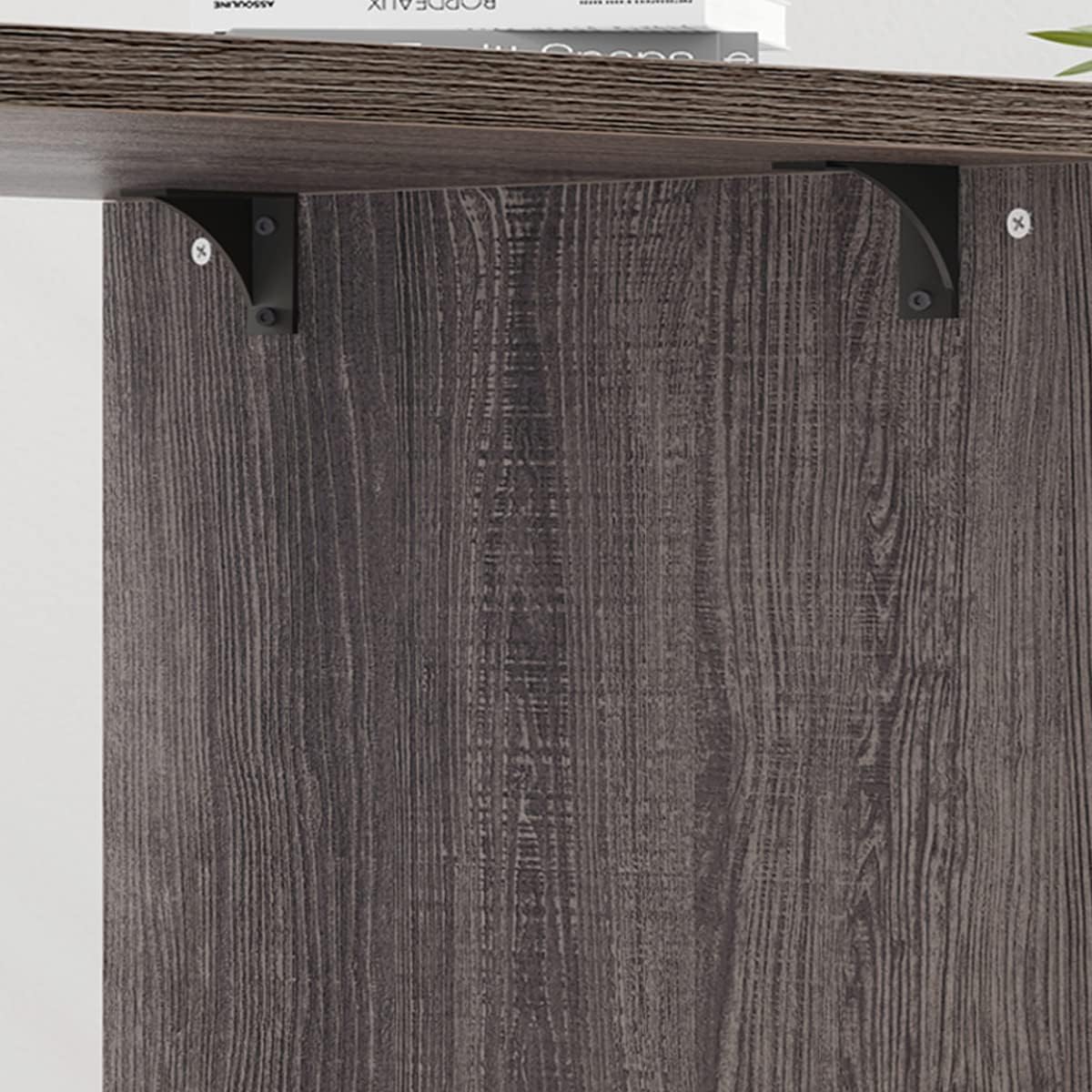
- Attach the side panels to the main desktop using the provided screws and connectors.
- Assemble the storage unit by connecting the base, side panels, and internal dividers.
- Insert the adjustable shelves into the desired positions within the storage cabinet.
- Connect the assembled storage unit to the main desktop, ensuring proper alignment for your chosen configuration.
- Tighten all fasteners to ensure the desk is stable and secure.
5. Configuration Options
This versatile desk can be configured in four different ways to best suit your space and needs. The storage unit can be positioned on either the left or right side, and the desktop can be overlapped or extended.
- Storage on the Left: The storage unit is positioned to the left of the main desktop.
- Storage on the Right: The storage unit is positioned to the right of the main desktop.
- Desktop Overlapped: The desktop partially overlaps the storage unit, creating a compact L-shape.
- Desktop Extended: The desktop extends fully from the storage unit, maximizing linear workspace.


6. Care and Maintenance
To ensure the longevity and appearance of your HSH L Shaped Computer Desk, follow these care guidelines:
- Cleaning: Wipe surfaces with a soft, damp cloth. Avoid harsh chemicals or abrasive cleaners.
- Spills: Clean up spills immediately to prevent staining or damage to the engineered wood.
- Heat & Moisture: Use coasters for drinks and heat pads for hot items to protect the desktop surface.
- Sunlight: Avoid prolonged exposure to direct sunlight to prevent fading or discoloration.
- Tightening: Periodically check and tighten all screws and fasteners to maintain stability.
7. Troubleshooting
If you encounter any issues with your HSH L Shaped Computer Desk, refer to the following common solutions:
- Wobbling: Ensure all assembly screws are fully tightened. Check that the desk is on a level surface; use shims if necessary.
- Missing Parts: Refer to the parts list in your assembly manual. Contact HSH customer service if any components are missing.
- Difficulty Assembling: Double-check the assembly steps against the provided manual. Ensure components are oriented correctly.
8. Specifications
| Feature | Detail |
|---|---|
| Brand | HSH |
| Model Number | LC030101 |
| Product Dimensions | 39.4"D x 55"W x 29.9"H |
| Color | Dark Gray Oak |
| Style | Industrial |
| Base Material | Alloy Steel |
| Top Material Type | Engineered Wood |
| Maximum Weight Recommendation | 350 Pounds |
| Included Components | Built-in Outlet |
| Required Assembly | Yes |
9. Warranty and Support
HSH is committed to providing high-quality products and excellent customer service. Your HSH L Shaped Computer Desk comes with:
- 12-Month Quality Assurance: Enjoy peace of mind with our quality assurance guarantee.
- 30-Day Free Return: If you are not completely satisfied, you may return the product within 30 days.
- 24-Hour Friendly Customer Service: Our dedicated support team is available to assist you with any questions or concerns.
For further assistance, please visit the HSH Store on Amazon or contact our customer support directly.
Related documentsLC030101

Ask a question about this manual
Ask about setup, troubleshooting, compatibility, parts, safety, or missing instructions. Manuals+ will review the question and use this page’s manual context to help answer it.