1. Product Overview
The Kingdom SYSV52 is a 1000 Channel UHF 4 Handheld V5 Wireless Microphone System designed for reliable audio transmission within a 200-foot range. It features individual volume control for each microphone, making it suitable for various applications including performances, presentations, and events.
- 4 Handheld UHF Wireless Microphones
- 1,000 Selectable Channels
- Individual Volume Control for each channel
- Operating range up to 200 feet
- Durable metal construction for microphones and receiver
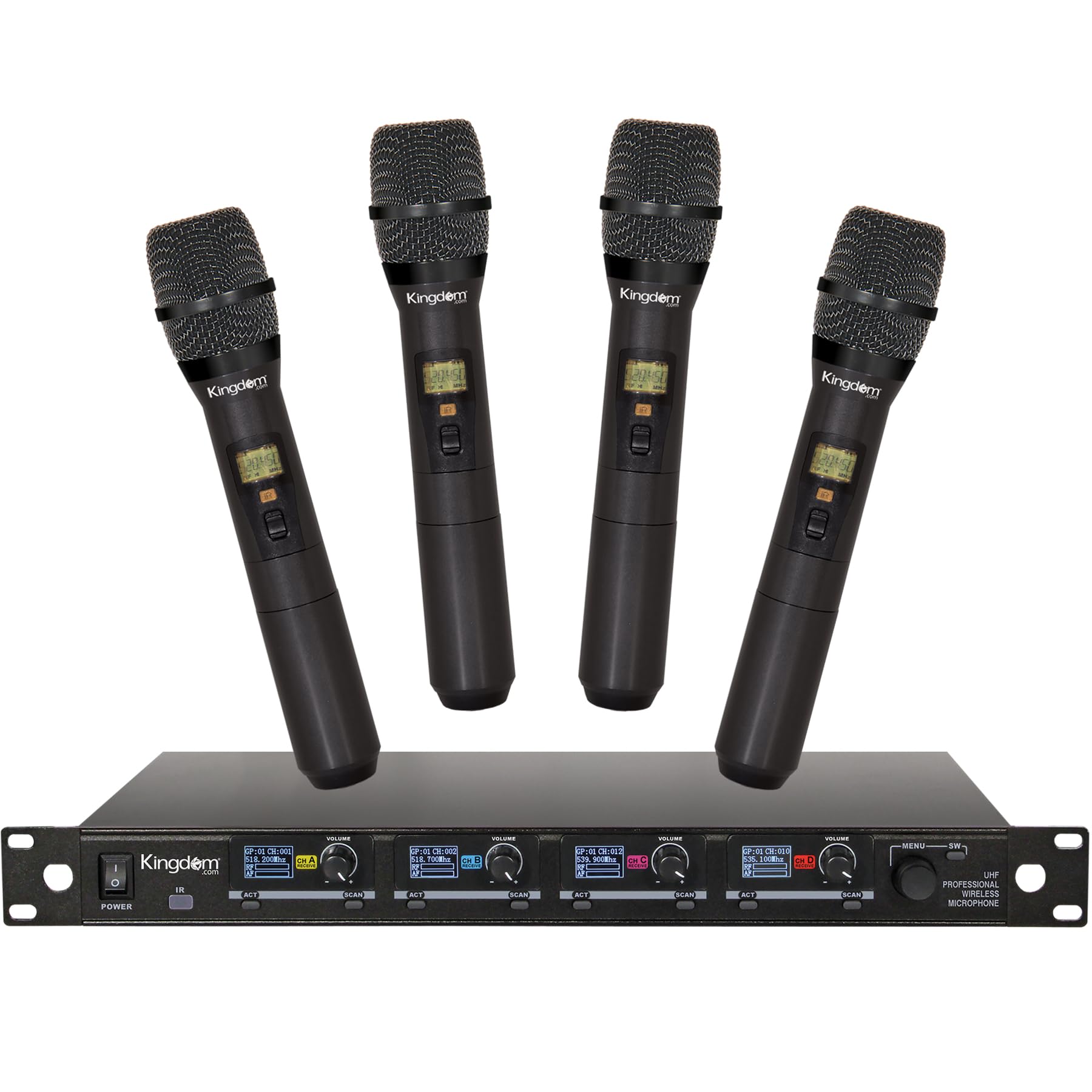
Image: The Kingdom SYSV52 Wireless Microphone System, featuring a rack-mountable receiver unit with four antennas and four handheld wireless microphones.
2. What's in the Box
- 1 x UHF Wireless Receiver (SYSV52)
- 4 x Handheld Wireless Microphones
- 2 x Receiver Antennas
- 1 x Power Adapter
- 1 x 1/4" Audio Cable (for mixed output)
- 8 x AA Batteries (2 per microphone)
- 4 x Anti-Rolling Rings (for microphones)
- 1 x User Manual
- 1 x Warranty Card
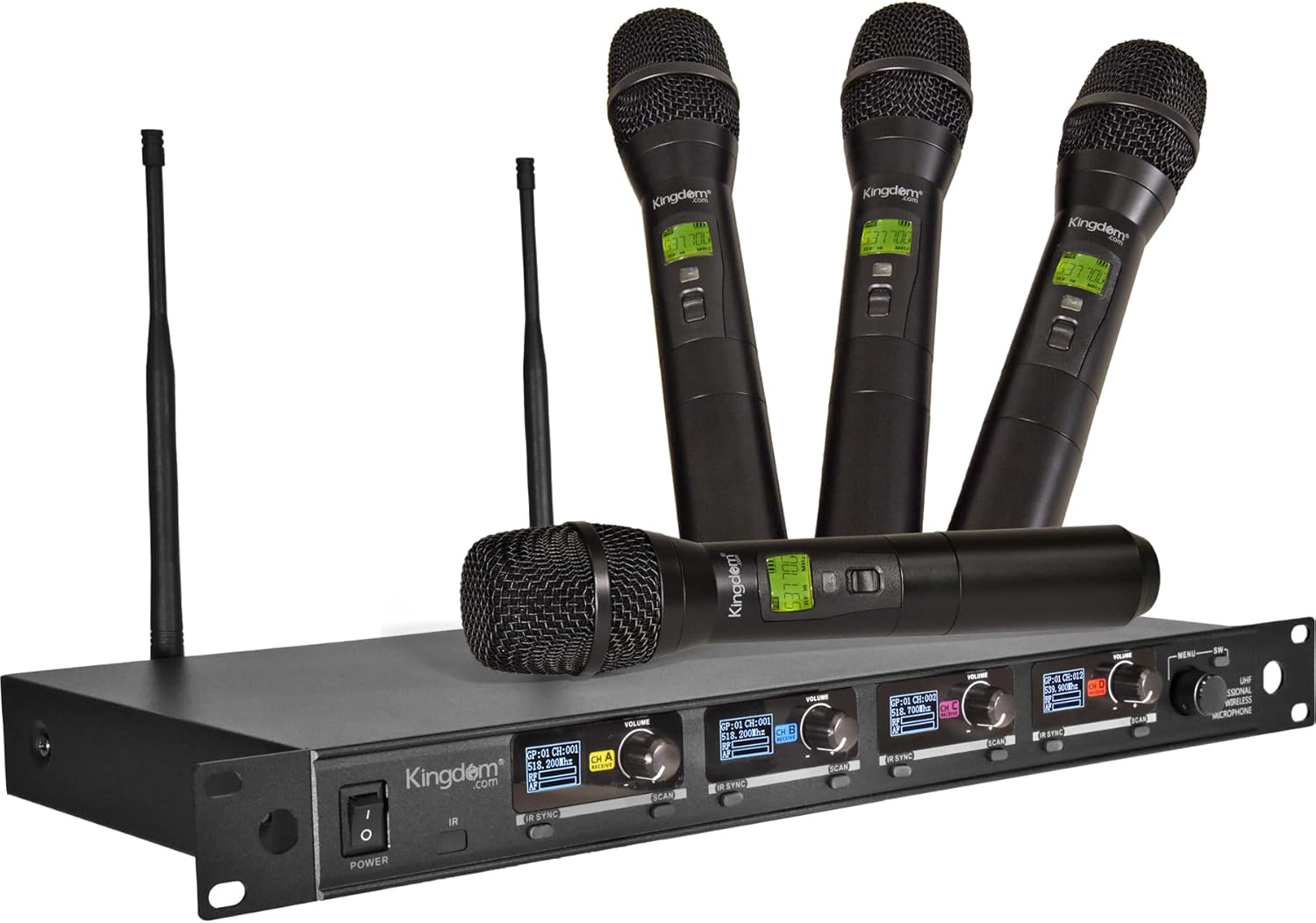
Image: A top-down view of the Kingdom SYSV52 system components neatly arranged in its packaging, including the receiver, four handheld microphones, antennas, power adapter, audio cable, batteries, and anti-rolling rings.
3. Component Identification
3.1 Receiver (Front Panel)

Image: Close-up of the receiver's front panel, showing the power button, IR sensor, four LCD displays for channels, and four individual volume knobs.
- Power Button: Turns the receiver on/off.
- IR Sensor: For infrared synchronization with microphones.
- LCD Displays: Shows frequency, channel, and signal strength for each of the four channels.
- Volume Knobs (VOL 1-4): Adjusts the output volume for each individual microphone channel.
3.2 Receiver (Rear Panel)

Image: Close-up of the receiver's rear panel, highlighting the power cord input, mixed 1/4" TRS output, four balanced XLR channel outputs, and two antenna connections.
- DC Input: Connect the provided power adapter here.
- Mixed 1/4" TRS Output: Combines all four microphone signals into a single output.
- Balanced XLR Outputs (1-4): Provides individual balanced outputs for each microphone channel.
- Antenna Connections (ANT A, ANT B): Screw in the provided antennas for optimal signal reception.
3.3 Handheld Microphone

Image: A detailed view of the handheld microphone, showing the LCD display, on/off switch, IR window location, and battery compartment.
- Microphone Head: Captures audio.
- LCD Display: Shows frequency, channel, and battery status.
- On/Off Switch: Powers the microphone on or off.
- IR Window: Used for infrared synchronization with the receiver.
- Battery Compartment: Houses 2x AA batteries.
4. Setup
4.1 Receiver Setup
- Place the receiver in a central location, away from large metal objects or other electronic devices that may cause interference.
- Screw the two provided antennas firmly into the ANT A and ANT B connections on the rear panel of the receiver. Position them vertically for optimal reception.
- Connect the power adapter to the DC Input on the receiver's rear panel and plug the other end into a power outlet.
- Connect the receiver to your audio mixer, amplifier, or karaoke machine using either the Mixed 1/4" TRS Output (for a combined signal) or the individual Balanced XLR Outputs (for separate channel control).
- Press the Power Button on the front panel of the receiver to turn it on. The LCD displays should light up.
4.2 Microphone Setup
- Unscrew the bottom part of each handheld microphone to access the battery compartment.
- Insert 2x AA batteries into each microphone, ensuring correct polarity (+/-).
- Screw the bottom part back onto the microphone.
- Press and hold the On/Off Switch on each microphone to power it on. The microphone's LCD display should light up.
- To synchronize the microphone with the receiver, align the microphone's IR window with the receiver's IR sensor. The receiver will automatically pair the microphone to an available channel.
- Optionally, slide the anti-rolling rings onto the microphones to prevent them from rolling off flat surfaces.
5. Operating Instructions
5.1 Power On/Off
- Receiver: Press the Power Button on the front panel.
- Microphones: Press and hold the On/Off Switch on each microphone.
5.2 Volume Control
Adjust the individual volume for each microphone using the corresponding Volume Knobs (VOL 1-4) on the receiver's front panel. If using the mixed 1/4" output, ensure individual microphone volumes are balanced before adjusting the master volume on your external audio device.
5.3 Frequency Management
The Kingdom SYSV52 system features 1000 fixed UHF channels. Microphones are pre-tuned to specific frequencies. The system automatically pairs microphones to available channels upon IR synchronization. Manual frequency adjustment on the microphones is not supported.
5.4 Range and Reception
The system is designed for operation within 200 feet of the receiver. Optimal reception is achieved with clear line-of-sight between the microphones and the receiver antennas. Dual antennas enhance signal stability and reduce dropouts.
6. Maintenance
- Battery Replacement: Replace AA batteries in microphones when the low battery indicator appears on the microphone's LCD display.
- Cleaning: Use a soft, dry cloth to clean the receiver and microphones. Avoid liquid cleaners or abrasive materials.
- Storage: Store the system in a cool, dry place away from direct sunlight and extreme temperatures when not in use. Remove batteries from microphones during prolonged storage.
7. Troubleshooting
- No Sound:
- Ensure the receiver and microphones are powered on.
- Check battery levels in microphones.
- Verify audio cables are securely connected between the receiver and your audio system.
- Adjust receiver volume knobs and master volume on your audio system.
- Confirm microphones are synchronized with the receiver (check LCD displays).
- Interference/Signal Dropouts:
- Ensure receiver antennas are properly installed and positioned.
- Reduce distance between microphones and receiver.
- Avoid placing the receiver near other wireless devices, Wi-Fi routers, or large metal objects.
- Note: This system uses fixed frequencies. If persistent interference occurs, consider relocating the system or checking for local frequency regulations.
- Poor Sound Quality:
- Check microphone battery levels.
- Ensure microphone is held correctly, not too far or too close to the mouth.
- Adjust volume levels to prevent clipping or distortion.
8. Specifications
| Feature | Specification |
|---|---|
| Brand | Kingdom |
| Model Number | SYSV52 |
| Number of Channels | 4 |
| Frequency Range | UHF (1000 Channels) |
| Operating Distance | Up to 200 feet |
| Microphone Form Factor | Handheld Microphone System |
| Material | Metal |
| Power Source | Battery Powered (2x AA per mic) |
| Connector Type | XLR, 1/4" TRS |
| Signal-to-Noise Ratio | 65 dB |
| Item Weight | 10.78 pounds |
| Package Dimensions | 22.2 x 12.5 x 7.3 inches |
9. Warranty and Support
9.1 Warranty Information
The Kingdom SYSV52 Wireless Microphone System comes with a warranty card included in the box. For specific warranty details and support, please refer to the information provided with your product or contact Kingdom customer service.
9.2 FCC Consumer Alert for Wireless Microphones
Most users do not need a license to operate this wireless microphone system. Nevertheless, operating this microphone system without a license is subject to certain restrictions: the system may not cause harmful interference; it must operate at a low power level (not in excess of 50 milliwatts); and it has no protection from interference received from any other device. Purchasers should also be aware that the FCC is currently evaluating use of wireless microphone systems, and these rules are subject to change.


