
1. Introduction
The VXDAS GL-50448 is a Tire Pressure Monitoring System (TPMS) relearn and activation tool designed for General Motors (GM) series vehicles. This tool facilitates the reset and activation of TPMS sensors after tire rotations, sensor replacements, or tire changes. It is compatible with GM vehicles, including Chevrolet, Buick, GMC, Opel, and Cadillac models, that are equipped with 315/433 MHz TPMS sensors.
This manual provides comprehensive instructions for the proper setup, operation, maintenance, and troubleshooting of your VXDAS GL-50448 tool.

Image 1: VXDAS GL-50448 TPMS Relearn Tool and compatible GM vehicle types (Car, SUV, Pickup, Light Truck).
2. Product Features
- Enhanced Design: Features an updated design with a round antenna and a sensitive switch button for improved signal transmission and ease of operation.
- Wide Compatibility: Works with General Motors (Chevy, Buick, GMC, Opel, Cadillac) vehicles equipped with a Tire Pressure Monitoring System (TPMS) sensor.
- Efficient Activation: Designed for quick activation of TPMS sensors, typically within 1-2 minutes, after tire replacement, rotation, or sensor changes.
- User-Friendly Operation: Incorporates a sensitive sensor and optimized circuit design for easy, one-button activation of individual TPMS sensors.

Image 2: The VXDAS GL-50448 tool, highlighting its compatibility with GM Series Vehicles from 2006-2024.
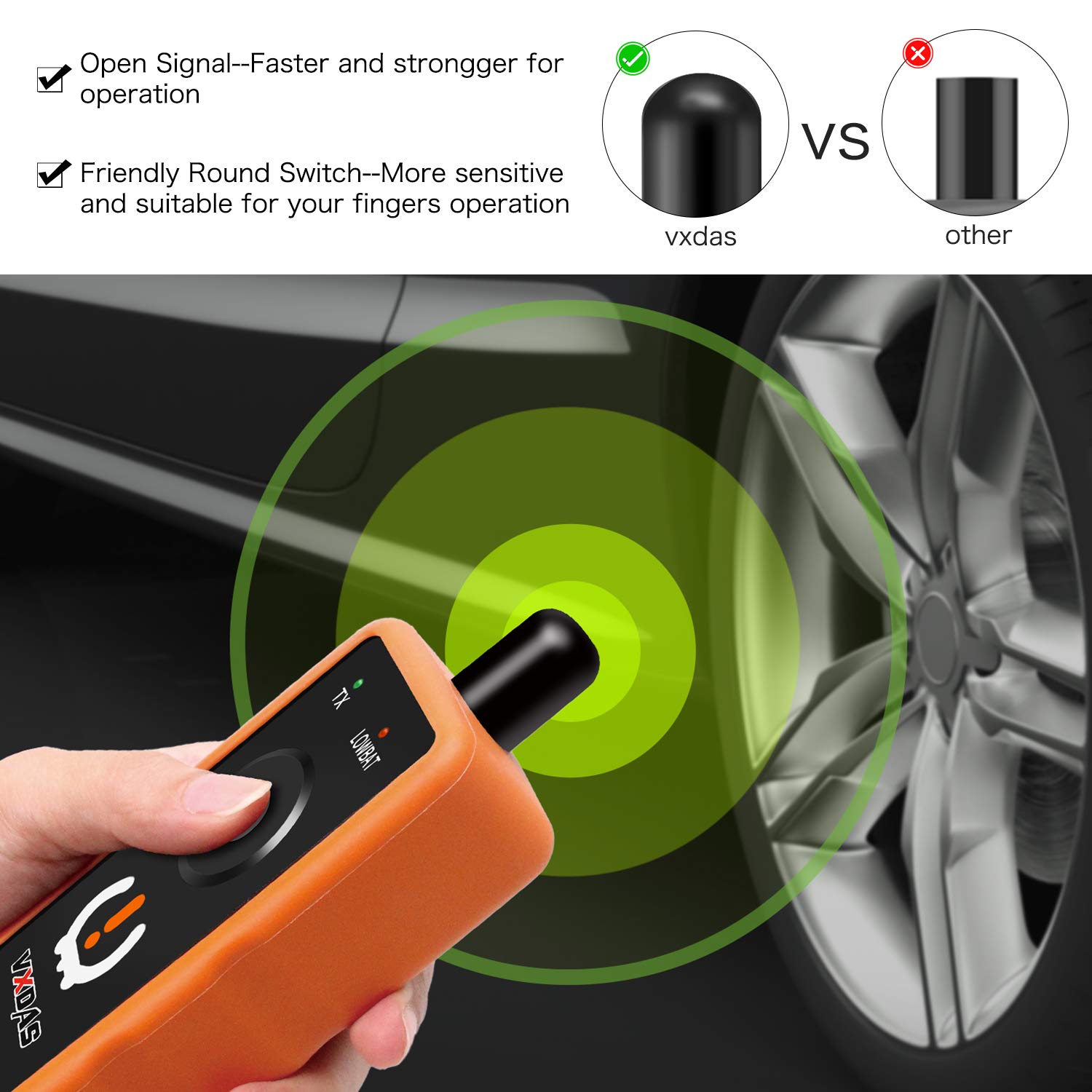
Image 3: Comparison showing the VXDAS tool's faster and stronger signal for operation compared to other TPMS tools.
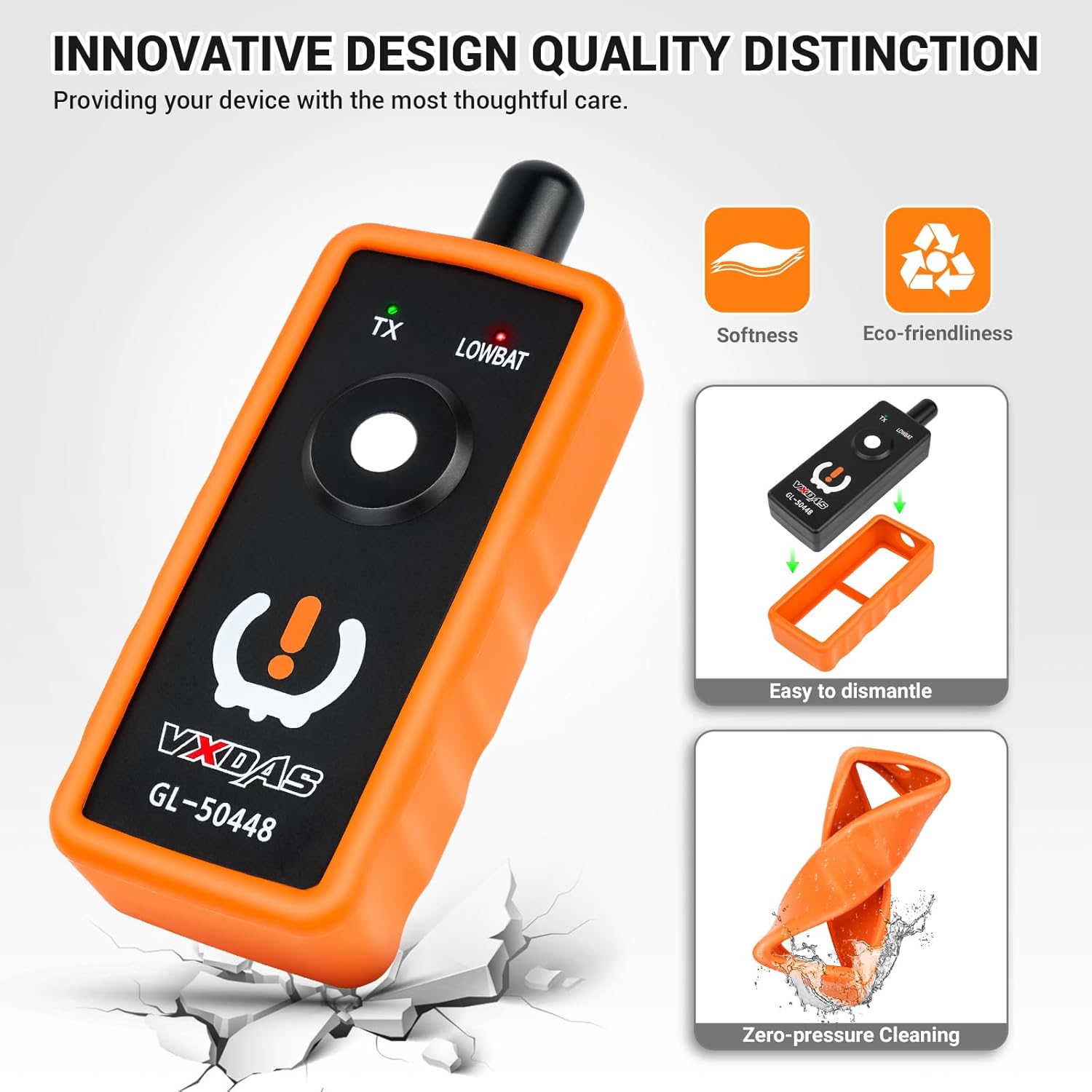
Image 4: Features of the VXDAS GL-50448's innovative design, including its soft, eco-friendly material, easy dismantling for maintenance, and zero-pressure cleaning capability.
3. Setup
Before using your VXDAS GL-50448 TPMS Relearn Tool, ensure it is properly prepared for operation.
- Battery Installation: The tool requires a 9V battery (not included). Open the battery compartment, insert a fresh 9V battery, and close the compartment securely. Ensure the battery is in good condition for optimal performance.
- Familiarization: Review the tool's physical components, including the antenna, TX (transmit) indicator, LOWBAT (low battery) indicator, and activation button.
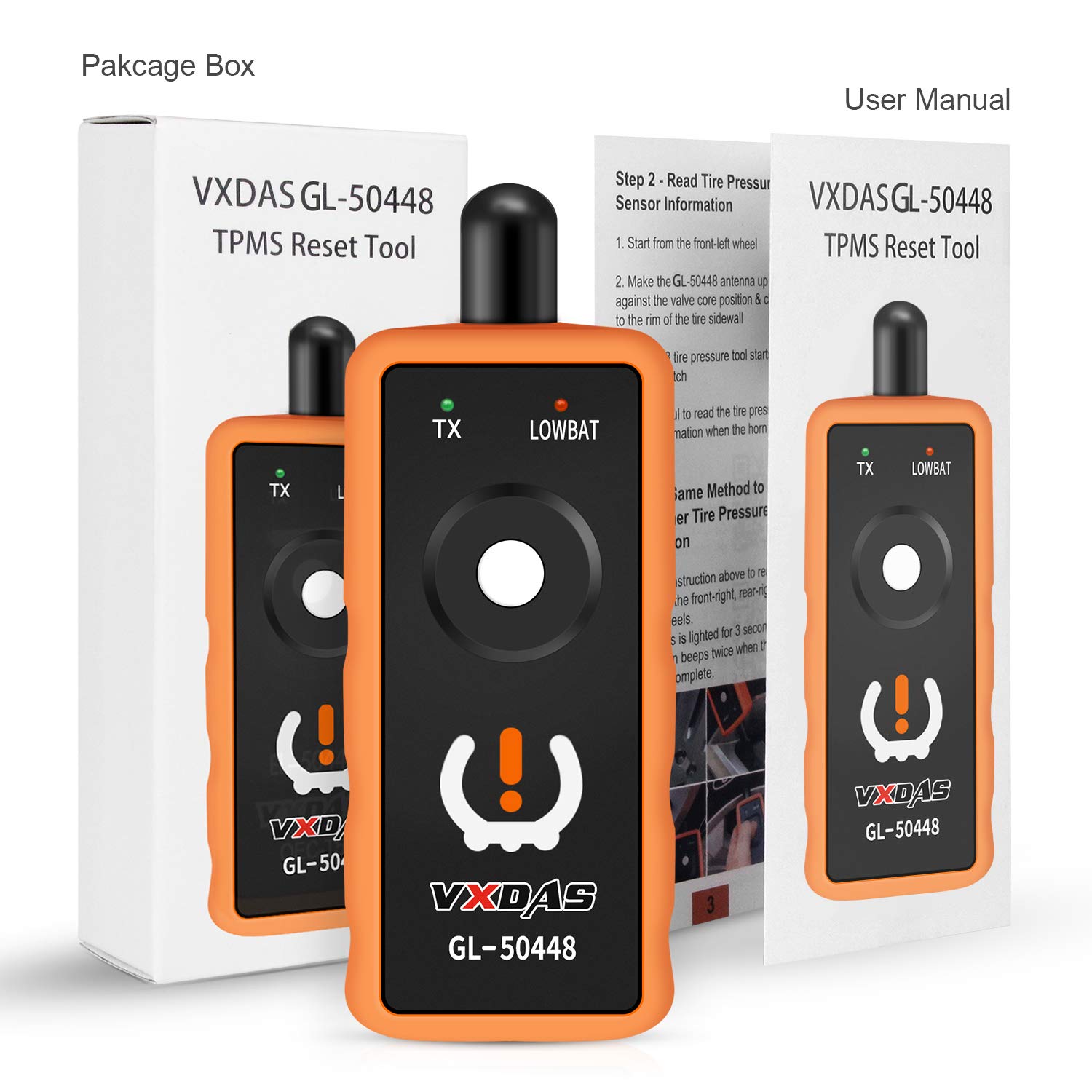
Image 5: The VXDAS GL-50448 tool shown with its packaging and included user manual.
4. Operating Instructions
Follow these steps to perform a TPMS relearn procedure on your GM vehicle:
- Prepare Vehicle: Ensure your vehicle is in the TPMS relearn mode. This procedure typically involves specific steps like turning the ignition on, pressing certain buttons, or using the vehicle's infotainment system. Refer to your vehicle's owner's manual for exact instructions on entering relearn mode. The vehicle's horn may chirp twice to confirm entry into relearn mode.
- Start with Front-Left Tire: Begin the relearn process at the front-left tire.
- Position the Tool: Hold the VXDAS GL-50448 tool against the sidewall of the tire, near the valve stem. Ensure the antenna is in the correct position, typically at a 90-degree or 180-degree angle to the gas nozzle for optimal signal transmission.
- Activate Sensor: Depress and hold the activation button on the tool while keeping it against the tire sidewall. The tool's TX indicator light will illuminate.
- Confirmation: Listen for a horn chirp or observe flashing lights from the vehicle, which indicates successful activation of the sensor. Release the button once confirmation is received.
- Proceed to Next Tires: Follow the same method for the remaining tires in the following sequence: Front-Right, Rear-Right, and then Rear-Left.
- Complete Relearn: After activating all four sensors, the vehicle's horn may chirp twice to signal the completion of the TPMS relearn process.

Image 6: Illustration demonstrating the correct usage angles (180 or 90 degrees) for positioning the VXDAS GL-50448 tool relative to the tire's gas nozzle.
5. Maintenance
Proper maintenance ensures the longevity and reliable performance of your VXDAS GL-50448 tool.
- Battery Condition: Always ensure the 9V battery is in good condition. Replace it when the LOWBAT indicator illuminates or if the tool's performance degrades.
- Cleaning: The tool features an easy-to-dismantle design for zero-pressure cleaning. Use a soft, dry cloth to wipe the exterior. Avoid using harsh chemicals or abrasive materials.
- Storage: Store the tool in a cool, dry place away from direct sunlight and extreme temperatures. Remove the battery if the tool will not be used for an extended period to prevent leakage.
6. Troubleshooting
If you encounter issues while using the VXDAS GL-50448, consider the following:
- Tool Not Activating Sensor:
- Ensure the vehicle is correctly in TPMS relearn mode.
- Verify the 9V battery is fresh and properly installed. The LOWBAT indicator should not be lit.
- Confirm the tool's antenna is positioned correctly against the tire sidewall, near the valve stem, at the recommended angle (90 or 180 degrees).
- Hold the activation button firmly and steadily.
- Vehicle Not Responding:
- Double-check your vehicle's owner's manual for the precise steps to enter TPMS relearn mode. Some vehicles may require specific conditions (e.g., parking brake engaged, doors closed).
- Ensure you are following the correct tire activation sequence (typically Front-Left, Front-Right, Rear-Right, Rear-Left).
- No Horn Chirp or Flashing Lights:
- While a horn chirp or flashing lights usually confirm activation, sometimes the feedback might be subtle or delayed. Re-attempt the activation for that specific tire.
- If the issue persists, consult your vehicle's service manual or a qualified technician.
7. Specifications
| Brand | VXDAS |
| Model Number | GL50448 (VXDAS-GL-50448) |
| Item Dimensions (L x W x H) | 7 x 16 x 4 centimetres |
| Material | Rubber |
| Output Type | Digital |
| Specific Uses | Automotive, TPMS sensor reset and activation, GM vehicles |
8. Warranty and Support
The VXDAS GL-50448 TPMS Relearn Tool comes with a one-year warranty service from the date of purchase.
For any questions, technical assistance, or warranty claims, please contact VXDAS customer support directly via email:
Please provide your purchase details and a clear description of the issue when contacting support to ensure a prompt resolution.


