
Important Safety Instructions
Read all instructions carefully before using the appliance. Keep this manual for future reference. Failure to follow these instructions may result in electric shock, fire, or injury.
- Do not attempt to operate this oven with the door open as this can result in harmful exposure to microwave energy.
- Do not place any object between the oven front face and the door or allow soil or cleaner residue to accumulate on sealing surfaces.
- Do not operate the oven if it is damaged. It is particularly important that the oven door closes properly and that there is no damage to the: (1) door (bent), (2) hinges and latches (broken or loosened), (3) door seals and sealing surfaces.
- Only qualified service personnel should adjust or repair the oven.
- Ensure proper ventilation around the microwave. Do not block air vents.
- Do not heat liquids or other foods in sealed containers as they are liable to explode.
- Do not boil eggs in their shell in a microwave oven as they may explode even after microwave heating has ended.
- Always use microwave-safe cookware.
- Supervise children when they are using the microwave.
Product Overview
The Sharp R270S is an 800W solo microwave oven with a 20-liter capacity, designed for efficient heating, cooking, and defrosting. It features a TouchControl panel with an LED display for easy operation.

Figure 1: Interior view of the Sharp R270S microwave oven. This image displays the spacious 20-liter cavity, the removable glass turntable, and the roller ring that supports it, all designed for even cooking.
Key Components:
- Oven Cavity: The interior space where food is placed.
- Glass Turntable: Rotates food for even heating.
- Roller Ring: Supports the glass turntable.
- Door: With safety interlock system.
- Control Panel: TouchControl buttons and LED display for setting functions.
- Door Release Button: Opens the oven door.
- Ventilation Openings: Located on the back and sides for proper airflow.
Setup
- Unpacking: Remove all packaging materials from inside and outside the oven. Check for any damage. Do not remove the light brown mica sheet that is attached to the oven cavity to protect the magnetron.
- Placement: Place the microwave oven on a flat, stable surface strong enough to hold its weight. Ensure there is at least 20 cm of free space above the oven, 10 cm at the rear, and 5 cm on each side for proper ventilation. Do not place the oven near heat sources or in a damp environment.
- Turntable Assembly:
- Place the roller ring in the center of the oven cavity floor.
- Place the glass turntable on top of the roller ring, ensuring it sits securely in the center support.
- Power Connection: Plug the power cord into a grounded electrical outlet (230V AC, 50Hz). Ensure the outlet is easily accessible.
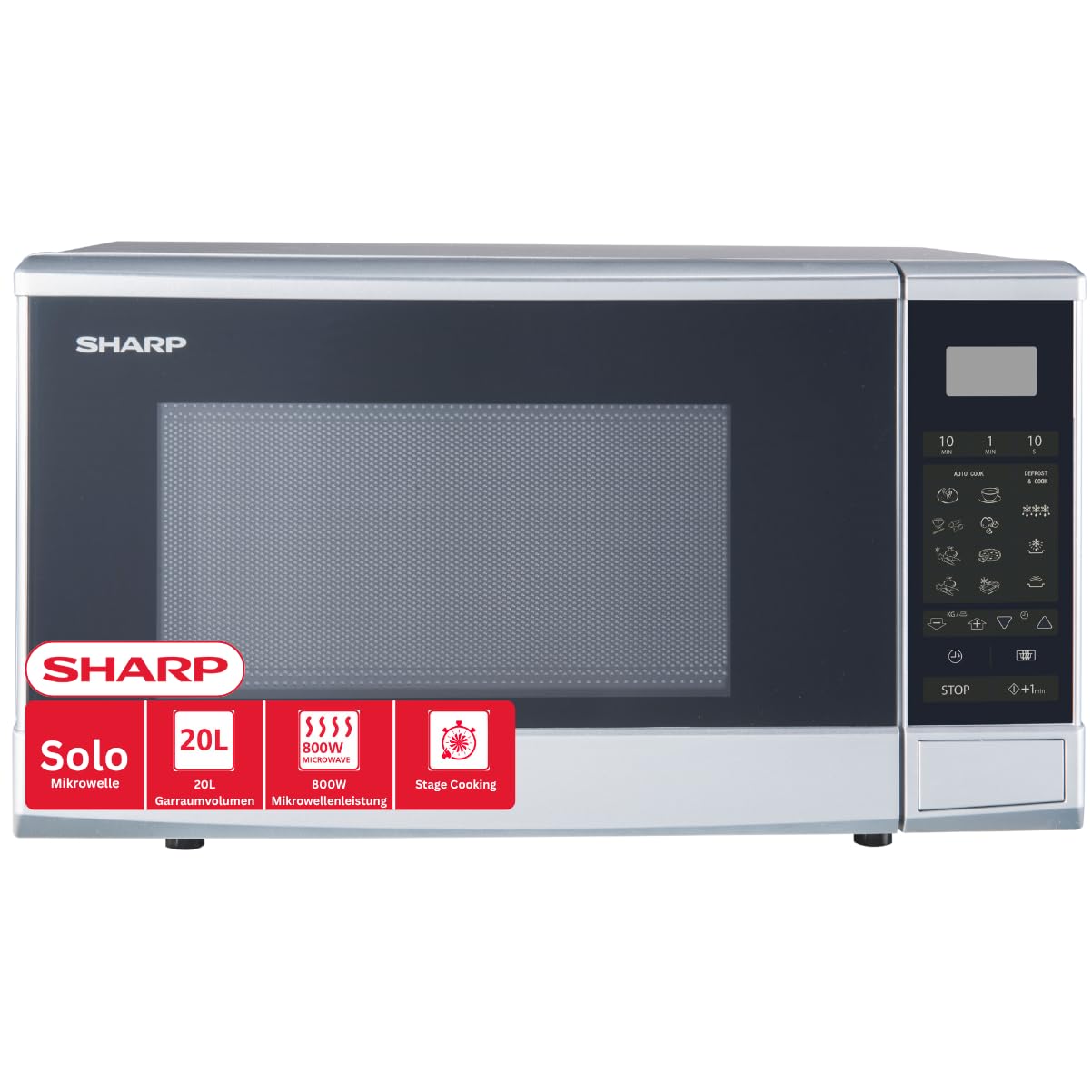
Figure 2: Dimensions and weight of the Sharp R270S microwave oven. This image provides critical measurements for installation, including width (450mm), height (260mm), and depth (342mm), along with the power cable length (1000mm) and total product weight (12.2kg).
Operating Instructions
The Sharp R270S microwave oven features a user-friendly TouchControl panel and an LED display. Familiarize yourself with the control panel before operation.

Figure 3: Control panel features of the Sharp R270S microwave oven. This image illustrates the various functions accessible via the TouchControl panel, including icons for 8 automatic programs, weight-assisted defrost, quick defrost, stage cooking, and quick start, simplifying meal preparation.
Setting the Clock:
- Press the "Clock" button (if available, otherwise consult specific model manual for clock setting).
- Use the number pads or rotary dial to enter the current time.
- Press "Clock" again to confirm.
Basic Microwave Cooking:
- Place food in a microwave-safe container on the glass turntable. Close the door securely.
- Press the "Microwave Power" button repeatedly to select the desired power level (e.g., 100% for 800W, 80%, 70%, etc. up to 10 levels).
- Use the number pads or rotary dial to enter the cooking time.
- Press the "Start" button to begin cooking.
AutoCook Programs:
The oven features 8 pre-set AutoCook programs for various food types. Refer to the icons on the control panel for specific programs.
- Place the food in the oven.
- Press the "AutoCook" button (or the specific program icon) repeatedly until the desired program number appears on the display.
- For some programs, you may need to enter the food weight using the number pads.
- Press "Start" to begin.
Defrosting:
The R270S offers efficient defrosting options.
- Weight Defrost:
- Press the "Defrost" button.
- Enter the weight of the food using the number pads.
- Press "Start". The oven will automatically calculate the defrosting time.
- Time Defrost:
- Press the "Defrost" button twice.
- Enter the desired defrosting time.
- Press "Start".
Quick Start Function:
For quick heating, press the "Quick Start" button (often labeled "+30 sec" or similar). Each press adds 30 seconds of cooking time at full power.
Maintenance and Cleaning
Regular cleaning and maintenance will ensure the longevity and optimal performance of your microwave oven.
- Disconnect Power: Always unplug the microwave oven from the power outlet before cleaning.
- Oven Interior: Wipe the interior cavity after each use with a damp cloth and mild detergent. For stubborn stains, place a bowl of water with lemon juice inside and heat for a few minutes to loosen residue, then wipe clean. Do not use abrasive cleaners or scouring pads.
- Oven Exterior: Clean the exterior surfaces with a soft, damp cloth. Avoid using harsh chemicals or abrasive materials.
- Door and Door Seals: Keep the door, door seals, and adjacent parts clean. Wipe with a damp cloth to remove spills or splatters.
- Glass Turntable and Roller Ring: These can be removed and washed in warm soapy water or in a dishwasher. Ensure they are completely dry before placing them back in the oven.
- Odor Removal: To remove odors, combine a cup of water with several tablespoons of lemon juice or vinegar in a microwave-safe bowl. Heat on high for 5-7 minutes.
Troubleshooting
If you encounter issues with your microwave oven, refer to the following common problems and solutions before contacting service.
| Problem | Possible Cause | Solution |
|---|---|---|
| Oven does not start. | Power cord not plugged in; Door not closed properly; Fuse blown or circuit breaker tripped. | Ensure power cord is securely plugged in; Close the door firmly; Check household fuse or reset circuit breaker. |
| No microwave power. | Incorrect power level selected; Cooking time not set. | Verify power level and cooking time settings. |
| Turntable does not rotate. | Turntable or roller ring not correctly placed; Food too large or heavy. | Reposition turntable and roller ring; Ensure food does not obstruct rotation. |
| Food is unevenly cooked. | Food not stirred or rearranged; Insufficient cooking time. | Stir or turn food halfway through cooking; Increase cooking time if necessary. |
| Oven light not working. | Light bulb needs replacement. | Contact qualified service personnel for bulb replacement. Do not attempt to replace it yourself. |
Specifications
- Model Name: R270S
- Microwave Power: 800 Watts
- Oven Capacity: 20 Liters
- Power Levels: 10
- AutoCook Programs: 8
- Control Type: TouchControl with LED Display
- Voltage: 230 Volts (AC)
- Frequency: 50 Hz
- Product Dimensions (D x W x H): 34.2 cm x 45 cm x 26 cm
- Product Weight: 12.2 Kilograms
- Turntable Diameter: 25.5 Centimeters
- Material: Alloy Steel, Glass
- Color: Silver
- Included Components: Roller Ring, Glass Turntable