
Introduction
The Nikon NIKKOR Z DX 16-50mm f/3.5-6.3 VR is a compact and versatile mid-range zoom lens, specifically designed for Nikon Z series mirrorless cameras with an APS-C size/DX format sensor. This lens offers a 16-50mm zoom range, equivalent to a 24-75mm lens in 35mm format, making it suitable for a wide array of photographic situations, from street scenes and landscapes to portraits and close-ups. Its powerful Vibration Reduction (VR) image stabilization system helps ensure sharp photos and steady videos, even in challenging lighting conditions. The lens features quick and silent focusing, minimizing focus breathing, which is ideal for both still photography and video recording. When not in use, the lens retracts into a compact profile for easy portability and added protection.
What's in the Box
- LC-46B 46mm Snap-On Front Lens Cap
- LF-N1 Rear Lens Cap
Note: Additional accessories may be sold separately.
Key Features
- Versatile Zoom Range: Offers a 16-50mm zoom range, equivalent to a 24-75mm lens in 35mm format, covering essential focal lengths for everyday photography.
- Vibration Reduction (VR): Built-in VR image stabilization provides up to 4.5 stops of compensation, reducing camera shake for sharper images and steadier videos.
- Compact Design: Recognized as the smallest DX interchangeable lens, it is highly portable and ideal for travel.
- Assignable Control Ring: Features a customizable control ring that can be assigned to adjust aperture, ISO, or exposure compensation for intuitive control.
- Optimized for Video: Designed with quiet autofocus and minimized focus breathing, making it an excellent choice for video recording.
- Close Focusing Capability: Achieves a minimum focus distance of 0.66 ft. (0.2m) at 24mm zoom position, allowing for detailed close-up shots.
Setup
Follow these steps to properly set up your Nikon NIKKOR Z DX 16-50mm VR lens with your compatible Nikon Z series mirrorless camera.
- Prepare the Camera: Ensure your camera is turned off before attaching or detaching any lens. Remove the body cap from the camera and the rear lens cap from the NIKKOR Z DX 16-50mm VR lens.
- Attach the Lens: Align the mounting mark on the lens with the mounting mark on the camera body. Rotate the lens counter-clockwise until it clicks into place, indicating it is securely locked.
- Extend the Lens: This is a retractable lens. Before use, rotate the zoom ring to extend the lens from its compact, retracted position. The lens will not function if it remains in the retracted position.
- Attach the Front Lens Cap: Secure the LC-46B 46mm Snap-On Front Lens Cap to protect the front element when the lens is not in use.
- Optional: Attach Lens Hood/Filter: If using a lens hood or filter, attach it to the front of the lens.

Figure 1: Front view of the Nikon NIKKOR Z DX 16-50mm VR lens, showing the front element and control rings.
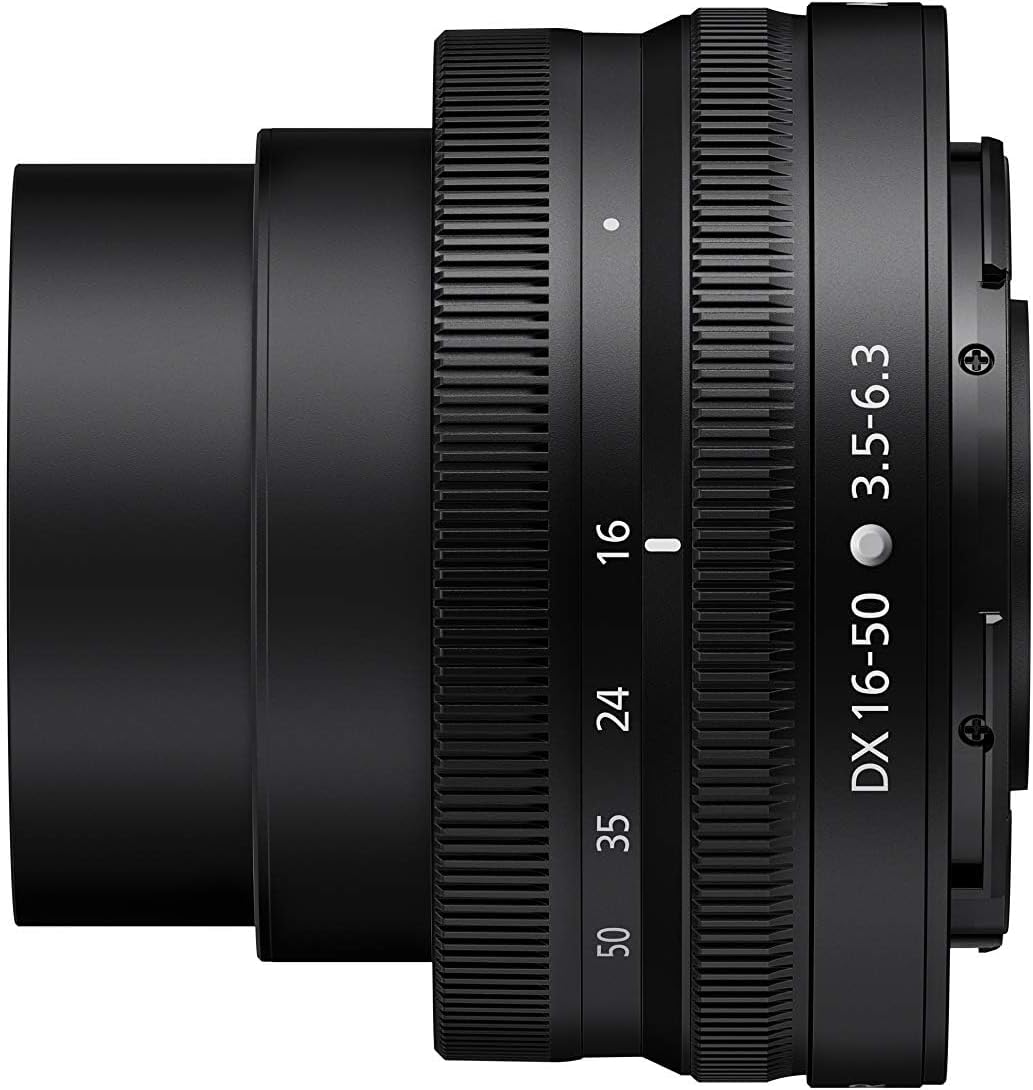
Figure 2: Side view of the Nikon NIKKOR Z DX 16-50mm VR lens, illustrating its compact, retracted form for portability.
Operating the Lens
This section details the primary functions and controls of your NIKKOR Z DX 16-50mm VR lens.
Zooming
To adjust the focal length, rotate the zoom ring on the lens. The lens covers a range from 16mm (wide-angle) to 50mm (telephoto). Ensure the lens is extended from its retracted position before attempting to zoom or shoot.
Focusing
The lens supports autofocus (AF) and manual focus (MF). The focus mode can be selected via your camera's settings. For autofocus, the lens utilizes a stepping motor for quiet and smooth operation, beneficial for both still photography and video.
Vibration Reduction (VR)
The built-in VR system helps reduce blur caused by camera shake. This feature is particularly useful when shooting in low light or at slower shutter speeds. VR can typically be enabled or disabled via your camera's menu or a dedicated switch on the camera body, depending on the model.
Customizable Control Ring
The control ring on the lens can be assigned various functions through your camera's custom settings. Common assignments include:
- Aperture adjustment
- ISO sensitivity adjustment
- Exposure compensation
Refer to your camera's instruction manual for detailed steps on customizing the control ring.
Understanding the Z Mount System
The Nikon Z-Mount system is a key innovation for Nikon's mirrorless cameras and lenses. It features a large 55mm inner mount diameter and a short 16mm flange back distance. These dimensions allow for greater light gathering capabilities and provide engineers with increased flexibility in optical design, enabling the creation of faster and brighter lenses with superior image quality.
Video 1: Z Mount Structure & Design. This video provides an in-depth explanation of the Nikon Z-Mount system's technical aspects and design advantages.
Maintenance
Proper maintenance ensures the longevity and optimal performance of your lens.
- Cleaning the Lens Surface: Use a soft, clean microfiber cloth specifically designed for optical surfaces. Gently wipe away dust or smudges. For stubborn marks, use a small amount of lens cleaning fluid applied to the cloth, not directly to the lens.
- Cleaning the Lens Body: Use a soft, dry cloth to wipe the exterior of the lens. Avoid using organic solvents like paint thinner or benzene.
- Storage: When not in use, store the lens with both front and rear caps attached in a cool, dry place away from direct sunlight and extreme temperatures. Consider using a desiccant to prevent mold and mildew, especially in humid environments.
- Avoid Impact: Protect the lens from strong shocks or vibrations, which can damage internal components.
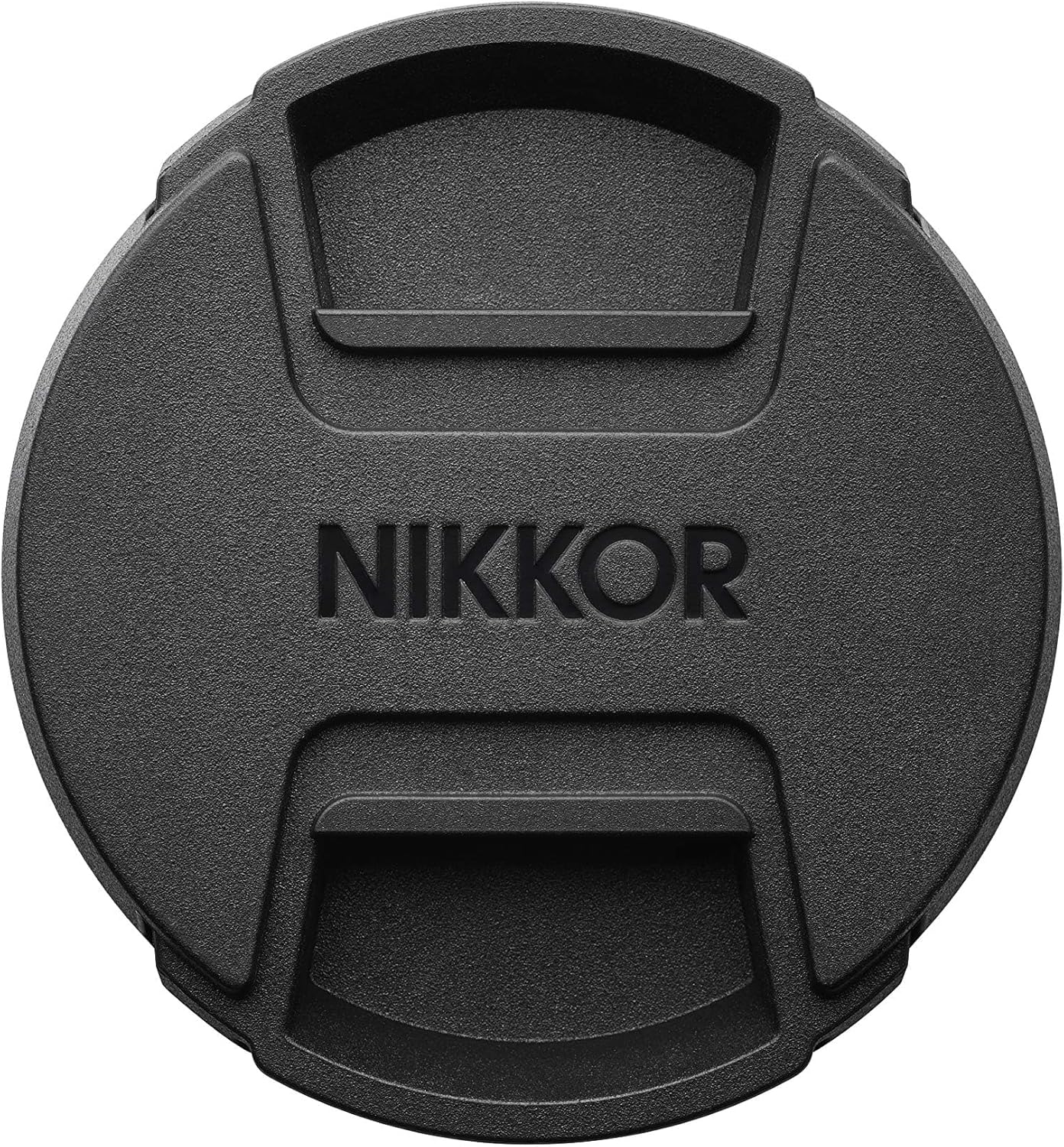
Figure 3: The NIKKOR lens cap, essential for protecting the front element of the lens when not in use.
Troubleshooting
If you encounter issues with your lens, refer to the following common problems and solutions:
| Problem | Possible Cause | Solution |
|---|---|---|
| Lens not recognized by camera | Lens not properly attached; dirty contacts; camera firmware outdated. | Re-attach lens securely; clean lens and camera contacts with a dry cloth; update camera firmware. |
| Autofocus is slow or inaccurate | Low light conditions; subject lacks contrast; lens or camera settings. | Use adequate lighting; focus on high-contrast areas; check camera's AF mode and settings. |
| Images are blurry | Camera shake (VR off/insufficient); incorrect focus; dirty lens element. | Ensure VR is on; check focus point; clean lens elements. |
| Lens does not extend/retract | Obstruction; mechanical issue. | Ensure no obstructions; if issue persists, contact Nikon support. |
Specifications
| Feature | Detail |
|---|---|
| Product Dimensions | 1.26 x 2.76 x 2.76 inches |
| Item Weight | 0.48 ounces |
| ASIN | B07YX95XJL |
| Item Model Number | 20084 |
| Brand | Nikon |
| Focal Length Description | 16-50 millimeters |
| Lens Type | Wide Angle |
| Compatible Mountings | Nikon Z |
| Camera Lens Description | 50 millimetres |
| Manufacturer | Nikon |
| Date First Available | October 10, 2019 |
Warranty and Support
Nikon products are manufactured to the highest standards and are designed to provide years of trouble-free performance. For detailed warranty information, including terms, conditions, and registration, please refer to the warranty card included with your product or visit the official Nikon USA website.
For technical support, service, or any inquiries regarding your Nikon NIKKOR Z DX 16-50mm VR lens, please contact Nikon customer support through their official website or the contact information provided in your product packaging. Keep your proof of purchase for warranty claims.
Visit the official Nikon Store for more information: Nikon Store


