
Introduction
This manual provides essential information for the safe and efficient operation of your RecPro 18" RV Recessed Electric Fireplace. This unit is designed to provide supplemental heat and ambiance in recreational vehicles. It features 750w and 1500w heating modes, realistic flame effects with multiple color options, and convenient control via a remote or LED touch panel. Safety features include Zero Clearance Safety Technology with close proximity and thermal cut-off sensors. The sleek black finish and steel construction, along with a removable tempered glass panel, ensure both durability and ease of maintenance.
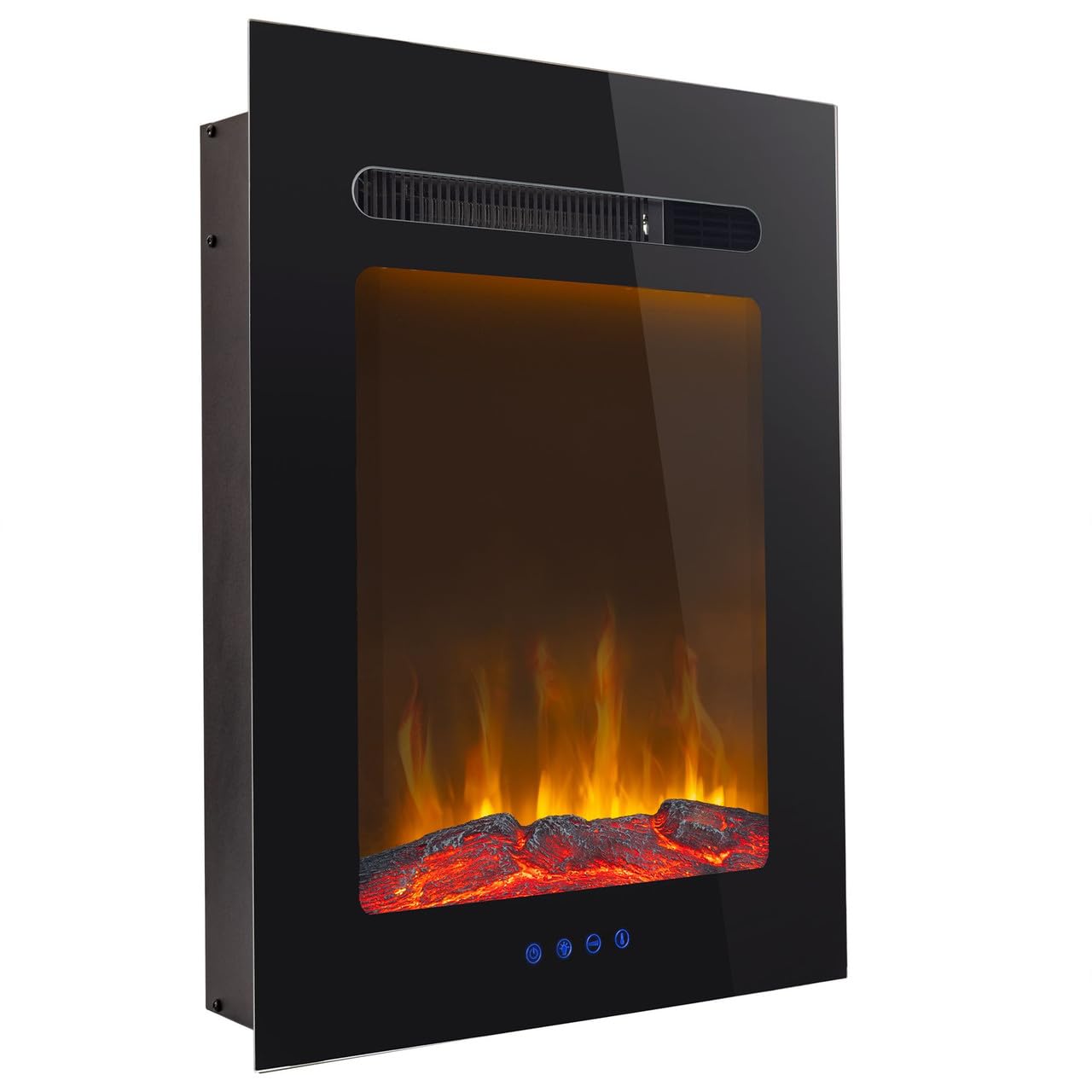
Image: Front view of the RecPro 18-inch RV Recessed Electric Fireplace, showcasing its flame effect and integrated controls.
Setup and Installation
Proper installation is crucial for the safe and optimal performance of your electric fireplace. Follow these steps carefully:
- Measure and Mark: Measure and mark the wall for the rough-in dimensions. The required dimensions are 22 1/2" H x 14 1/2" W x 6 1/2" D. Ensure a minimum depth of 5 5/8 inches from the wall surface to the back of the cutout.
- Cut Opening: Carefully cut out the opening in the wall according to the marked dimensions.
- Install Fireplace: Install the fireplace unit into the prepared opening, ensuring it is securely anchored.
- Electrical Connection: Connect the fireplace to a standard 120V, 60 Hz, 15 Amp electrical outlet. The unit has a power consumption of 1.5 KW.
- Initial Setup: Follow the control panel instructions to set up and operate the fireplace for the first time.
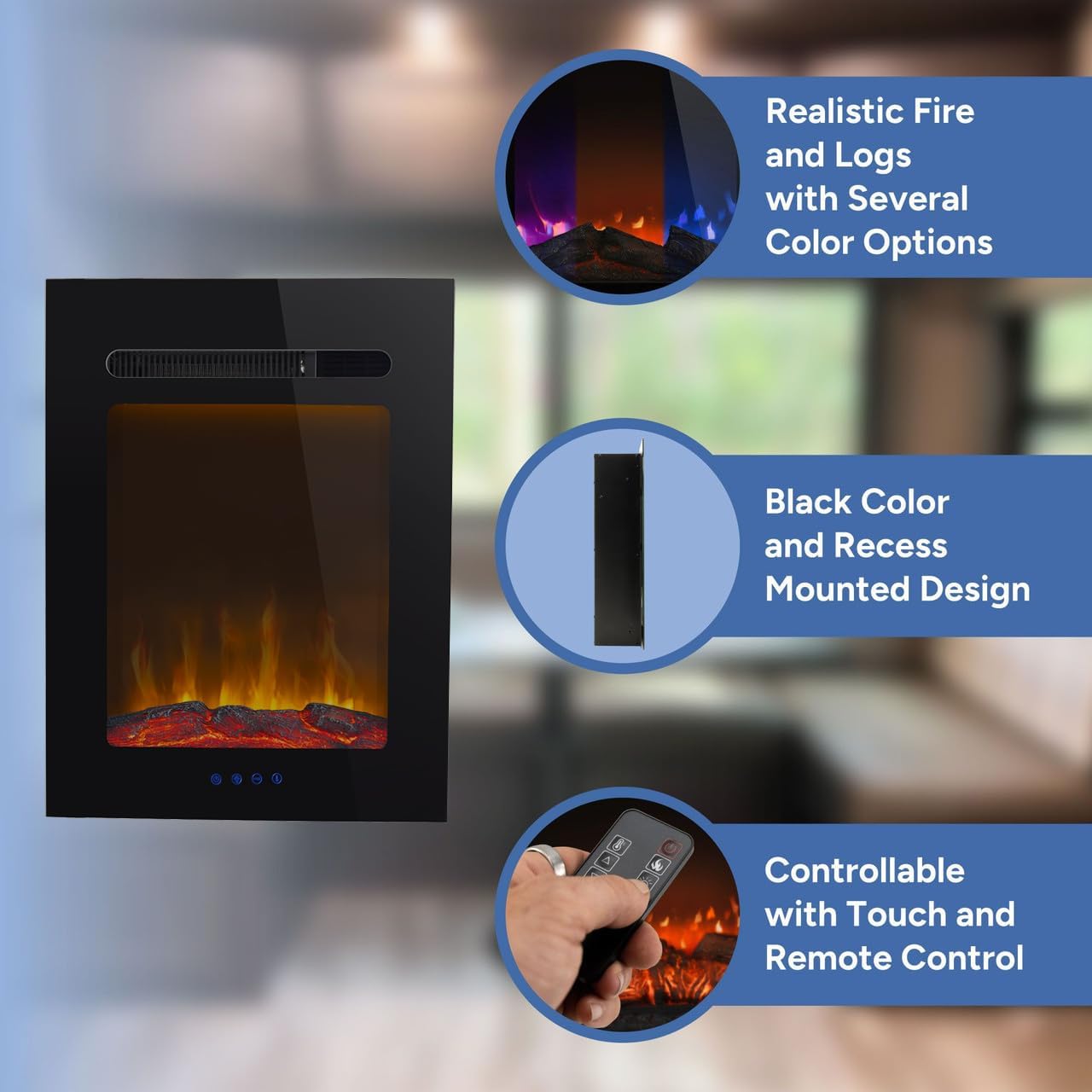
Image: Technical diagram illustrating the required dimensions for wall cutout and the overall size of the 18-inch electric fireplace.
Operating Instructions
Your RecPro electric fireplace can be operated using either the included remote control or the LED touch control panel on the unit itself.
Controls Overview
- Power: Turns the unit on or off.
- Flame Intensity: Adjusts the brightness of the flame effect. There are 4 intensity settings.
- Temperature: Adjusts the heat output. The unit offers 8 heating levels (750w and 1500w modes) and can be set to a desired temperature.
- Timer: Sets an automatic shut-off time for the fireplace.
- Flame Color: Changes the color of the flame effect. Options include orange, blue, or a combination of orange and blue.
- Fahrenheit/Celsius: Toggles the temperature display between Fahrenheit and Celsius.
Using the Remote Control
Point the remote control directly at the fireplace's receiver to operate. The remote allows full control over all functions.

Image: Detailed view of the remote control, labeling each button's function for easy operation.
Flame Color Modes
The fireplace offers three distinct flame color modes to suit your preference:
- Orange: Classic, warm fireplace glow.
- Blue: Modern, cool flame effect.
- Orange/Blue Combination: A dynamic blend of both colors.

Image: Visual representation of the three flame color options: orange, a mix of orange and blue, and pure blue.
Maintenance
To ensure the longevity and appearance of your RecPro electric fireplace, periodic maintenance is recommended:
- Cleaning the Glass Panel: The tempered glass panel is removable for easy cleaning. Use a soft, damp cloth to wipe the glass. Avoid abrasive cleaners that may scratch the surface.
- General Cleaning: Dust the exterior surfaces with a soft, dry cloth. Ensure the unit is unplugged before cleaning.
- Ventilation: Keep the air intake and outlet vents clear of any obstructions to ensure proper airflow and prevent overheating.

Image: Side profile of the fireplace, emphasizing the removable tempered glass panel for maintenance access.
Troubleshooting
If you encounter issues with your RecPro electric fireplace, refer to the following common troubleshooting steps:
- No Power: Ensure the fireplace is securely plugged into a functional electrical outlet. Check the circuit breaker or fuse box.
- No Heat Output: Verify that the heater function is activated. Check the temperature setting and ensure it is higher than the ambient room temperature. Ensure vents are not blocked.
- Flame Effect Not Working: Confirm the flame effect is turned on. If using the remote, ensure batteries are fresh and correctly inserted.
- Unit Shuts Off Unexpectedly: The fireplace is equipped with safety features. Check for obstructions near the air intake/outlet or if the unit has overheated. Allow it to cool down before restarting.
- Remote Control Not Responding: Replace the batteries in the remote control. Ensure there are no obstructions between the remote and the fireplace's receiver.
If problems persist after attempting these steps, please contact RecPro customer support.
Specifications
| Feature | Detail |
|---|---|
| Brand | RecPro |
| Model Name | Fireplace |
| Model Number | RP-FP |
| Power Source | Corded Electric |
| Product Dimensions (D x W x H) | 6.5"D x 36"W x 17.75"H |
| Material | Glass |
| Finish Type | Powder Coated |
| Installation Type | Wall Mount |
| Heat Output | Up to 90 °F |
| Special Features | Adjustable Flame, Adjustable Thermostat, Flame Effect, Multicolor Flame, Timer |
| Color | Black |
| Room Type | Living Room (RV Indoor) |
| Ventilation Type | Vent Free |
| Power Consumption | 1.5 KW |
| Heating Element | Quartz |
| Maximum Compatible Size | 18 inches |
| Orientation | Front-facing |
| Shape | Rectangular |
| Included Components | Log |
| UPC | 193652022589 |
Warranty Information
This RecPro electric fireplace comes with a Limited Warranty. For specific details regarding coverage, duration, and terms, please refer to the warranty card included with your product or contact RecPro customer support directly.
Customer Support
For further assistance, technical support, or warranty claims, please contact RecPro customer service:
- Website: Visit the official RecPro website for FAQs and support resources.
- Phone: Refer to the contact information provided in your product packaging.
- Email: Use the contact form or email address available on the RecPro website.
Please have your model number (RP-FP) and purchase date ready when contacting support.